How to Play and Install Awaken Chaos Era Mobile Game on PC?
This quick tutorial will allow you to be able to play Awaken Chaos Era game on PC for free.
To summarize, simply install the game's APK. Then launch the game and start playing.
UPDATE: Since the game's release, you no longer need an APK. You can install it directly from this site:
A tutorial is available just below in Installing an emulator if you need help!
Installing an emulator on your PC.
Please note that installing the emulator is not enough; you will also need to install the APK afterwards.
First, you will need to install an Android emulator. I personally recommend LDPlayer, which I think is better than Bluestacks. You can find a ready-made tutorial here:
For the record, the sequel was for the very beginning. Skip it and take the link at the very top of the site to install the game on your PC in just one click!
What is an APK?
An APK is a type of ZIP file that contains all the files for a mobile application. It will install the application directly onto your mobile device. Be careful, because an APK can be hacked to install things you don't want, so always be cautious.
Please read the red message above.
Installing the APK in the emulator.
First, I recommend copying and pasting the link to this article and opening it in your Android emulator. Once you've done that, click on this link:
WARNING : I advise you to join the discord to have the link of the latest APK:
When you click on the link from Ldplayer, click on download.
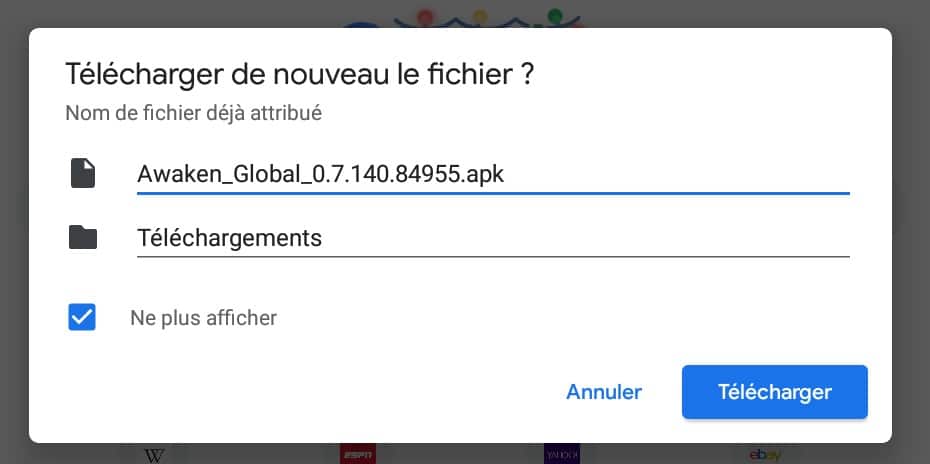
The installation is over 1 GB, so it may take several minutes (or even hours) depending on your internet connection.
When it's finished, a window will open. Click Install:
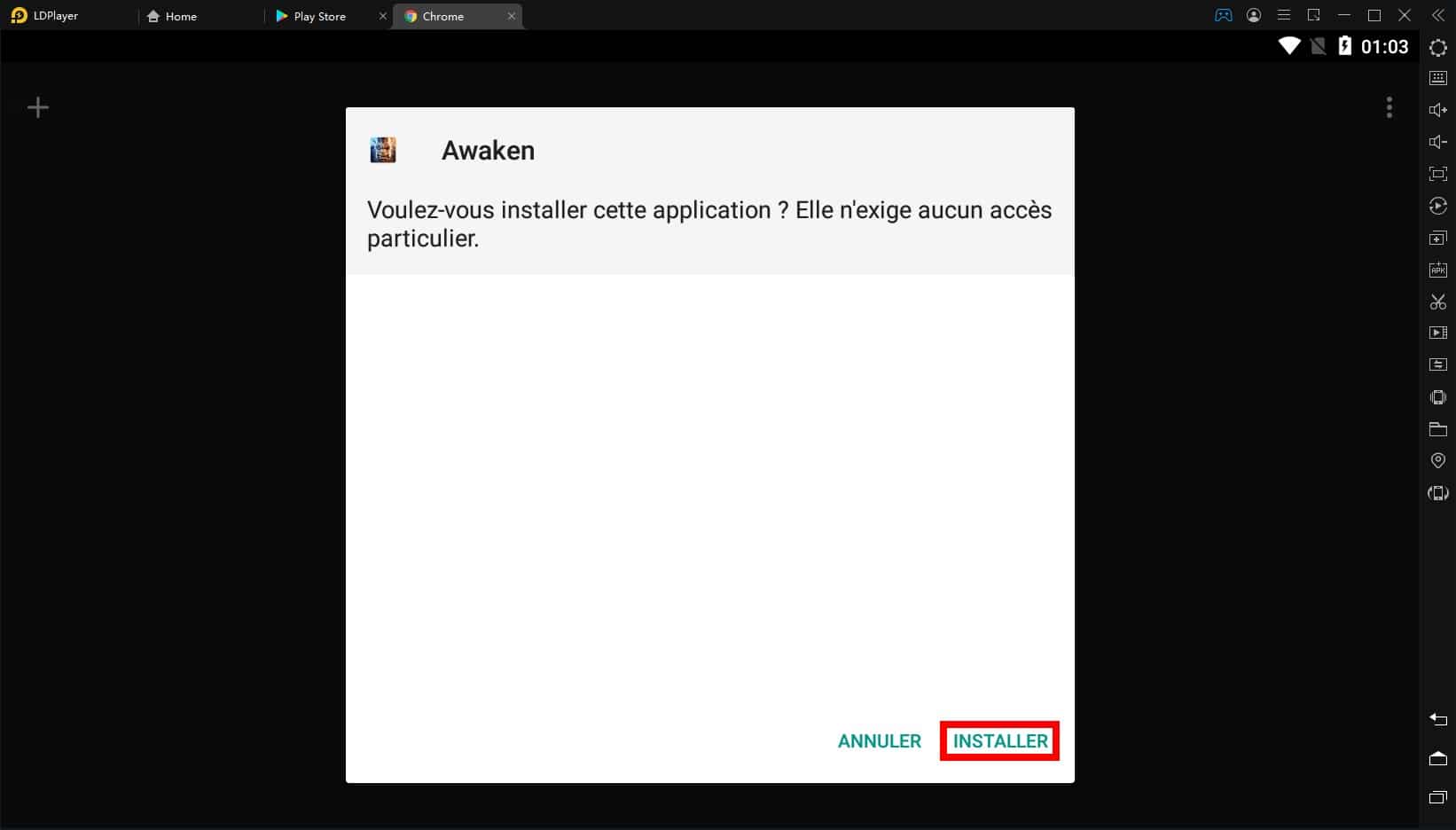
Once you have installed it, click on Open and you can start playing the game.
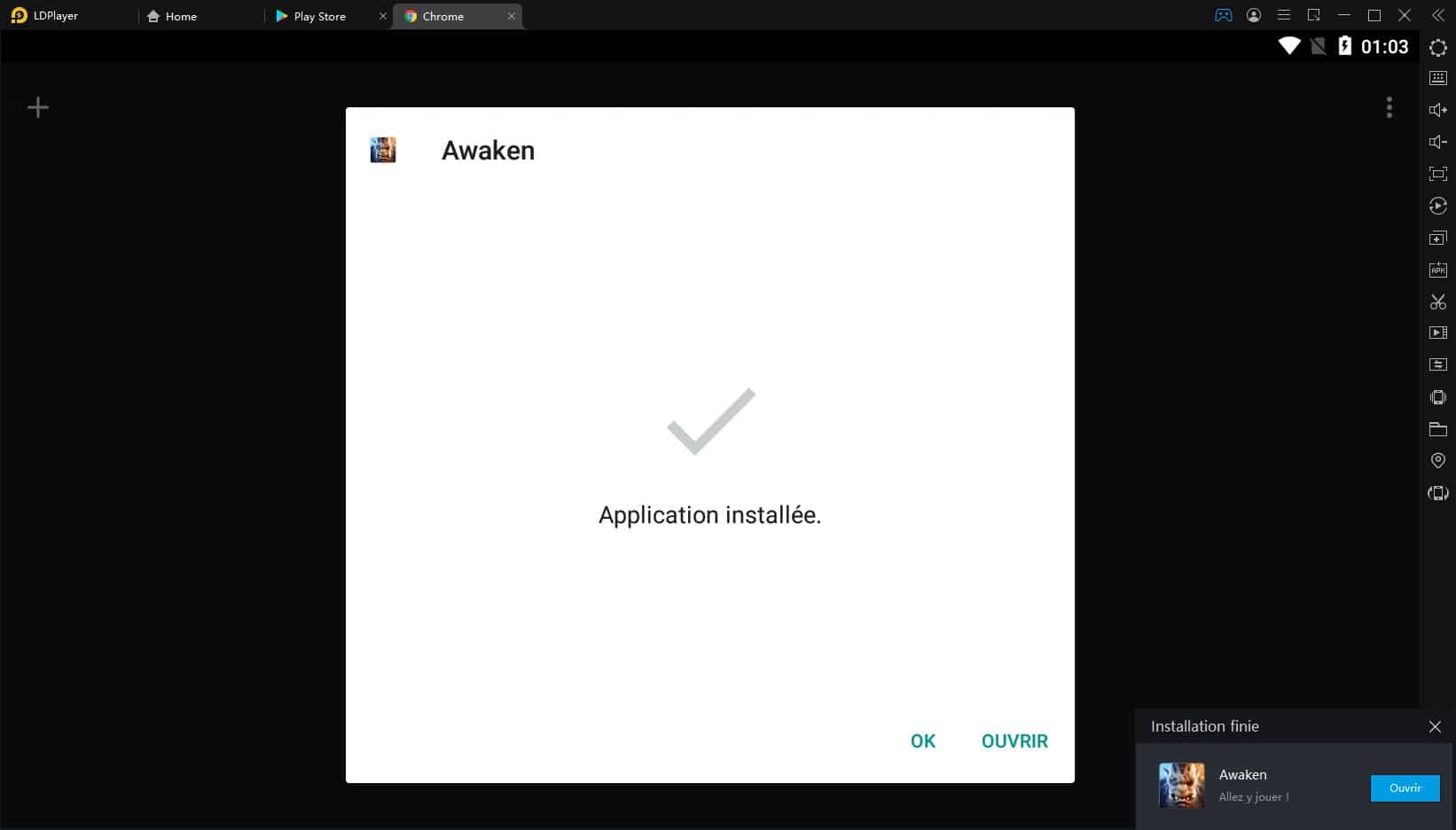
If you have any questions or anything, you can post a comment or ask the questions on the discord.
List of tutorials on the game Awaken Chaos Era:









 English