In this article, you will find codes for Apex Legends and a tutorial on how to use them.
📝 Disclaimer: This article will be updated regularly to add new codes as they become available.
BONUS for Apex Legends:
You can earn money by playing Apex Legends:
PS: The game may no longer be available. To get your €5 bonus, install at least one game within 24 hours.
List of usable codes
Here is the list of valid codes:
- There are currently no active codes for Apex Legends. Stay tuned, we will update this article as soon as new codes become available.
How do I use codes on Apex Legends?
For Apex Legends, the use of promo codes (often for Apex items, packs, or skins) depends on your platform. Here's how to do it:
1. On PC (EA App or Steam)
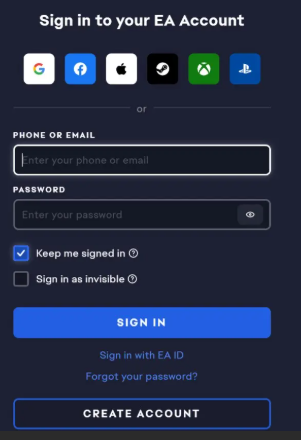
If you are playing on a PC, the most reliable method is to use the EA app:
- Open the EA App.
- Go to your Library.
- Click on “Use a code” (Redeem Code) in the top right corner.
- Enter your code and confirm. The content will appear the next time the game is launched.
Note for Steam: Even if you launch the game via Steam, content codes usually need to be activated on the EA app linked to your account.
2. On Consoles (PlayStation / Xbox)

Console codes are not activated in the game menu, but in the console store:
- On PlayStation: Go to PlayStation Store > Menu (three dots or profile icon) > Redeem code.
- On Xbox: Press the Xbox button > Store > Press the “View” button (or go to the side menu) > Redeem.
While codes are hard to come by in Apex Legends, there are plenty of opportunities to customize your legends for free at the start of 2026. Between Twitch Drops, partnerships like Monster Energy, and Prime Gaming rewards, it's entirely possible to fill your inventory without spending a single Apex Coin. A word of advice: stay tuned for upcoming ALGS tournaments, as this is often where the most exclusive rewards are offered to the most loyal viewers.
For more codes on other games:
- ✨ Discover all the Lootboy codes
- 🛡️ Don't miss out on the Black Desert Online codes









 English