In this exercise Pix part " Protection and security: Securing the digital environment, you need to identify two categories of malware. Discover the answer in this article.
This link also gives you access to all of our PIX test solutions.
What categories of malware should I mention? [Discover the answer].
Here is the statement as it appears on Pix:

States Name two categories of malware.
NB There are also other possible answers, which we will explore later in this article.
What is malware?
A malicious software Where malware (contraction of malicious software in English) is a program designed to harm has a computer system. It can be used to steal data, spy on a user, or disrupt the normal functioning of a device.
Malware can take many forms: virus, Trojan horses, ransomware, spyware. Malware attacks have multiplied over time :
- 1986 : appearance of Brain, one of the first computer viruses that targeted floppy disks.
- 2017 : WannaCry ransomware infects over 230,000 computers in 150 countries, affecting businesses and hospitals in particular.
- 2021 : The attack on the Colonial Pipeline by the DarkSide ransomware has caused a major fuel shortage on the East Coast of the United States.
- 2024 : more than 6.06 billion malware attack attempts were recorded worldwide in a single year.
What are the different categories of malware?
It exists several types malicious software. Each of them has its own own characteristics and attack methods. Here is a summary table of the main categories :
| Category | Main feature | Example |
|---|---|---|
| Computer viruses | Infects files or programs to propagate itself | ILOVEYOU |
| Trojan horse | Pretends to be legitimate software to deceive the user | Zeus |
| Ransomware | Encrypts data and demands a ransom to unlock it | WannaCry |
| Spyware | Spies on user activities and collects personal data | Pegasus |
| Worm | Spreads automatically without human intervention | Blaster |
| Adware | Displays unwanted advertisements and may slow down the device | Fireball |
| Fileless malware | Runs in memory without installing on the hard drive | PowerShell-based attacks |
1. The computer virus
This virus is designed to insert itself into a legitimate program or file. It activates when a user opens or runs a file infected.

Risks : data loss or corruption, system slowdown, spread to other devices.
2. The Trojan horse
It presents itself as a useful or harmless piece of software. But in reality, it hides a load malicious. It does not reproduce, but often allows cybercriminals to’access at distance to the infected system.
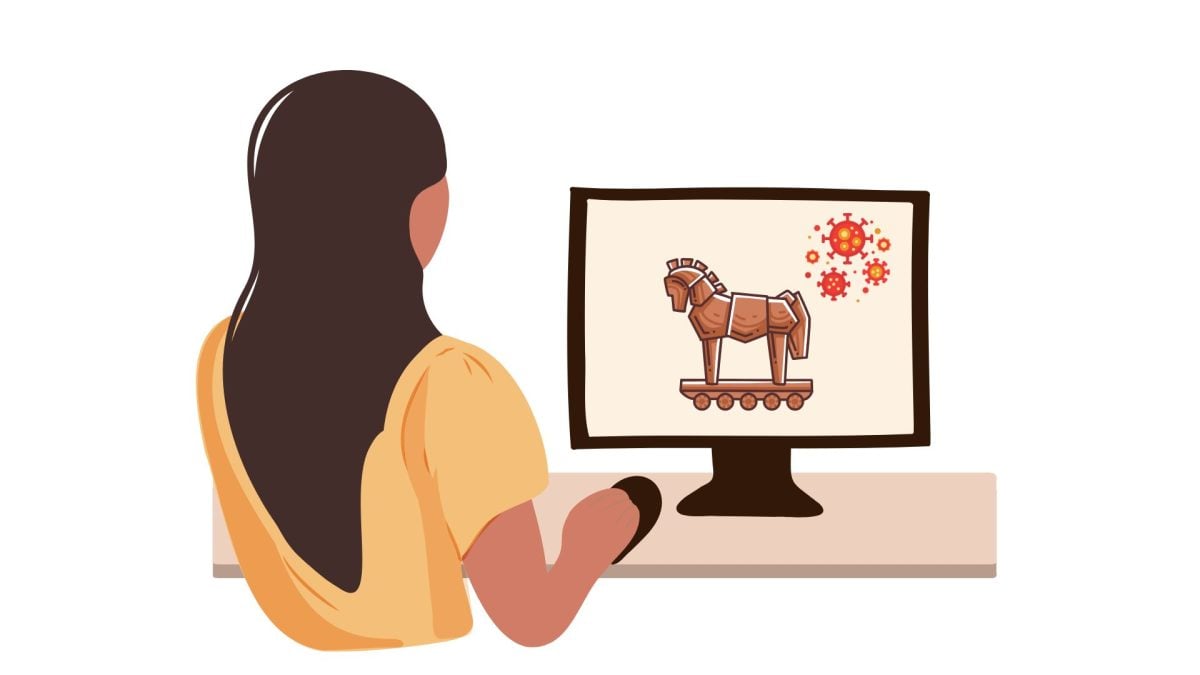
Risks : data theft, installation of other malware, remote control.
3. Ransomware
A ransomware encrypts files the user's and blocks access to its system until payment of a ransom. It is often spread via e-mail attachments or infected websites.

Risks The result: total loss of data, blocking of essential services, high ransom demands.
4. Spyware
This type of software is discreetly installed on a device to monitor activities user, such as keystrokes, passwords, or Internet browsing.

Risks : theft of login credentials, invasion of privacy, resale of collected data.
5. The Worm
A computer worm is a self-contained program that replicates and spreads across networks without the need to open a file.

Risks network saturation, global system slowdown, installation of additional malware.
6. Malicious adware
This program automatically generates unsolicited advertising. Some may redirect you to malicious sites.
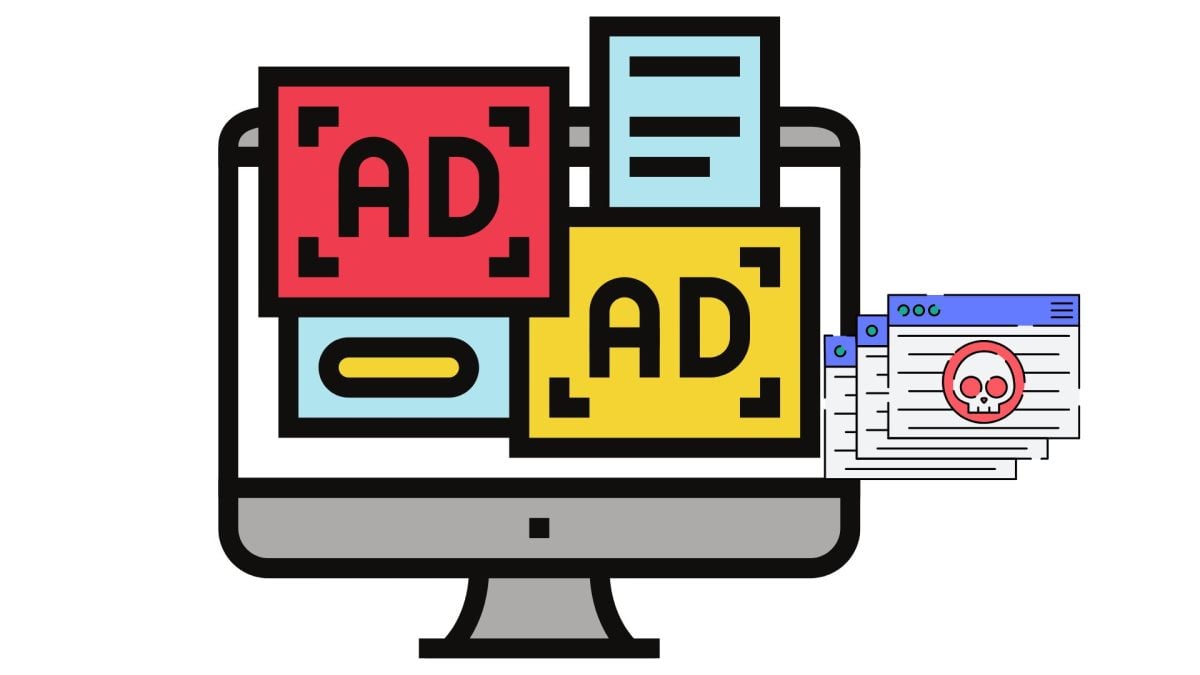
Risks : slowdown of the device, collection of personal data, risk of infection by other malware.
7. Fileless malware
Unlike traditional malware, this type does not write anything to the hard drive. It runs directly in RAMoften by hijacking system tools such as PowerShell.

Risks difficult to detect by traditional antivirus software, enables stealthy, persistent attacks.
How can I protect myself from malware?
Malware can do a lot of damage: to block a computer, fly information, spy your activities. The consequences can be serious. Protecting your equipment is essential.
Here are a few best practices to adopt:
| Good practice | Why it matters |
|---|---|
| Use antivirus software | It blocks threats as soon as they are detected. |
| Beware of links and attachments | These items may contain malware. |
| Update regularly | Updates correct security flaws. |
| Using a non-administrator account | This limits installation rights to prevent accidental infections. |
| Check visited sites | Unsecured sites can host malicious content. |
1. Use antivirus software
A antivirus is an indispensable tool. It monitors the files and software you use in real time. When it detects a threatit blocks it or alerts you.

2. Beware of links and attachments
Never click too fast. A simple link or a attached file in a email may contain a virus. If the sender is unknown or the message seems suspicious, it is best to refrain from opening it.
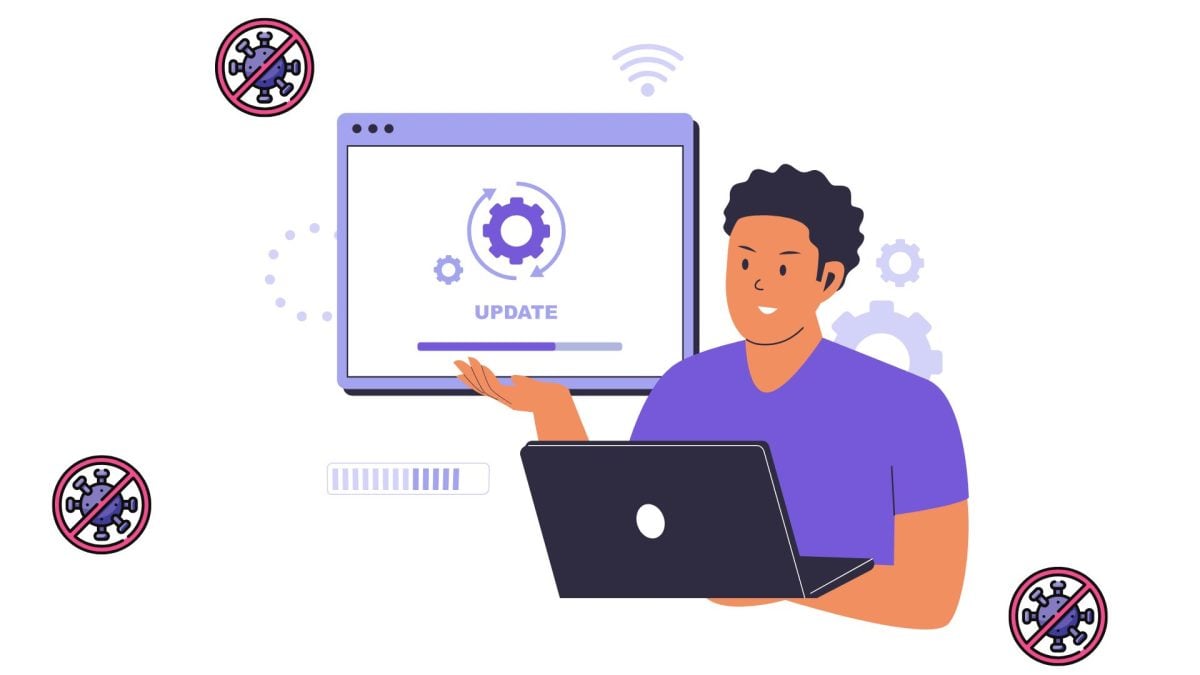
3. Update your computer and software regularly
The updates fix security flaws. When software is not up to date, it can become vulnerable. Cybercriminals often exploit these flaws.
4. Use a non-administrator account whenever possible
The operating systems allow you to create multiple user accounts. The “administrator” account has all rights, including the right to install software. Use a standard account for everyday tasks limits risks.

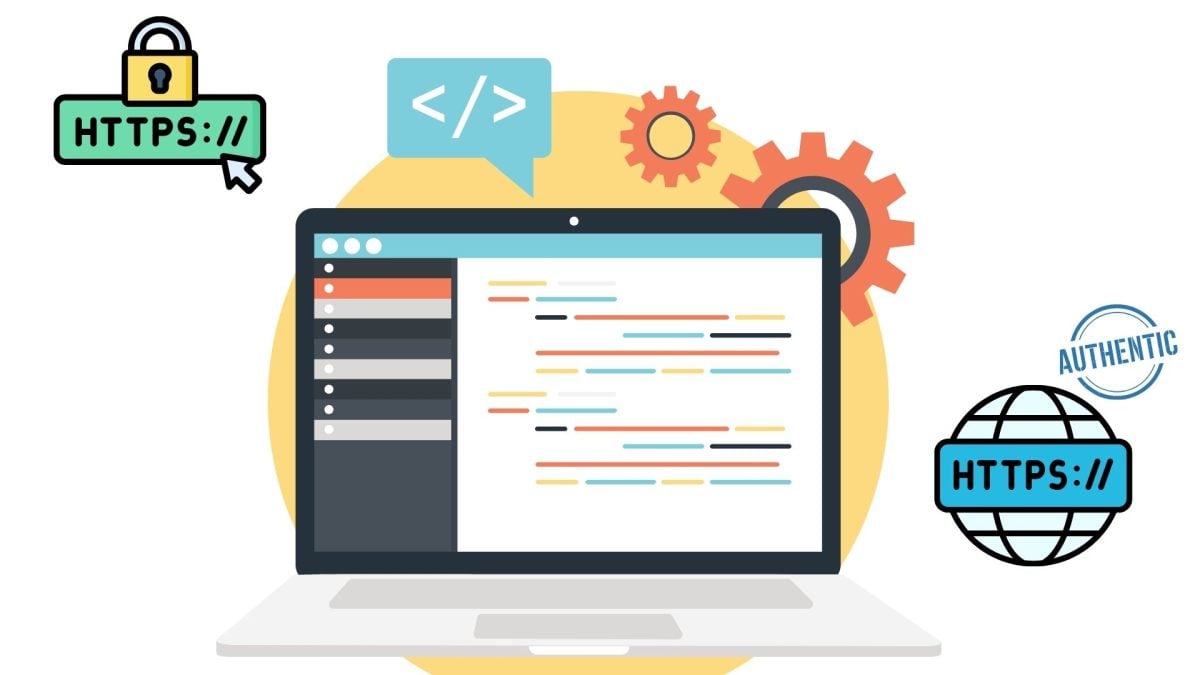
5. Verify the authenticity of the website you are visiting
Before entering personal information, you should ensure that the site is reliable. Verify that the address begins with “https” and that the domain name is correct.
What is Pix?
Pix is an online tool that allows you to test and improve your digital skills. Whether you're a student, parent, employee or just curious, Pix can help you understand and use digital technology in your everyday life.
Here you will find interactive questions that are tailored to your level. The goal is to help you progress at your own pace and, if you wish, to obtain a recognized certification.
In conclusion, there are several types of malware, such as Ransomware, l'adware, the spyware. To avoid them, there are simple solutions such as installing’antivirusthe realization of updates, etc.
If you would like to deepen your knowledge and pass the Pix test, feel free to visit our other websites:










 English