Whether it's to get rid of unnecessary files, a virus, or simply for do a thorough cleaning, a PC cleaner is the tool you will surely need.
In this article, we offer a selection of tools to compare and find the best PC cleaner according to your criteria. Your computer will thank you!
1. CCleaner: the best PC cleaner in 2025?
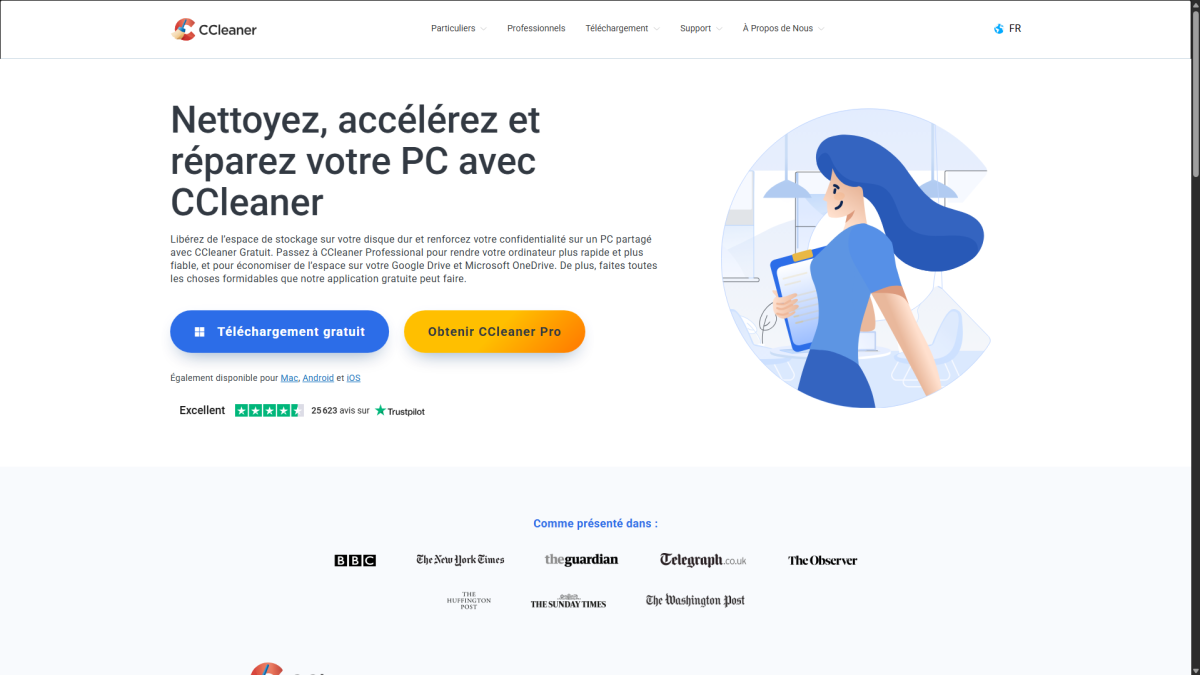
CCleaner is one of the most well-known tools among Internet users. Users of Avast antivirus and VPN will be delighted to learn that the platform is developed by Piriform, a company belonging to the same group.
In any case, CCleaner promises to free up space on your hard drive and enhance your privacy on a shared PC. All free of charge.
Its Pro version goes further, by improving performance of your machine to make it faster.
What are the main features of CCleaner?
It is thanks to its rich and varied features that CCleaner has found its audience. Here are the main ones:
- CCleaner (free version)
In this version of the software, you will be able to delete files and data that clutter up your hard drive (temporary files, caches, etc.).
On the other hand, CCleaner offers you the option to enhance your online privacy when you share your PC. This is done by deleting your browsing history, passwords, and cookies.
- CCleaner Pro (paid version)
CCleaner Pro optimizes performance from your computer, extending your battery life and improving your machine's performance speed.
Your online cloud storage will be cleared of duplicates, overly large files, or unnecessary files thanks to thorough analyses.
It also detects drivers that could affect your PC, resulting in a improved stability and safety of your machine.
What are the advantages and disadvantages of CCleaner?
Here is a summary table of the main strengths and weaknesses that we found in CCleaner:
| ✅ ADVANTAGES | ❌ DISADVANTAGES |
|---|---|
|
|
What are CCleaner's prices?
Beyond its free plan, which we looked at in detail above, let's take a look at the prices offered by CCleaner Pro :
- CCleaner Pro costs 44,95 € per year (for one device).
- CCleaner Pro for Mac is to 44,95 € for one year (for one device).
- CCleaner Pro Plus is to 64,95 € per year (for three devices).
- CCleaner Premium is to 89,95 € for one year (five devices).
2. CleanMyMac: The best cleaner for Mac?
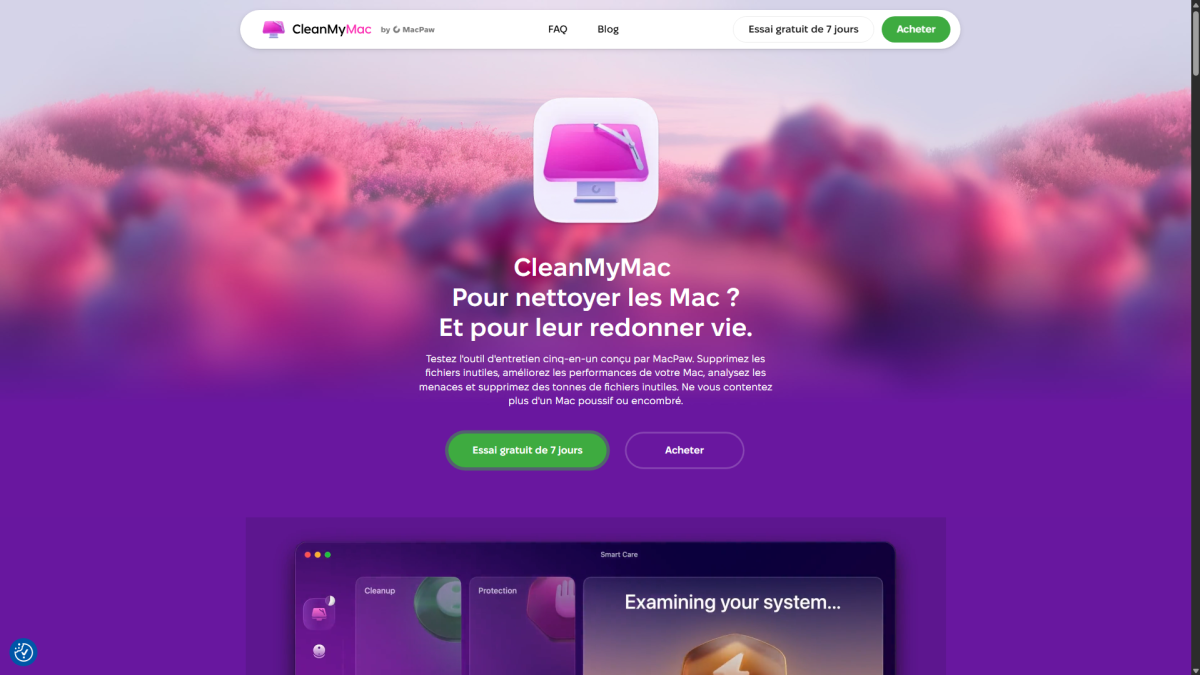
Mac users will be pleased to discover software specially designed for them ! That's right, CleanMyMac is developed by MacPaw and relies on several elements in promoting the software.
The latter presents itself as a five-in-one tool. Its goal? To unleash the power of your Mac., previously cluttered by unnecessary files.
In short, the tool promises you a computer more efficient and protected against potential threats.
What are the main features of CleanMyMac?
There are five key features that make CleanMyMac so popular with Apple product users. They are as follows:
- Speed up your Mac for make like new,
- The removal of malicious files and temporary before they damage your device,
- Managing your applications via a centralized interface,
- The duplicate detection to free up space,
- The health monitoring from your computer.
What are the advantages and disadvantages of CleanMyMac?
To give you an idea of the strengths and weaknesses of the CleanMyMac software, here is a summary table:
| ✅ ADVANTAGES | ❌ DISADVANTAGES |
|---|---|
|
|
What are the prices offered by CleanMyMac?
Depending on the package type CleanMyMac offers several pricing plans:
- One-year plan : €3.95 per month (one user) – €5.95 per month (two users) – €12.95 per month (five users).
- Final purchase : $119.95 (one user) – $191.95 (two users) – $383.95 (five users).
3. Glary Utilities: The best cleaner for Windows?
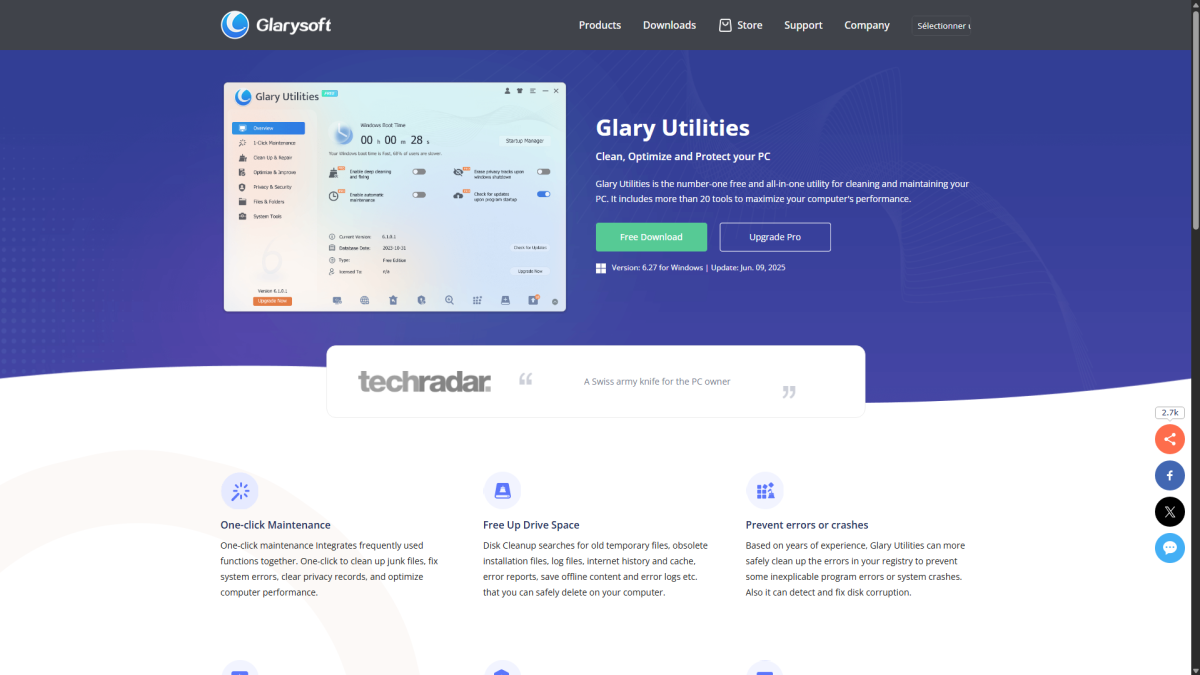
On his side, Glary Utilities is presented as a platform specifically designed for Windows devices. The software is powered by a twenty tools that promise to change the face of your PC.
Described as a “Swiss Army knife” by its significant number of features, Glary Utilities highlights its ability to clean and maintain your machine via a interface that centralizes all of its tools.
What are the main features of Glary Utilities?
Glary Utilities shines with its numerous functions that it offers its customers:
- A computer maintenance in a single click.
- An option for free up space on your hard drive.
- A prevention errors and crashes.
- A PC that will spin faster by identifying what is slowing it down.
- A protection your privacy on the web.
- A recovery of files deleted from the recycle bin.
- A detection unnecessary duplicate files.
- Regarding the automatic updates of your software.
What are the advantages and disadvantages of Glary Utilities?
You're wondering what qualities and flaws What can you find in Glary Utilities? Here they are:
| ✅ ADVANTAGES | ❌ DISADVANTAGES |
|---|---|
|
|
What are the prices offered by Glary Utilities?
To offer you the services of Glary Utilities, you can choose between two different packages subscription:
- Pro package “all-in-one system optimization tool”: 39,951 TP65T per year (three devices),
- Technician Package “optimization tool for service providers”: 1,691 TP65T per year.
4. BleachBit: The best free PC cleaner?
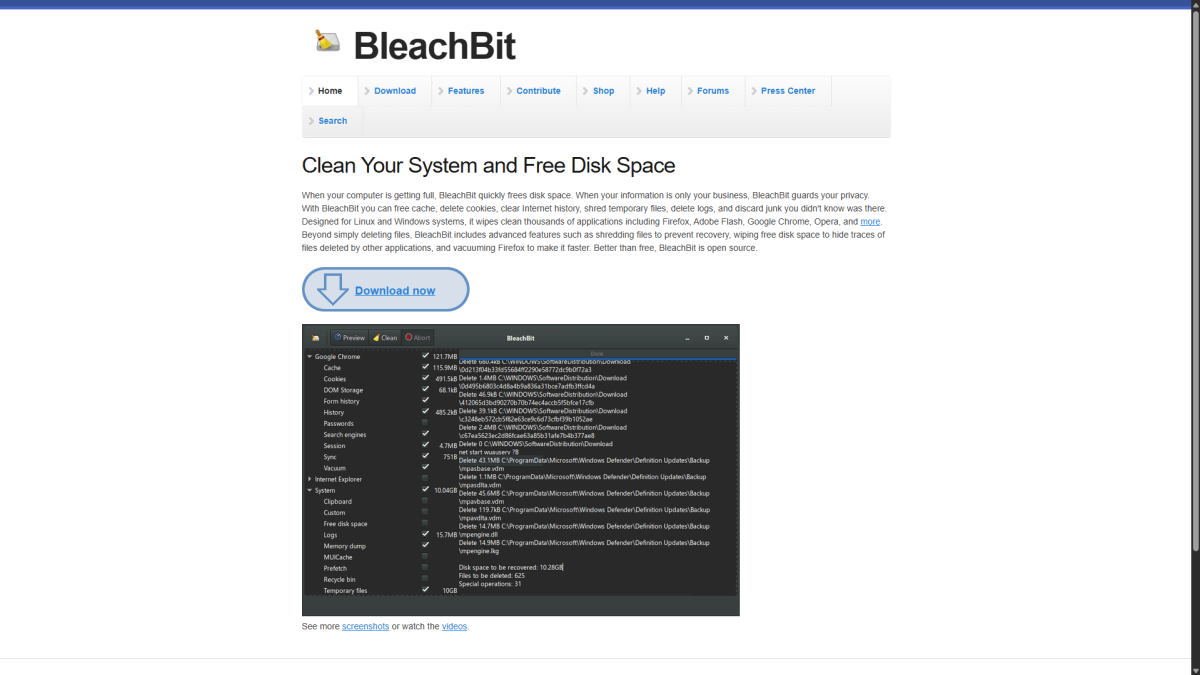
Finally, we will introduce you to the tool's services. BleachBit. Highly appreciated by users, this extension highlights its ability to protect your privacywhile freeing up space on your hard drive for better performance.
That's not all, since the software's scope extends to advanced cleaning from your PC by deleting unnecessary or duplicate files. As you can see, the versatility by BleachBit is its strength.
What are the main features of BleachBit?
BleachBit shines with its rich feature set that it offers its customers, see for yourself:
- A secure and thorough cleaning from your PC.
- A absolute respect for your privacy (no account creation).
- A multiple compatibility with Windows or Linux.
- A software customizable and modular by nature (open source).
- A unmatched accessibility with 68 possible languages.
What are the advantages and disadvantages of BleachBit?
With its many features, we have the elements to determine the strengths and weaknesses from BleachBit:
| ✅ ADVANTAGES | ❌ DISADVANTAGES |
|---|---|
|
|
Is BleachBit really free?
Don't worry, there's no catch: BleachBit is truly free. There is no Pro or Premium version available.
Indeed, it is an open-source tool, meaning that the code that makes up its program is open access.
You can therefore modify as you wish so that the software adapts to your needs, or simply share it.
How to choose the best PC cleaner for your needs?
There are several points to consider When choosing a PC cleaner:
- start with identify your needs, determining whether basic cleaning will suffice or whether advanced cleaning is required.
- Next, consider your technical level. If you are new to this field, choose a tool that is easy to learn.
- Don't forget to take a look at the user reviews and tests. This way, you won't have any unpleasant surprises.
- Finally, differentiate between versions Free and paid. Don't commit to a subscription if a free tool already does the job.
In summary, using cleaning software allows you to to optimize performance from your computer. The latter will be cleared of temporary and unnecessary files that take up space on your hard drive.
Thus, it is a more fluid system which you will be entitled to, whether you are on Windows or Mac.
Many tools such as CCleaner, CleanMyMac, Glary Utilities or BleachBit offer their services with great features at your disposal.
To find the best cleaner, make sure analyze the price, to ensure that tool compatibility with your programs and read the user feedback.
Several software programs presented in this article also feature a free version. So don't hesitate to download them to get an idea of how they work!
Are you the owner of an Acer laptop? Come and discover How to clean your Acer Aspire laptop by clicking on the link to our article on this topic!









 English