How to access and take the right roles on the discord?
Hi, if you're here, it means you've just joined Discord, either because you're new to Discord or because you're not used to choosing your own roles :). So we're going to explain step by step which role to choose and why it's important to choose wisely :). We recommend that you take the time to read this 😉, as you'll learn a lot, and not just about our Discord server.
menu:
- Why choose the right roles?
- Why did you choose these roles?
- How do you choose your roles?
- The different categories :
- EXAMPLE
Why choose the right roles?
First for access channels and news that suit you !
If you take on a role that doesn't interest you, you're going to get many uninteresting channels and notifications that won't helpWe all lose because you won't read them, or they'll annoy you, and we'll have fewer active members, or even people who will leave Discord 🙂
Why did you choose these roles?
To have a own discord where everyone can choose notifications and information for the games they are interested in, this avoids having to create 25 different Discord channels and manage them all.
How do you choose your roles?
You have to go to the channel AT THE TOP of the server called:
- Choice of roles
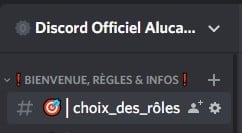
Inside you have a list of options, each option unlocks a part of the discord :
To meet the needs and expectations of each and every one, we offer you several choices:
- Option
 : Select to gain access to the section Raid Shadow Legends
 - Option
 : Select to gain access to the section The Project – Discord Nitro, BattlePass Fortnite
 - Option
 : Select to gain access to the section KoyAdventure
 - Option : Select
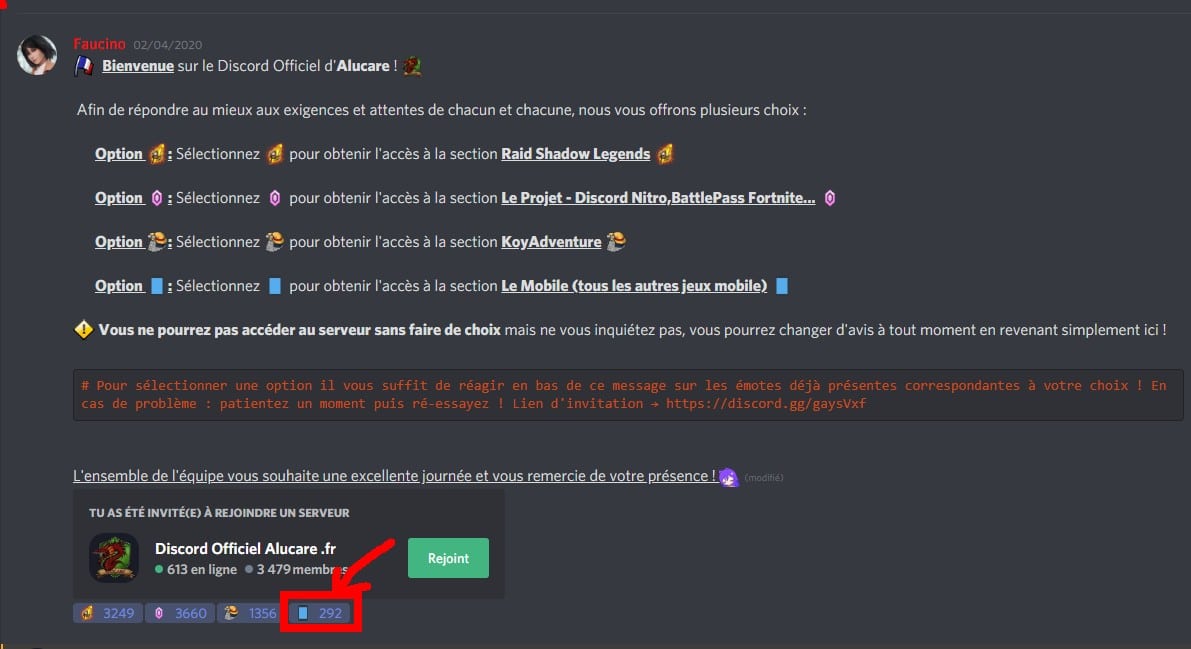
 to gain access to the section Other Games (Mobile Games and Co.)
 You will not be able to access the server without making a choice But don't worry, you can change your mind at any time by simply coming back here!
You will therefore need to select the reaction emote and click on it. In the example below, you can see that I am taking on the role of Raid Shadow Legends.
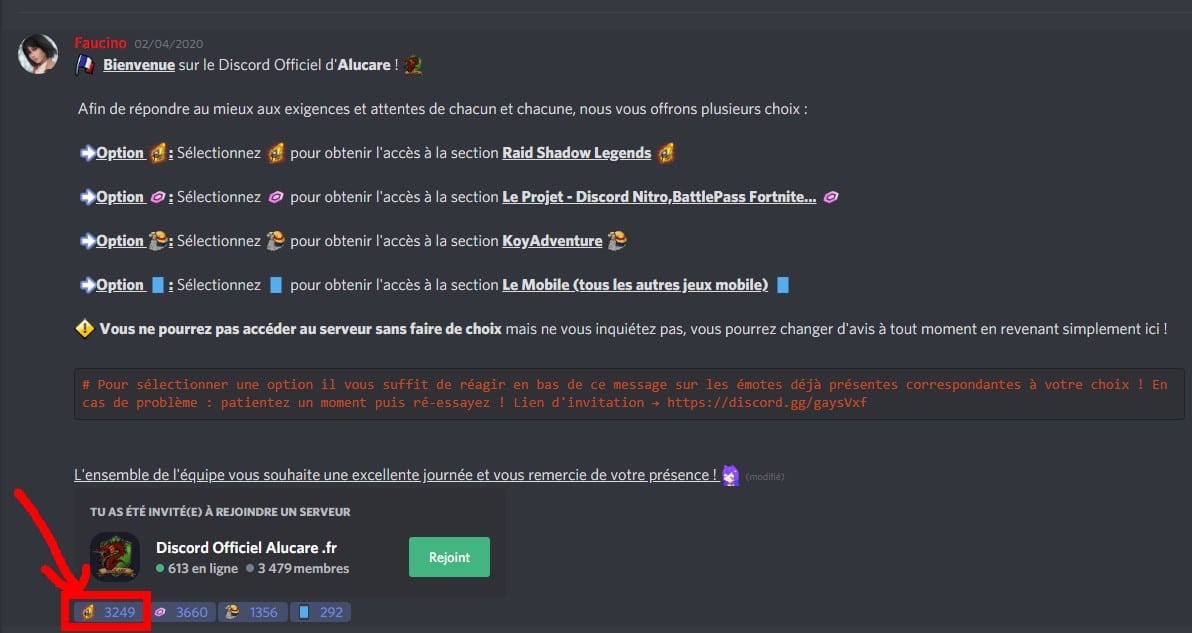
When you click on a reaction, it will change from gray -> blue.
No reaction selected (bad because you have no access):

All selected reactions (bad if you don't want to have access to the whole discord) :

The different categories :
Raid Shadow Legends
The entire section related to RSL is largely dedicated to providing help and discussion about the game, announcements (which you can integrate into your own Discord), and also to searching for clans on RSL.
The Project – Discord Nitro, BattlePass Fortnite…
Join the projects to get certain bonuses for free (nitro/battle pass). It gives you access to the channel that announces giveaways or missions to complete. It is often paused while we find ways to offer you free nitros (that's why we are 100% No fake 🙂 ).
KoyAdventure
Part of the KoyAdventure bot koya mini-game. Allows you to play and ask for advice.
Other Games
Allows you to access games available on mobile devices and other games (so download it to see the other games!).
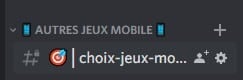
It provides access to the Channel choice of games:
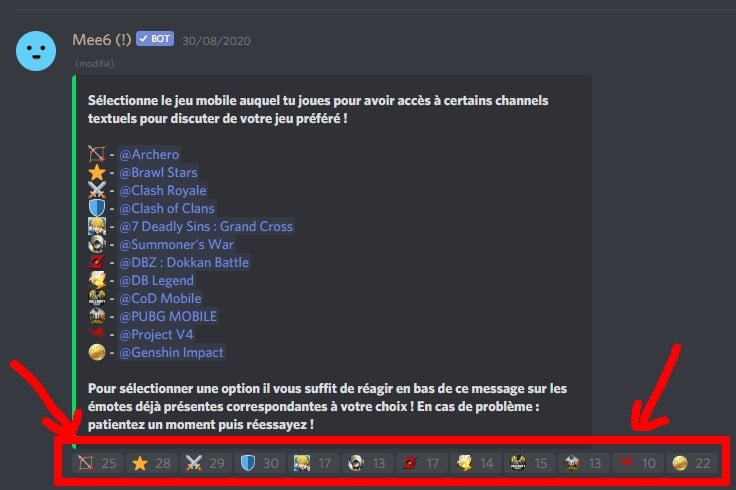
All you have to do is react to take on the roles of the games you're interested in.
Examples:
Example depending on what role you want to take.
I'm here to raid shadow legends!
You click on the reaction of the sacred spark:
Feel free to read the rest of the roles to see if any of them interest you. Also, consider taking: Other game (the mobile on the screen) if you play other games.
I'm here to get free nitro discord!
Click on the Discord nitro gem:
Feel free to read the rest of the roles. You can probably play other games, so you might be interested in mobile games.
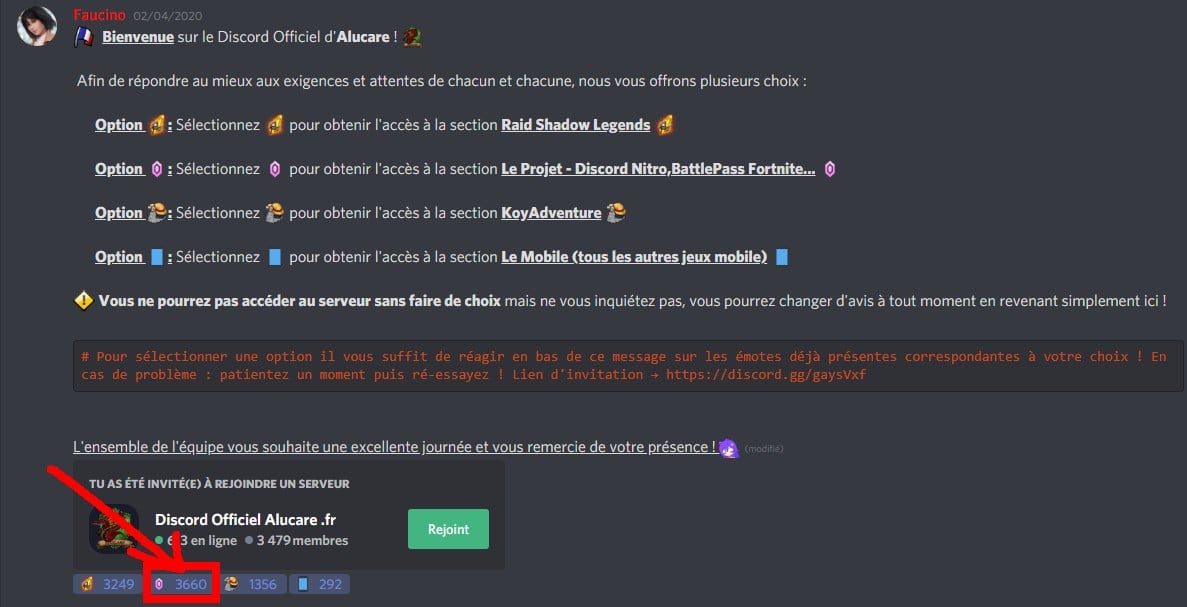
I'm here for a mobile game or another game!
Click on the role: mobile (on the screen that has become -> other games)
Then go to: choice of mobile games. (now become choice game roles)
Read through the available games and click on the reactions that interest you.









 English