Monitor the WhatsApp account of someone always implies a access to the target phone at least once.
An important legal point to note before continuing: accessing someone’s WhatsApp without their consent is illegal in France. Article 226-15 of the Penal Code provides for up to 1 year in prison and A fine of 45,000 euros.
The only truly justifiable use is the parental control of a minor. In other cases, some users begin to spy on their partner's WhatsApp to find out who he or she is chatting with.
Using another phone to monitor the target's WhatsApp account
Want to avoid paying? There are two free methods to read someone's WhatsApp messages without spyware. Both require a physical access to the target phone at least once, even if you follow along remotely after that.
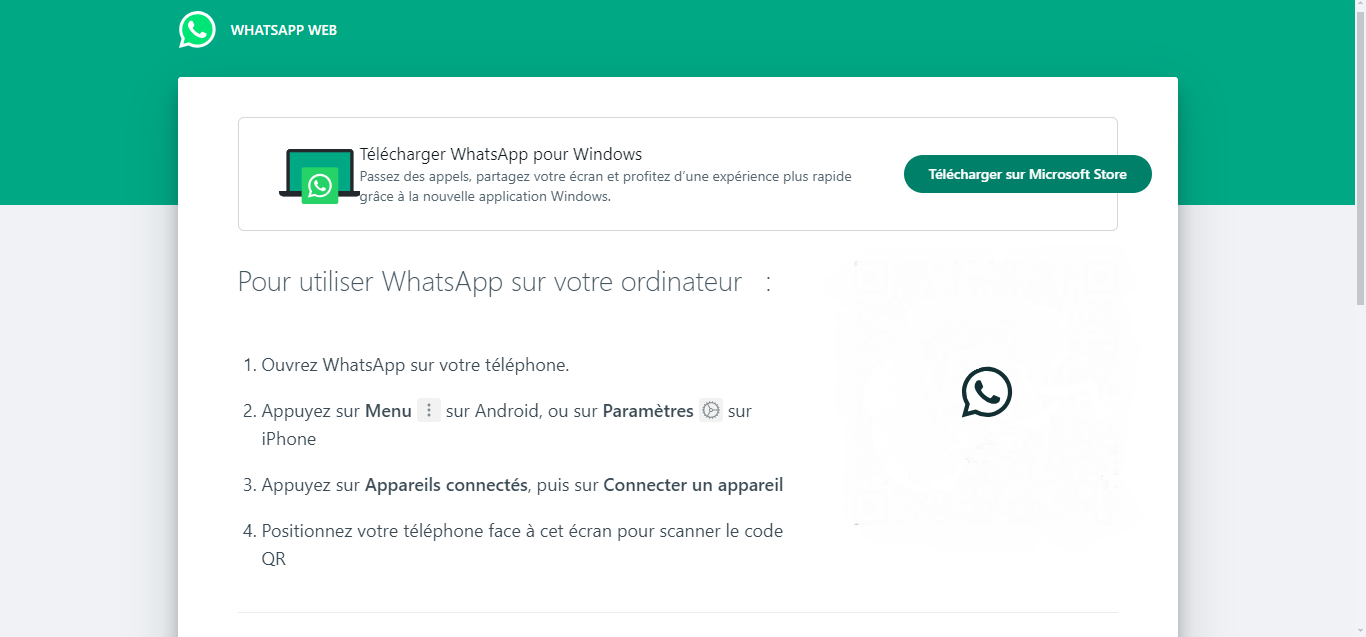
With WhatsApp Web, you log in to an account using a web browser. You can then follow all the discussions directly on the website, whether on a computer or a tablet.
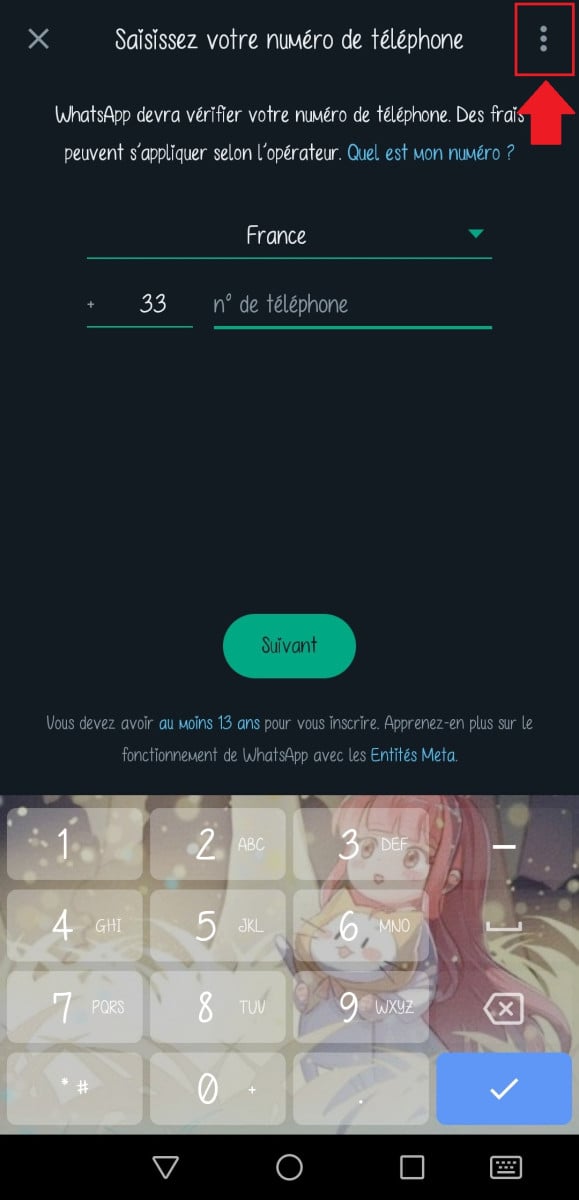
Since 2025, there has been Two ways to log in :
by scanning a QR code from the phone; ;
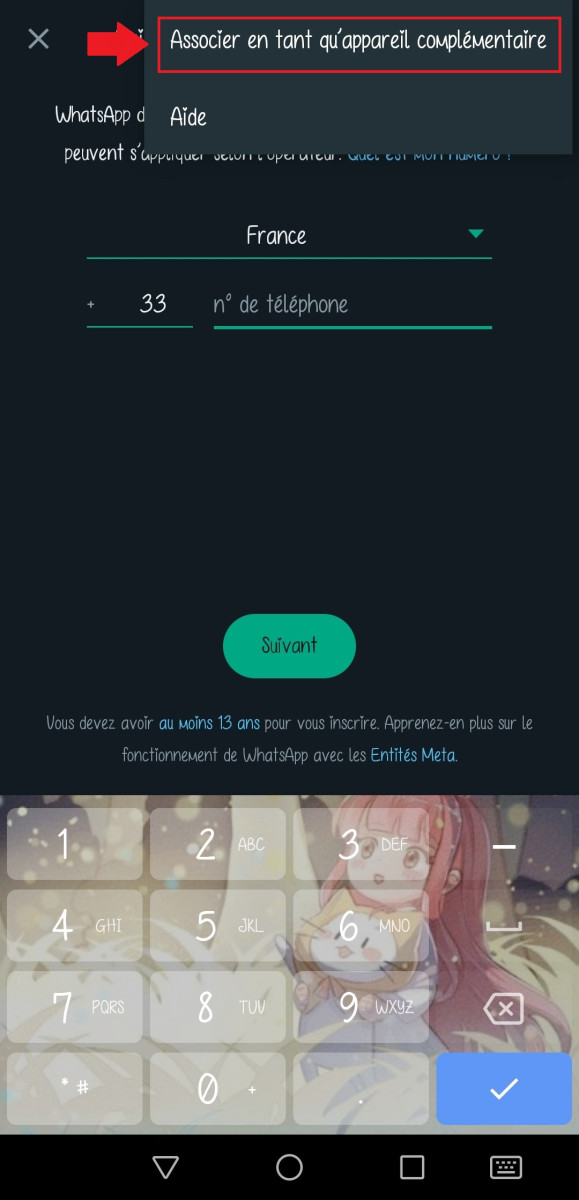
by entering the phone number from the account, then confirming with a 8-character code received on the device.
For the QR code method, here are the steps:
Open WhatsApp Web on your computer (web.whatsapp.com).
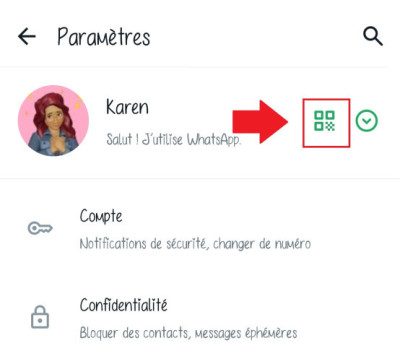
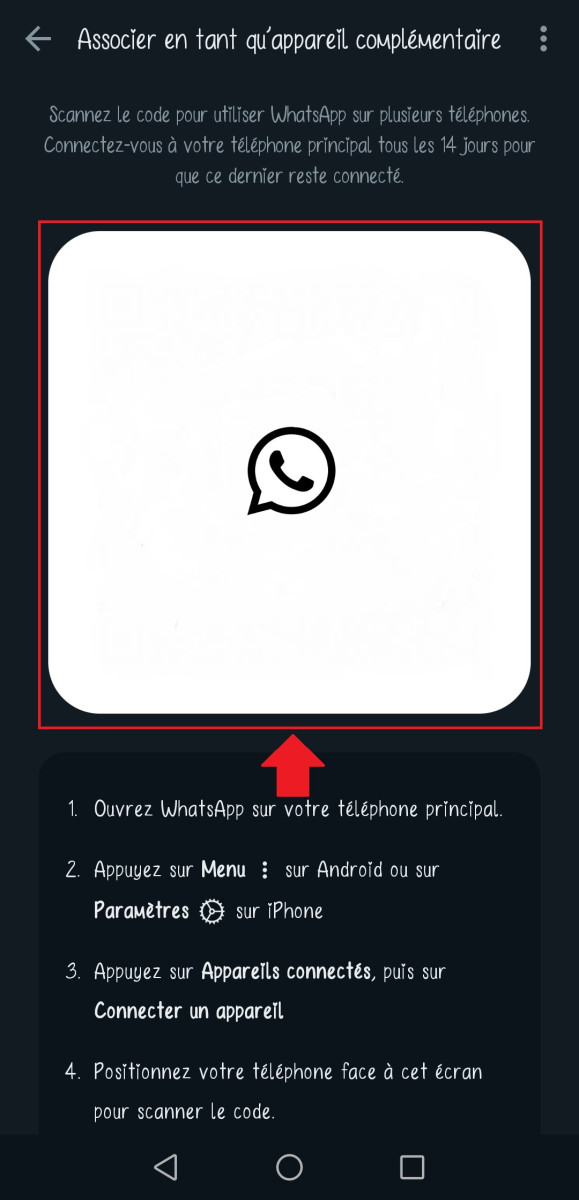
On the target phone, Open WhatsApp, go to «Settings,» then display the QR code next to your profile picture.
This method has a significant limitation. It only works if the person does not check their connected devices. From its settings, it can see every active session (browser, system, recent activity) and can log out at any time with a single tap.
Two additional conditions are also required to maintain access:
The owner's phone must stay connected to the Internet ;
The QR code is unique to each session and expires as soon as you log out.
In practice, maintaining long-term access without the owner noticing remains very difficult.
By linking the target device to another phone
This method consists of Link the target's account to your own device to read their messages and keep track of their activity. However, you must use the person's phone the connection time.
Be respectful the order of the steps, otherwise you'll link your own account instead of theirs:
Open WhatsApp Web on your phone or computer to display the QR code.
Take it target phone and open WhatsApp.
Go to «Settings,» then «Linked Devices» (sometimes referred to as «Connected Devices,» depending on the Android version).
The target's account is then connected to your device. For monitoring to be effective over the long term, three conditions are still necessary:
have access to the phone of the person at the time of the connection; ;
than his The phone remains connected to the Internet ;
that the person does not check their linked devices, otherwise it'll log you out right away.
As noted in the introduction, this practice is illegal.
Using apps to remotely monitor WhatsApp activity
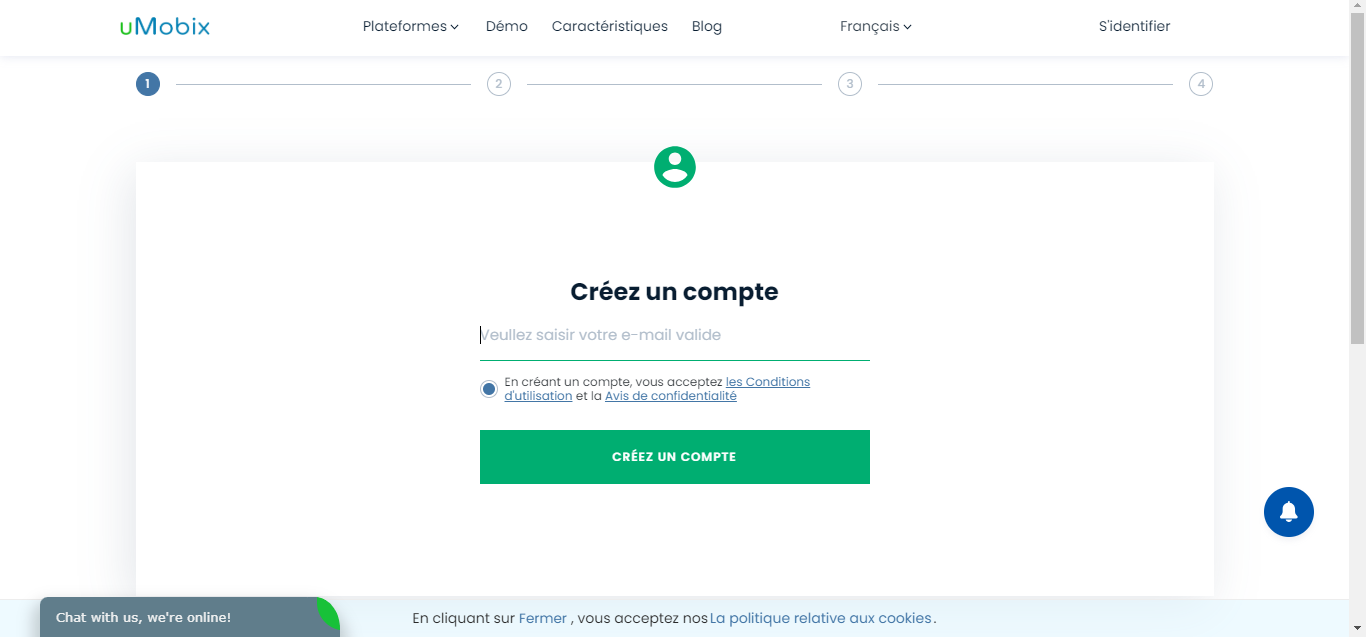
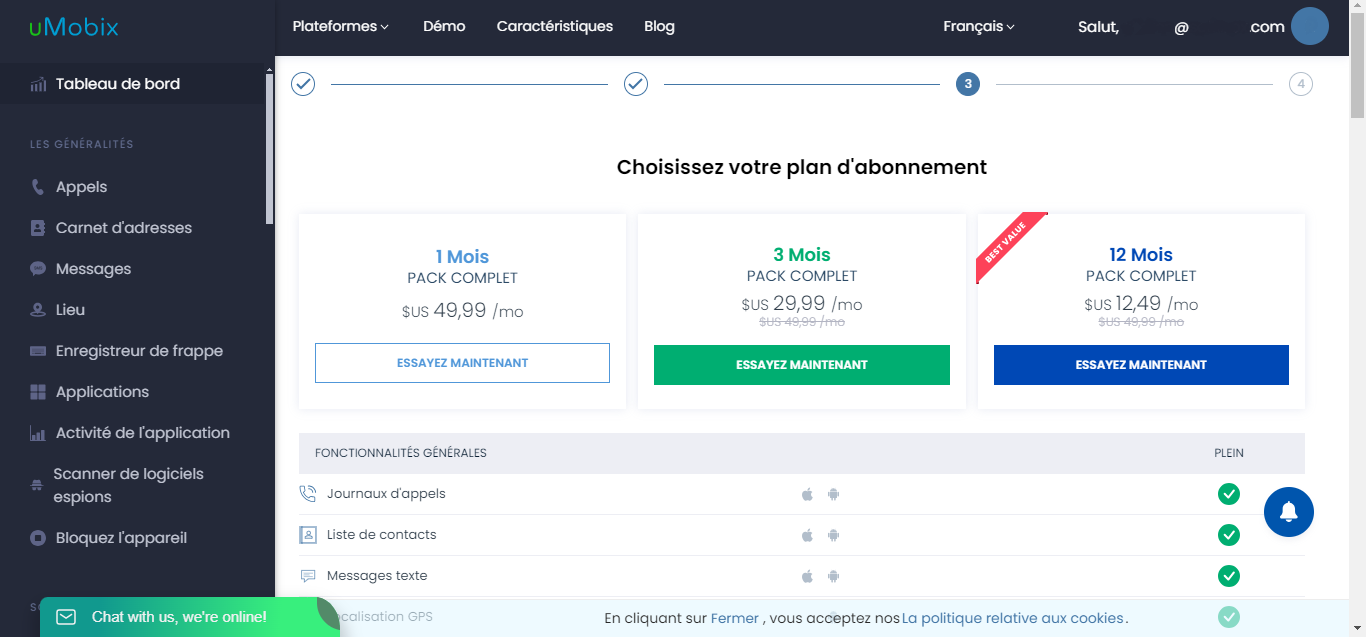
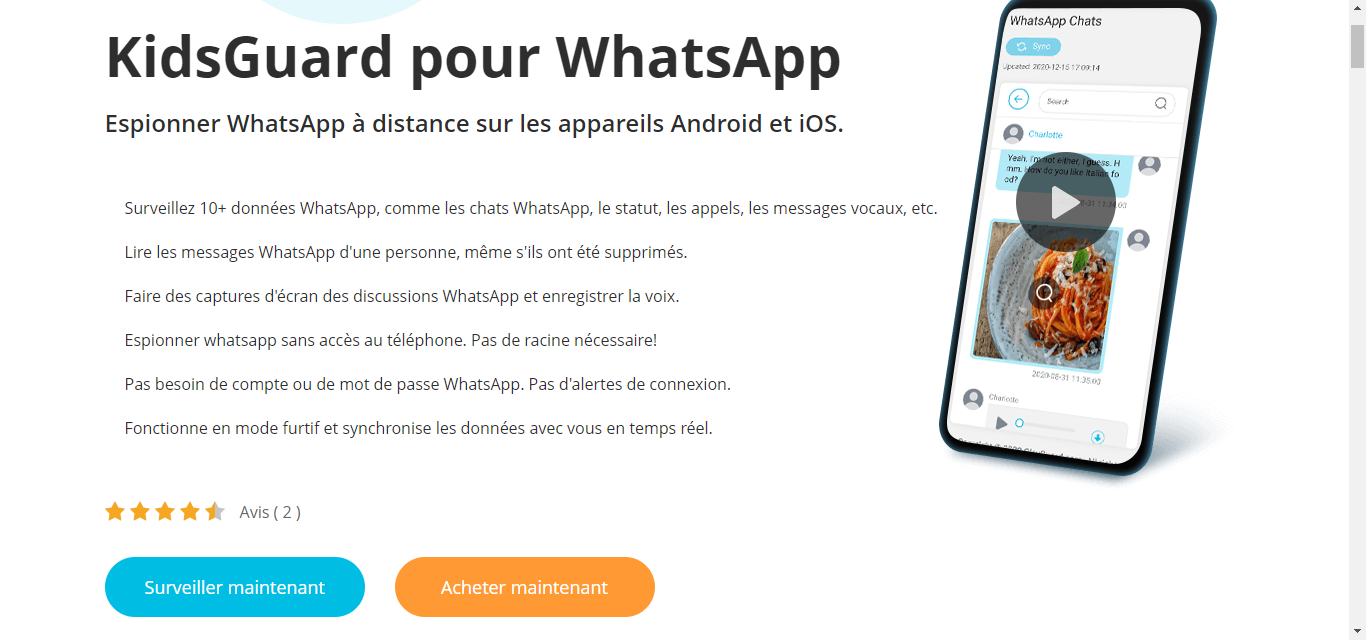
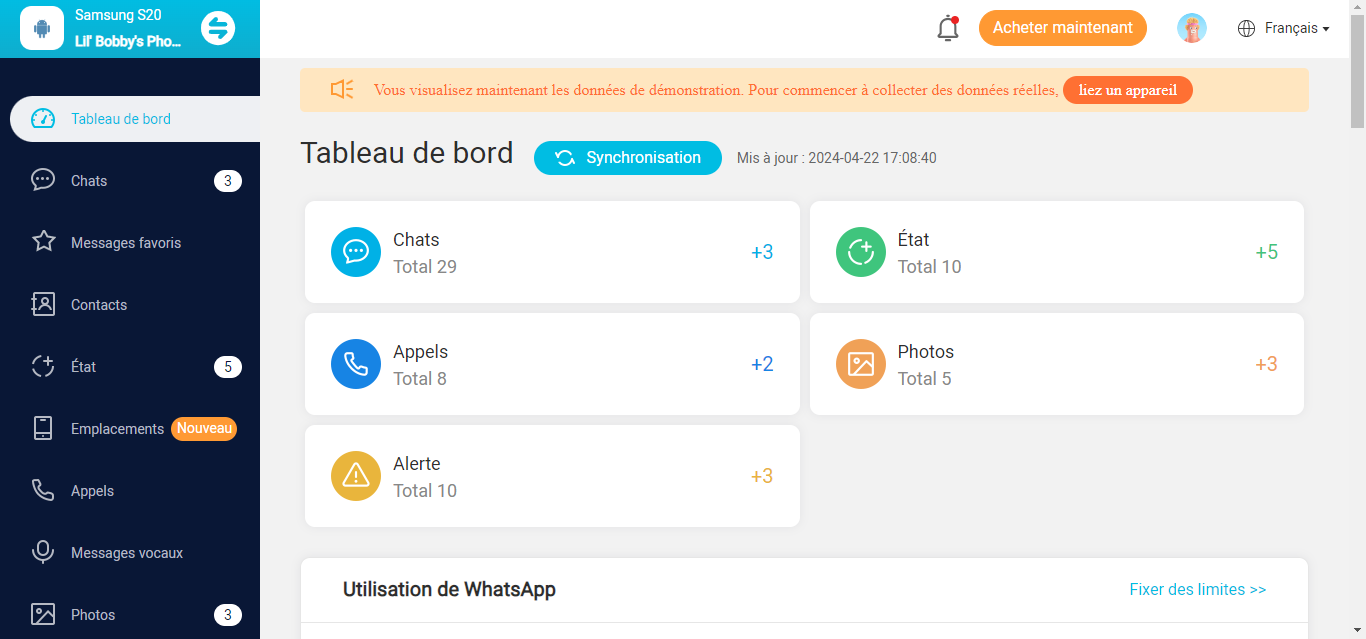
For truly comprehensive tracking, free methods quickly reach their limits. A monitoring application A dedicated system uploads all the data to a online dashboard, accessible from any device, at any time.
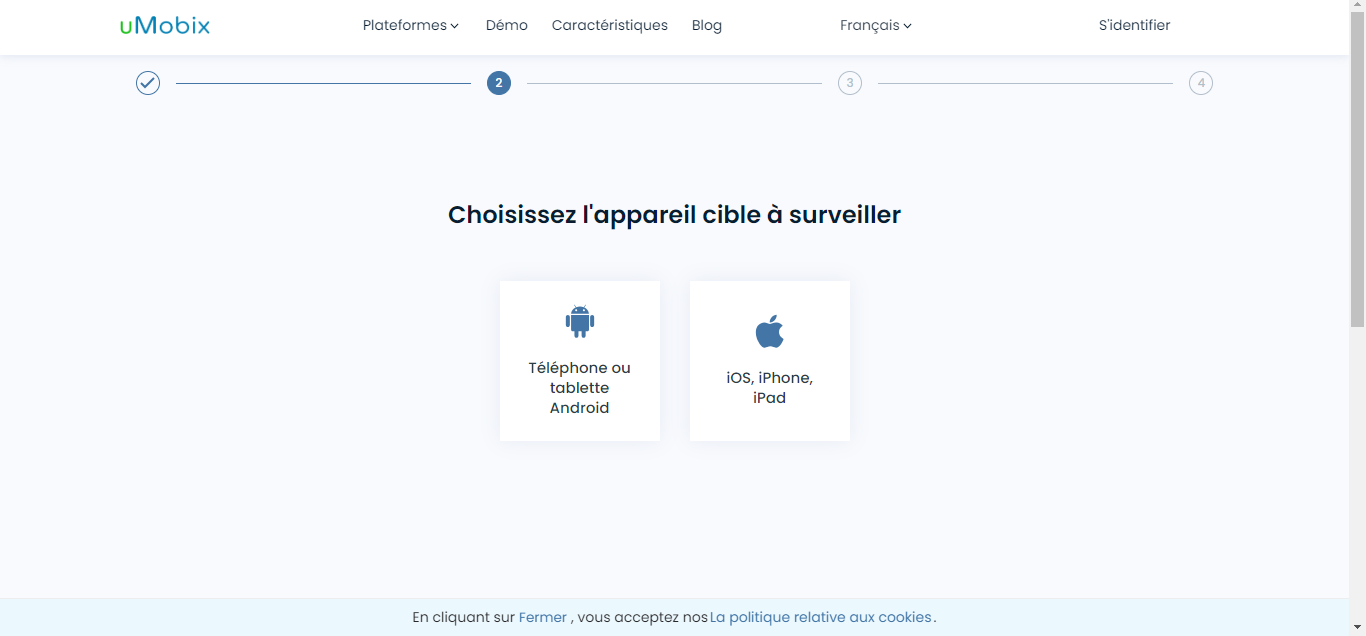
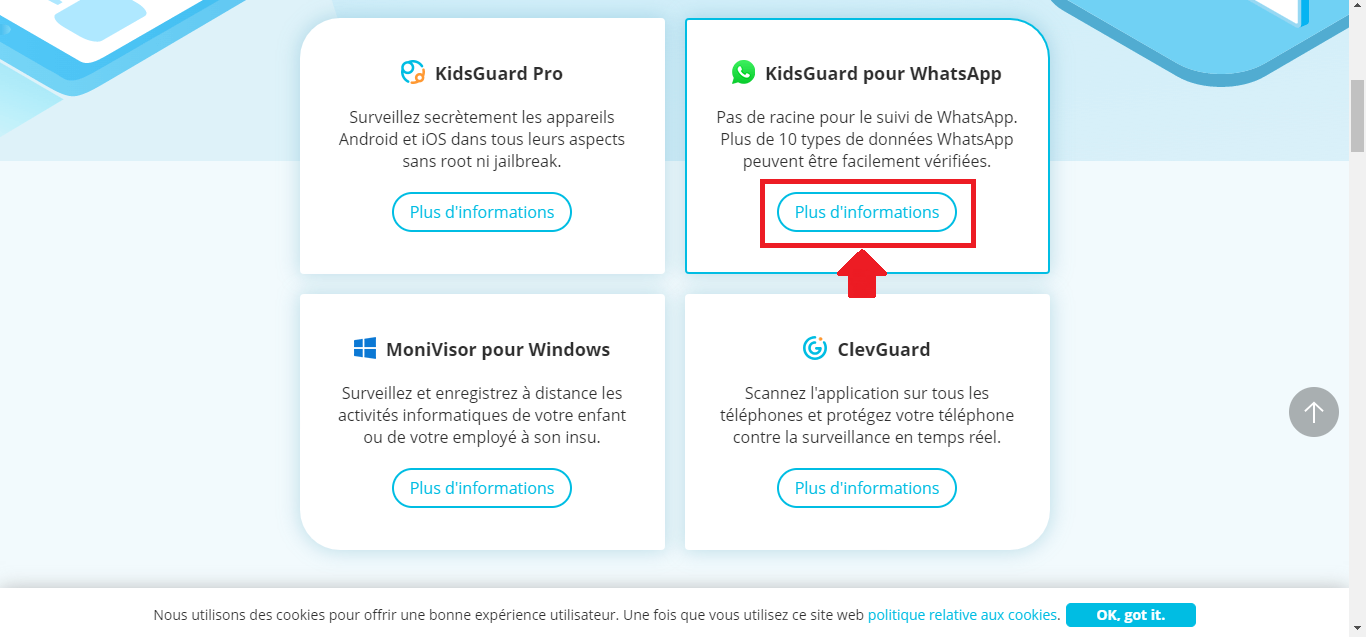
On android, physical installation on the target phone is still required. On iPhone, Umobix and KidsGuard can be operated remotely using login credentials iCloud, without touching the device.
KidsGuard installs directly on the’Android device of your child. On iPhone, you can use the login credentials iCloud to avoid manual installation. Once it's set up, you create an account and start tracking WhatsApp.
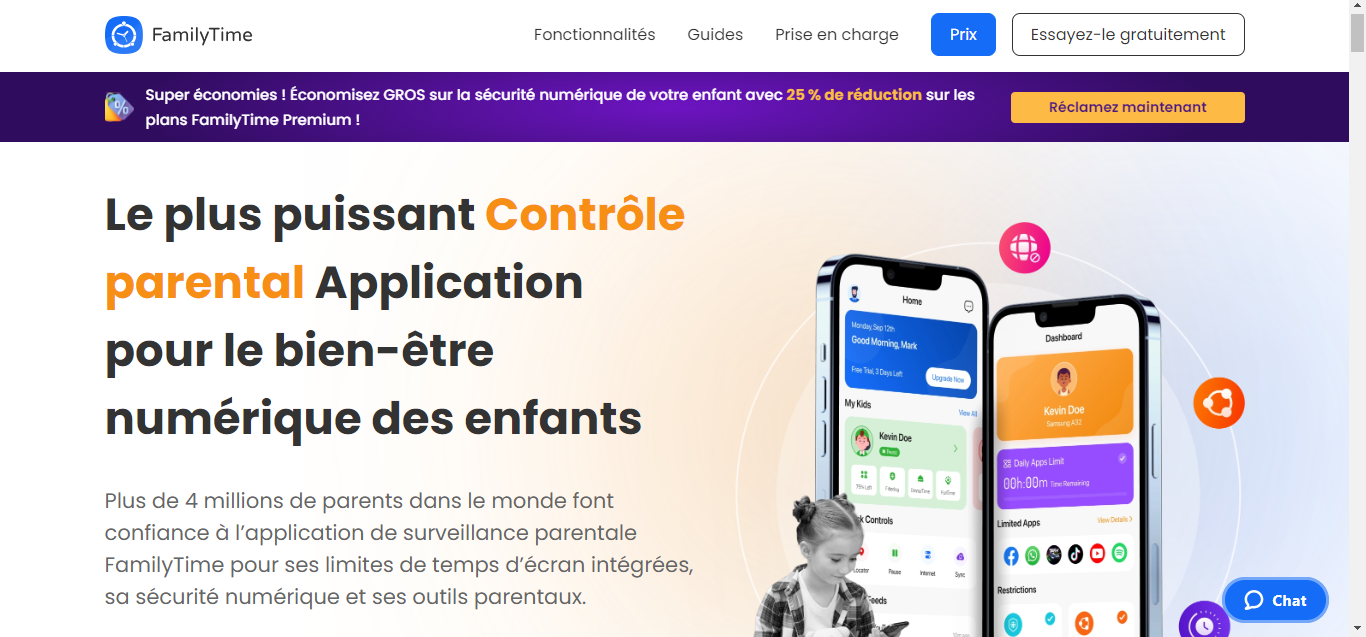
FamilyTime is a parental control application which manages screen time, tracks location, blocks apps, and monitors phone usage.
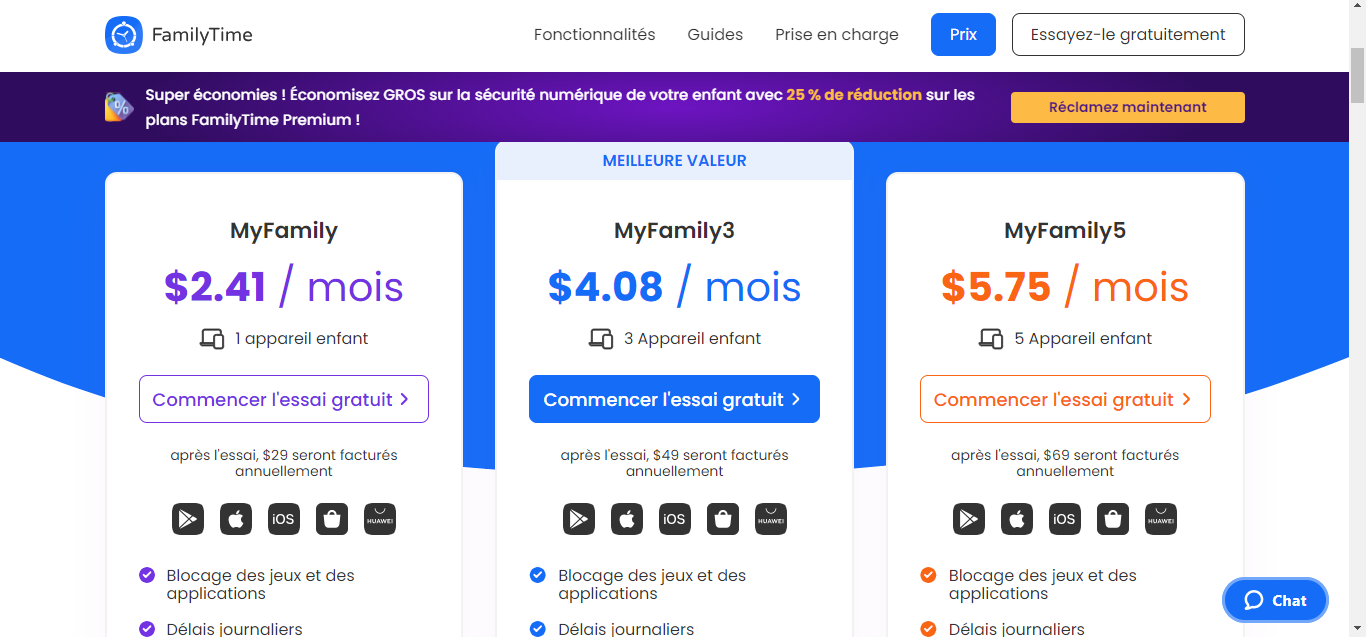
It works with two apps: one on the child's phone, another one as a dashboard on the parent's phone number. Both installations require a physical access on devices. To access the available features, you must first Choose a subscription.
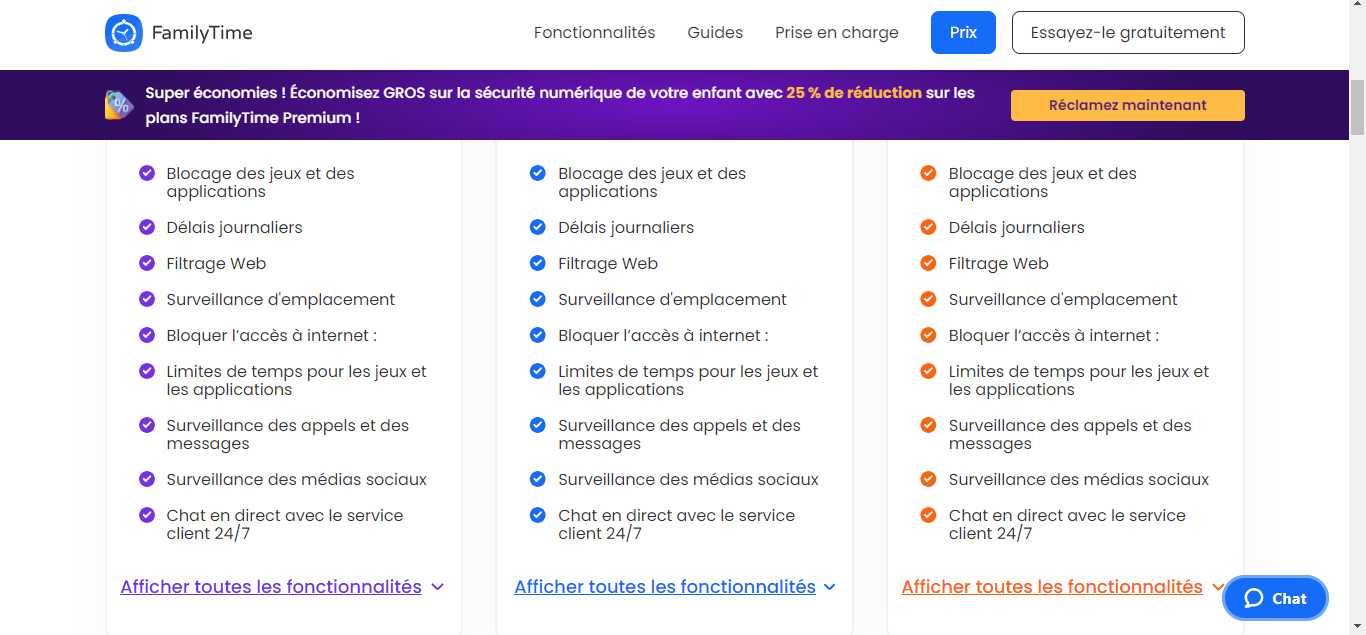
Once the apps are installed, create an account and add your children. You can then set restrictions : screen time, app blocking, location tracking. Here’s an overview of the features included in each subscription plan.
Managing Screen Time in everyday life and through apps, for healthy digital habits.
Track the location of your children in real time on a map.
Block certain applications during specific time periods or in specific locations.
Monitor online activity to ensure the content remains relevant.
Communicating with Your Children via direct messages in the app.
Monthly or annual subscription depending on the number of devices.
Some parents dread the idea of monitor their children's activities.
Compatible Only available on iOS and Android.
FamilyTime is a robust tool for set limits on screen time and keep track of your children's online activity on a daily basis.
Why spy on a WhatsApp account?
WhatsApp is one of the most widely used messaging apps for staying in touch with loved ones. People use it to exchange messages, photos, and moments from their daily lives. Its central role explains why some people want to monitor the account of a child or a partner.
Parents' motivations
As a parent, you worry about online dangers, and WhatsApp is no exception. The app lets you communicate with anyone, sometimes without knowing the other person's true identity.
Here's why parents choose to monitor their children's accounts:
Protecting Against Cyberbullying and Harmful Content: A child may experience harassment or threats, or coming across violent or adult-only content. By keeping an eye on their conversations, you can spot these dangers and step in before it's too late.
Monitor time spent on the application:WhatsApp can quickly become addictive for young people. By keeping track of your child’s screen time, you can make sure they aren’t spending hours in front of the screen.
Checking who your child is hanging out with: Your child may connect with people they don't really know. Monitoring their interactions can help you spot someone with bad intentions.
Partners' motivations
In a relationship, keeping an eye on the WhatsApp account On the other hand, this is a sensitive issue. Certain situations can make it understandable:
Suspected infidelity: When you have doubts, you might be tempted to check your partner's account to find out for sure.
Online Dangers: An adult, too, can be a victim of cyberstalking or blackmail. If you have serious reasons to believe that your partner is in danger, you may want to help them.
Communication failure : When communication breaks down in a relationship, the temptation to check the other person’s messages to figure out what’s going on can arise.
In any case, think carefully about the consequences before installing a spyware on a loved one’s phone. Surveillance without consent remains illegal, and the penalties are outlined in the introduction. It’s often best to talk openly with the person involved.
Surveillance should remain merely a last resort, in truly exceptional cases.
👍Your opinion
The article is informative
The article is objective
The article answers my question
Content up to date
🎉
Thanks for your opinion!
Thank you for taking the time to give us your opinion.
This content is originally in French (See the editor just below.). It has been translated and proofread in various languages using Deepl and/or the Google Translate API to offer help in as many countries as possible. This translation costs us several thousand euros a month. If it's not 100% perfect, please leave a comment for us to fix. If you're interested in proofreading and improving the quality of translated articles, don't hesitate to send us an e-mail via the contact form! We appreciate your feedback to improve our content. If you would like to suggest improvements, please use our contact form or leave a comment below. Your feedback always help us to improve the quality of our website Alucare.fr
Hello Karen here! I joined the Alucare.fr team as an editor in April 2024.
I feel like a fish in water. Writing about my passions is a dream I never thought I'd have the chance to realize one day. Being able to write about video games, manga and anime all day long is simply satisfying, even more so when you share it with others. Despite my preferences, I'm versatile and not afraid to tackle other subjects.
Social Media and Contact:
Alucare is an free independent media. Support us by adding us to your Google News favorites:
Want to monitor a WhatsApp account? Discover free ways to read someone's messages without touching their phone.
Alucare.fr
Guides & How-To's
How to Spy on a WhatsApp Account in 2026?
Alucare
Alucare - video games, tutorial, High-tech AI and Web
ALUCARE INDUSTRY LLP is the company behind alucare.fr. The managing director of ALUCARE INDUSTRY LLP is Antonin Choplin. The alucare.fr website is designed to help website visitors in their research, whether in the world of video games, the web or elsewhere.
Hello Karen here! I joined the Alucare.fr team as an editor in April 2024. I feel like a fish in water. Writing about my passions is a dream I never thought I'd have the chance to realize one day. Being able to write about video games, manga and anime all day long is simply satisfying, even more so when you share it with others. Despite my preferences, I'm versatile and not afraid to tackle other subjects.
How to Spy on a WhatsApp Account in 2026?
Alucare.fr reviews on Trustpilot
WhatsApp
All articles talking about WhatsApp, such as how to spy on a WhatsApp account, how to find out if I'm in your WhatsApp contacts or how to write in color on the platform, and much more!
The aim of all these guides is to help you understand more about WhatsApp's features and how to use this social network effectively, and so that nothing escapes you when it comes to WhatsApp!