Block Someone on WhatsApp takes less than 30 seconds : Open the conversation, tap the contact's name at the top (on iPhone) or the three dots (on android), then select To block.
Once the block is active, the person can no longer see your profile photo, your status nor your online status, and their messages never reach you. You can unblock a contact at any time.
WhatsApp Block: What Is It?
the blocked on WhatsApp is a built-in feature that cuts off all communication with a contact. It can be set up in just a few seconds from the privacy settings.
This is useful for protecting yourself from spam, of cyberbullying, or simply to put an end to unwanted messages.
Please note: The block does not apply to groups in common. In a group Even though it's shared, members can still read each other's messages.
Wondering if someone has blocked you? Check out our article to Find out who blocked you on WhatsApp.
How do I block someone on WhatsApp?
The route varies slightly between android and iPhone, but the result is the same. You can also use the privacy settings To block a number without starting a conversation—handy for numbers you've never contacted.
Block a contact on WhatsApp
On androidHere are the steps to follow:
- Start the discussion with the person you want to block.
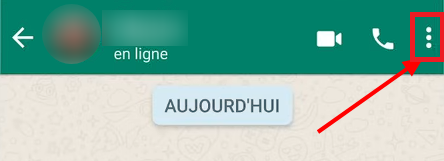
- Press the “More options” button (the three vertical dots) at top right.
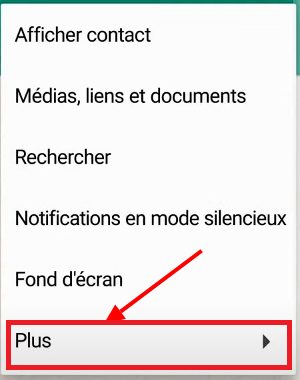
- Press “More”.
- Select “Block”.

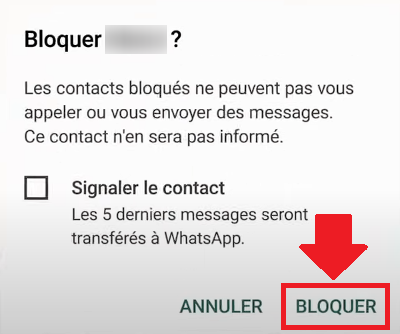
- Confirm your selection to block that person.
On iPhone, the three-dot menu isn't there. Tap the contact name At the top of the conversation, scroll to the bottom, then tap “Block this contact”.
Remark : When confirming, WhatsApp sometimes prompts you to check a box “Report the contact”. If you just want to block someone without reporting them, leave this box unchecked.
Block a contact from the settings
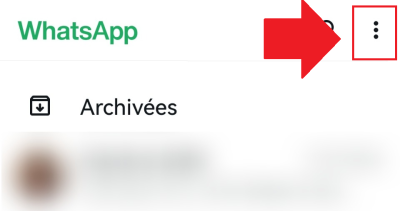
- Open the WhatsApp settings (on Android, via the three dots in the upper-right corner).
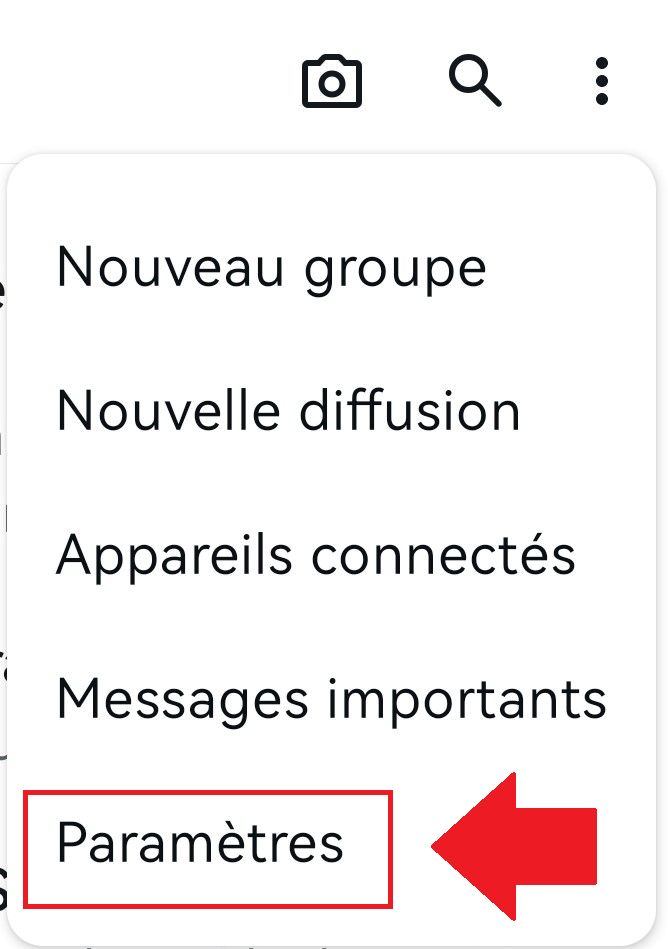
- Go to “Confidentiality”.

- Select “Blocked contacts” to view or delete contacts from your list.
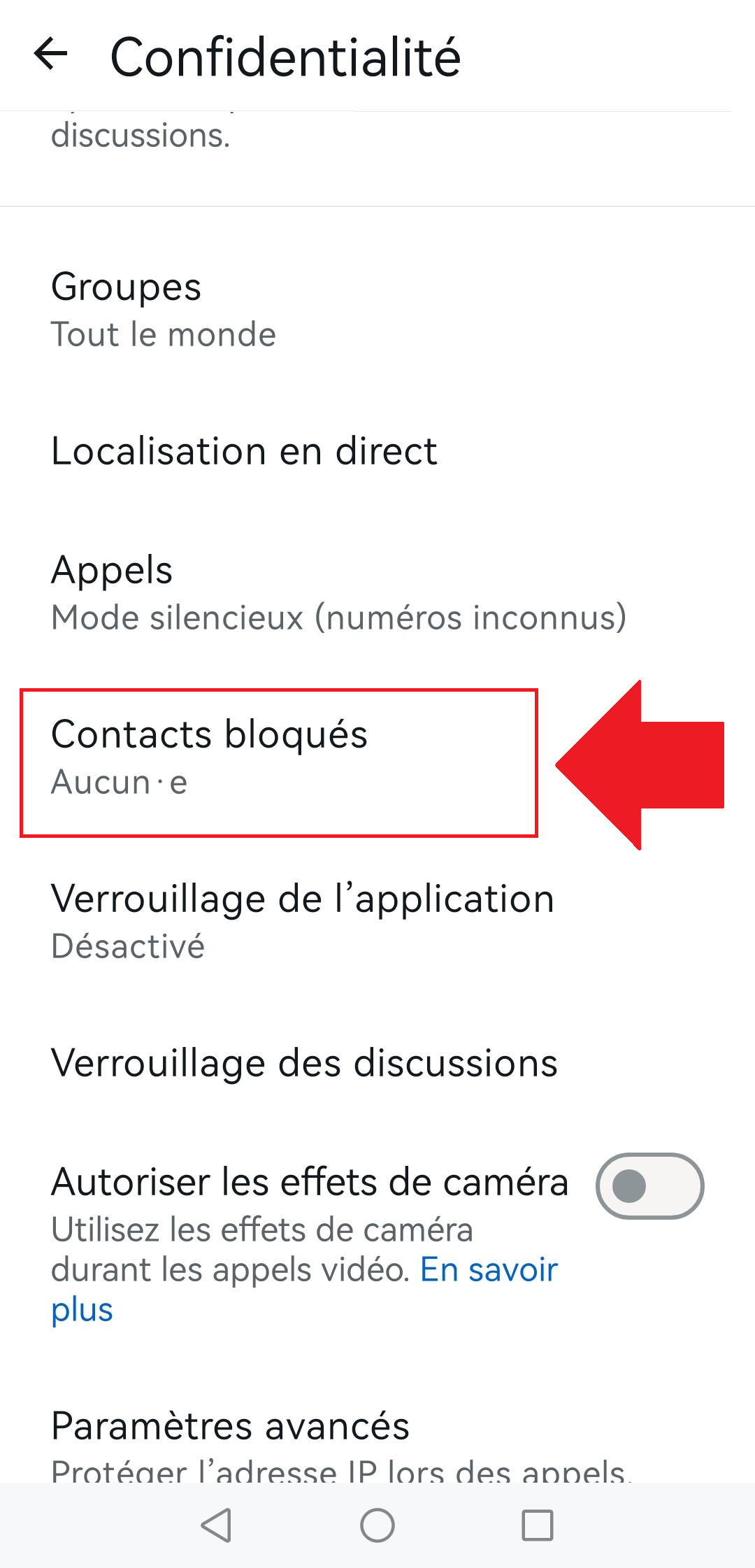
- Press the “+” button” to add a contact to block.
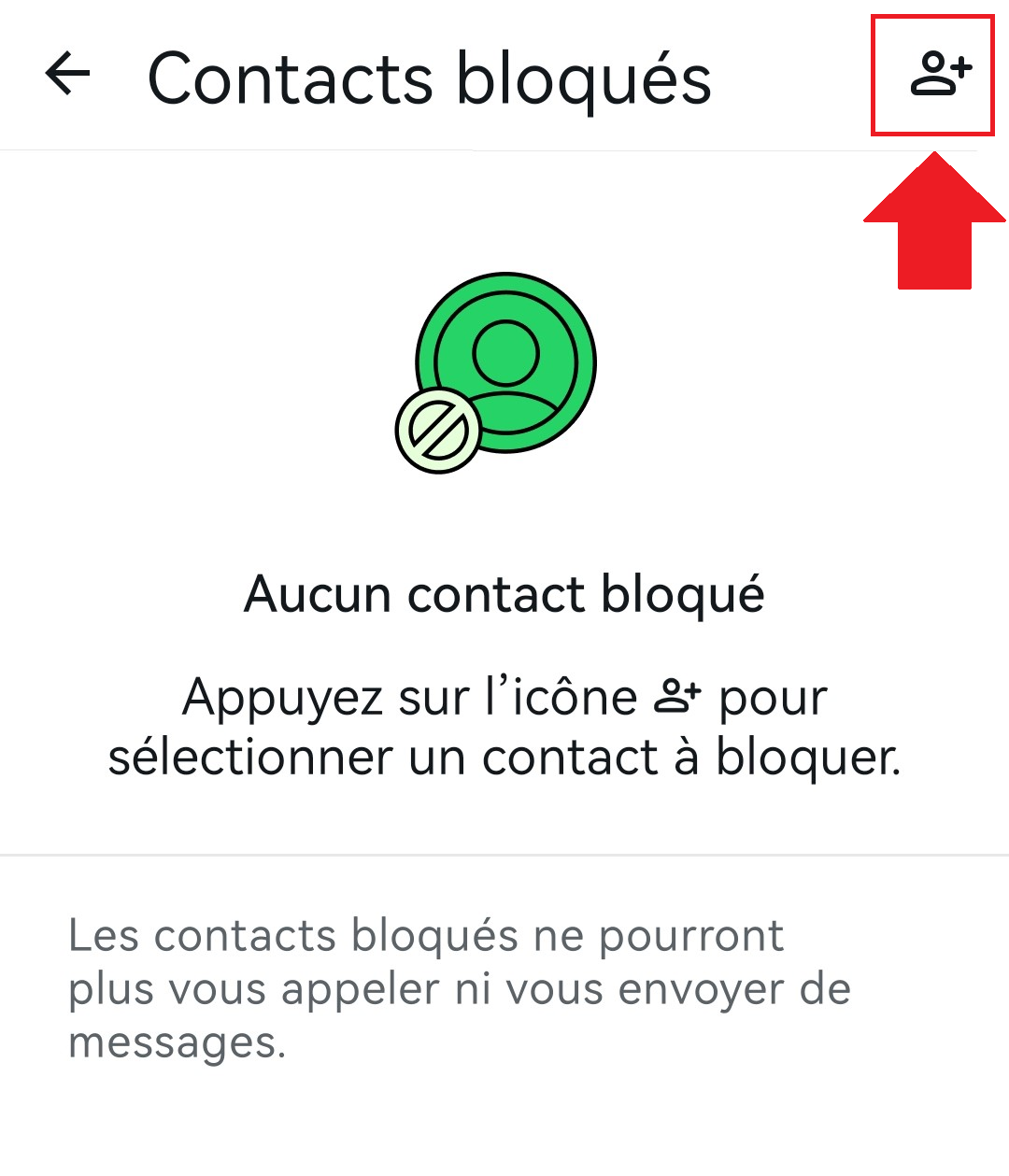
- Search for the contact to block, then select it from the list.

Block an unknown number
You're receiving messages from a unknown number (spam, solicitation)? WhatsApp automatically displays a alert banner at the top of the discussion, with two quick-access buttons: “Block” and “Report”. Just one tap on “Block” is all it takes to turn off the ignition.
You can also take action from the notification on your lock screen. Tap long press Tap the notification, then select “Block”. The number is added to your blocked contacts list without you having to open the chat. This method also works from a group discussion.
How do I unblock someone on WhatsApp?
Unblock a contact on WhatsApp takes less than a minute. It all happens in your privacy settings, where the list of blocked contacts.
- Open the Settings of WhatsApp.
- Go to Privacy.
- Select Blocked Contacts.
- Press the contact name or the number to be unlocked.
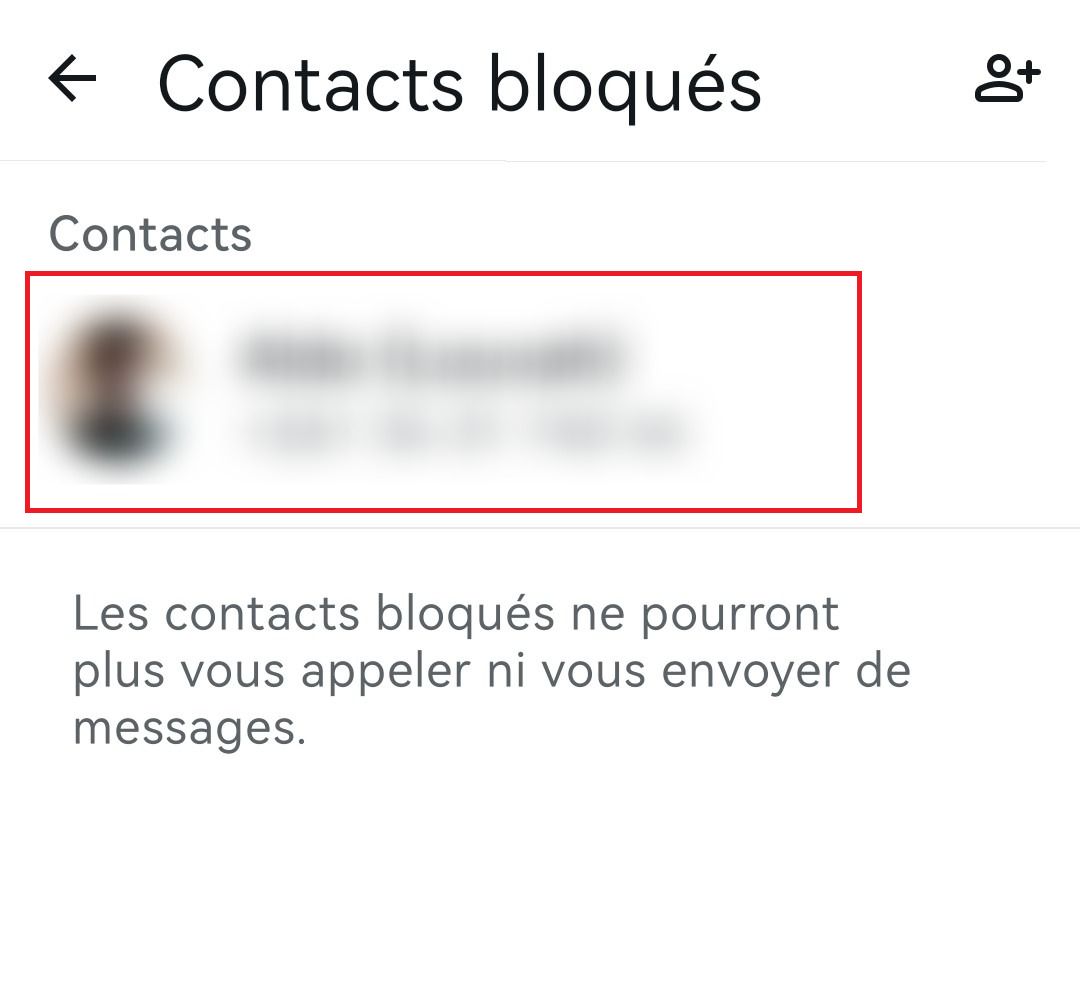
- Press Unlock to remove them from your blocked contacts list.
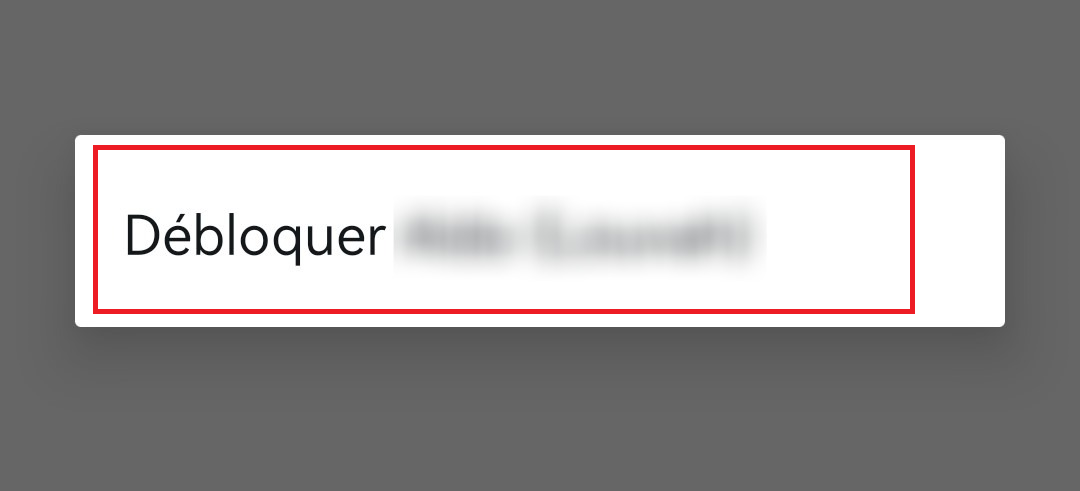
Once the contact is unlocked, they can once again’send messages, see your profile photo and your status updates.
And what if it's you Who got blocked? There's nothing you can do about it.
How can you tell if you've been blocked on WhatsApp?
WhatsApp doesn't send no notification when someone blocks you. There are several signs that might tip you off, but none of them on its own is proof that 100 % : that's their accumulation which indicates a mental block.
- A single grey tick: Your messages are sent from your phone, but they stay on a single grey tick, never delivered. That's the most reliable sign.
- More online presence: You can no longer see the status “online” nor the statement “seen at” (last login) of the contact.
- Fixed profile picture: You can no longer see their profile or updates, and their profile photo no longer changes or disappears.
- Invisible status: his status updates no longer appear in your feed.
- Unanswered calls: Your call is ringing only once, then goes straight to voicemail.
If you have a group Messages exchanged with this contact remain visible there even after the contact has been blocked.
Keep in mind that a connection interruption, a change in phone number or some privacy settings More severe cases can cause the same symptoms.
Why were you blocked on WhatsApp?
There are many reasons why someone might block a contact, and they are often very personal. Here are the most common reasons:
- Harassment, insults, or unsolicited messages,
- Conflict, argument, or breakup,
- A need for distance or for privacy,
- Protection against spam and unsolicited advertising,
- A personal decision, for no particular reason.
Every situation is unique. If you've been blocked, the best thing to do is comply with the decision of the person.
The block is not not final. If you're curious about see who is online without being seen on WhatsApp, check out our article on this topic.









 English