Yes, AEJuice is worth it if you're into regular video editing in 2026. In practical terms, it’s a massive library of over 30,000 assets that can be accessed directly from Premiere Pro, After Effects, DaVinci Resolve, and other software thanks to a single plugin.
Whether you're looking to spice up your videos, add striking visual effects Where Make Your Presentations More Professional, their catalog is a real gold mine.
On Trustpilot, it was rated in July 2026:
⭐ 4.6/5 ⭐

Want to see what's in the catalog? It's all on the official website:
User reviews
On Trustpilot, AEJuice has a rating of 4,6/5, backed by hundreds of reviews.
The editors cite:
- the time saved in everyday life,
- the ease of drag and drop,
- as well as a responsive customer support when a problem arises.
Many regular users say they've incorporated AEJuice into their editing routine to the point where they can't do without it.
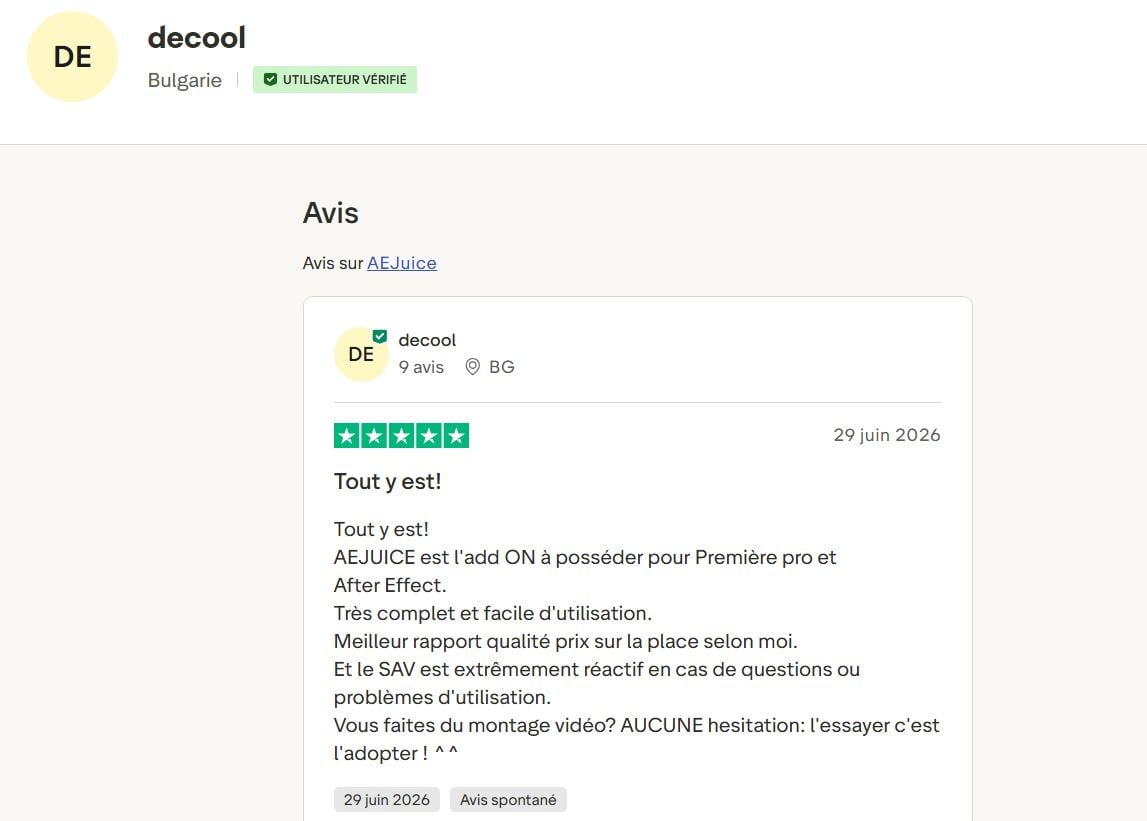
According to a user on Trustpilot, decool :
“It’s all here!
AEJUICE is the must-have add-on for Premiere Pro and After Effects.
Very comprehensive and easy to use.
In my opinion, it offers the best value for the money on the market.
And customer service is extremely responsive when it comes to questions or issues with using the product.
Do you edit videos? Don't hesitate—try it and you'll love it! ^^”
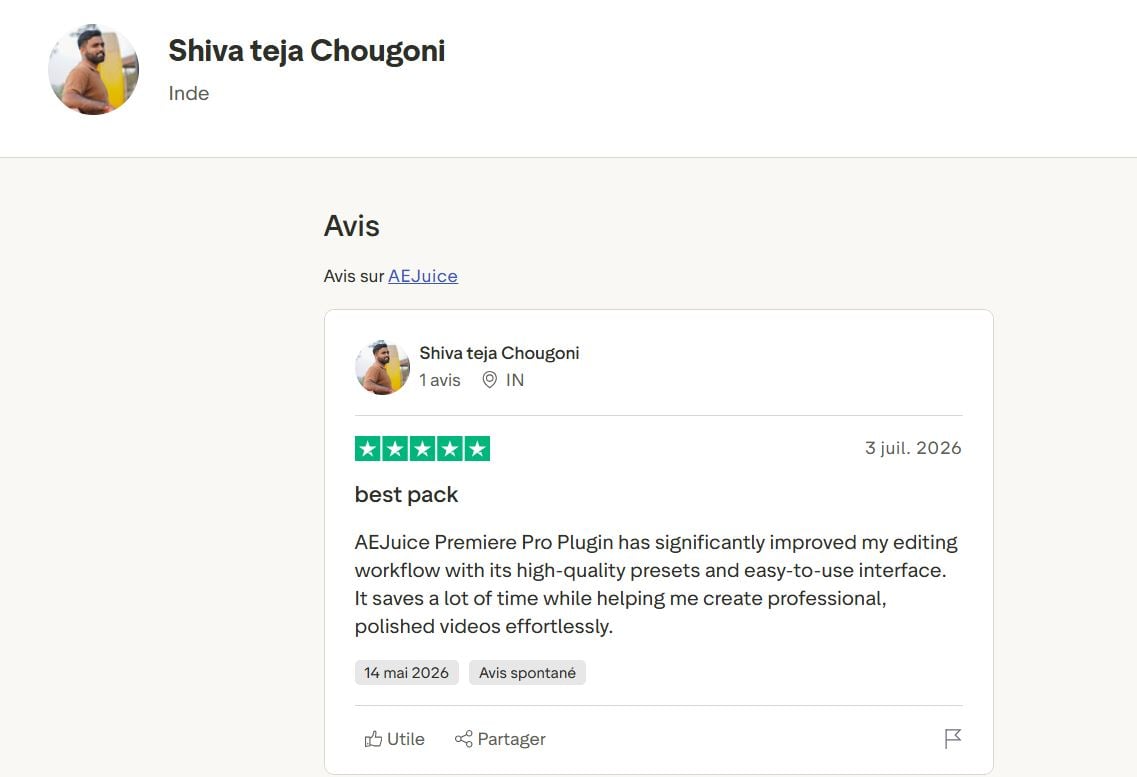
“The AEJuice plugin for Premiere Pro has significantly improved my editing workflow thanks to its high-quality presets and intuitive interface. It saves me a lot of time while helping me effortlessly create professional, polished videos.”
Good to Know : How to use AEJuice in addition a subscription to Adobe (Premiere Pro or After Effects), which must be purchased separately. This comes as no surprise to an editor who already has the necessary equipment, since these programs remain the industry standard.
The users who benefit the most are those who produce updated regularly. But the good news is that the free packs allow us to Try the tool with no obligation, before taking the plunge if production levels allow. Yes! AEJuice offers About 100 free effects in its trial packages. This is the best way to test the user experience before upgrading to the paid plan.
Finally, the proposed style fits especially to dynamic formats, YouTube, or social media. This is precisely the type of content that’s most commonly produced today, and the library continues to grow every month to cover an ever-wider range of styles.
Our Review of AEJuice
What stands out most about AEJuice is the execution speed. Designing a smooth transition or an animated intro from scratch takes up valuable time. But where it used to take 20 minutes, It only takes a few clicks with the tool.
For us, there’s no doubt about it: AEJuice provides real added value. If you produce content regularly, the time you save allows you to complete more projects while maintaining a polished look.
In short, it's a tool that quickly pays for itself.
Explanatory video in French by Alucare, ideal complement to the page. View video (you can use YouTube's automatic translation)

What products does AEJuice offer?
The library covers a wide range of needs, which are neatly organized into major content categories. Examples include:
- Transitions and Animations : to add rhythm, dramatic breaks, or a more cinematic style to your shots.
- Animated Titles and Text : pre-designed animated typefaces designed to grab attention.
- Social Media Templates : Formats and templates optimized for vertical platforms and dynamic content.
- Sound design : sound effects and ambient sounds to add depth to the editing.
- AI-Powered Automatic Subtitling : a built-in tool for generating and styling your subtitles.
- Handy Tools : well-designed additional features (GIF export, fine-tuned control over animation curves, quick layer offset).
Please note that each element remains entirely can be customized once imported : colors, speed, or text. They're very easy to customize and don't require advanced animation skills.
In addition, you can tailor your content to an international audience thanks to support for several languages for animated text.
How does AEJuice work?
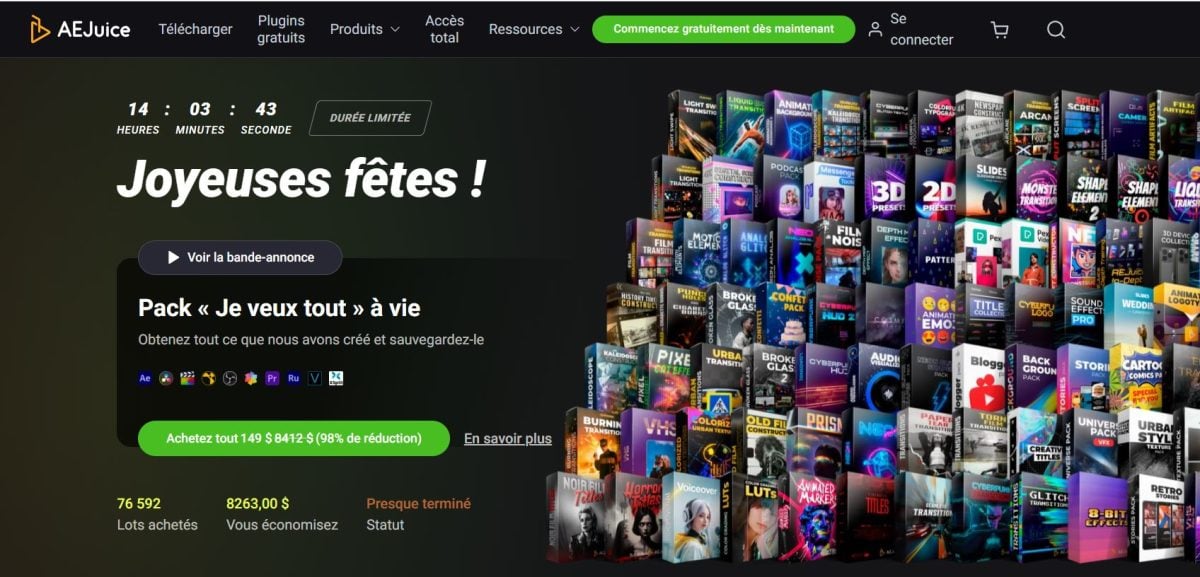
the Pack Manager centralizes all of these resources. It integrates with Premiere Pro, After Effects, and DaVinci Resolve, and also supports more specialized software such as Final Cut, Nuke, or Sony Vegas, depending on the package.
Once it's up and running, it handles’Install the necessary fonts and automatically adjusts the animations in the desired aspect ratio—whether landscape, portrait, or square—up to 4K.
In terms of usage, It's very intuitive : You select an effect from the panel, drag it onto your timeline, and adjust it as needed.
Who is AEJuice for?
The tool is primarily intended for video editors, them content creators and the game's motion designers who need to quickly produce high-quality content for YouTube, social media, or other platforms.
Since it integrates with multiple software programs at once, AEJuice is ideal for both teams that juggle different tools and freelancers whose clients each use different software.
If you'd like to deepen your knowledge of video editing, particularly in Premiere Pro, we also recommend reading our articles on:
- How do you crop a video in Premiere Pro in 2026?
- How to change the dimensions of a video in Premiere Pro?
FAQs
What is AEJuice?
AEJuice is a complete library Designed to simplify the work of video editors and motion designers. It brings together more than 30,000 resources divided into 300 different categories: transitions, animated titles, visual and sound effects, social media graphics, and an AI-powered automatic subtitling tool, among others.
The set integrates directly into your video editing software (Premiere Pro, After Effects, DaVinci Resolve, etc.), via a single plugin (extension): the Pack Manager.
This catalog is the result of several years of development and ongoing investment. This continuity allows us to offer constantly updated content, while maintaining a genuine commitment to quality.
Can I try AEJuice for free?
Yes. AEJuice offers about a hundred effects spread across several trial packs, which can be downloaded without a credit card. This is the best way to test the Pack Manager's usability before investing in the lifetime subscription.
What is AEJuice's main product offering?
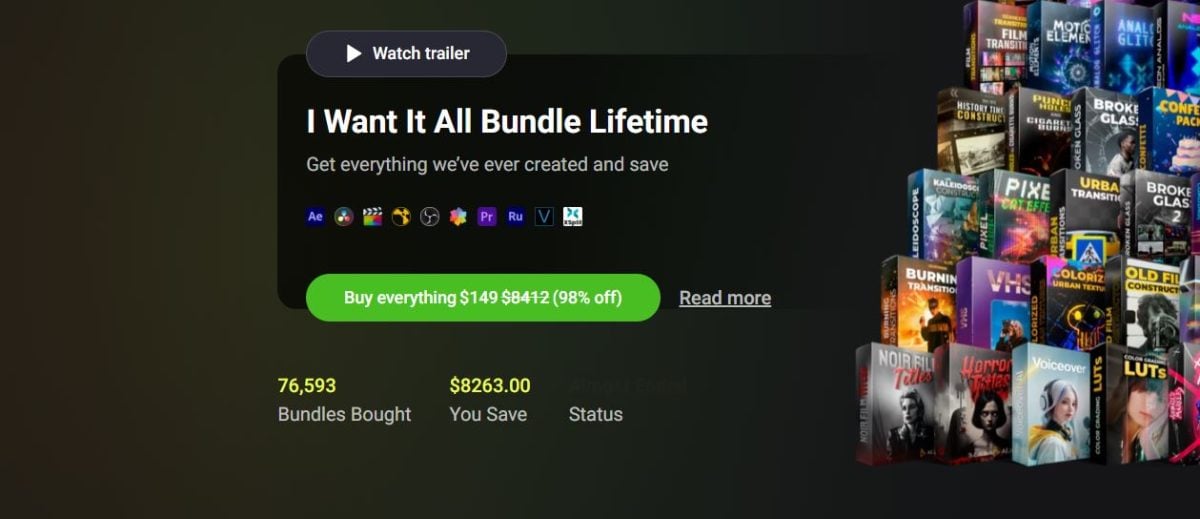
The main offering is called I Want It All Bundle Lifetime : 133 packs bundled into a lifetime license, offered for around 149 $ during the promotional period.
It offers unlimited access, installation on two devices, round-the-clock support, and a 14-day cancellation period if the tool doesn't meet your needs.
Do you need animation skills to use AEJuice?
No, No technical skills are required.
The effects are delivered ready to use. You can make changes with just a few clicks, without having to deal with complex expressions or manage animation keys.
Is there a guarantee if the tool isn't suitable?
Yes, a 14-day money-back guarantee applies to the main offer.








 English