Your profile photo on X (formerly Twitter) should ideally do 400×400 pixels, in the format JPG, PNG Where GIF. The cover photo, she, on the other hand, must do 1500×500 px.
Since July 2023, Twitter is officially called X, but these dimensions remain unchanged.
If you'd like to hire professionals, click here:
Make a Twitter pro logo for -10€
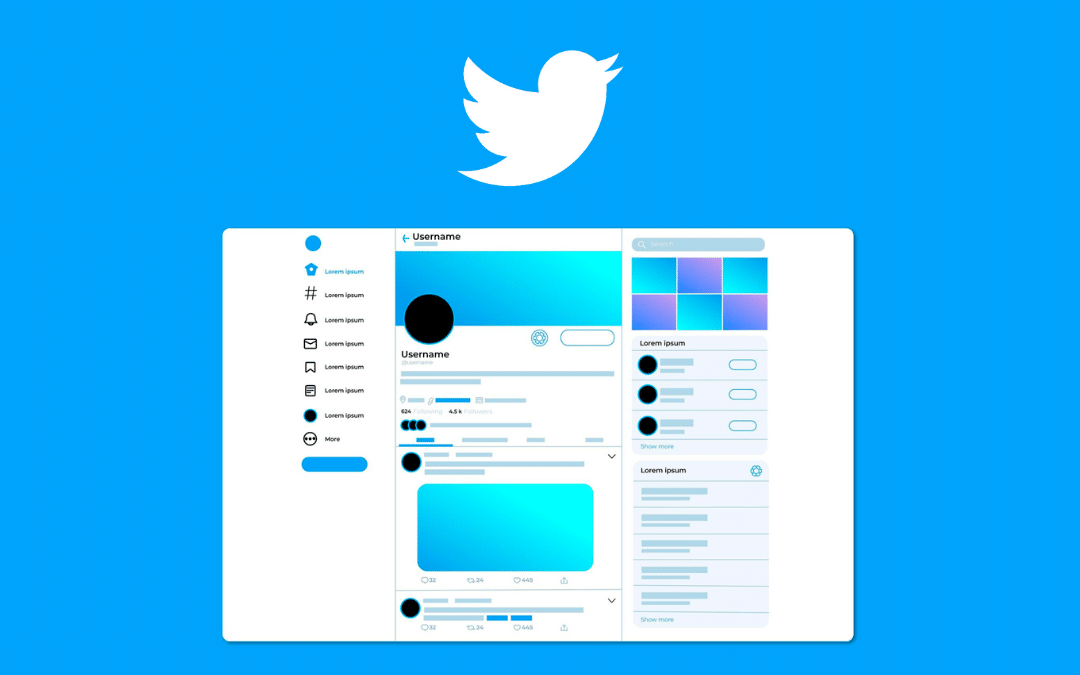
What are the image dimensions on Twitter (X)?
Each type of visual on Twitter has its own size and format requirements. This guide covers the dimensions you need to know to make your profile, cover photo, and posts look their best on this social network. Here's a summary table to help you get the big picture at a glance.
| Image Type | Recommended Dimensions | Accepted formats | Max weight |
|---|---|---|---|
| Profile picture | 400×400 px (1:1 aspect ratio) | JPG, PNG, GIF | 2 MB |
| Cover photo | 1500×500 px | JPG, PNG | 5 MB |
| Image in a tweet | 1024×512 px (2:1 aspect ratio) | JPG, PNG, GIF | 5 MB |
Sticking to these sizes prevents blurry or poorly framed images, regardless of the visitor's screen size.
How can you optimize your images on Twitter?
A well-sized image strengthens your brand image on social networks. Whether you're managing a personal account, a Mark or a project to marketing Online, these basic rules apply everywhere.

For the profile picture
Your profile photo is the first image other users see. It plays a key role in your Mark on this social network.
- Recommended size: 400×400 pixels (1:1 ratio)
- Accepted formats: JPG, PNG Where GIF
- Maximum weight: 2 MB
Twitter displays the profile photo as a circle in the feed. Start with a file in 400×400 px ensures a sharp image everywhere. Be sure to center your face or logo for a clean result once the circular crop is applied.
For the cover photo
The banner at the top of your profile is a great place to highlight your content strategy and your Mark on this social network.
- Recommended size: 1500×500 pixels
- Accepted formats: JPG, PNG
- Maximum weight: 5 MB
The platform can crop the edges depending on the device used. Leave a small safety margin at the top and bottom so you don't miss an important element of your design. This applies to both mobile and desktop.
For photo publications
A tweet with an image attracts much more attention in the feed than plain text. Here are the formats to follow for your posts on Twitter.
- Recommended ratio: 2:1 for optimal landscape viewing
- Ideal dimensions: 1024×512 px
- Maximum weight: 5 MB for a still image
In the feed, photos are displayed around 600×335 pixels and are automatically resized to fit the screen. Starting with a high-resolution image ensures a sharp display everywhere. Pay close attention to the quality of your visuals: it’s a simple way to boost the impact of your marketing on this network.
For Twitter Ads
If you're into sponsored marketing On the platform, advertising visuals are subject to their own constraints.
- Minimum width: 600 pixels
- Recommended ratio: between 1:1 and 2:1 on mobile
- Recommended width: 1,200 pixels for better quality
The sharper your image, the better your message will resonate with your audience. Don't overlook resolution, especially on mobile devices where images are viewed up close. This is an aspect that's often underestimated in a content strategy on social networks.
Tools for Creating Your Twitter Graphics
You don't necessarily need a complex tool to create images with the right dimensions. There are several free or inexpensive options available online.
- Canva offers preconfigured templates sized to Twitter. You can create your cover photo or post images there in just a few minutes.
- Adobe Express also offers templates tailored for social media, with export options to JPG Where PNG.
- A online graphic designer can provide you with a professional logo or banner at an affordable price if you're short on time or lack design skills.
Are you uncomfortable creating visuals? Professionals can create a polished design for you at a low cost.
For more information, click here:








 English