Nintendo Switch has become very popular, and is one of the most popular games today. Let's not forget that there are 3 best Switch emulators, but in this article we'll be highlighting the 2 best of them. The special feature of the famous Nitendo Switch is its blend of the traditional function on its console with a modernized equipment.
There is no age limit for playing, both young and old can find their own enjoyment in it. A question has probably crossed your mind: can you play this game on your PC What if you don't have a game console at home, or you do, but it's not working properly? Let's take a look at all the information you need to know to achieve your goal and opt for this alternative, i.e., playing Nintendo Switch without game console. We're off!
YUZU or RYUJINX: which emulator should you choose?
To play Sea of conquest : Pirate War or other PC games, you need an emulator. The choice of emulator depends entirely on the functionality of the games you're about to play. Sometimes it's good to go with Yuzu, and sometimes it's better to go with Ryujinx, a simulator created by Gdkchan.
YUZU: the first release of the Switch emulator in 3D version
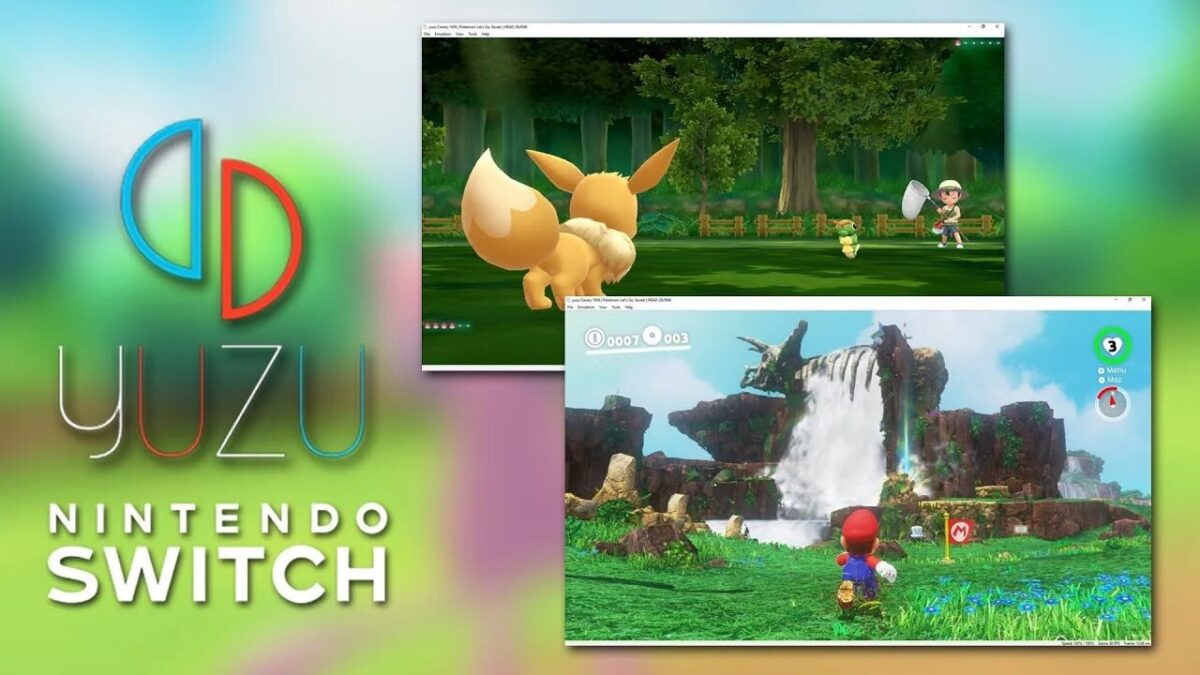
It is the most renowned emulator worldwide, designed by Citra. It should be noted that it is available free of charge as open source software with a particularly exceptional feature.
The slight downside to this 3D simulator is that it is not compatible with all games, which is one of the reasons why it is not very effective. On the other hand, it can be remarkably compatible with certain games. popular games, such as Super Mario and many others that you can discover for yourself on the Yuzu page.
This emulator also includes a number of settings for :
- Change the image resolution;
- Change configuration ;
- Choose the theme that suits you best.
You'll also find various interesting exchanges on the responses to the various questionnaires sent in by numerous users around the world.
The RYUJINX emulator: a combination of a perfect interface and multiple features
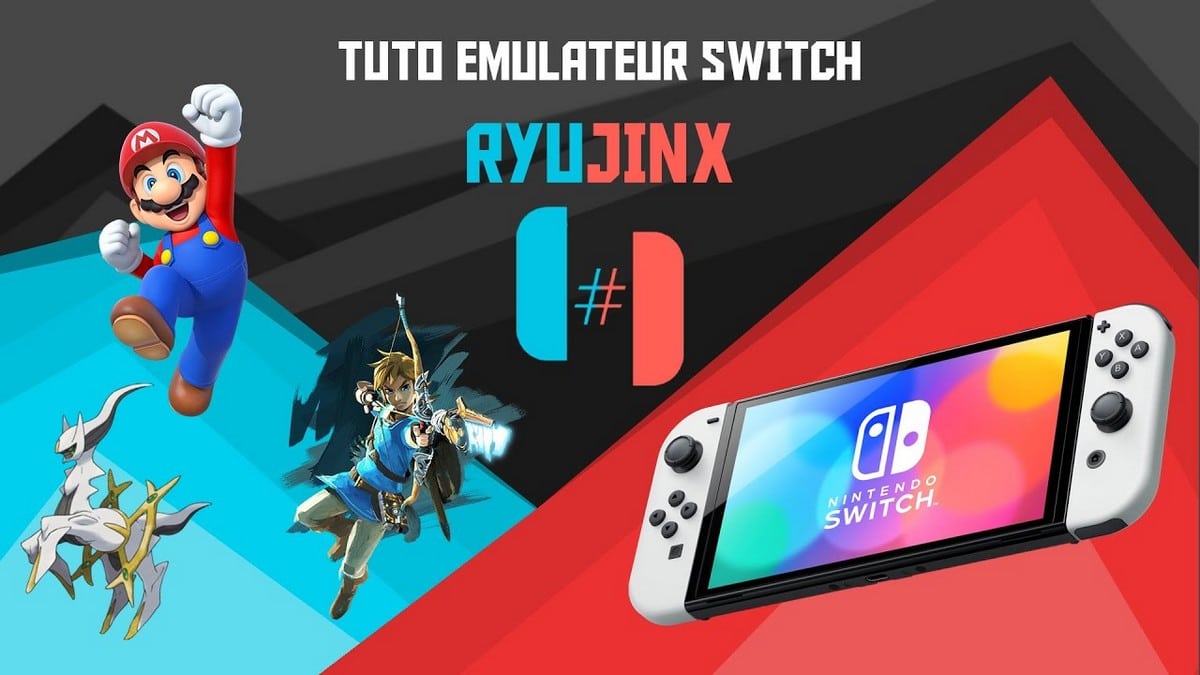
Ryujinx has been very successful with users. Indeed, those who have tested it have confirmed that it is one of the best, all of which is explained by the multiple functions that its software offers. It has been designed in C# With over 1000 games available.
Ryujinx provides all the necessary information before the start of a game. It is said that this simulator is close to perfection, despite the existence of a few obstacles. It can be said that it offers a perfect interface for its users. It offers a unique experience with a sensation similar to that of playing a console game.
Unlike the YUZU emulator, RYUJINX has a multiplayer functionalityThe image resolution is customizable, and the filtering mode can be automated without any problems. For further information about this emulator, please visit their website. Finally, it is compatible with Linux, as well as Windows, just like YUZU.
YUZU: the Switch emulator for an unforgettable gaming experience
After comparing Yuzu and Ryujinx, Yuzu is theSwitch emulator which offers users an unforgettable gaming experience with just one click. It offers a long list of compatible games. It is highly portable, as it is developed in C++. With this resource-efficient emulator, users can run the most popular and recent titles without any lag. They can also resize the rendering resolution to simulate docked, undocked and beyond-native resolutions.
The graphics modes supported by this emulator are OpenGL and Vulkan (experimental). Yuzu is compatible with Windows and Linux operating systems. Users can choose between dark, light, midnight blue, and other themes for the interface. In addition, multiple profiles can be configured and used.
With these two emulators, you can easily play Switch games on your PC. Are you having trouble setting up your Switch emulator? Feel free to ask questions in the comments.









 English
O meu PC roda melhor no YUZU porque é de entrada (Kit Xeon X79). A vantagem do YUZU é possível configurar cada jogo, o Ryujinx parece que ainda não tem essa opção. Assim também a firmware porque o Ryujinx necessita instalar para poder rodar, sem a firmware o Ryujinx não consegue rodar os jogos, ao contrário do YUZU que funciona sem firmware (não obrigatório). O Ryujinx roda melhor em PCs mais potentes e de maior performance. O YUZU roda melhor em PCs de entrada (um pouco mais antigos).