The nintendo-switch is a console known for its flexibility between its portable mode and its home theater mode, both of which can be tailored to our needs depending on the situation. But can we also use it to watch movies? The answer is yes, with a few limitations.
On nintendo-switch, you can watch movies and videos using streaming apps available on the Nintendo eShop, as YouTube (free) or Hulu (available only in the United States). However, Netflix is not officially available on the console: there are ways to work around this limitation, but some raise legal questions, which we discuss in more detail below.
In this article, we'll look at several ways to watch movies on the Switch: through streaming services available on the eShop, and through alternative ways to access Netflix. Follow along.
How do I watch a movie on Nintendo Switch?
Yes, you can watch movies on nintendo-switch. The easiest way is to download a streaming app directly from the Nintendo eShop, then log in to your account to enjoy the service. There are three main apps that let you watch movies and TV shows on the console: YouTube, Hulu and Crunchyroll. Note that Netflix is not officially available on Switch, unlike on PlayStation or Xbox.
1. Watch a movie on Switch with YouTube
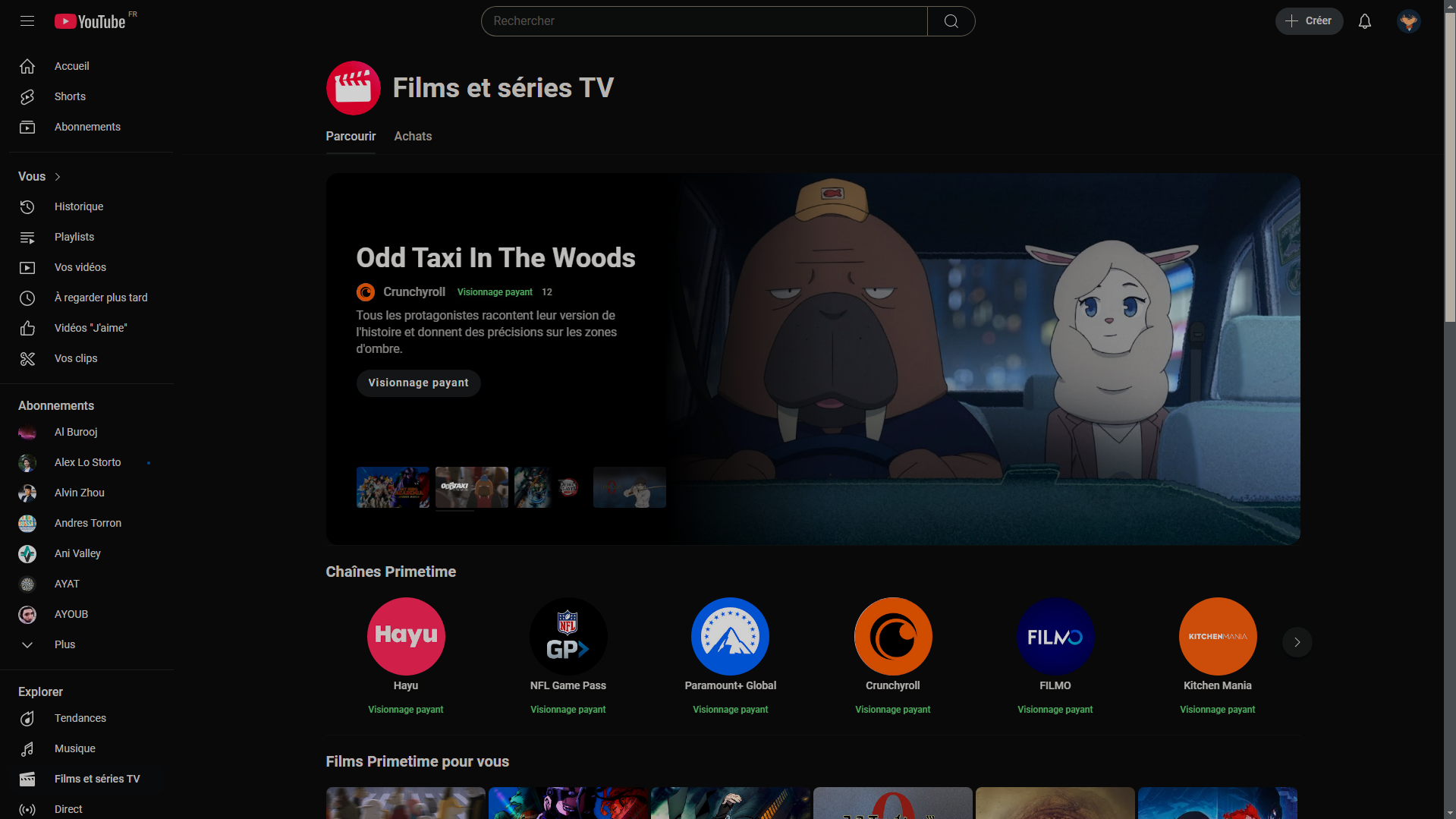
YouTube is the perfect place for watch free movies on YouTube, and the app is free to download from the eShop. But the platform also lets you watch movies right on your Switch while you're gaming.

At the same time, Primetime channels give you access to official streaming content on up to three devices when you subscribe to a channel YouTube who offers it.
2. Play movies on Switch with Hulu
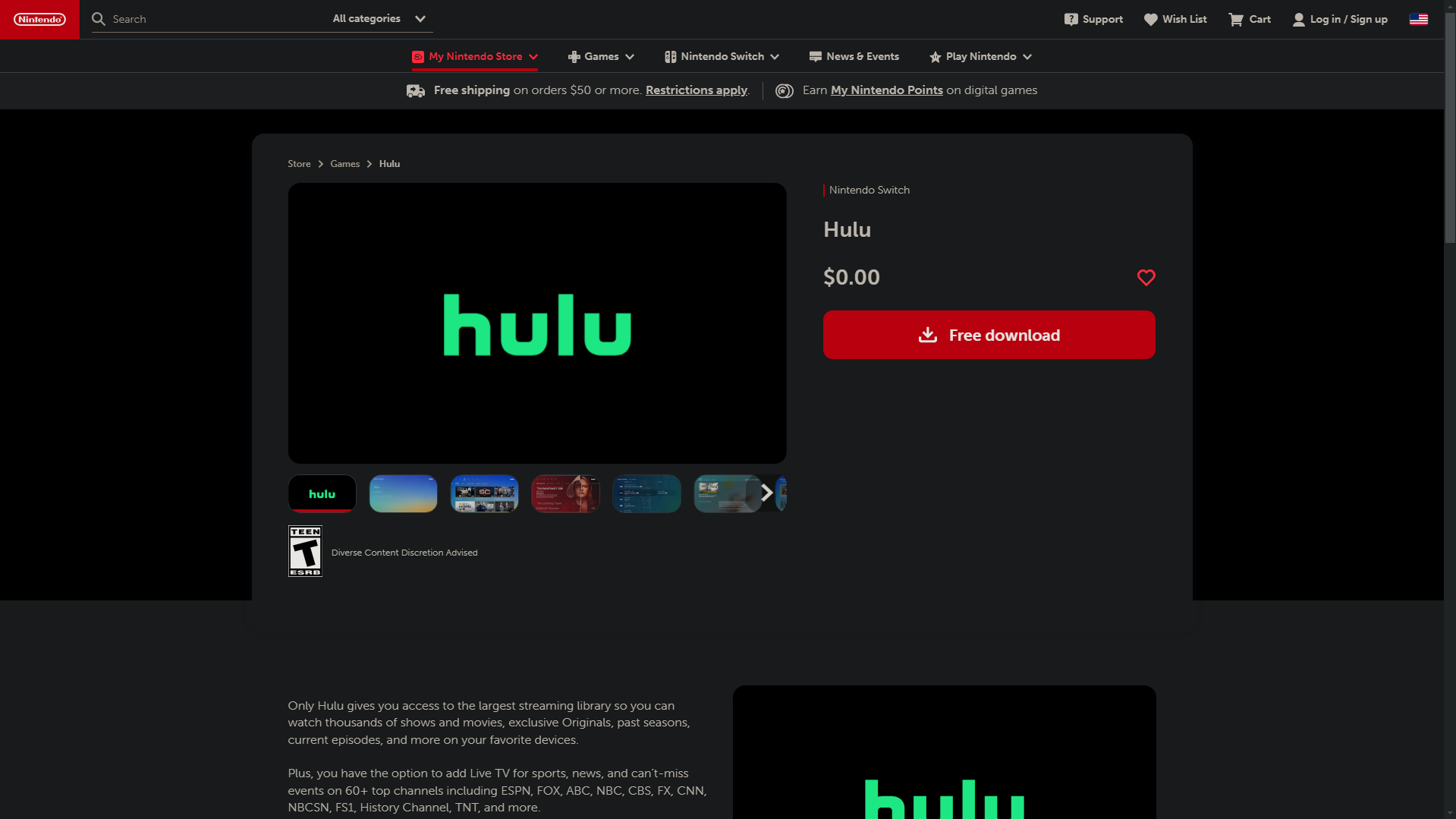
Hulu is also a streaming app available for download from the Nintendo eShop. It’s a great choice for fans of movies, but especially for fans of TV series. Be aware, however, that this streaming service is available only in the United States (and, in a separate local version, in Japan). The app is not accessible from France.
| Plan | Remarks | Price (in dollars) |
| Hulu (with ads) |
Access to Hulu Originals content. You can create up to 6 profiles. Two screens simultaneously. |
7.99 $ per month |
| Hulu (commercial-free) | All the benefits of Hulu with Ads+:
No advertising. Downloadable content. Downloaded content viewable offline. |
14.99 $ per month |
3. Watch a movie on Switch with Crunchyroll
For anime fans who want to watch the latest animated film from Spy x Family or watch them again Demon Slayer, Crunchyroll It has been available on the Nintendo Switch eShop for a long time. The app's availability now varies by region: check to see if it's available on the official eShop for your region before you get started.

| Plan | Remarks | Price (in euros) |
|
Premium |
Ad-free catalog access. |
6.99/month |
|
Premium+ |
Ad-free catalog access. Streaming on four devices simultaneously. Offline mode available. |
9.99/month |
| Premium+ Elite | Ad-free catalog access.
Streaming on four devices simultaneously. Offline mode available. Access to Crunchyroll Game Vault. |
11.99/month |
How it works ?
As you can see, the Nintendo eShop offers several streaming apps for watching movies on the console. Here’s how to do it in three steps:
- Download the app you want from the Switch eShop.
- Log in to your account or sign up and purchase a subscription.
- Enjoy the streaming service and start watching your movies and TV shows.
Can we put Netflix on the Switch?
No. As of today, Netflix is not available on the Nintendo Switch eShop. The streaming giant has never released an official app for the console, unlike PlayStation or Xbox. So if you were planning to watch *La Casa de Papel*, *Narcos*, or *House of Cards* directly on your Switch, you won't be able to do so natively.
The reason is simple: Nintendo Historically, it has kept its console focused on video games, without pushing streaming services. There are alternative ways to work around this limitation, but they involve risks—both technical and legal—that you should be aware of before proceeding.
1. Download Netflix on Switch via Android
The first solution is to Install the operating system Android on the console, to access Google Play from your Switch and download the Netflix app.
Here are the steps to follow to install Android on your Nintendo Switch:
- Download a version of Android that is compatible with your Nintendo Switch.
- Use an SD card dedicated to this task (a specific formatting process is required to install the Android operating system files).
- Transfer the Android version to a micro-SD memory card with enough space.
- Insert the micro-SD card containing Android into your Nintendo Switch.
- Start your console in recovery mode.
- Follow the on-screen instructions to install Android on your Switch.
- Enjoy Google Play on your console and download Netflix.
Important warning: this method entails several risks. Nintendo does not approve of this type of modification and has established penalties. You may void your console's warranty or even be banned from certain online services by the company. So think carefully before making your decision.
2. Use Netflix video download software
At the same time, some video download software allow you to download movies and TV shows from Netflix onto a PC and then transfer them to the Switch. Some of the best-known ones include:
- MovPilot, which specializes in downloading and converting Netflix videos.

- StreamFab, which allows you to download and save streaming content, including Netflix.
- TunePat, a suite of tools for audio (Spotify, Apple Music) as well as video, with a module dedicated to downloading Netflix movies and TV shows.

Here's how to watch Netflix on your console using these apps:
- Choose the video download software you want.
- Download the TV shows and movies you want to watch to your PC or mobile device.
- Transfer the downloaded videos to an SD card intended for this purpose.
- Insert the SD card into the console and enjoy your content.
Legally Important : These programs bypass Netflix's DRM protection, which is prohibited in most countries. We do not recommend this method and urge you to comply with the service's terms of use.
In short, watching movies on your Nintendo Switch primarily involves downloading streaming apps available on the Nintendo eShop, such as YouTube (free). Netflix is still not available on the eShop: alternative solutions (Android or third-party software) carry significant technical and legal risks.
If you're also looking to reduce the cost of your Nintendo Switch Online subscription, a Nintendo Switch gift card might be a good way to save money on your purchases. Be sure to check out our opinion about Sharesub, a platform that lets you get this subscription at a lower price.









 English