In this article we'll look at how to play Battle Legion on PC, which is a PVP strategy games mobile.
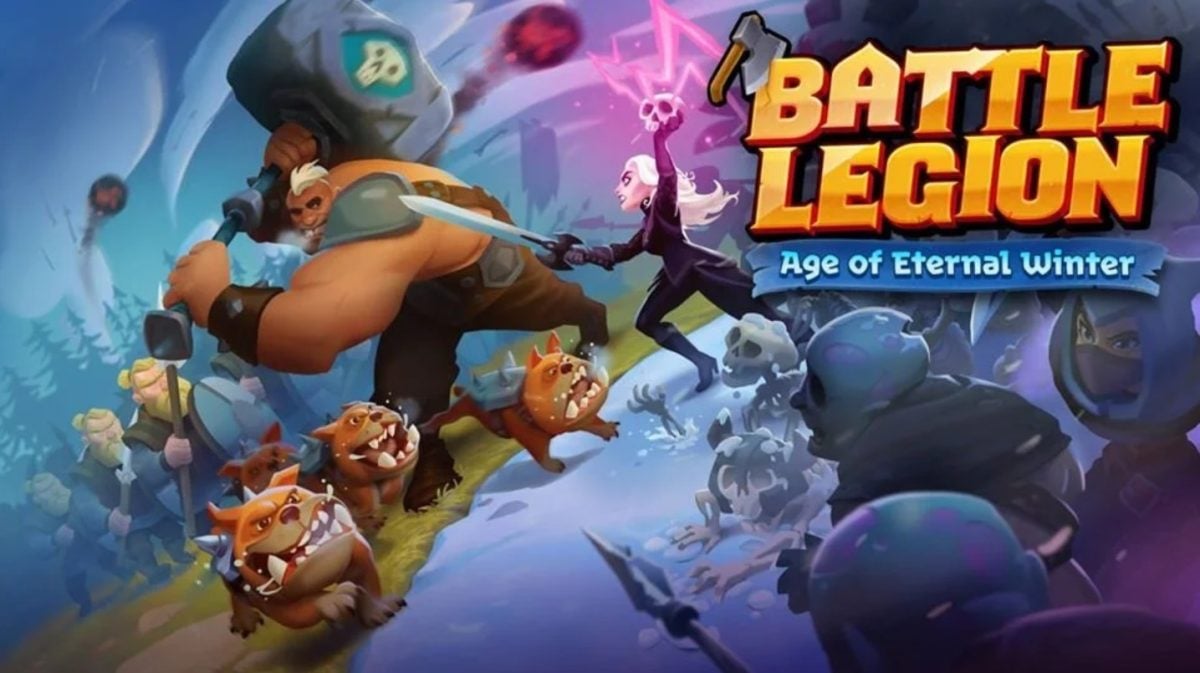
In this article, find out how to play it on PC or Mac and how to reduce the cost of your purchases !
To install the game on your PC, we'll use Bluestacks with the tutorial below.
Install Battle Legion with Bluestacks
And if you're shopping for the game, don't forget to visit the official Battle Legion website to save money:
See the official Battle Legion store
How to download and play Battle Legion on BlueStacks?
As you know, Battle Legion is officially available on mobile (Android and iOS). But if you prefer to play from the comfort of your computer, it's perfectly possible to play via an emulator.
- Visit the official BlueStacks website and download the latest version of the emulator.
- Start the download file and follow the on-screen instructions. Installation is simple and automated.
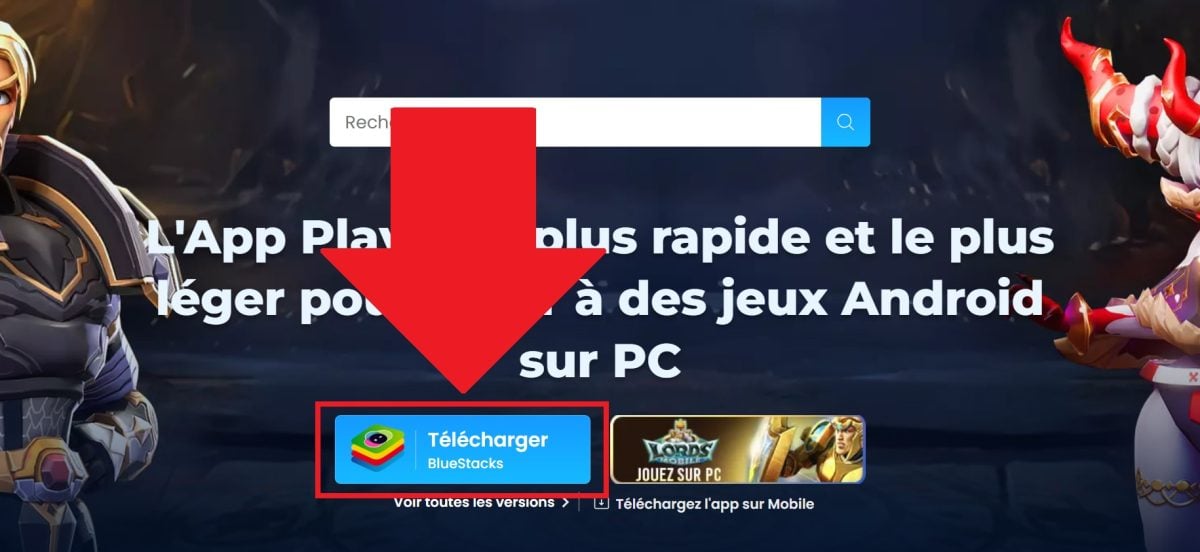
- Once BlueStacks is installed, you will be prompted to log in to your Google Account (or create one).
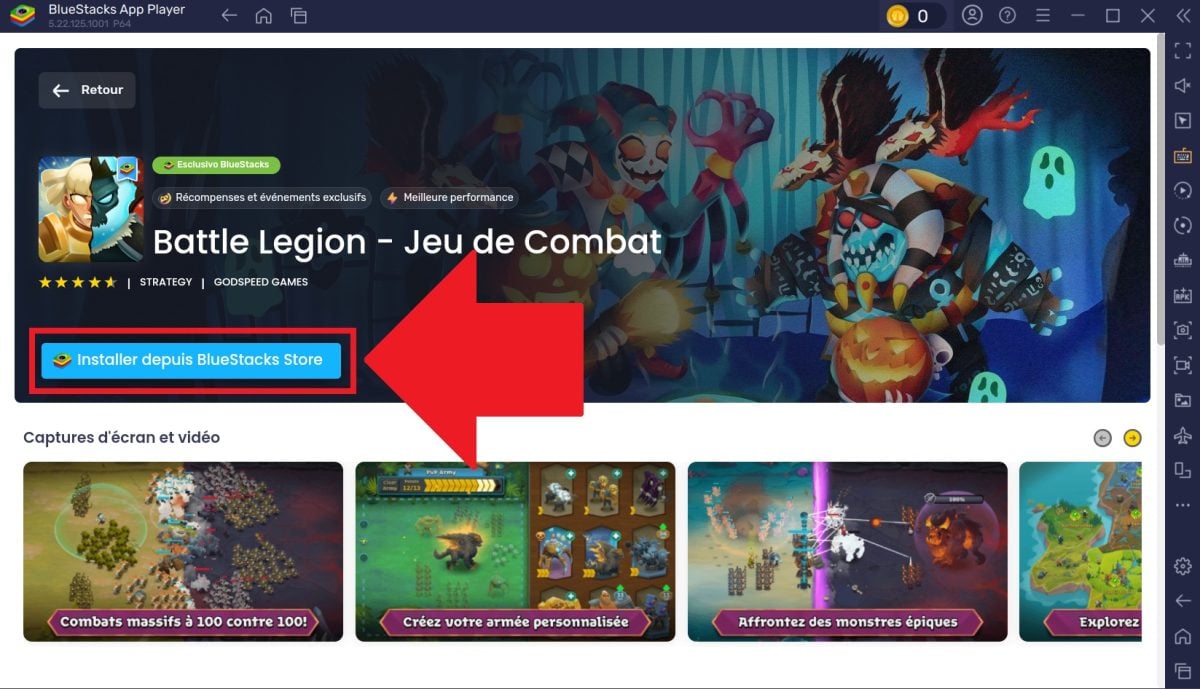
- In the search bar on the BlueStacks home screen, type “Battle Legion”.

- Click on the game in the results, then on “Install”.”.
- Once installation is complete, the’Battle Legion icon will appear on the home screen by BlueStacks.
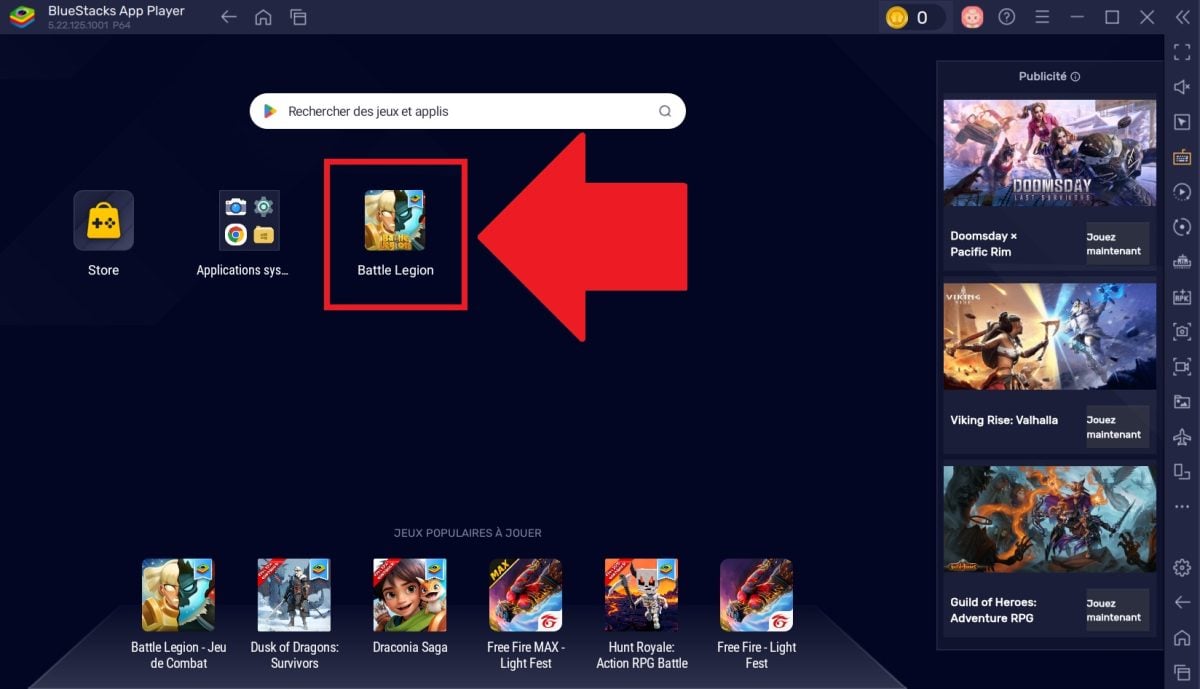
- Click on it to start the game and start your 100v100 battles on the big screen!
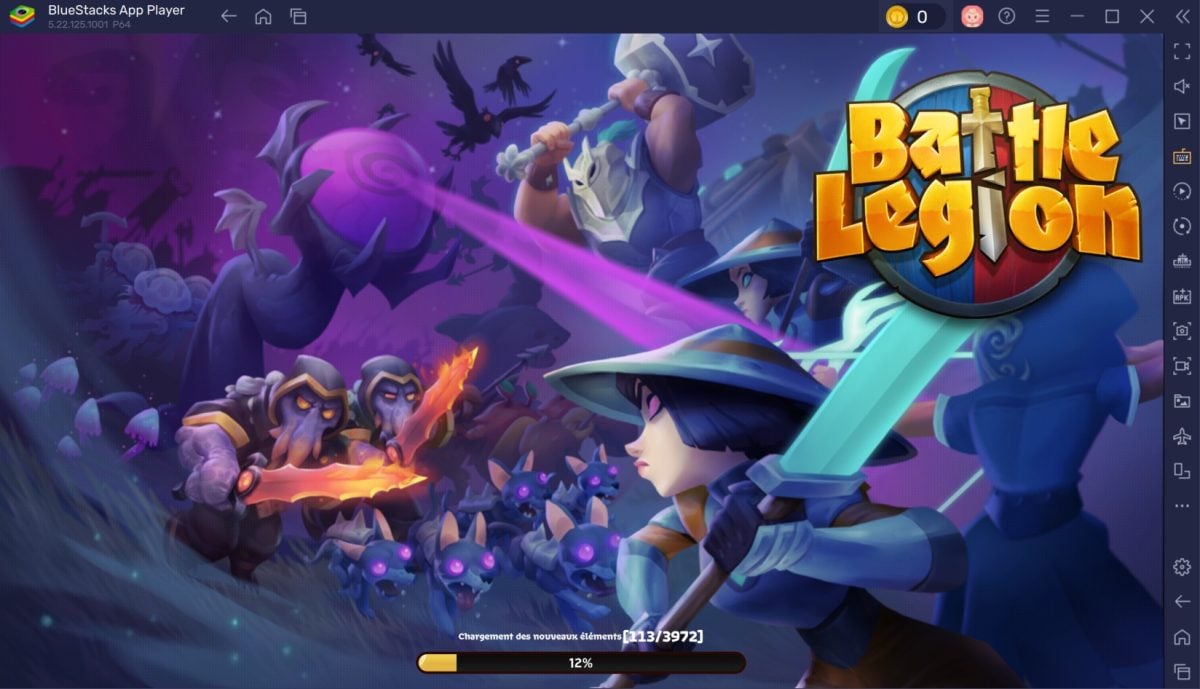
How can I spend less on Battle Legion?
One of the best ways to maximize the value of your purchases and save money on Battle Legion is to go to the game publisher's store, GODSPEED GAMES, known as Spellwagon.
Via this link, you can go directly to potentially lower prices, without the surcharges applied by Google Play or the App Store.
See the official Battle Legion store (20% savings)
- On the Spellwagon store page, you will need to log in to your Battle Legion account.
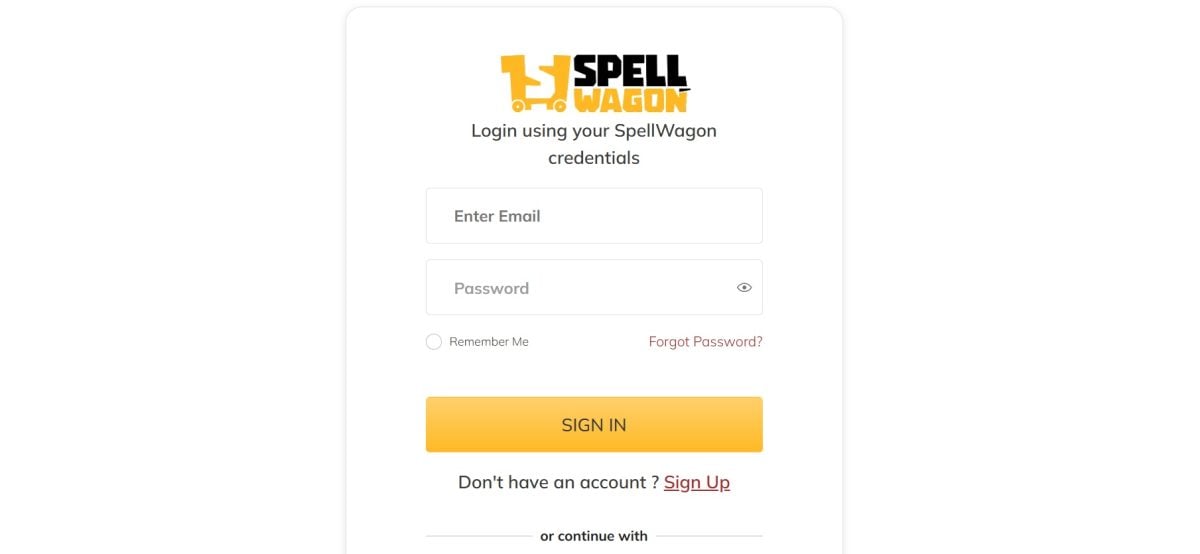
➡️ Use the same account you use to play to the game (usually via Google or Apple) to ensure that your purchases are credited to the right profile.
- Once logged in, explore the different pack categories available (Gems, Season Passes, Special Offers).

➡️ You will often find that posted prices are lower than to those you see directly in the game on your phone or via BlueStacks, as they avoid the “tax” of mobile platforms.
- Select the desired product and proceed to payment. Spellwagon generally offers several secure payment options (credit card, etc.).
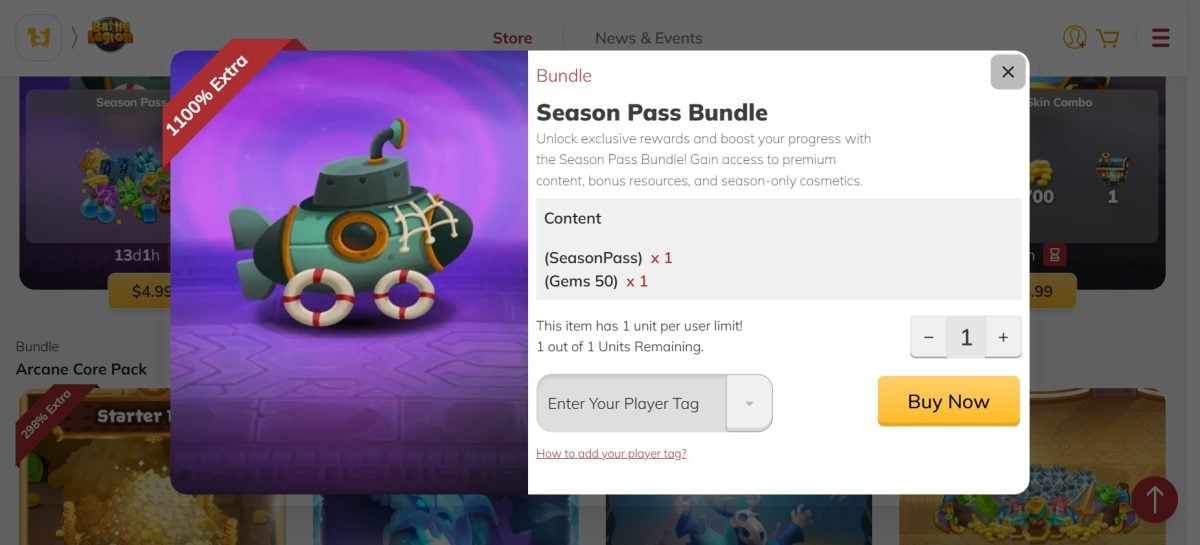
➡️ Always check that the pack is properly credited to your account by restarting the game after purchase.
Now you know how:
Play Battle Legion on PC :
Install Battle Legion with Bluestacks
Save money at play!
Discover the official Battle Legion store
Looking for other popular mobile games to play on your PC? Check out our selection:








 English