To Play Farming Simulator 2023 in multiplayer mode, open the main menu and select Multiplayer game. You can then join an existing game or create your own session. All you need is a stable internet connection and the latest version of the game.
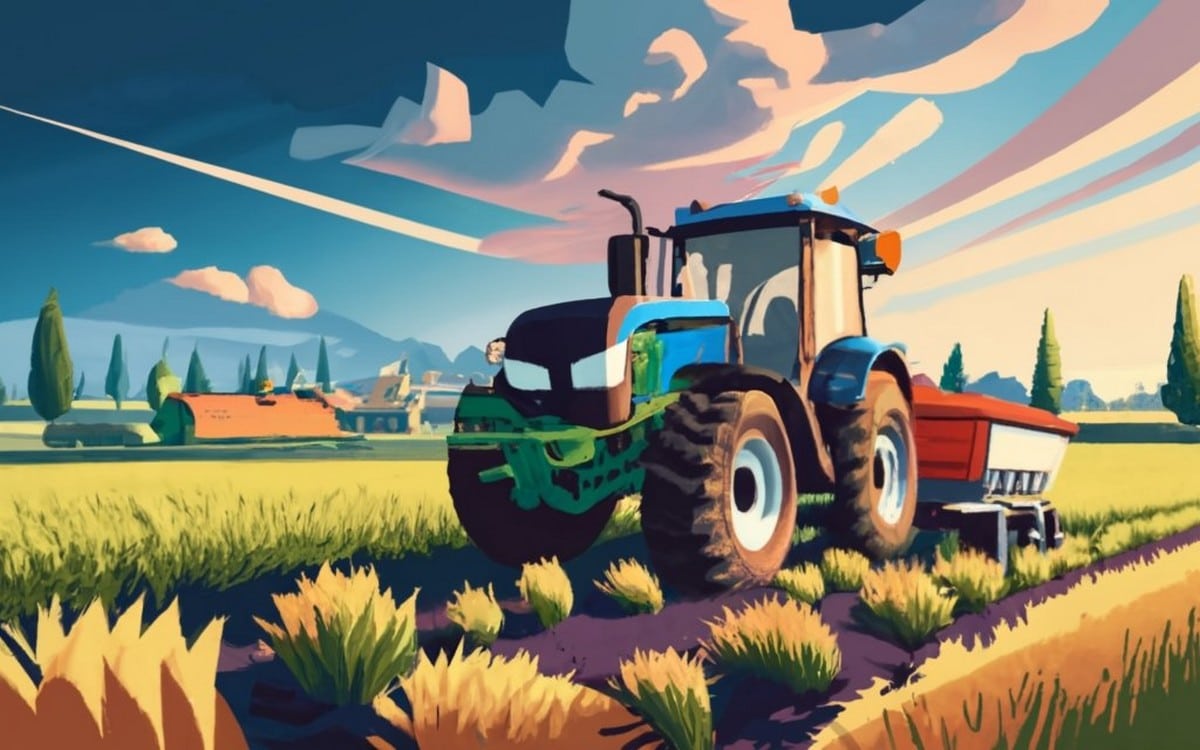
Introduction to Farming Simulator 2023 Multiplayer Mode
the multiplayer mode of Farming Simulator 23 allows you to manage a multi-family farm, on the same card, in real time. You share the same cash flow, the same fields and the same equipment. The progression is the same for all participants in a given session.
In practical terms, you can divide up the work this way:
- One player plows and sows while another reaps.
- A third person is in charge of the transportation to retail locations.
- One of them manages the animals or machinery, such as the tractors in the packs John Deere, Fendt Where Case IH.
Good to know: Farming Simulator 23 is published by Giants Software and released in 2023 on Nintendo Switch and mobile.
It is a separate version of Farming Simulator 22, available at computer, PlayStation, Xbox and Xbox Series.
Overview of multiplayer mode in Farming Simulator 2023
Play Multiplayer really changes the experience compared to playing solo. Tasks are divided among players, which allows you to make much faster progress. The aspect social is also enhanced: you play with your friends, using voice chat via Discord For example, and farm management becomes collaborative and dynamic.
There is one limitation to keep in mind: the size of the card remains limited and can quickly become repetitive during a long game.
Advantages of multiplayer in Farming Simulator
the multiplayer gives you several concrete advantages:
- You'll make faster progress thanks to the division of labor between players.
- The dimension social makes the farm much more lively than when you're on your own.
- The collaborative management Running the farm becomes a true team effort.
If you want to learn a little more about multiplayer mode, check out our article on the list of multiplatform games.
Preparing for Multiplayer in Farming Simulator 2023
Before you get started, all you need are two things: a game updated and an stable connection. This is the foundation for joining a session or hosting your own shared farm in this simulator.
To note : Farming Simulator 23 is available on Nintendo Switch and mobile. The version computer (via Steam) corresponds to Farming Simulator 22. The principle of the multiplayer mode remains the same from one album to the next.
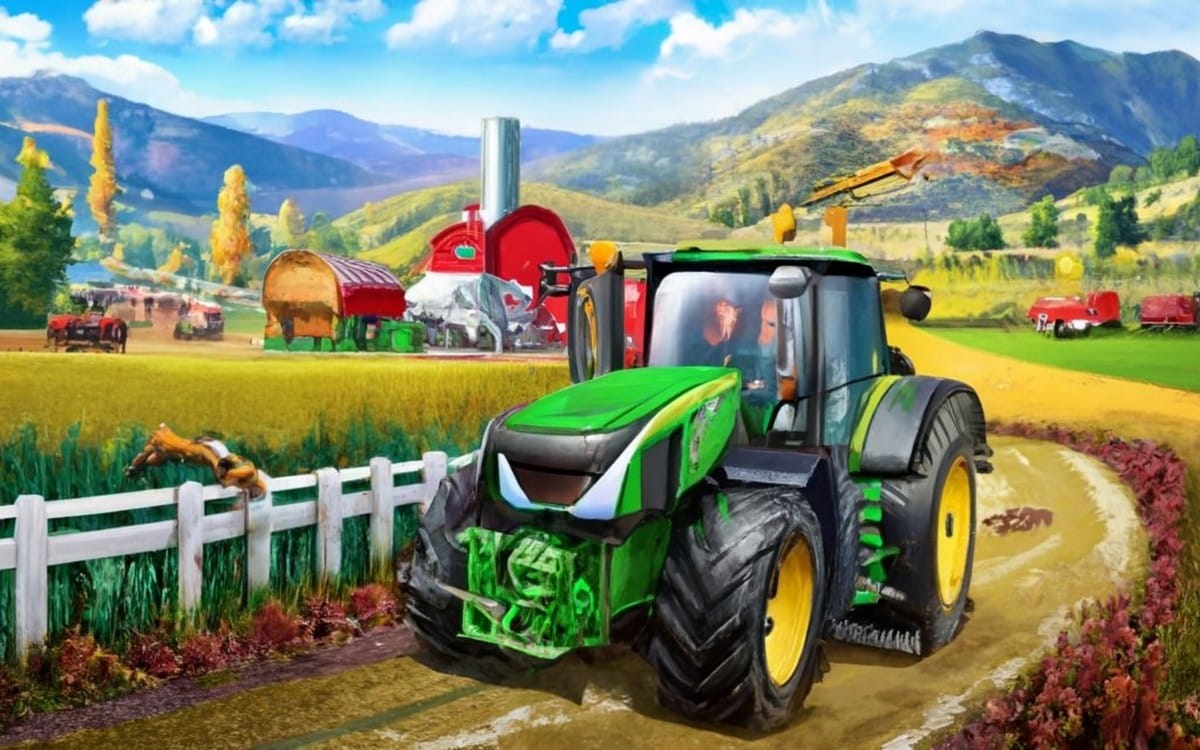
PC System Requirements
This section applies only to the version Windows PC. On Switch or on your phone—you don't need to check anything on that end.
Minimum System Requirements
- Operating system : Windows 10 (64-bit)
- Processor : Intel Core i5-3330
- Memory : 8 GB of RAM
- Graphic card : GeForce GTX 660
- DirectX : Version 11
- Disk space : 35 GB
- A compatible sound card
Recommended Setup
- Operating system : Windows 10 (64-bit)
- Processor : Intel Core i5-5675C
- Memory : 8 GB of RAM
- Graphic card : GeForce GTX 1060
- DirectX : Version 11
- Disk space : 35 GB
- A compatible sound card
If you're above the Recommended Configuration, you can join or host a session without worrying about hardware-related slowdowns.
Account and Login to Join a Game
Of them cards are available at launch to host your session:
- Amberstone, inspired by the landscapes of the United States and its Rocky Mountains
- Neubrunn, which mirrors the German campaign in every detail
The fields and roads there are very straight, which isn't always realistic, but makes it easier to work as a group.
Starting a Multiplayer Game on Farming Simulator 2023
From the main menu of Farming Simulator, select one of these two options:
- Contact an existing structure
- Create a game from scratch
Join a multiplayer game
Select the tab Multiplayer game from the main menu, then select Join the game. You'll then see all the available ongoing sessions, as well as your friends online.
To narrow your search, use the available filters:
- The map : to display only the games played on a specific map
- Language used in the session (useful if you're looking for French)
- the maximum number of players authorized
- The without password to identify servers that are open to everyone
- The incomplete parts to find a session that still has openings
Once you've found your session, click on it. If it's password-protected, enter the password to join the game.
Create Your Own Multiplayer Game
Would you rather host your own farm and invite your friends? In Multiplayer game, select Create a game and configure these options before running:
- Select your card and the game mode (new farm or existing backup)
- Sets the maximum number of players authorized
- Add a password If you want a private session with friends
Click "Valid," and your session will appear in the list. Enter the name of the party and the password to your players so they can log in. Important: With standard hosting, if you log out, the connection is turned off, and the session closes for everyone.
Settings and Customization of Your Multiplayer Experience
If you encounter any lag in multiplayer, begins with Update your graphics drivers. Next, adjust the display settings from the menu Options to lighten the load and improve flow. A good connection is also essential for stabilizing the session.
Adjust the display settings like this:
- Hardware specifications: low
- Vertical sync: no
- Window mode: windowed
- Field of view: 60°
- Camera tilt: no
Press Entrance to confirm, then click Space to display the advanced settings and set them as follows:
- Hardware profile: low
- Multisampling anti-aliasing: No
- Post-processing anti-aliasing: no
- Shadow Quality: Off
- Super resolution: No
- Quality of distant shadows: low
- Quality SSAO : low
- Lighting quality: poor
- Object rendering distance: 75 %
- Terrain detail level distance: 75 %
- 3D Scaling: 100 %
- Rearview mirror: 0
These settings reduce the graphics quality but significantly stabilize performance when multiple players are sharing the same map. The more players online, the more of a difference they make. These tips apply only to the Windows PC version.
Conclusion and Future Prospects for Multiplayer Mode
the multiplayer mode of Farming Simulator 23 turns managing your farm into a real team effort. You cultivate your fields, share equipment, and make progress much faster than you would on your own.
From the main menu, select Join the game to join an existing session, or Create a game To start your own game, make sure you have a good internet connection and that the game is up to date.
In terms of developments, Giants Software offers additional machine bundles, such as the bundles John Deere, Case IH Where Fendt, available via Steam on the PC version. That should keep your multiplayer sessions fresh for a long time.
What about you—have you ever tried multiplayer on Farming Simulator ? Share your best team experiences in the comments.
You might also be interested in this article: How to Buy Steam Games for Less.








 English