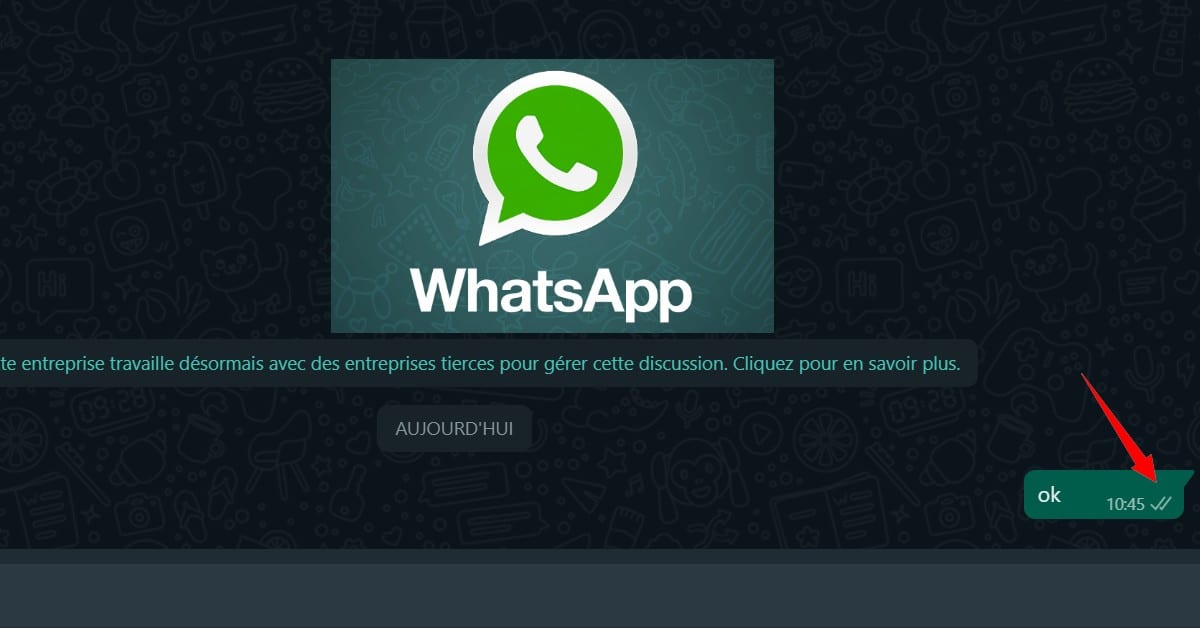
We all expect the same thing when we send an instant WhatsApp message: pay attention to the blue lines. We're annoyed if we see a single gray line. However, it's almost comforting to see that the recipient hasn't received or seen the message.
The worst-case scenario is one where you receive no response and the tics are clearly blue. You can then create the most miserable scenarios. What could be more frustrating than waiting hours for someone to answer? That's where we are today.
The opposite is also true: some people don't have the time or inclination to respond immediately. Why force them to respond immediately, or put them under constant pressure?
Sometimes, we simply want to read the message out of curiosity, without necessarily acting on it. We don't always do this. We're so understanding that we'll even offer you a few tips to help you meet your expectations.
Summary
WhatsApp has transformed our lives in so many ways. It's a blessing to be able to communicate instantly with friends and family, regardless of distance. Exchanges are fluid and the amount of content shared is tenfold. Sometimes, however, an avalanche of notifications can be a nuisance.
We can't be available 24 hours a day, 7 days a week. Everyone has their own rhythm, and it's important that we respect that. We often feel responsible to everyone. We feel almost obliged to respond to every message we receive, even if it means having to justify our actions for hours on end.
This is the trap of social networks that try to betray us. Under the pretext that we are "visible" online, we are expected to be available and give of our time to everyone. There are subtle ways of avoiding these annoyances. Here's how to view WhatsApp messages without being seen.
You can read WhatsApp messages without being seen
The easiest and most direct way to do this is to use parameters.
Go to Settings and click on WhatsApp. Then open Privacy. You will see the “Read confirmations” option at the bottom of this tab. This option can be disabled so that the read receipt with two blue checkmarks does not appear on conversations after you have read the message. This way, none of your contacts will see the two blue checkmarks when you read a message. It's clear !
This method has a disadvantage: if you deactivate this option, your account will also be deactivated. This means you won't know when your contacts have read your messages. It's a double-edged sword!
If you want to continue reading them without logging into WhatsApp, you can use one of the other tricks that we offer below.
Other Tricks to Read WhatsApp Messages Without Opening the App
How to read WhatsApp messages using airplane mode?
Every smartphone has a mode that disables all connections. It may be called 'offline', 'airplane' or 'flight mode' depending on the model. You can enable it to read the WhatsApp messages you received the notification from. However, WhatsApp will not be able to confirm that the message has been read. Blue checkmarks will not be visible to the person who sent the message.
This system is only temporary. The app will resume communication with the servers when you disable offline mode and restore normal operation. She will notify the server of all messages she has read.
How to secretly read messages in notifications
If your version of Android supports the widget that displays the preview message, you should know that reading this will not activate the tick. Reading the widget is considered a preview. However, some versions allow us to scroll the entire text.
Each method has its advantages and disadvantages. However, they all allow us to read WhatsApp messages temporarily or permanently without having to send the blue lines. To avoid unpleasant surprises and to ensure that these tricks work, it is best to test them with a friend.
If you need more help or other information about WhatsApp, feel free to check out our other Whatsapp articles, such as:










 English