Raid Shadow Legends Won't launch? Here are the solutions that fix the problem in most cases, depending on whether you're playing on a PC, Android, or iPhone.
But first and foremost, make sure that no maintenance is currently being performed on the servers at Plarium. Otherwise, just restart the launcher Plarium Play or simply reinstalling the game is often enough to get it running again quickly.
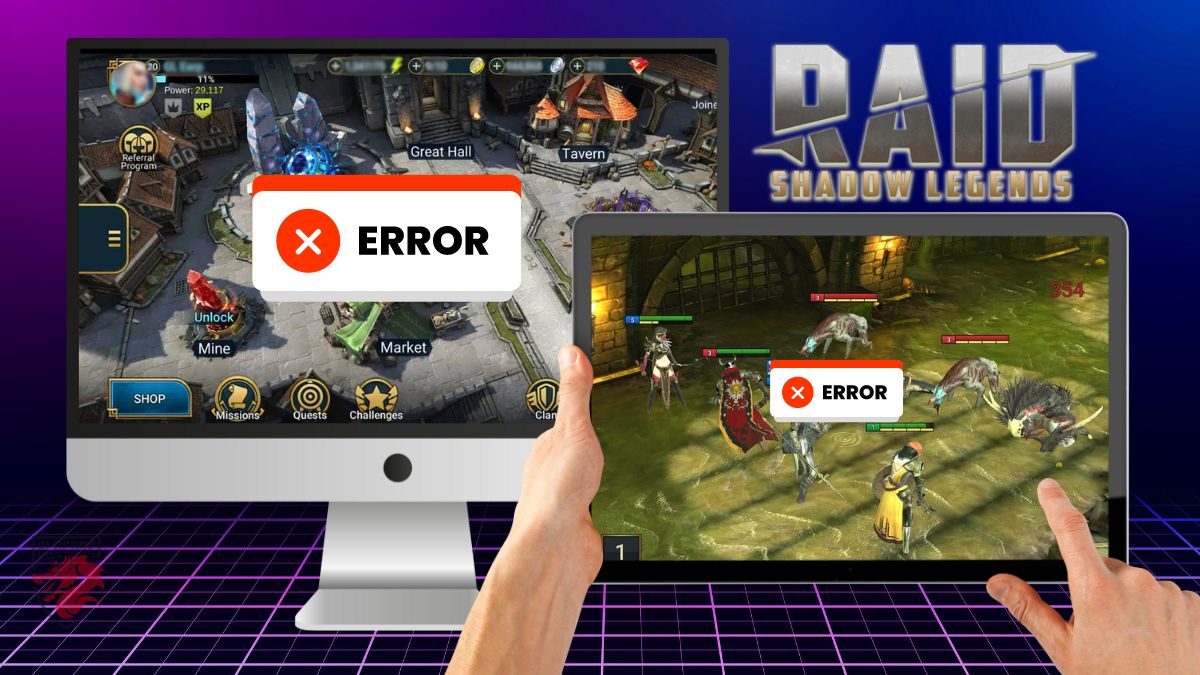
I'm on PC
On a PC, Raid Shadow Legends launches via the launcher Plarium Play. Most launch issues are caused by this launcher or an incomplete update.
Here are the steps to follow in order to resolve the issue:
- Completely close the game and the launcher Plarium Play.
- Uninstall the game from Plarium Play, then reinstall it and restart.
- If the problem persists, uninstall it as well Plarium Play.
- Reinstall Plarium Play, then Raid Shadow Legends, and start the game.
Good to know: Uninstalling the launcher does not necessarily delete the game files. Simply reinstalling Plarium Play is often enough to find Raid Shadow Legends without having to download everything again.
If the error occurs again, here are some other common causes to check on your computer:
- Your antivirus or firewall is blocking it Plarium Play. Add the launcher as an exception.
- Your internet connection is stable, and the game is not undergoing maintenance.
If nothing changes, the problem might be with the servers. Check to see if any maintenance is currently underway on the official account. @RaidRPG or request it directly on our Discord server associated with the game.
I'm on my phone
On mobile, the problem with launching Raid Shadow Legends is most often caused by an outdated system app. Here are the solutions based on your device.
If you're using Android, follow these steps:
- Open the Play Store.
- Research Android System WebView.
- Select «Update.».
- Do the same for Chrome on mobile.
- Also check that the Play Store and the game Raid Shadow Legends are up to date.
If you're using an iPhone, here's the solution:
- Uninstall and then reinstall the game from the’App Store.
If the problem persists after following these steps, the cause is often on the server side. Check the server status and any scheduled maintenance on the Raid Shadow Legends's official X account.
You can also contact support directly Plarium from the official website regarding an ongoing launch issue.
To return to the other pages on the wiki:









 English
Was ist RSL ???
Bitte Klartext schreiben, wäre nett.
Hello, I can no longer connect to the game, error enough storage… yet I have space… what should I do?
Since then I can't connect to the game anymore 🎮...
I deleted the game and reset...
I deleted the hidden storage files...I still have a lot of memory in storage.
And when I reconnect on RAID I always have the same message: error not enough storage space to install required resources…
contact plarium support directly if the problem persists