Yes, RSLTools is now one of the best free tools for Raid: Shadow Legends, alongside RSL-Helper.
It combines in a single Windows application An artifact optimizer that runs on your GPU, a Clan Boss calculator accurate to the turn, a Pity Tracker, and an Auto-Battle mode. It’s all free—no subscription, no mandatory cloud storage—and your data stays on your PC.
To learn more about RSLTools:
👉 Something to know beforehand : This is a third-party tool not affiliated with Plarium. The passive features (catalog, calculations) pose no issues; Auto-Battle interacts with the game and remains your responsibility. We’ll go into more detail about all of this below.
RSLTools: What is it?
Check out this video, which explains in detail everything you need to know about RSLTools.

For more details, here is an overview of the tools offered by RSLTools :
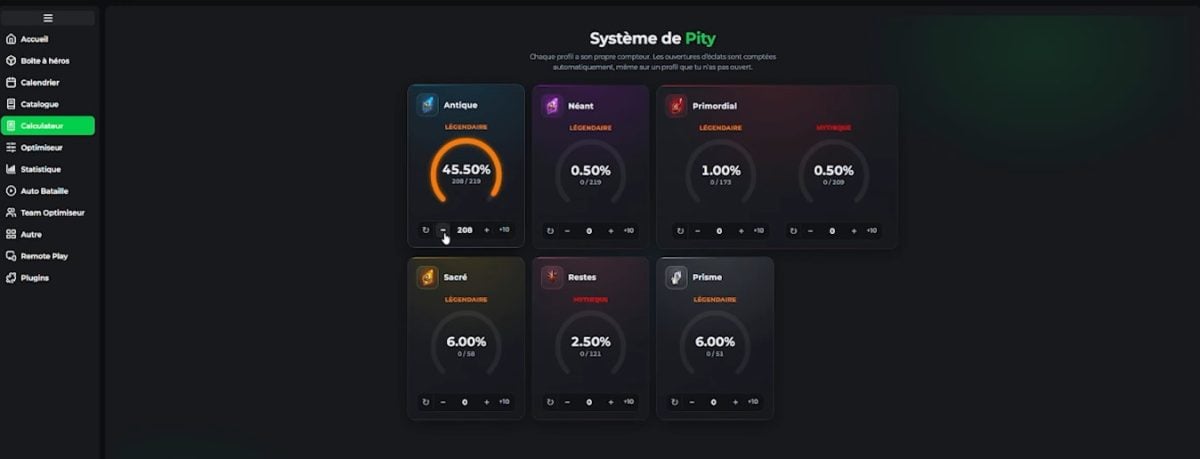
Pity System
This section lets you know when you'll have Your next legendary champion. Here, you can keep track of your Pity stocks for each summoning type (Ancient, Void, Sacred)—a real time-saver for managing your resources and avoiding spending your fragments at the wrong time.
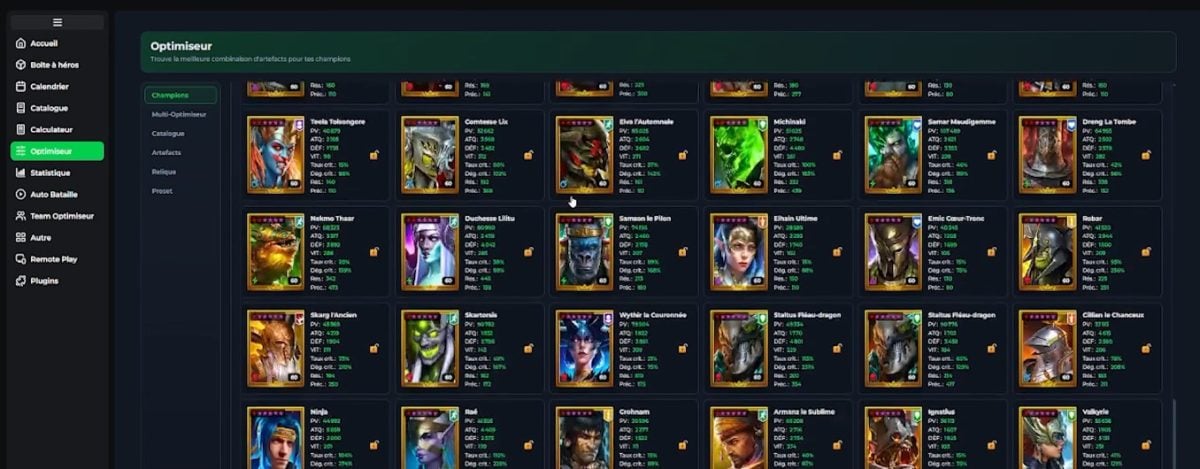
Artifact Optimizer
After selecting a mode (Damage, Survival, or Custom), perform a more targeted search using filters. You can adjust the specificity of the criteria to get custom builds tailored to each of your champions.
The optimizer is powered by your GPU/CPU, which allows it to deliver the best results almost instantly. The built-in charts help you analyze the balance of your stats and compare the suggested builds.
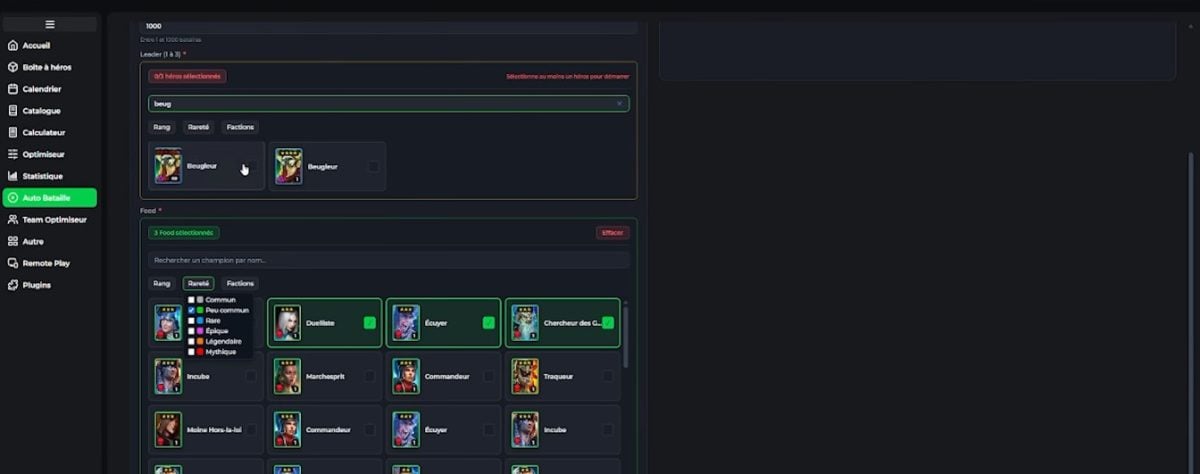
Auto Battle
With this section, it is possible to to automate your battles on the Campaign, Dungeons, Faction Wars, the Hydra, and the Chimera.
Multiple modes are available depending on the content you're farming, and you can use the settings to control when to stop, how long a run should last, and which items to keep.
Put on your champ Faster thanks to Smart Food Mode (which automatically uses champions to sacrifice for XP) and an automatic selling system that sorts your drops. Did a run fail? An automatic retry is scheduled.
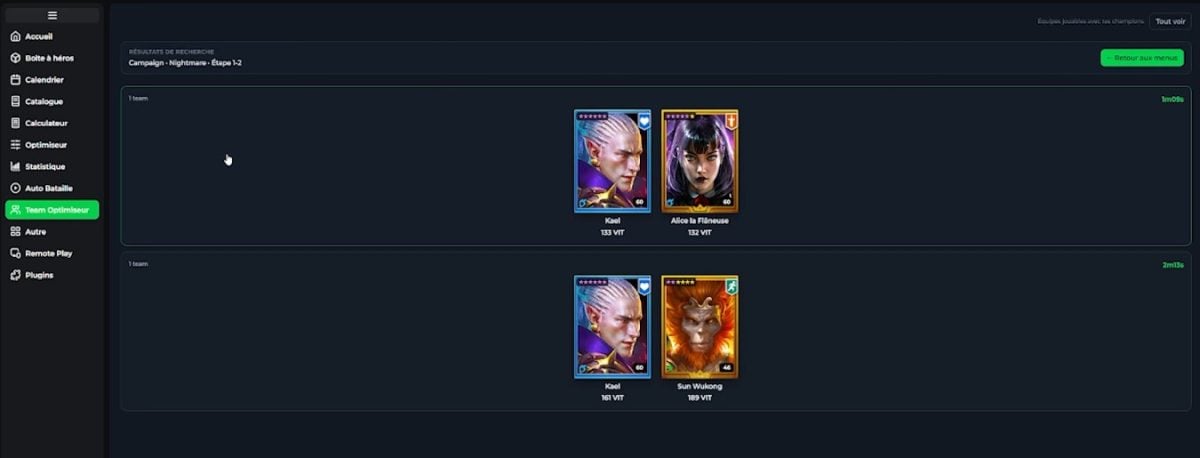
Optimization Team
Instead of starting from scratch, Team Optimiseur lets you rSearch for the compositions used by the community for challenging content (Hydra, Chimera, Brutal Clan Boss). Filter by content, see what works, and copy the compositions that match your roster.
This is particularly Useful when you unlock new content and you don't know where to start.
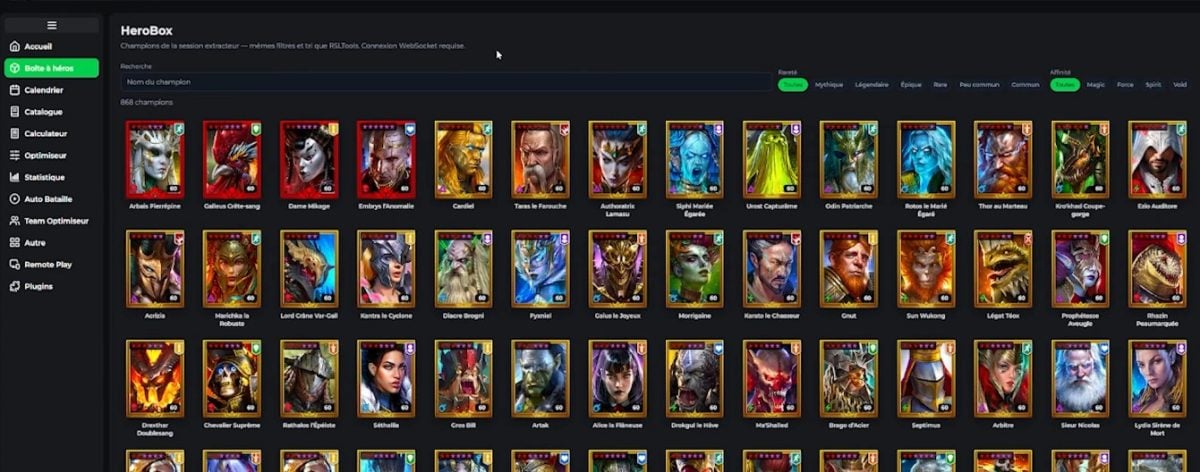
Hero Box
It includes all of your hero of the game.
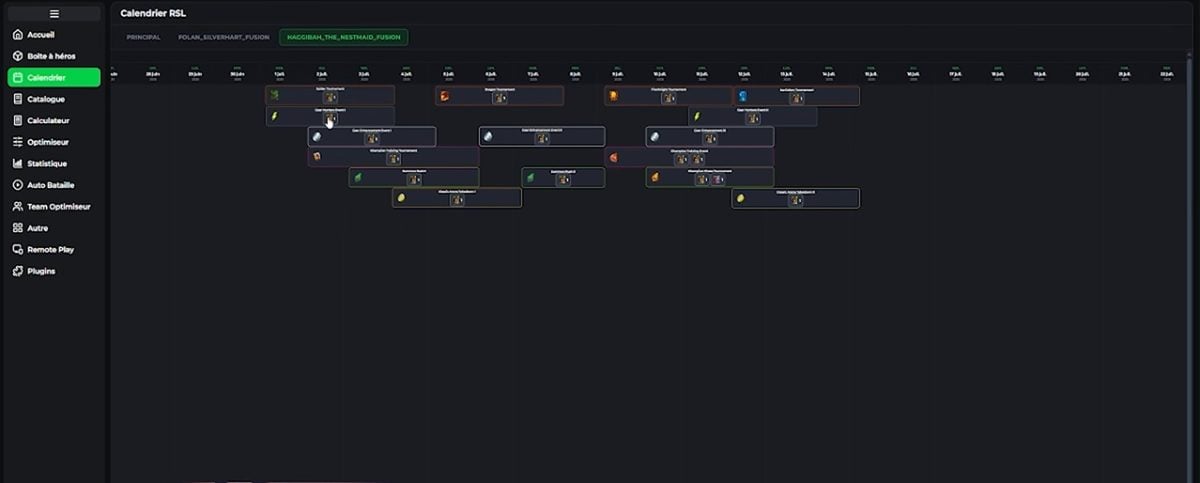
Calendar
It is used to track the events RSL officials, along with the awards, goals to be achieved, and champions.
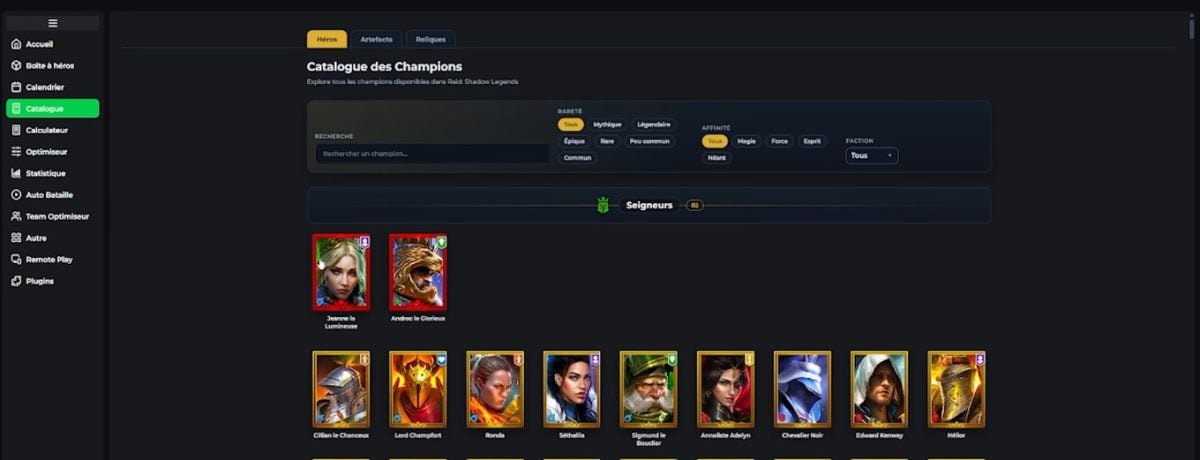
Catalog
It lists all the heroes in the game, the artifacts and the relics.
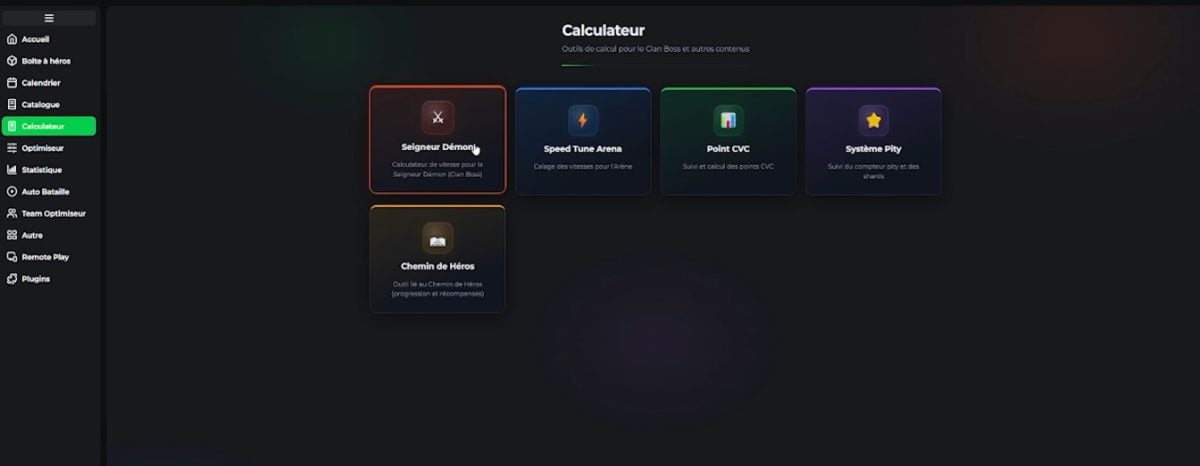
Calculator
It's used to set up your team and consists of several parts.
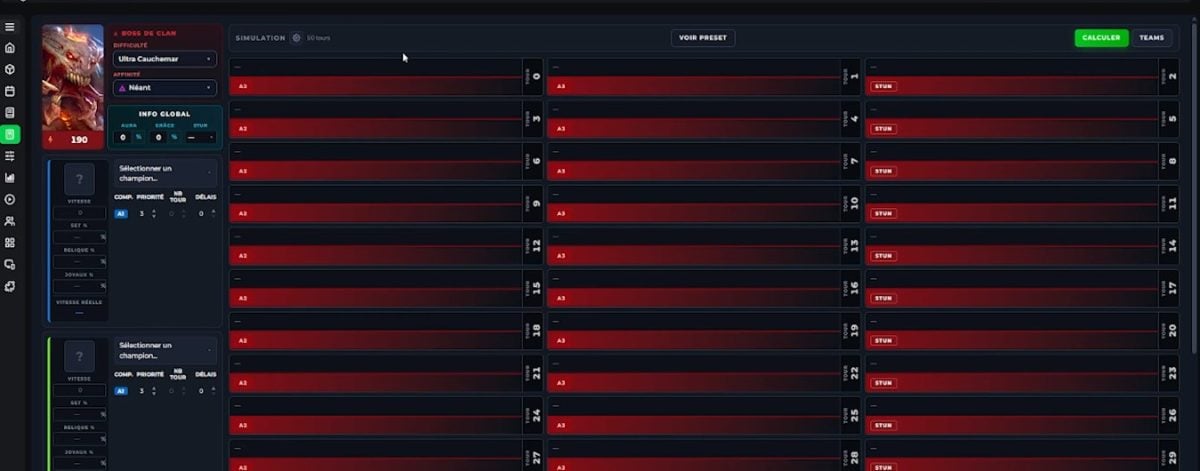
clan bosses
This section is based on a simulator that incorporates the computing system DeadwoodJedi, a standard recognized by the community end-game for the unpredictable matches. You have access to a simulator to test and adjust the lineup and manage the order of play for the cooldowns, taking into account the effects of auras, sets, gems, and relics.
Feel free to launch the simulation to see if the combination works. The goal is to have a team that never dies.
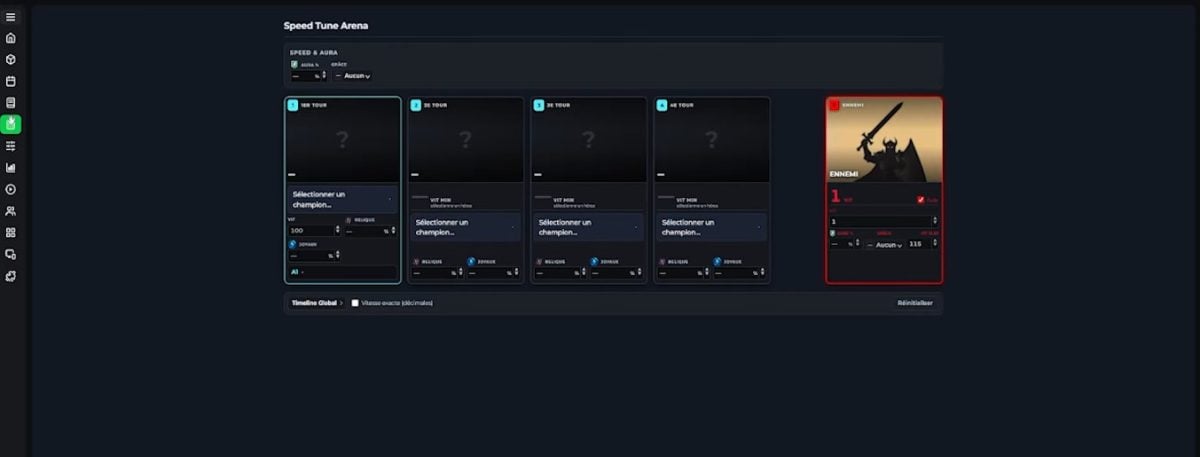
Speed Tune Arena
This section is designed to help you optimize your speeds for the Arena. It affects turn order, gems and relics, and controls.
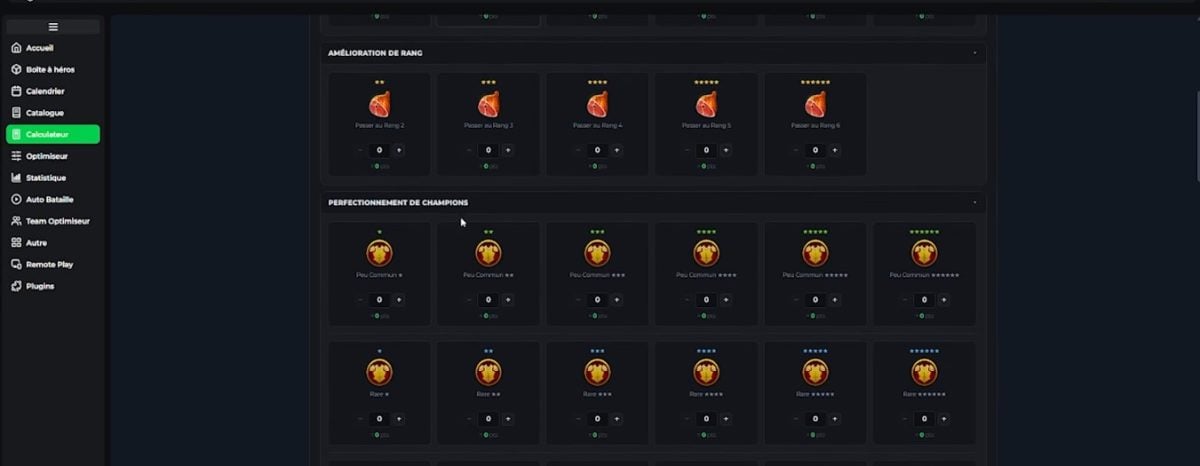
HVAC Points
This section calculates your points Clan vs. Clan in the context of champions, artifacts, relics, and events.
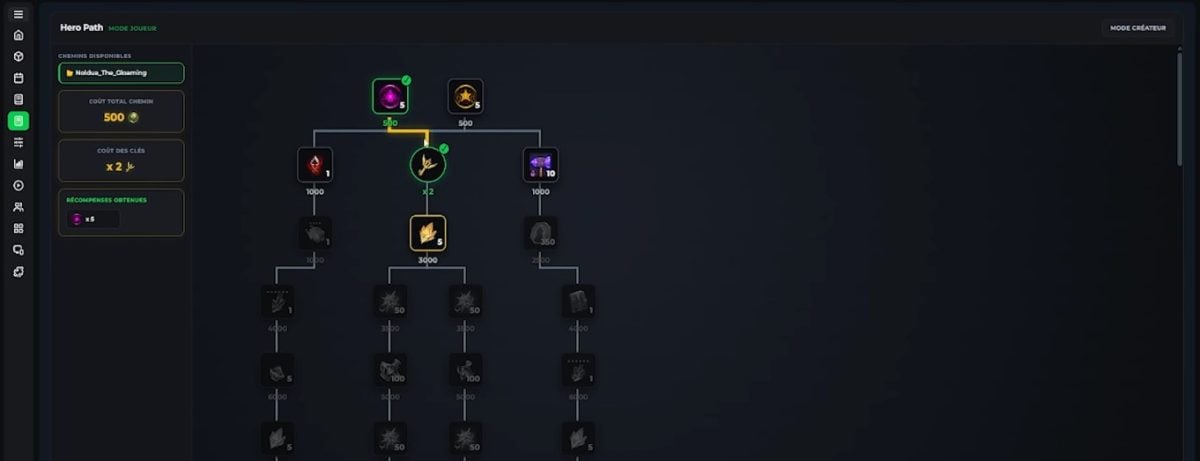
Path of Heroes
In this section, discover the journey to cross over to a hero to achieve a goal.
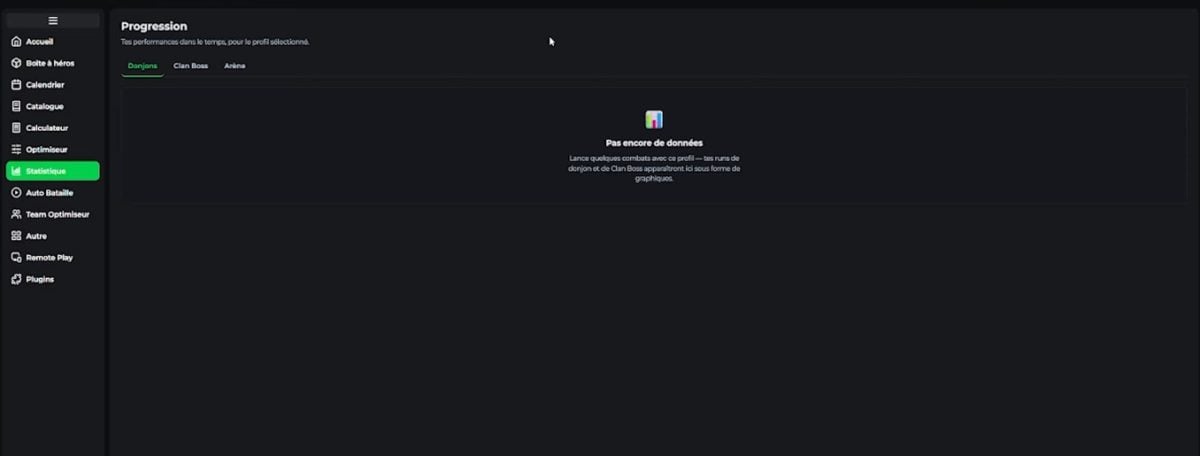
Statistics
They let you see your progress.
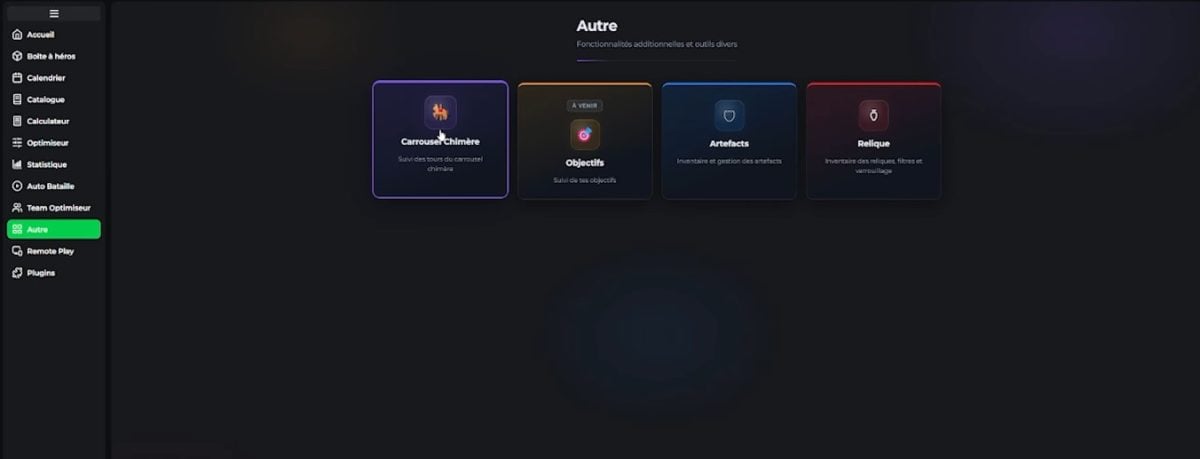
Other
Here you'll find some secondary tabs : Chimera Carousel (track rotations), Objectives (daily/weekly challenges), Artifacts and Relics (searchable databases).
The unique advantages of RSLTools:
- Manage up to 5 accounts from the same interface (Plarium allows up to 5 accounts per player according to its Terms of Service. ⚠ Running multiple instances of the Raid client simultaneously, however, is not explicitly permitted: use at your own risk).
- Keep your data Stored locally on your PC—no cloud storage required.
- Use all the computers without creating an account on the website.
- Benefit from the GPU optimizer No subscription required.
In a nutshell : RSLTools saves you time on the game's three most time-consuming tasks: equipping your champions, setting your speeds, and farming. It's all free and works locally.
To download RSLTools:
Is RSLTools reliable? Can it get you banned?
That's the first question you should ask yourself before installing a third-party tool. Here's the honest answer: It depends of what you use in RSLTools.
Passive functions = no risk. The champion catalog, the Clan Boss Calculator, the Speed Tune Arena, the Pity Tracker, the artifact optimizer, and the statistics—all of these run locally on your PC using data from your roster.
These tools do not trigger any in-game events, do not modify anything on Plarium's servers, and do not affect the Raid client. There have been no documented cases of bans resulting from their use.
Auto-Battle is the the only function in the gray area. When you activate it, RSLTools interacts with the Raid process to chain together runs of Campaign, Dungeons, Factions, Hydra, or Chimera. Technically, it’s still «automated clicking» on your own PC—not a server hack.
No cases of public bans No such reports have been received to date regarding RSLTools, but Plarium reserves the right to take action against automation as stated in its Terms of Service. By default, Auto-Battle is disabled; you must enable it yourself if you choose to use it, and you are solely responsible for its use.
When it comes to the security of your login credentials, RSLTools uses OAuth 2.0 PKCE : Your Plarium password is never transmitted through RSLTools, and no token is included in the URL. You log in through the official Plarium window; RSLTools simply receives an access token.
✅ If you want to try out RSLTools risk-free, use only the passive tools (more than enough to make progress). Auto-Battle remains optional.
RSLTools vs. RSL-Helper: Which One Should You Choose?
If you're playing Raid You've probably been familiar with RSL-Helper (Farbstoff), the German community tool, for a while now. Here are the specific differences.
| RSLTools | RSL-Helper | |
|---|---|---|
| Price | Free | Free |
| Languages | French, English, and 10+ other languages | English, German |
| Platform | Windows 10/11 + website | Windows only |
| Artifact Optimizer | Yes, on a GPU (CUDA / OpenCL) | Not integrated |
| Clan Boss Calculator | Yes, to the nearest turn | CB Simulator Included |
| Auto-Battle | Yes, opt-in | Yes, opt-in |
| Pity Tracker | Yes | Yes |
| Interface | Modern, unified application | Functional but dated |
| Community | Growing, French team | Historical, broad German/English base |
In a nutshell :
- Select RSLTools if you want a modern interface in French, a true GPU artifact optimizer, or if you're playing on a Mac (via the website).
- Select RSL-Helper if you're comfortable with English or German, have been using the tool for years, and value the long-standing community ecosystem.
Both are reliable, free, and respect your privacy. There’s no reason you can’t use them together—each has its own strengths.
To test RSLTools:
FAQs
Before we get to the frequently asked questions, we'll answer some initial questions about RSL TOOLS in the video below:
Is RSLTools really free?
Yes, all the essential features (GPU optimizer, Clan Boss calculator, Pity Tracker, Auto-Battle) are free, without a paywall.
A Optional Premium tier It's available for advanced modules (cloud features), but you can definitely make progress without ever using it.
Do I need an account?
Yes, you need a RSL account to use RSLTools. It is a obligation.
On which platforms can I use RSLTools?
For now, RSLTools Desktop is only available on Windows 10 and 11 (64-bit).
To access RSLTools:
To go further, check out:








 FR
FR  RU
RU  EN
EN  ES
ES  IT
IT  DE
DE  ZH
ZH  PT
PT  ID
ID  JA
JA  DA
DA
I've been using the app for over a month now, and it really does have a lot of potential—it's updated very often, and the team is responsive. I truly believe this project is going to evolve significantly in the coming months!
Hello,
Thanks for the feedback. Have fun playing!