To to tame a wolf in Minecraft, you'll need some bones and a little patience. Find a wild wolf in a forest or a taiga, approach him gently, then give him bones one by one until a red necklace appears around his neck. Here's everything you need to know to make that happen and get the most out of your new companion.
Steps to tame a wolf Minecraft
1. Find a wolf
The wolves appear mainly in three biomes :
- the forest classic,
- the taiga, a cold forest biome,
- the snow-covered taiga.

Since the recent updates, you can also come across them in the old spruce forest or certain types of taiga. The forest and the taiga Nevertheless, these remain the most reliable places to find this wild creature.


Good news: the wild wolves often appear in pack. So you can tame several at once if you have enough bones.
2. Approach wolves with caution
Once you've spotted the wolf, move forward slowly. These creatures are neutral toward the players, but their behavior changes drastically if they feel threatened. Watch for these warning signs:
- of the red eyes,
- grunts,
- a more contrasting fur.

A wolf aggressive cannot be tamed. Wait until he returns to his neutral state before giving him anything. When a player If a wild wolf is attacked, the entire nearby pack also becomes aggressive.
3. Give the wolf some bones
When you're close enough, feed the wolf some bones. Make sure to bring at least 5 bones before setting out on an expedition. You get them by killing skeletons at night, but also strays and skeletons wither. Fishing can also give you some from time to time.
Every bone you give increases your chances of taming the wolf. Keep trying until it works.
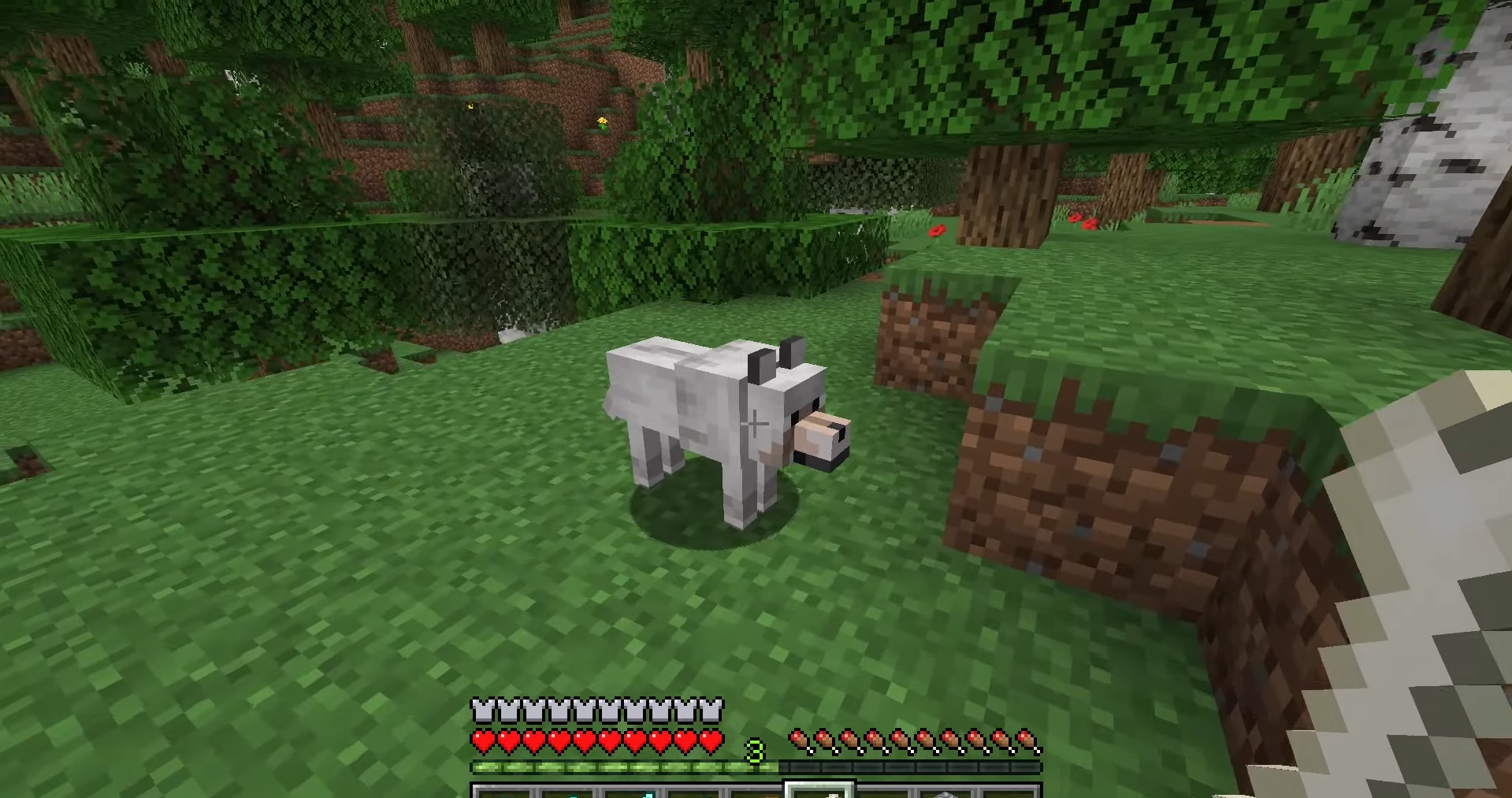
4. Check presence of collar
Two signs confirm that the wolf is tamed : hearts appear above him, and a red necklace wraps around his neck.

The necklace is red by default, but you can change it to one of 16 colors by applying the dye of your choice from your inventory.
What to do with a tamed wolf Minecraft?
Your wolf tamed becomes a real combat and exploration ally. Her behavior It changes completely once it's tamed. Here's what it can do for you:
- He automatically attacks the hostile creatures that threaten his owner, like the skeletons where the creepers.
- He follows everywhere in your adventures. If the player If he strays too far, the wolf automatically teleports all the way to him.
- Wolves tamed also attack the sheep wild, the rabbits and the game's foxes if their paths cross.
- You can make it reproduce two tame wolves to build your own pack.
For breeding, place two wolves tamed next to each other. Give each one a piece of meat by right-clicking. Any type of meat works: raw meat, fish, rabbit stew (in Java Edition). Some hearts appear above the two animals, then a cub is launched. This cub automatically belongs to the same owner than his parents.

That doesn't mean your wolf is invincible, though. Keep an eye on its health during the fighting and do a right click on him to put him in sitting position when you want to keep him out of danger.
A wolf sitting does not teleport and stays where he is, even if his owner moves away from several blocks. Another click brings it back up when you're ready to go again. If you want to bring it back to your home, first make sure you know where it is.
How do you take care of your Minecraft wolf?
The fastest way to monitor your wolf's health is to look at its tail :
- If his tail is up, he's in great shape.
- If his tail is down, his health is at risk, and we need to act quickly.
How do you feed a wolf in Minecraft?
Feeding your wolf restores its health points killed in action. He eats any kind of meat, raw or cooked: beef, pork, lamb, rabbit, or chicken. However, he doesn't use fish to heal himself. Each piece of meat restores hearts and returns the same number of health points only to you.
How can I protect my Minecraft wolf?
You can equip your wolf with a armor which absorbs damage until it breaks. This is especially useful if your creature often fights against creepers, of the skeletons or others aggressive creatures. Here's how to make it:
- Go to the savannah or in a warm biome such as the badlands.

- Find a armadillo, wait until it curls up into a ball, then do a right click above for harvest its scales. You need some 6 scales.

- Open your craft table and place the scales exactly as shown in the image below.

- Your wolf is now far more resistant to damage thanks to this armor.

What wolf skins are available in Minecraft?
Since the update to 2024, it exists 9 different variants wolf in Minecraft. Each appearance depends on the biome where the creature appears, from the snow wolf all white at the striped wolf.
| Type of wolf | In-Game Appearance |
| Grey wolf |  |
| Black wolf |  |
| Brown wolf | 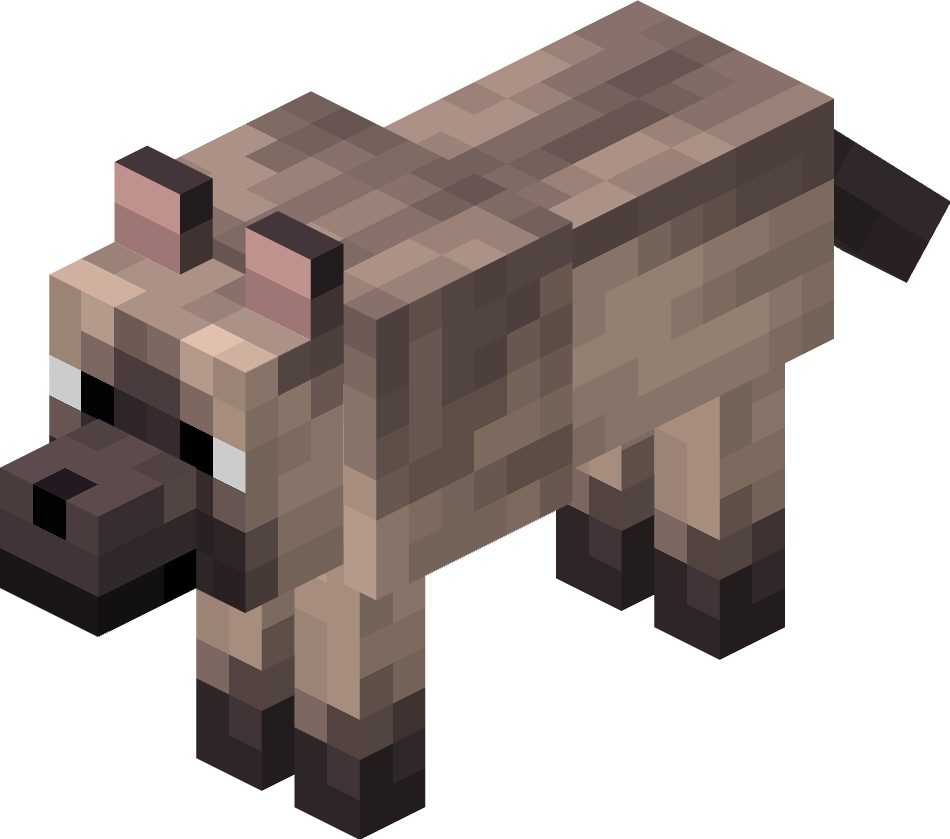 |
| White Wolf |  |
| Red wolf | 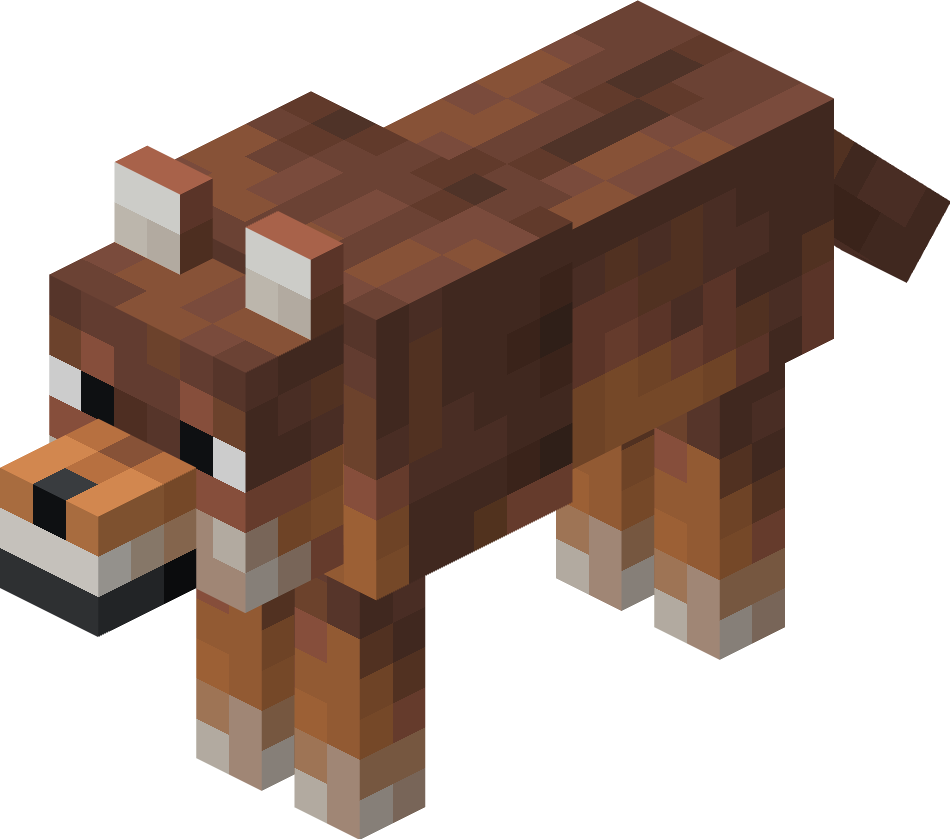 |
| Snow wolf |  |
| Spotted wolf |  |
| Striped wolf | 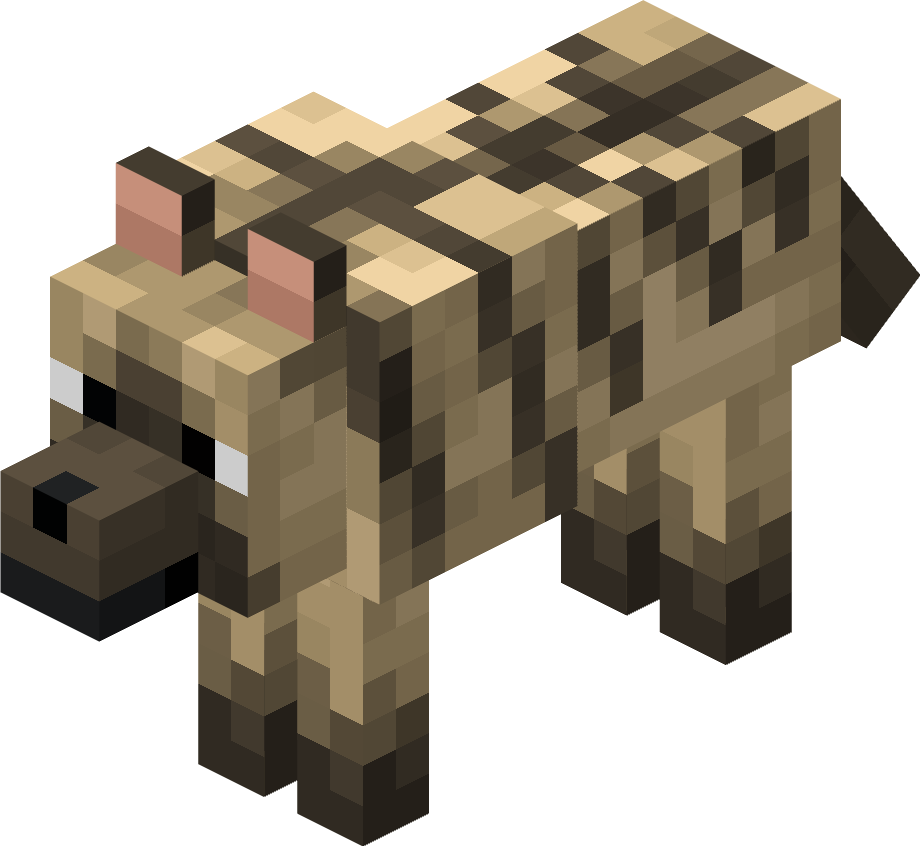 |
| Wolffish |  |
No matter which variant you choose, the method is the same: find the wolf in its biome, feed it bones, and it becomes your tame companion.
If you want a different kind of companion, you can also train a horse or, why not, a cat depending on your preferences.









 English