Keypoints
- Hogwarts Legacy offers fans of the Harry Potter saga an immersive open world in an action-adventure RPG, revealing intriguing secrets from the wizarding world.
- Access to the map varies depending on the platform. : "M" on PC, "Display Button" on Xbox, and "Touchpad" on PS4 and PS5.
- Progression will expand the areas accessible on the mapas players begin their quest in the heart of Hogwarts.
Hogwarts Legacy: The Legacy of Hogwarts is undoubtedly one of the most popular games enjoyed by fans of the Harry Potter saga. Are you one of them? Although the story takes place long before Harry Potter's arrival at Hogwarts, in the 1800s, the game sheds light on some secret and intriguing facets of the wizarding world.
This action-adventure RPG immerses you in an open world. To find your way around or complete a mission in this open world, you will almost always need to open the map. But how do you open the Hogwarts legacy card, the key? Don't worry, I've got the answer!
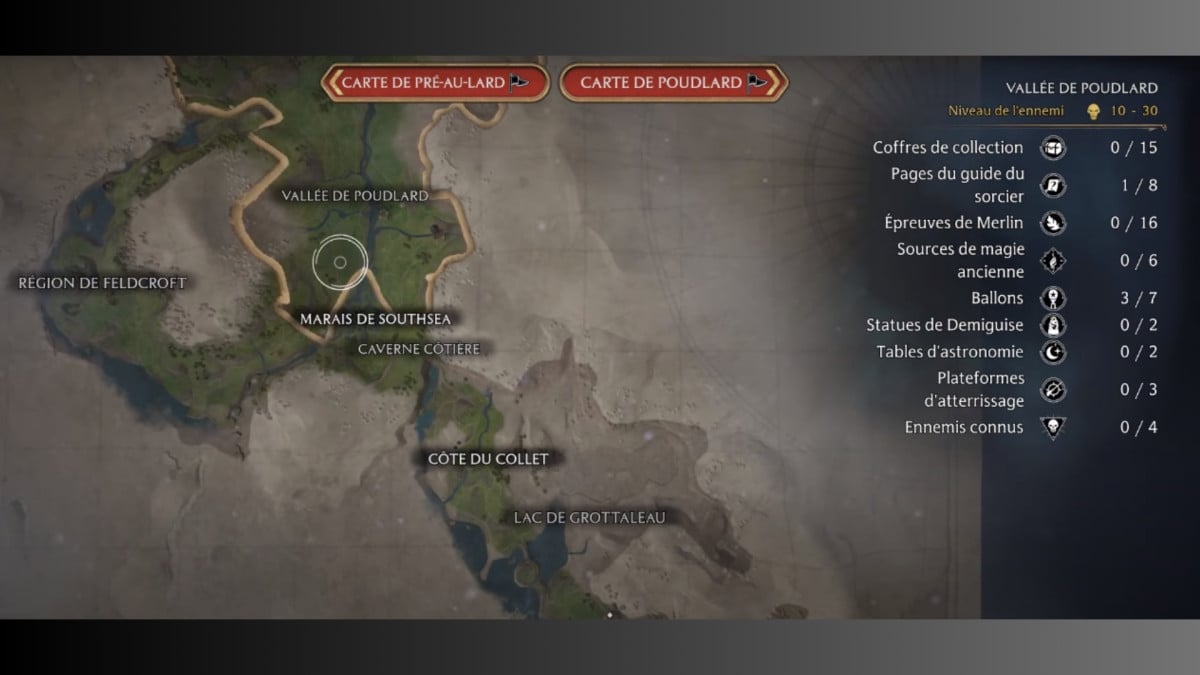
How to open the Hogwarts legacy map, the PS5, PS4, Xbox and PC button
To open the Hogwarts Legacy map, the key may vary depending on your console. However, it is easy to find on Xbox, PC, PS4, or PS5. Take a look at the buttons dedicated to each console:
- If you're a PC gamer, you'll find the Hogwarts legacy map by pressing the "M."
- For Xbox players, the map can be accessed via the “Show button.
- To open the Hogwarts legacy map, the button on PS4 and PS5 are the same, press “Touchpad”.
Now you know how to open the Hogwarts Legacy map on PS5, PS4, Xbox, and PC. The open areas on the map will expand gradually. you will progress in your quest. But generally speaking, your adventure will begin in the heart of Hogwarts. So don't wait any longer and embark on an adventure into the past of the wizarding world. Use your map to find your way around and feel free to check out our other tutorials on Hogwarts Legacy, including how to run ?









 English