Do you want to preview your next tattoo before you sit down in the chair? A AI tattoo generator, thanks to the’artificial intelligence, lets you create a custom design in just a few seconds, without spending hours on Pinterest.
The most comprehensive option for most people: BlackInk AI, designed for tattoos, with a preview on the body.
Here are the Top 10 AI Tattoo Generators in September 2026, categorized by use case and actual price, with the advantages and limitations of each.
| 🎯 Tool | 🔎 Tattoo Specialist | ✨ Free | 🧐 Preview on the body |
|---|---|---|---|
| BlackInk AI | Yes | 3 credits offered | Yes |
| TattoosAI | Yes | Limited free version | Nope |
| Tatship | Yes | Yes | Yes |
| Adobe Firefly | No (general practitioner) | Yes | Nope |
| Midjourney | No (general practitioner) | Nope | Nope |
| Picsart | No (general practitioner) | Limited free version | Nope |
| MyEdit | Nope | Free Credits | Yes |
| ArtGuru | Nope | Yes, no registration required | Nope |
| Fotor | No (general practitioner) | Limited credits | Nope |
| Lift App | Yes | Trial version | Yes |
If getting a tattoo is your main goal, the specialized tools as BlackInk AI, TattoosAI and Tatship produce better results for your designs.
The general-purpose image generators (Adobe Firefly, Midjourney) are still useful for exploring styles and finding inspiration.
1. Adobe Firefly
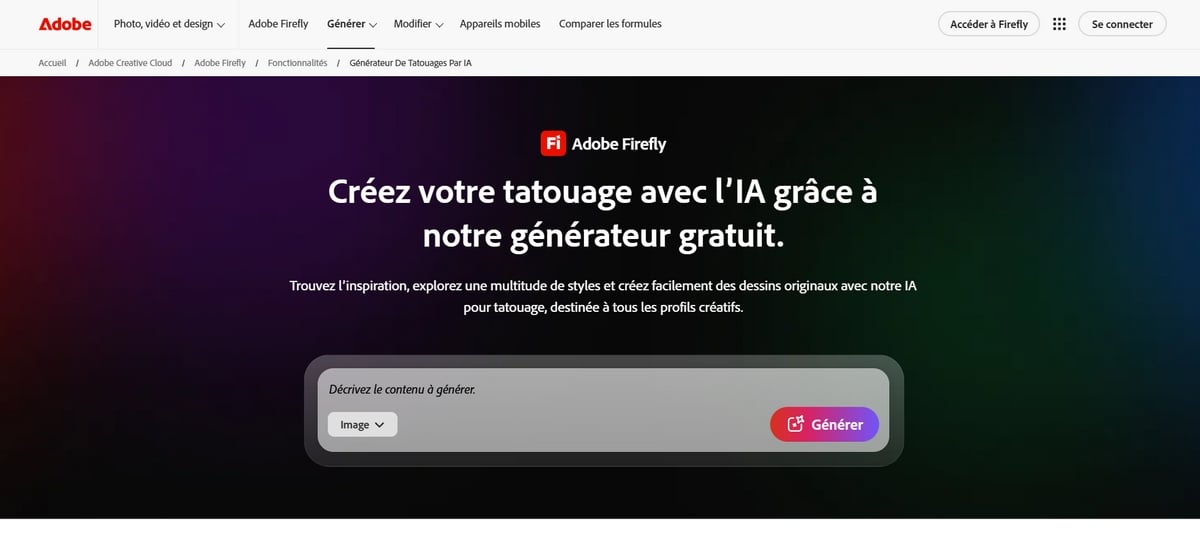
Adobe Firefly is a general-purpose image generator which can produce decent tattoo designs, but isn't optimized for that purpose, unlike dedicated tools such as BlackInk AI.
The idea is simple: you describe your tattoo in a text prompt, and the artificial intelligence generates several images for you in just a few seconds. You can start with a sketch or just an idea for exploring different concepts.
You can Try the tool for free without spending a penny. To unlock premium features, several subscription plans are available:
- Firefly Standard from 11.08 €/month : 2,000 generative credits per month.
- Firefly Pro from 22.18 €/month : 4,000 monthly credits and access to Adobe Express Premium.
- Firefly Pro Plus from 55.45 €/month : 10,000 monthly credits and full access to all features.
- Firefly Premium from 221.83 €/month : The Ultimate Plan with 50,000 credits per month.
| ✅ Benefits | ❌ Disadvantage |
|
|
2. Midjourney
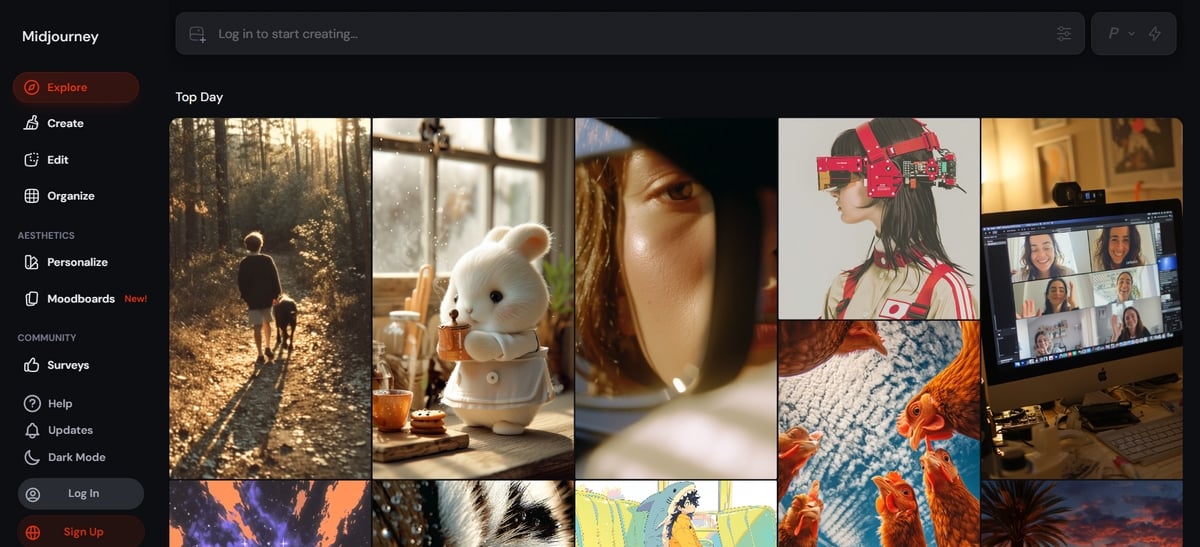
Midjourney remains one of the best AI image generators for bringing a tattoo idea to life. Its algorithms have been extensively trained, and the quality of the designs It's clearly noticeable.
It's not a specialized tattoo tool; it's a general-purpose image generator, but his artistic talents are hard to match.
In practice, achieving a result that matches your vision requires you to be Be specific in your prompt. The more details you provide about the style, colors, and location you want, the better the result will be.
This is particularly useful for exploring original concepts or minimalist styles that are difficult to describe in any other way.
As for prices, Midjourney works by subscription only, with no free version:
- Plan Basic : 10 $/month
- Standard plan : 30 $/month
- Plan Pro : 60 $/month
- Mega Plan : 120 $/month
| ✅ Benefits | ❌ Disadvantages |
|
|
3. Picsart
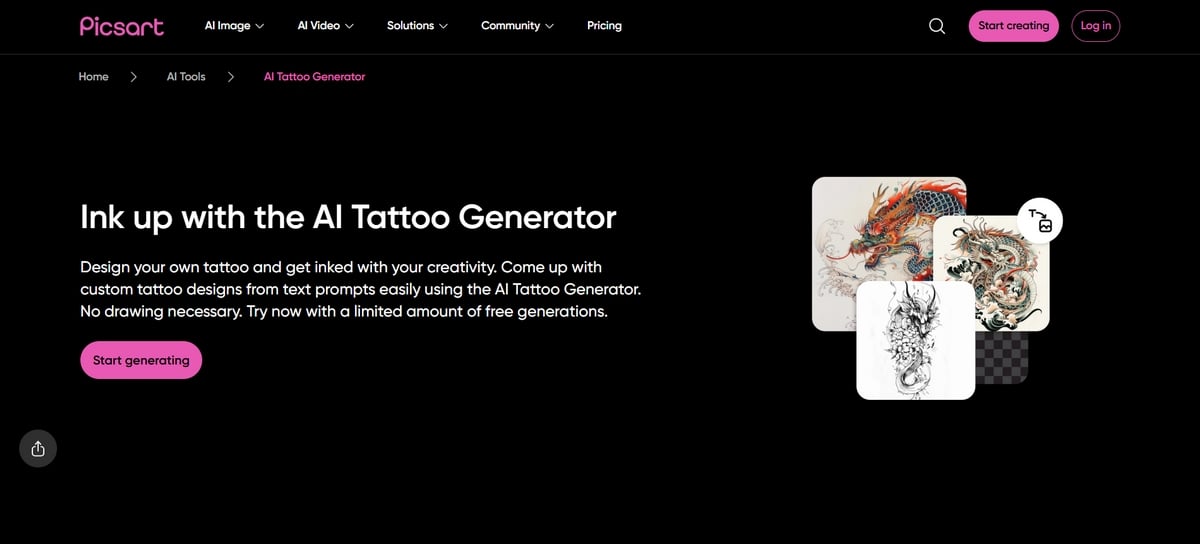
Picsart is a general-purpose image generator. You describe your idea, and the AI generates an image in just a few seconds.
What sets him apart from the others is his suite of built-in editing tools : Once your tattoo has been generated, you can fine-tune the colors, details, and style right within the interface, without switching apps.
Its main features:
- A complete customization design: type, pattern, ink color, and many other settings.
- The possibility of View the tattoo on the area of your choice, so you can visualize it before getting a tattoo.
- Numerous artistic styles, from minimalist to traditional, to find inspiration.
- An extensive library of’design ideas already available on the platform.
Here are the different plans available:
- Free version : limited to 5 credits per week.
- Picsart Pro : 500 credits per month, at 12 €/month (or €7/month when billed annually).
- Picsart Ultra : 2,500 credits per month, at 64 €/month (or €52.50/month when billed annually).
- Picsart Enterprise : Pricing can be customized to suit your needs.
| ✅ Benefits | ❌ Disadvantage |
|
|
4. MyEdit
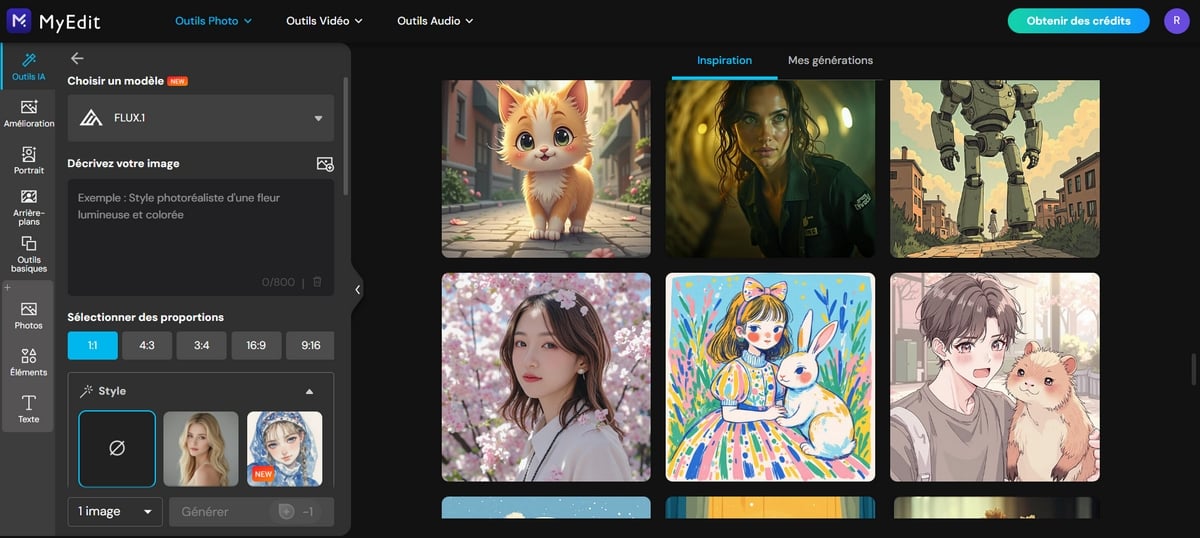
MyEdit is a general-purpose image generator that excels at creating designs ready for inking. You choose the style, the color palette, and the ink shade to create a unique tattoo. You can start with a sketch an existing example or a description to help you come up with ideas.
Its true strength lies in the AI fill function : It lets you preview the design on a specific area of your skin before saving it. This is handy for showing your tattoo artist a concrete example on the day of your appointment.
If you want to take the rendering quality to the next level, a good image enlarger It can also help you get a clean file for your tattoo artist.
As for pricing, three options are available:
- Free : 3 credits per day, limited features.
- Audio Pro : 360 credits per month, starting at 5 €/month.
- Pro Creator : 500 credits per month, starting at 7 €/month.
- Studio Pro : 800 credits per month, starting at 9 €/month.
| ✅ Benefits | ❌ Disadvantage |
|
|
5. ArtGuru

ArtGuru generates a tattoo in three clicks, and its biggest advantage can be summed up in one sentence: you can Use it for free without registering, which is still rare among AI tattoo generators.
The tool offers a variety of styles : black-ink tattoos, brightly colored designs, artistic motifs. You start by describing what you want with a specific prompt, or you Upload a sketch or an image from your device to use as a base.
If you're not satisfied with the result, adjust the symbols, themes, or keywords to refine the design and come up with new ideas.
It's a general-purpose image generator : It produces good tattoo designs, but it's not designed solely for that purpose, unlike BlackInk AI Where TattoosAI. There are three options available:
- Free trial : limited features, 3 images maximum.
- ArtGuru Basic from 9.99 $/month, 1,000 credits, and high-resolution renderings.
- ArtGuru Pro from 49.99 $/month, 50,000 credits, and more features.
| ✅ Benefits | ❌ Disadvantages |
|
|
6. Fotor
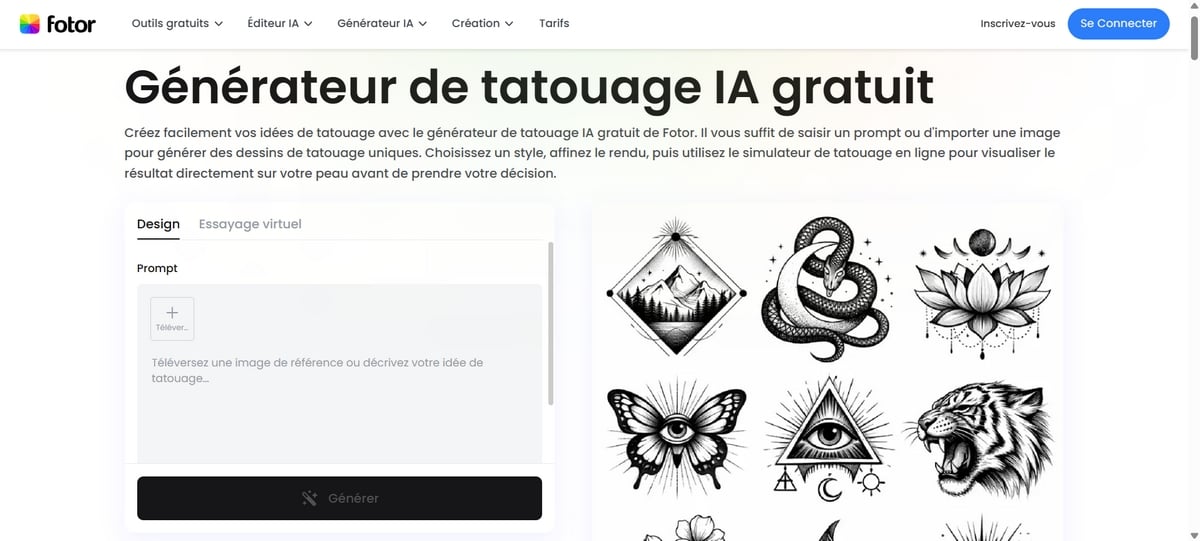
Fotor is a general-purpose image generator. You describe your idea in text, then import a sketch or image for inspiration.
If you're short on ideas, Fotor offers a wide range of ready-to-use styles : minimalist, anime, concept art, photography, or oil painting. The AI then generates several suggestions in just a few seconds, which you can refine before downloading.
Fotor offers plans to suit every budget:
- Fotor Basic : version free of charge for life, with limited credits and features.
- Fotor Pro : 1,200 credits annual, starting at 9.99/month or €3.41 if billed annually.
- Fotor Pro+ : starting at €21.99/month or 5.48 €/month if billed monthly.
- Fotor Max : starting at €42.99/month or 11.19 €/month if billed annually.
| ✅ Benefits | ❌ Disadvantage |
|
|
7. Lift App
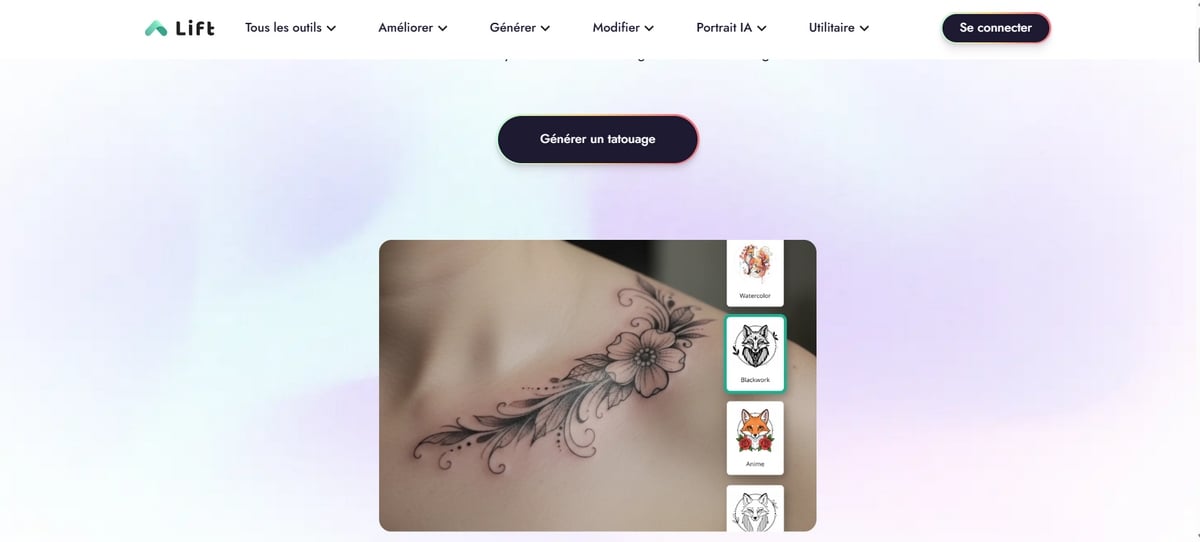
Lift App lets you create the design of your choice from a simple text prompt. The tool is easy to use, whether you have a specific idea in mind or not. You can:
- Import photos or a sketch to find inspiration.
- Choose from models available on the platform.
- Or just describe the design you want: Lift App takes care of the rest.
Before downloading your creation, you can preview the tattoo on a part of the body. It's a handy way to check the placement and how it will look on your skin before getting a tattoo.
Here are the available subscription plans:
- Free version : Limited access to features.
- Lift Pro : from 4,99 à 9,99 € per week.
- Lift Education from 5,49 € per week.
| ✅ Benefits | ❌ Disadvantage |
|
|
8. BlackInk AI
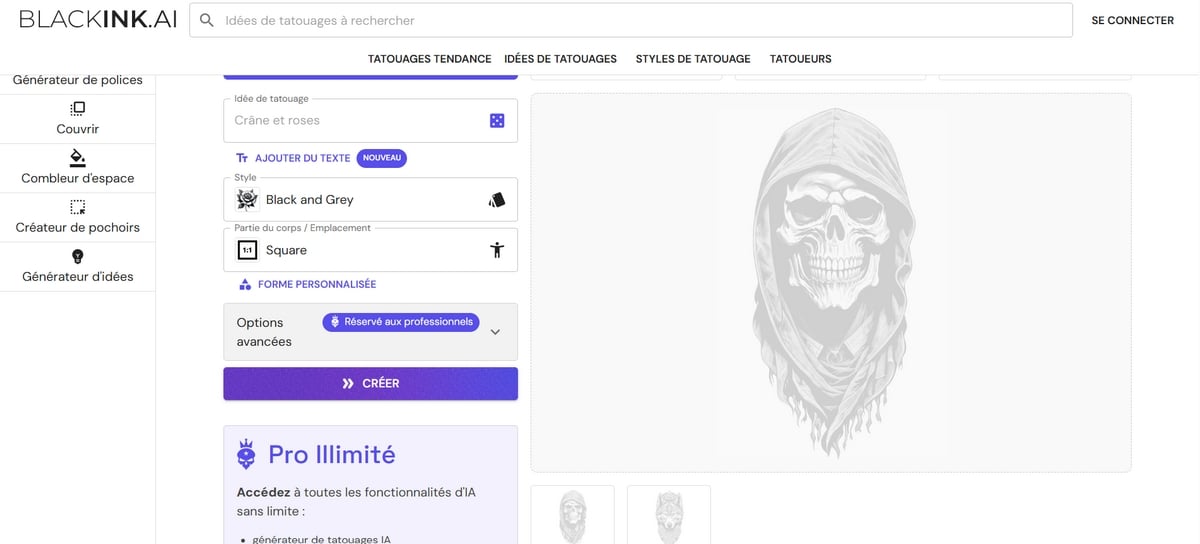
BlackInk AI is one of the few tools designed for tattoos only. Unlike general-purpose generators, it produces designs that a tattoo artist can use right away.
You can generate a wide range of styles in just a few seconds by choosing from the available templates or describing your idea using a specific prompt.
You can start with a sketch or a photo to refine your ideas and explore different concepts, from minimalist to highly detailed.
Its biggest strength remains the preview on the body : You can adjust the size, placement, and level of detail even before you make an appointment. As for pricing:
- Free version : 3 credits offered upon registration.
- Paid version from 15 $/month, with a money-back guarantee.
| ✅ Benefits | ❌ Disadvantage |
|
|
9. Tatship
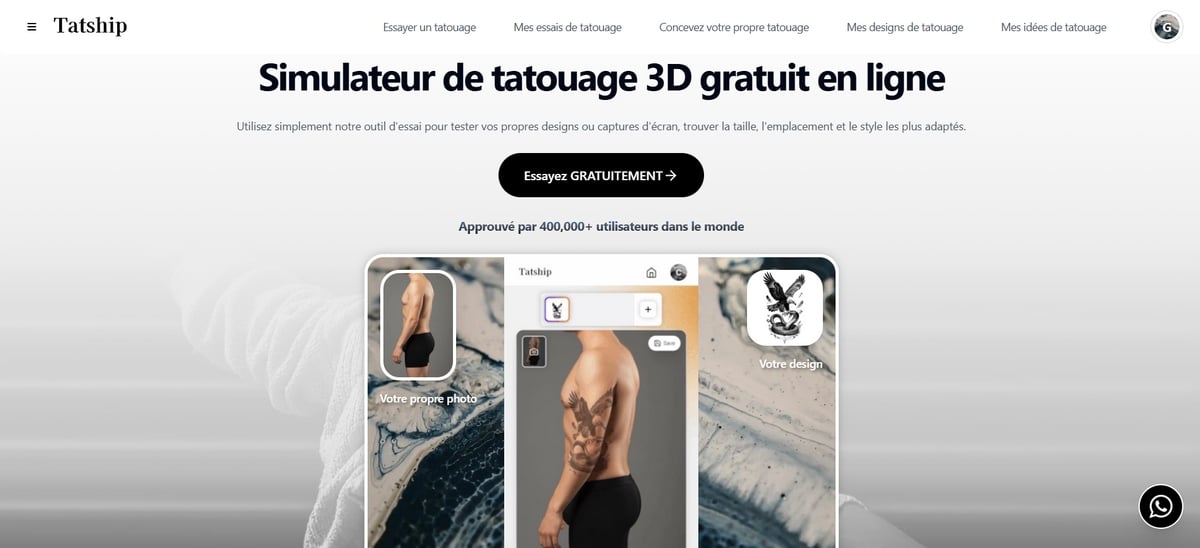
Tatship is more than just an AI tattoo generator. It’s a comprehensive simulation and planning tool, where AI-powered generation is just one feature among many. Specifically, the app lets you:
- Turn a sketch or image into a tattoo at the click of a button.
- Choose the style and the form of the composition.
- See what the tattoo would look like on your skin realistically, using augmented reality.
- Find a Tattoo artist near you and view portfolios.
What makes Tatship It's really useful, and it's also its detailed guide which brings together tattoo trends for men and women, so you can find inspiration and refine your ideas before taking the plunge.
Available on Web and Mobile, he proposes three plans:
- Free version : Limited features to help you learn the basics.
- Unlimited from 17.99 $/month, with all features included.
| ✅ Benefits | ❌ Disadvantage |
|
|
10. TattoosAI
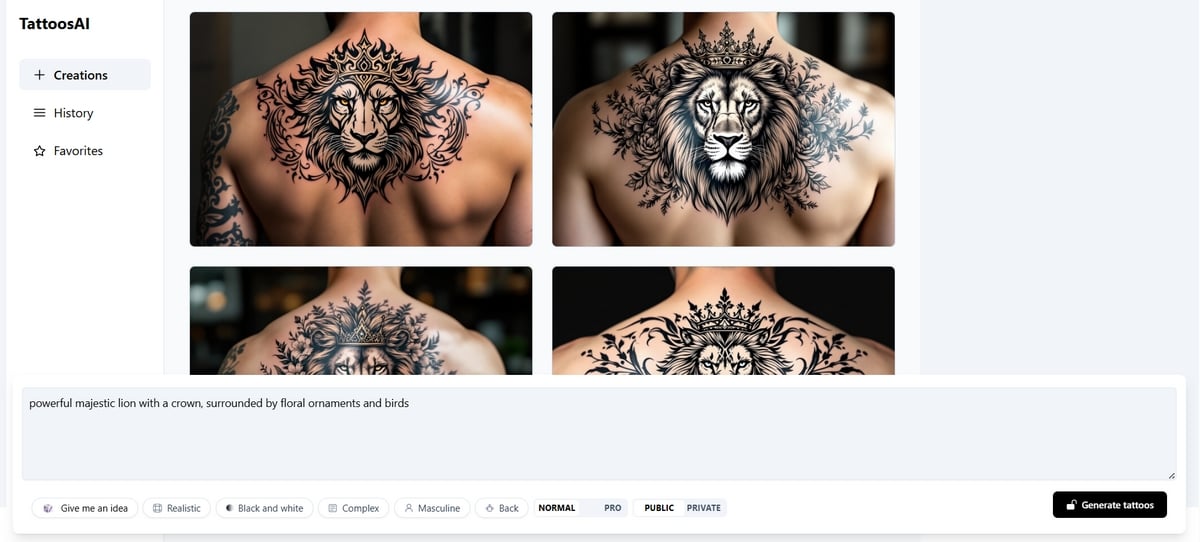
TattoosAI is a generator designed specifically for tattooing. Unlike general-purpose tools, it is specialized : The more specific you are in your description, the closer the result will match your idea. Running out of inspiration? The platform offers many models to get your creative project off the ground and explore a variety of concepts.
Customization is comprehensive and includes several options:
- the style (minimalist, traditional, geometric…).
- The complexity the drawing and its level of detail.
- The color or black and white.
- the target genre : masculine, feminine, or neuter.
As for pricing, three plans are available:
- Free version : all features available during 2 days.
- Monthly plan from 14.99 $/month.
- Annual Plan : returning to 4.99 $/month.
| ✅ Benefits | ❌ Disadvantage |
|
|
FAQs
What is the best AI tattoo generator?
For most users, BlackInk AI and TattoosAI are the best options: they're designed for tattooing, not just for image generation in general. The right choice depends mostly on what you're looking for:
- A simple interface to get the hang of.
- A real personalization the final look (size, placement, colors).
- Numerous designs and styles available.
- The possibility of view the tattoo on the body before getting a tattoo.
If you want some Free, no registration required, try looking at ArtGuru Where Fotor.
Are AI tattoo generators free?
Some tools allow you to create a few designs for free. Most offer limited credits or a trial period before switching to a paid version.
The free version is enough to test an idea or explore concepts. To unlock more features and better quality in high resolution, a subscription is often still required.
Can you turn an image into a tattoo using AI?
Yes. Tools such as Fotor, ArtGuru Where Tatship can start with an image or a sketch and turn it into a design in just a few clicks. Note that the free version has a limit on the number of iterations.
Have you tried any of these tools yet? Tell us which one in the comments, and share your results!
Check out these other articles on AI:








 FR
FR  RU
RU  EN
EN  ES
ES  IT
IT  DE
DE  ZH
ZH  PT
PT  ID
ID  JA
JA  DA
DA