Modern screens such as OLED, LCD or LED TVs are very bright, very responsive and very sharp. That's why even the smallest stains on our screens prompt us to clean them.
When it comes to cleaning a screen, you always need to be careful, because at any moment, the slightest wrong move or handling can damage your device.
Among office equipment, the screen is one of the most difficult to clean because it is so fragile and requires great care when cleaning.
Therefore, we will show you the safest steps to follow in order to clean an OLED screen safely in this article.
Cleaning OLED screens: How to do it and which tool to use?
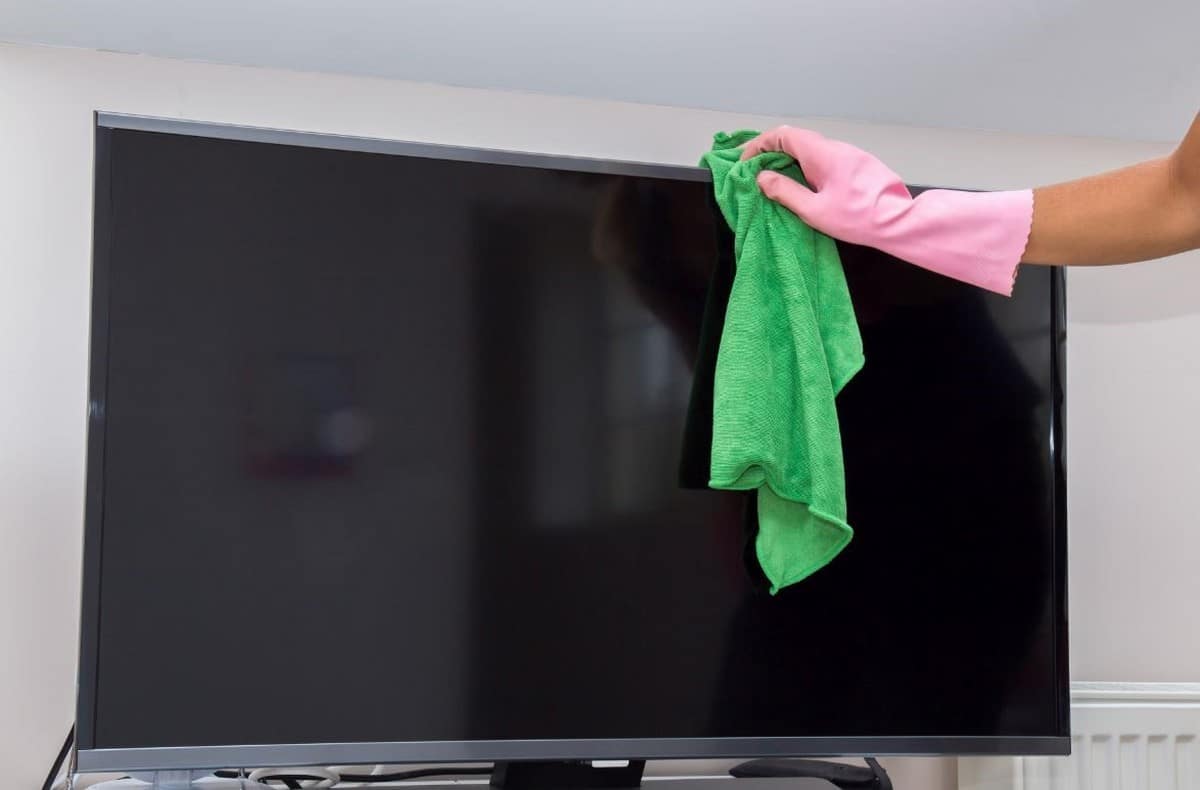
OLED stands for Organic Light Emitting Diode.
It refers to the panel model that allows you todisplay images, colors and light on your TV setunlike other TV panels such as cathode ray tubes.
Step1 : Precautions to take
- For this first part, you first need to turn off your screen. For safety reasons, we strongly recommend that you unplug power cord to ensure that the device no longer functions and, above all, to avoid short circuits should they occur.
- It's important to know that the screen shouldn't be cleaned if it's still hot, because a hot screen is more likely to be damaged and especially difficult to clean.
- In this preparation phase, you can also prepare the site where you want to clean and remove most dust using a dusting can.
- To do this, you must hold it vertically with a minimum distance of 30 centimetres from your screen. As a result, most of the dust and debris adhering electrostatically must be dislodged from its locations.
NOTE : Never use paper towels or even a cloth that you use for cleaning. As mentioned above, modern screens are very delicate.
However, the cloths you use for your household chores are often quite rough, while paper towels are rough and may cause scratches on your screen.
Step 2: Choosing the right cleaning tools to clean an OLED screen without leaving a trace
To carry out this cleaning phase, we recommend the use of a microfiber cleaning cloth quality. That's because its polyamide content retains cleaning water and its polyester microfiber content attracts oil from your screen.
Indeed, you can safely and effectively remove stubborn stains and bulky debris from your screen. If you just want to remove the dust that's scattered across your screen, you can do just one of the following swiffer.
Step 3: Cleaning your OLED screen
Don't spray liquids directly onto your screen
Admittedly, we've all done it before, because the risk of damaging the 2 cm-thick CRT screens of older models is less likely. But it's worth bearing in mind that doing this with today's screens only increases the chance of damaging them.
If you want to clean an OLED screen properly, soak your cloth cleaning products and then wipe the screen with, but do not spray directly these liquids on your screen.
In addition, flat screens and even high-definition TV sets are designed using several thin and very thin layers. As a result, liquids can easily seep through these layers and damage your screen.
Choose gentle cleaning products
To clean your OLED screen properly, never use ammonia-based liquids or even alcohol-based cleaners. This is because these products can easily damage thin layers that make up your screen and leave whitish marks when it dries.
To do this :
- Soak one side of your microfiber cloth by cleaning products containing only a small amount of small amount of water. Be careful not to let your cloth get too wet, but slightly dampened.
- Rinse your screen with this cloth and once you've finished, you need to wipe it dry of your cloth to avoid water marks or streaks.
Cleaning the various OLED screens

Cleaning Samsung OLED screens
If your OLED screen has persistent stains, it is recommended that youlightly dampen the cloth with water (ONLY a few drops) andgently wipe the screen.
Then remove all traces of moisture using a dry microfiber cloth. And again, do not use chemicals for cleaning.
Cleaning Panasonic OLED screens
It is best to use a clean microfiber cloth to achieve this. For the most difficult tasks, Panasonic suggests moistening the cloth. a soft cloth using clean water or a diluted neutral detergent. In general, you should use 1 part detergent to 100 parts water, but it is important to do not rub excessively.
Clean LG OLED screen
To remove dirt or stubborn stains from your LG OLED screen, you can dampen lightly dampen the cloth with water and gently wipe the affected area. Afterwards, you can use a dry microfiber cloth to wipe the screen.
FAQs
Can I clean an OLED screen with a glass cleaner?
In general, it is Not recommended for use on windows to clean the screen of your OLED display, i.e., the area where the image is displayed.
Of course, on the other hand, it can be applied to a cloth to remove dust from the base of the screen or the frame of the television.
Can I clean my OLED screen with a glasses wipe?
We do not recommend this. Glasses wipes, window cleaner, alcohol-based products, and soaps can cause deterioration of your screen.
In fact, abrasive products can cause stripes or some discolorations on your screen.
Can I clean my OLED screen with white vinegar?
Yes. Add a equal quantity of white vinegar and non-calcareous water in a basin. Apply this mixture to the screen by moistening your microfiber cloth and using circular motions. Please note: To avoid drying marks, use a dry cloth at the end of the procedure.
And that's how to properly clean an OLED screen without damaging it. If you want more tips on cleaning your digital devices, feel free to check out our article on how to how to clean your ACER Aspire laptop For example.









 English