the Whoop 5.0 lasts until 14 days on a single charge, compared to about 3 to 4 days in actual use for the Whoop 4.0.
And in both cases, you can recharge it without ever taking the bracelet off your wrist. If you're looking for A comprehensive review of the Whoop, here's everything you need to know.
Would you like to test the model with 2 weeks of autonomy?
Whoop bracelet's claimed and actual autonomy
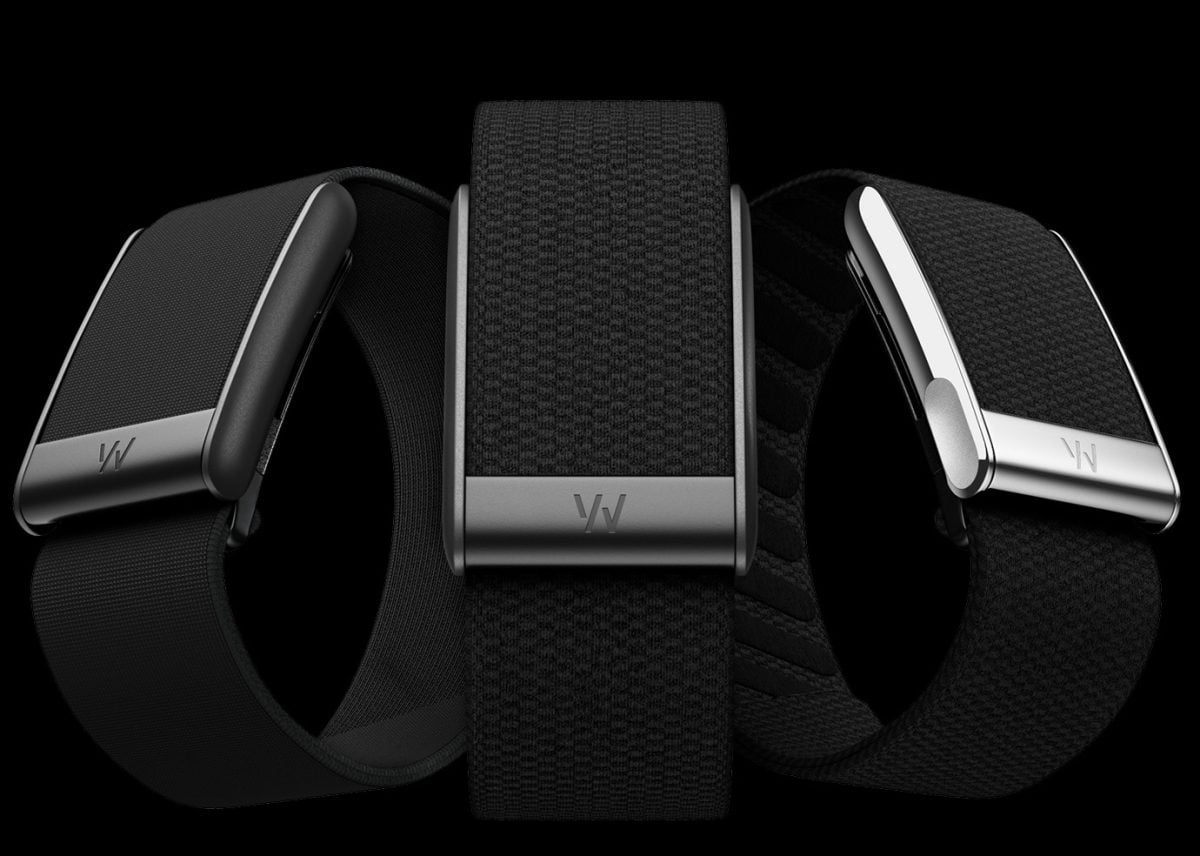
the Whoop 5.0 is a real game-changer compared to previous generations. You go from 3 to 4 days actual range on the Whoop 4.0 (5 days, according to the brand) to nearly 14 days of battery life without recharging. It’s currently one of the best battery lives on the market for a health tracking wristband.
the Whoop MG, which was released at the same time as version 5.0, also displays 14 days of battery life. It also features advanced medical sensors such as the’ECG and monitoring of the blood pressure, without compromising battery life.
In practical terms, this autonomy allows you to cover several nights of sleep in a row and hours of’intensive training sessions without interruption. You wear the wristband at all times, day and night, for continuous monitoring of your heart rate, from your recovery and your health overall.
This battery life is especially useful for users who rely on their recovery scores daily. The Whoop calculates a score every morning based on your sleep, your heart rate at rest and your cardiac variability. The more continuous the monitoring, the more accurate the information. A power outage interrupts this data collection and skews the analyses.
Both models are available with a variety of strap options, including the Superknit, as well as in the form of Peak Where Life depending on the subscription plan you choose. The’subscription Whoop provides access to all tracking features: sleep, recovery, stress, training, and cardiovascular health.

Understanding the removable battery charging system
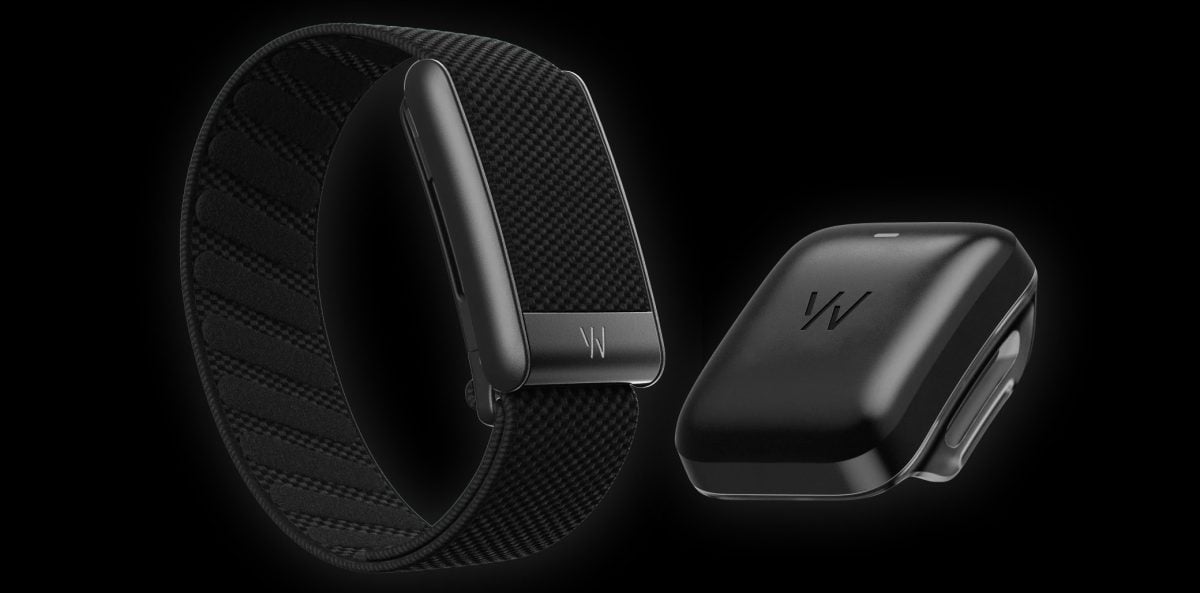
What makes the Whoop What makes it unique is its removable battery. To charge it, simply slide a small case directly onto the sensor—without ever having to remove the wristband from your wrist. This means tracking continues uninterrupted throughout the entire charging process.
Please note that chargers are not compatible across generations. Here is a summary:
| Charging accessory | Whoop-compatible model |
|---|---|
| Wireless PowerPack 5.0/MG | Whoop 5.0 and Whoop MG |
| Battery Pack 4.0 | Whoop 4.0 |
Your heart rate, your sleep and your recovery are continuously measured, regardless of the model. On a Whoop 5.0, a refill per week is more than enough.
Another practical advantage: the portable battery is IP68-certified. So you can Take a shower with your Whoop while charging it, without any problems at all.

How long does it take to fully charge the sensor and external battery?
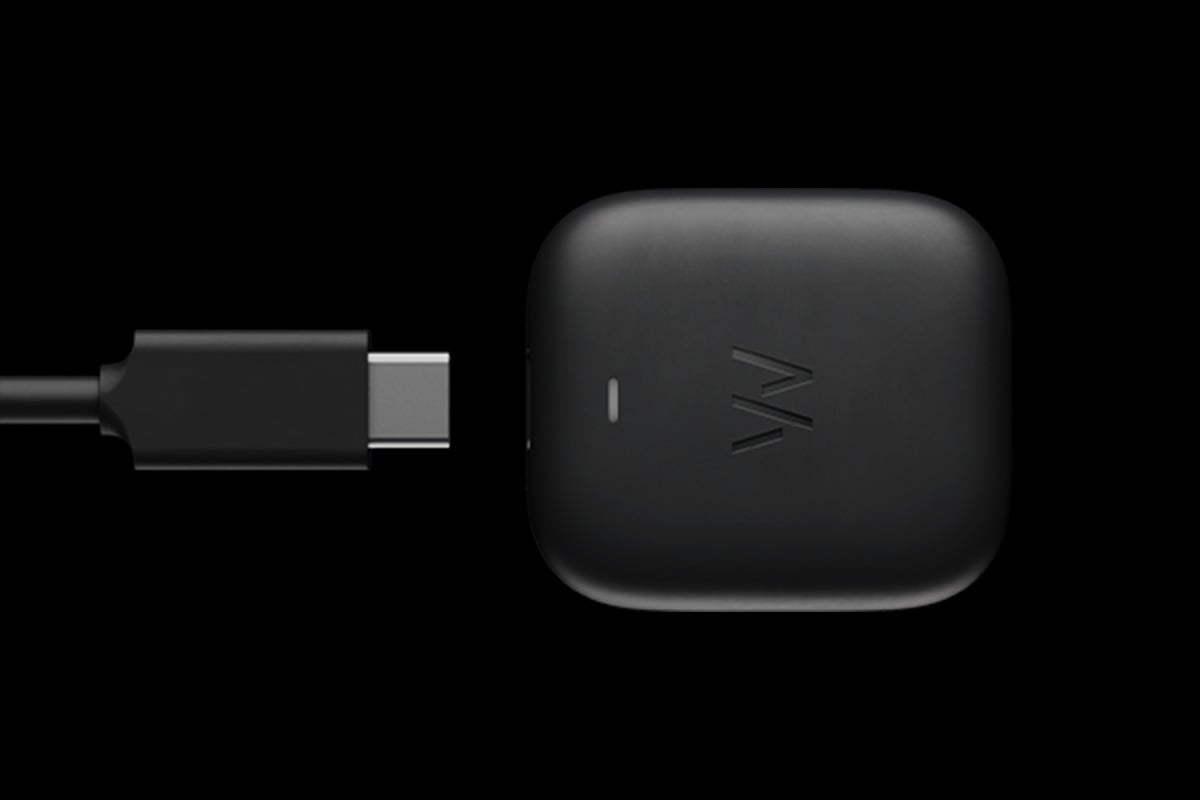
Recharge the sensor It takes about 90 to 120 minutes, without removing it from your wrist. For the portable battery, it takes about 2 hours to switch from 0 % to 100 %, by plugging it into the USB-C cable powered by a compatible USB port or charger.
This time may vary depending on two factors:
- The charger power used (a standard USB port is slower than a charger 10 W).
- The ambient temperature, because the batteries Li-ion charge better at moderate temperatures.
In practice, the easiest thing to do is to keep the power bank always charged. You attach it to the wristband as soon as the level drops, without ever interrupting the tracking.
Meaning of LED indicators and charge level monitoring via the app
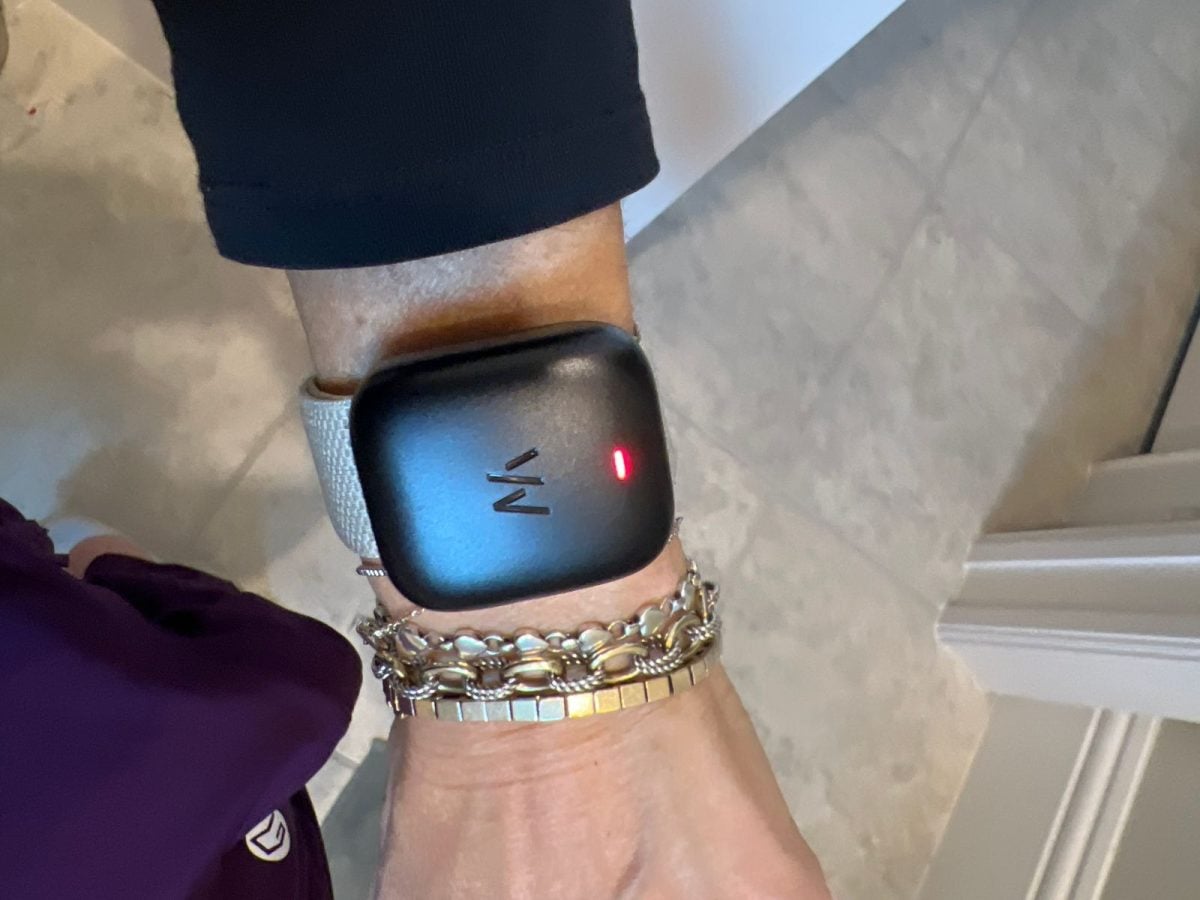
When you put on your Whoop to load, some LED indicators lights up on the sensor to show you the charging status:
- Red LED low battery or connection problem.
- Flashing green LED : The power bank is currently charging.
- Steady green LED : The battery is fully loaded.
These indicator lights provide quick information, but they do not display never the exact percentage remaining. To do that, open the’application Whoop, which displays in real time the battery levels of the sensor and the external battery. That way, you'll always know when to recharge. The app also displays your health scores, them notifications recovery data and all the information collected by the sensor.
Want to charge your wristband less often?
I'm buying the latest WHOOP model
Best practices for optimizing battery life
A few simple habits can really extend the life of your battery in your day-to-day life.
- Recharge your device fully at the front desk : As soon as you receive your Whoop, upload it to 100 % before using it for the first time. This calibrates the battery and helps the app accurately estimate the battery life.
- Limit energy-intensive functions : the continuous broadcast of the heart rate Transferring the charge to another device quickly drains it.
- Avoid extreme temperatures : Both heat and cold can damage the sensor and the battery over time.
- Keep the firmware up to date : every update to the firmware optimizes energy management.
- Do not let the battery drain to 0 % : Recharge it before the bracelet is completely empty.
- Clean the connection pins Regularly: Clean contacts ensure efficient charging via the external charger.
With these habits, you'll get the most out of 14 days of battery life from Whoop 5.0 and you'll extend the life of your battery over time.
And if you're looking for other options, there are also several alternatives to Whoop.










 English