Today, several applications and video games are available on the website.Epic Games. You can download them by creating an account.
Discover the steps to follow and apply these tips to create your Epic Games account!
How do I create an Epic Games account?
The steps to follow are simple and easy. tutorial to support you:
- Start by opening the official Epic Games website. Click on To log in.

- Then click on the create an account.

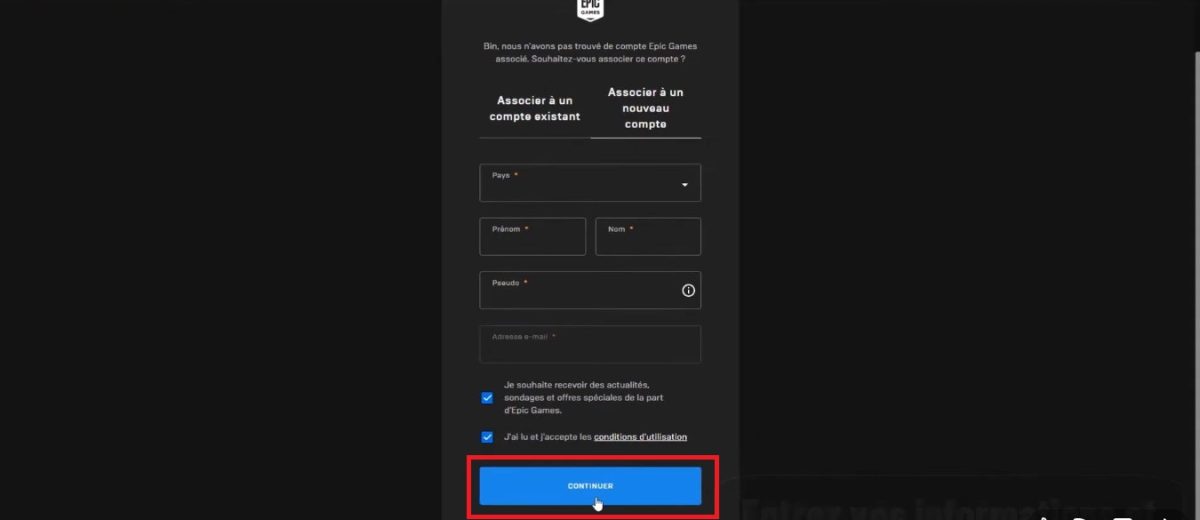
- You will be automatically redirected to a registration form. complete your personal information: last name, first name, country, Epic Games username, email and password. Check the box below to accept the terms and conditions of use. Then click on Continue.
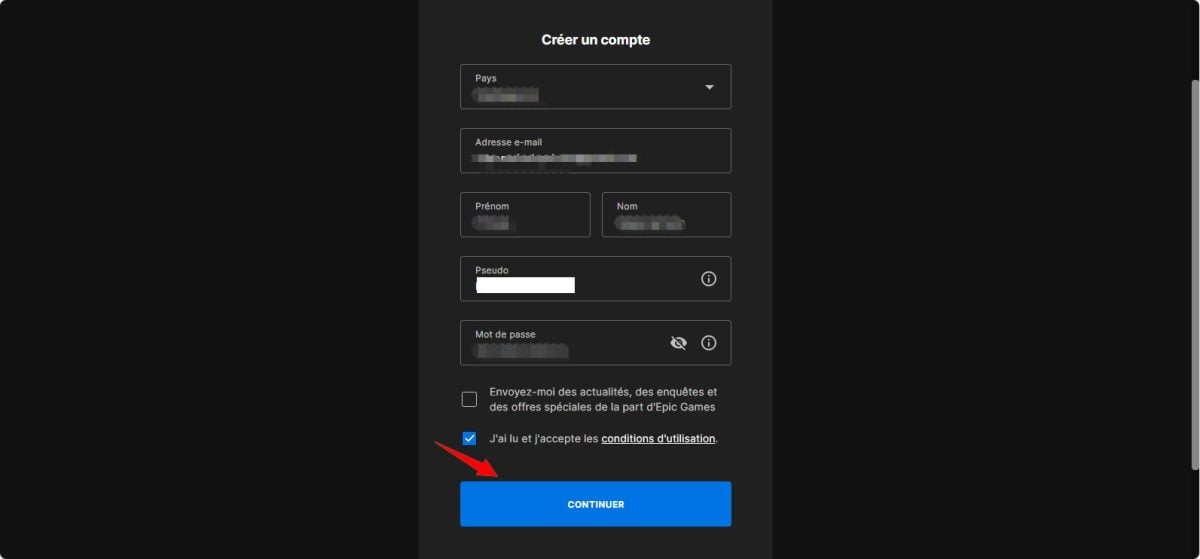
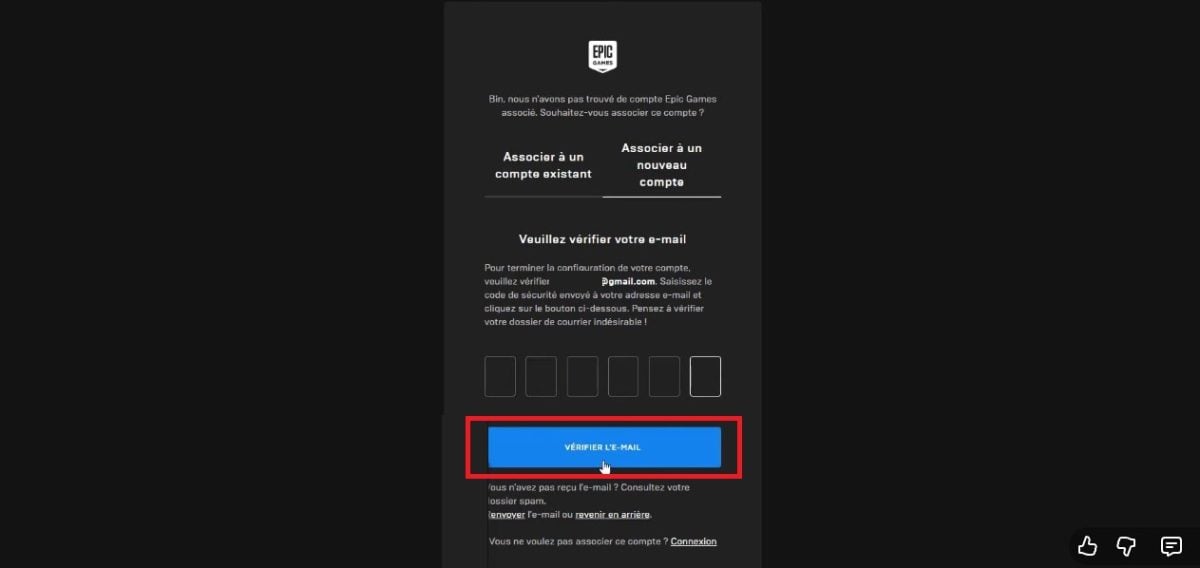
- Next, you will receive an e-mail to validate your account. Confirm e-mail.
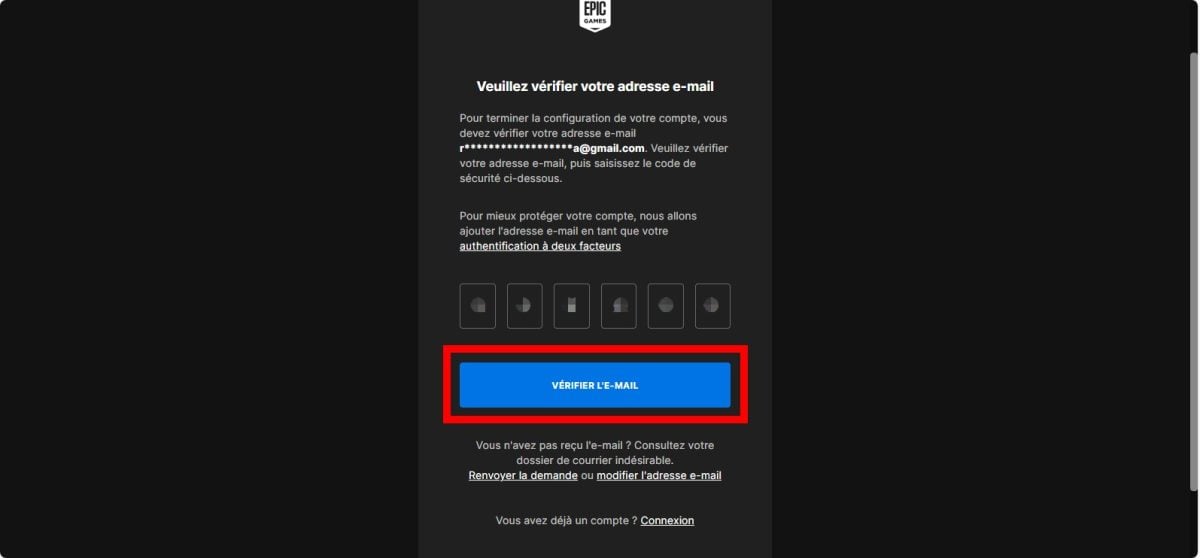
- Once you have completed all these steps, your account will be operational. You can then start using it securely to carry out transactions, link your account to other networks, etc.

Notes:
- The steps for creating a second Epic Games account are as follows the same than creating a new account. However, you'll need a new e-mail address, as Epic Games only allows one account per e-mail address. In any case, this method is advantageous if you own several consoles!
- The creation of a new Epic Games account marks a new departure. This means that any progress or items linked to your previous account will not be transferred to the second account. That's why it's important to assess whether creating a new account is the best option for you.
How do I connect to Epic Games?
Now that your account has been successfully opened, here are the steps to follow to connect to Epic Games :
- First, go to Epic Games website. Click on To log in.

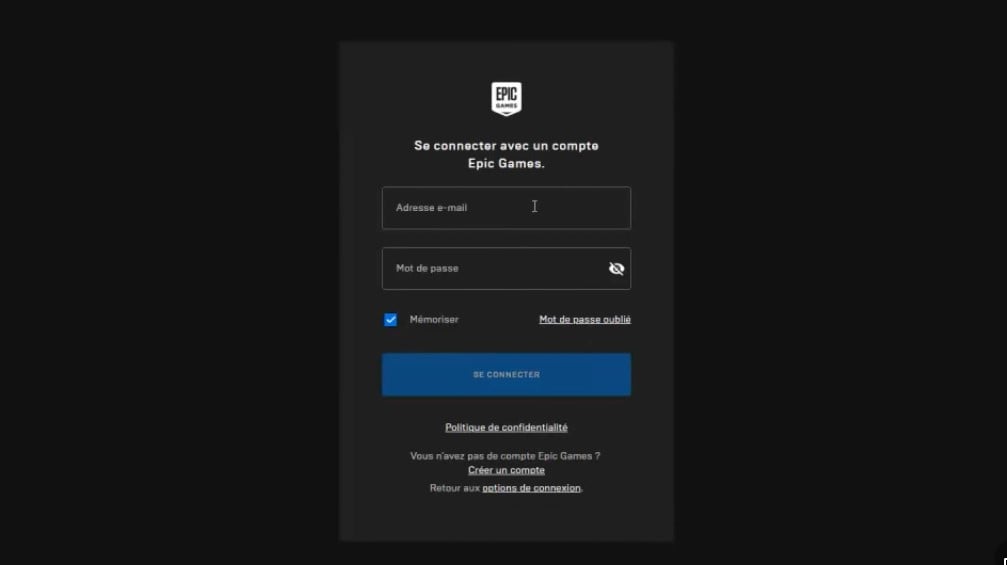
- Then, an authentication area will be available to you to secure your account. Now enter your login Epic Games and your password. Finally, click on To log in.
FAQs
Forgot your Epic Games password? What should you do?
Sometimes you forget your password for connect to Epic Games and your account remains blocked! In this case, what should you do?
Click on the link in the "Account login" interface. Password forgotten "Then follow the instructions.
Although the procedures for opening an account are straightforward, you still need to some precautions :
- You have to be very careful choose your nickname. It should not contain any reference to a product or service. And don't use vulgar language.
- Follow the same steps above for create an Epic Games account on your PS4, XBOX and PC. Next, you'll connect to another device.
For your information, it is possible to connect to your Epic Games account using one of your social network accounts Facebook, Instagram, Google+, etc.
And if you have any other concerns and would like to contact Epic Games, don't hesitate to discover our article: How do I contact Epic Games?.
Who is Epic Games?
Epic Games was founded in 1991 and is a an American video game development studio. It has gained notoriety thanks to the collaboration between a professional team and qualified artists.
His team works in several departments of which :
- The design ;
- The production ;
- the trade ;
- The management.
Thanks to its creativity, the studio is constantly developing products ranging from video games console games, PC games, and more. applications such as :
- Epic Pinball; ;
- ZZT ;
- Championships ;
- Gears of war on Xbox ;
- Unreal ;
- etc
Today, the most popular games on Epic Games are Unreal Engine and the game Fortnite given its number of downloads.
How do I create a Fortnite account?
To create a Fortnite accountfollow these steps:
- Visit our website from Fortnite and click on the Login at the top right of the page.
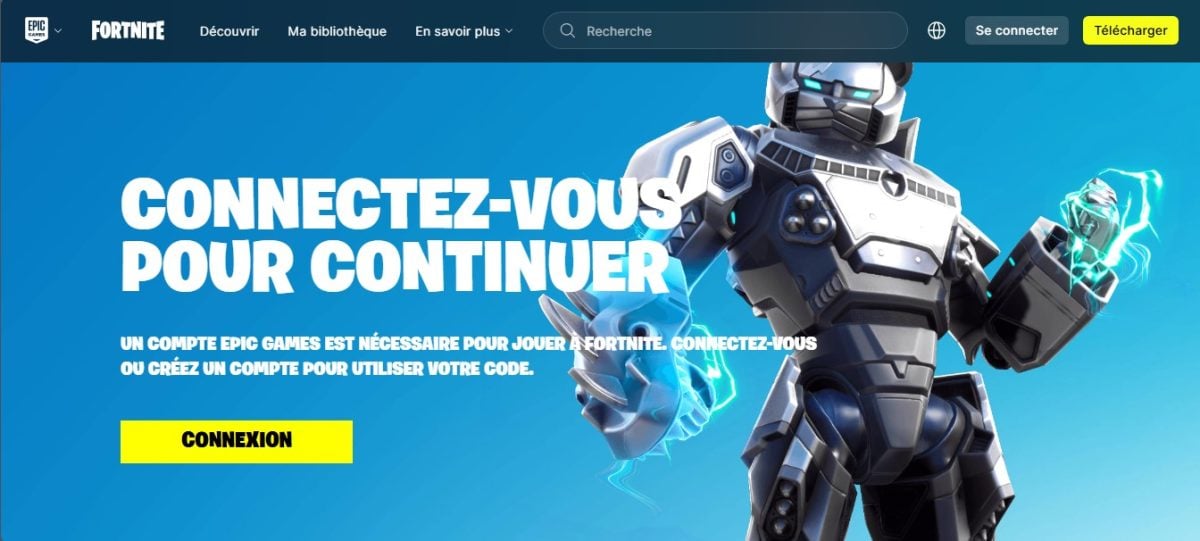
- Click on Create an account at the bottom of the login window. You can register using your e-mail address, or log in via a Facebook, Google, Xbox Live, PlayStation Network, Nintendo, or Steam account.
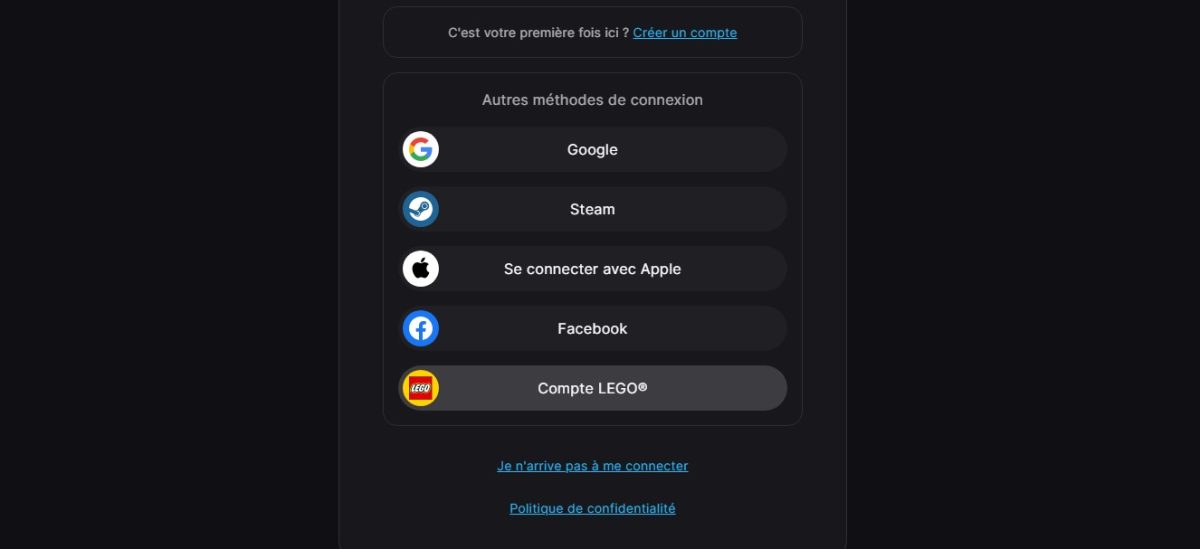
- Enter your full name, display name, e-mail address and password. Accept the terms of use and click on Continue.
- Epic Games will send a e-mail verification to the address you provided. Click on the link you received in your mailbox to verify your account.
To secure your account, you can activate two-factor authentication (2FA) in your Epic Games account settings.
Once your account has been created and verified, download the Epic Games launcher from the official website. Install the launcher, then use it to download and install Fortnite on your device.
Open the Epic Games launcher and log in with your newly created account. Launch Fortnite and start playing.
In conclusion, create an Epic Games account is quick and easy, but requires a few precautions to prevent the account from being blocked.
If you have Questions If you have any comments on the topics covered here, please feel free to leave a comment.








 English
hello
Hello
It's too good