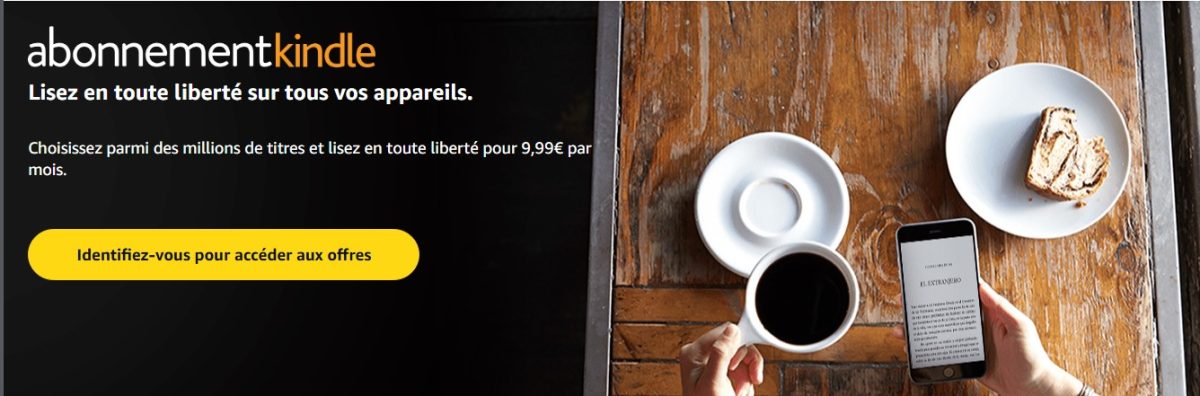
L'subscription Kindle (formerly Kindle Unlimited) costs 9.99/month and provides access to more than 5 million e-books, which can be read on a smartphone, tablet, or computer—no e-reader required.
Take out a Kindle subscription
How much does a Kindle subscription cost?

The flat rate for the’subscription Kindle is of 9.99/month, with no obligation. For this price, you get access to a a catalog of more than 5 million available titles Unlimited reading: novels, essays, comic books, magazines, and current bestsellers. The selection caters to both French-speaking readers and those who enjoy English-language content.
Amazon often offers a 30-day free trial before the first payment is due. The exact duration may vary depending on current offers, so be sure to check the page Amazon before signing up.
If you're a subscriber Amazon Prime, please note that the service also includes Prime Reading, a free, limited selection of e-books and magazines. The catalog is much smaller than that of Kindle Unlimited, but it's a no-extra-cost option that lets you access a few titles without an additional subscription.
If you prefer listening to audiobooks and podcasts, check out the price of an Audible subscription.
How do I take out a Kindle subscription?
Subscribe to the’subscription Kindle It takes a few minutes. The only requirement is that you have a Amazon account before you start.
- Go to the registration page Amazon via the button below.
- Click on “Log in“, then log in to your account.
- Confirms the’offer of your choice to confirm your registration.
Take out a Kindle subscription
Once your subscription is active, you can access the catalog from the app on a smartphone, tablet, computer, or e-reader Kindle. You download your books and read them offline, at any time, without an internet connection.
FAQs
The Kindle app: What is it?
Kindle is the software for’Amazon that lets you download and read millions of digital books, magazines, and comic books. The app is free of charge and compatible with most devices:
- Windows
- macOS
- Android
- iOS
So you can read on your phone, tablet, or computer without having to buy a new device. If you read often and for long periods of time, a e-reader Kindle offers greater comfort (matte screen, long battery life), but it is still optional for accessing content.
How do I use the Kindle app?
All you have to do is install the app on your device. Your e-books Items you've bought or borrowed appear in your digital library, automatically synced across all your devices.
You can Download any title to read it offline, without an internet connection. Sync keeps track of your reading progress across devices, whether you continue reading right away or later. Bookmarks, highlighters and notebooks are included to make reading easier on a daily basis.
Do I need a e-reader to enjoy my Kindle subscription?
No. The subscription works great on smartphones, tablets, or computers via the’application Kindle free. The e-reader Kindle makes reading more comfortable, but it is not required.
Are there any audiobooks included in the Kindle subscription?
Yes, to some extent. Subscription Kindle Unlimited includes a selection of native audiobooks, narrated by actors, right in the catalog. It also offers a automatic text-to-speech (text-to-speech) on certain titles: your phone will then read the text aloud.
For a comprehensive, dedicated audio catalog, you need a subscription Audible separate, distinct from Kindle Unlimited.
What are the pros and cons of the Kindle?
| Advantages | Disadvantages |
|
|
How do I cancel a Kindle subscription?
You can cancel your subscription at any time with just a few clicks:
- Log in to your account, then open “Your Memberships and Subscriptions” in the settings.
- Click on “Kindle Subscription Settings“, then click “Cancel Subscription”.
The subscription remains active until the next invoice date.
To compare with other offers Amazon, you can also check the price of the’Amazon Prime membership on our dedicated page.








 English