Octoparse turns any website into a data source, without writing a single line of code. It displays 4.8/5 on G2, 4.7/5 on Capterra and 4.1/5 on Trustpilot.
Users praise its no-code interface and its ability to handle complex websites, but the cost of paid plans and the limitations of the free version are frequently cited as points of friction.
| ✅ Highlights | ❌ Weak points |
|---|---|
| No-code interface, accessible to beginners | Expensive pay-as-you-go plans |
| Compatible with complex websites | Very limited free version |
| Data extraction performed in the cloud | Actual Learning Curve for Custom Projects |
| Task planning and automation | Less flexibility for developers |
| Appreciated customer support | Platform dependency |
Global opinion on Octoparse
Ratings vary by platform, but are generally positive:
- G2 : 4,8/5
- Capterra : 4,7/5 based on 99 reviews
- Trustpilot : 4,1/5 based on 87 reviews
This web scraping tool appeals especially to those who want to extract data without touching any code. As for my own testing, I was able to get the hang of working with product pages and a list of customer reviews in just a few clicks thanks to auto-detection. The extraction worked well, even on pages with infinite scrolling.
On a more complex project involving JavaScript, the setup took longer, which is consistent with user feedback.
Octoparse also offers preconfigured models to speed up implementation on common platforms such as e-commerce sites and social media. These models make it possible to collect data set up in just a few minutes, without starting from scratch.
The strengths that come up most often:
- Management of Complex Sites (JavaScript, AJAX, infinite scrolling)
- Automation and execution in the cloud
- Customer support reagent
- A map free to test
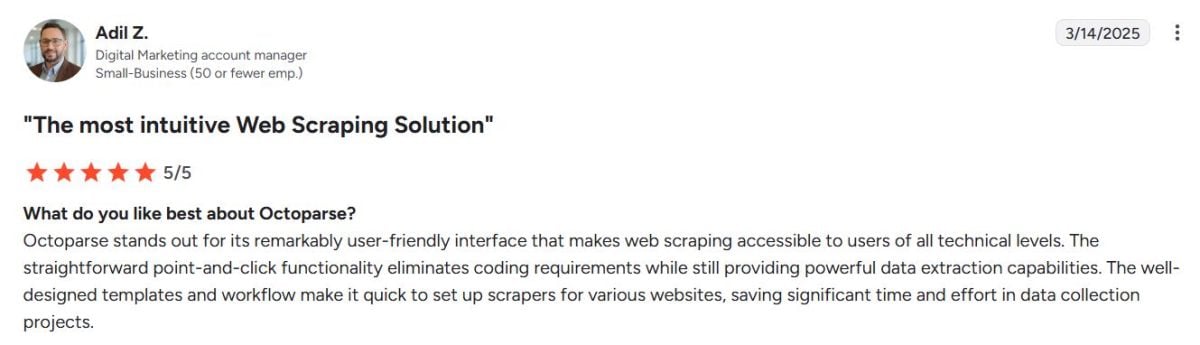
Here's what it says: Adil Z. :
“Octoparse stands out for its remarkably user-friendly interface, making web scraping accessible to all users, regardless of their technical expertise. Its ease of use—with just a single click—eliminates the need for coding while offering powerful data extraction capabilities…”
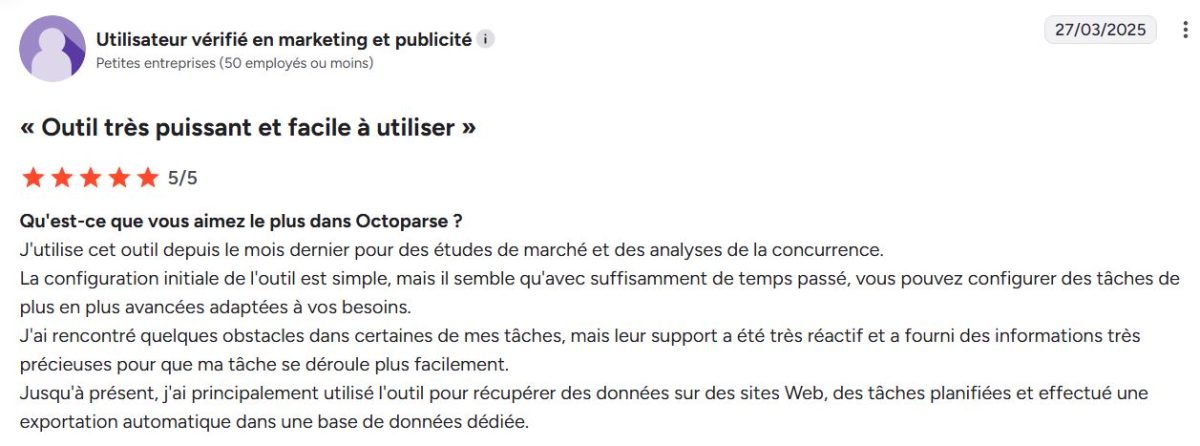
A verified user in marketing and advertising confirms the gradual rise:
“I’ve been using this tool since last month for market research and competitive analysis. The initial setup is simple, but with enough time, you can configure increasingly advanced tasks tailored to your needs…”
Lazar G., a data scientist, sums up the tool's balance well:
“Essential yet diverse features. Good software is easy to use, whether for the most basic or the most complex use cases.”

Juxhin Balliu emphasizes the quality of customer support on Trustpilot:
“I love the service—it’s fast and very helpful. Customer support is also excellent, and whenever I’ve run into difficulties, they’ve helped me resolve my issues.”

Shane R. is along the same lines:
“Amazing. I highly recommend it, especially if you’re looking for an efficient way to extract data without wasting time writing code.”

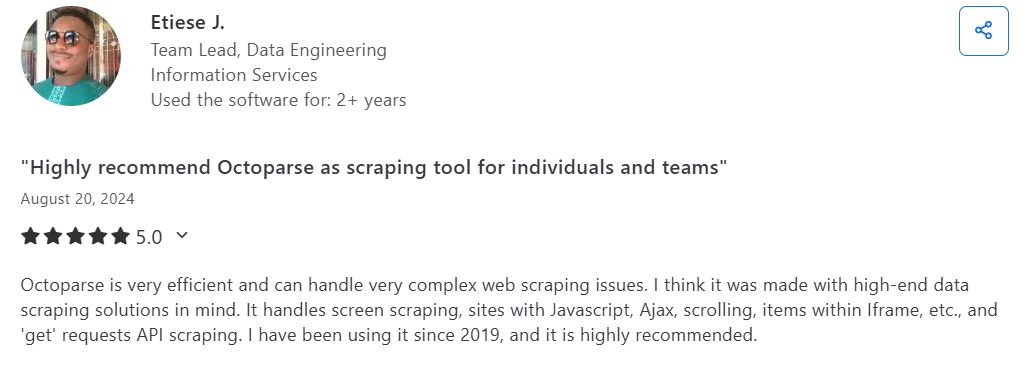
Etiese J., who has been using the software since more than 2 years, details the technical capabilities:
“Octoparse is very powerful and can handle highly complex web scraping challenges. It handles screen scraping, sites that use JavaScript and Ajax, scrolling, elements within iframes, as well as scraping requests « get »from the API. I've been using it since 2019, and I highly recommend it.”
Nevertheless, the most frequently cited weaknesses remain the same:
- High prices paid plans for large amounts of data
- Version limited free by number of tasks and rows exported, without cloud or scheduling
- Customer support can sometimes be slow and technical bugs part-time
Ángel M. A note on the difficulty of advanced features:
“Some advanced features can be a little tricky to master at first, especially when it comes to dynamic content or custom workflows. However, the hands-on tutorials and support team make it easier to get started.”

Rémi R. clearly highlights the limitations of the free version:
“The free version of Octoparse has some limitations, particularly regarding the number of pages that can be scraped per task and the frequency of data updates. While this is understandable, it can be a drawback for those who need more advanced features without having to upgrade to a paid version.”

Opinion on Octoparse's services
Octoparse offers several services tailored to different customer profiles. Here's what customers have to say about each service.
1. Web scraping
It's the main service by Octoparse. The’no-code visual interface is based on a point-and-click workflow : You select the elements you want to extract from a web page, and the tool automatically creates the extraction task. You can then collect data structured and exported to a database or a file.
The tool also manages the infinite scrolling and dynamic loading, which is particularly useful on modern web pages.
Users especially appreciate the ease of use and the reliability of the results. Cofi.ai C. summarizes this feeling well:
"Very simple and intuitive platform for scraping".

2. Octoparse Enterprise
This solution is intended for professional uses and the teams that handle large data volumes. It provides:
- A cloud capacity extensive (the cloud is already included starting with the Standard plan)
- A priority support
- A workflow management on a large scale
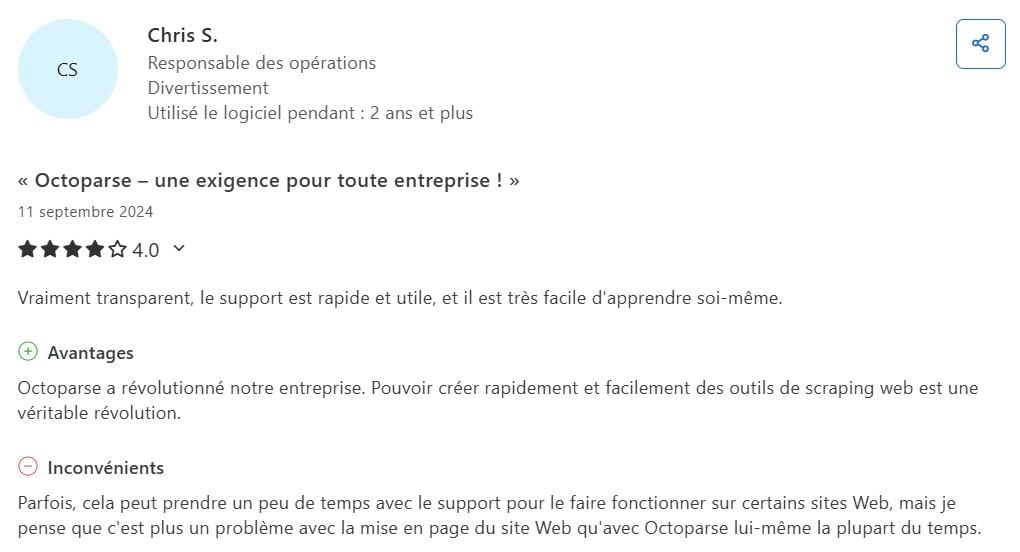
Users find this service powerful and reliable, even though some of the advanced features take a little time to master. On Capterra, Chris S. confirms:
"Octoparse has revolutionized our business. Being able to quickly and easily create web scraping tools is a real revolution."
3. Data service
This service is a managed web scraping service: the engineers at’Octoparse set up and maintain the collection for you, and then deliver games to you custom data. You get structured data right away without having to set up your own scrapers. This data can be used for research, competitor analysis, or lead generation—which is helpful when you're short on time or technical skills.
Sharadd Kuumar shares his return after 4 to 5 years Instructions for use:
«I’ve been using Octoparse for 4 to 5 years. It extracts data exceptionally well and gives me exactly the results I want. The best part is its extremely user-friendly interface and no-code experience, which is ideal for non-technical users. I highly recommend it!»

4. Octoparse AI
Octoparse AI is a separate product from the scraper. It is a no-code RPA platform that automates repetitive tasks on websites, in Excel, and in desktop applications. Its AI Copilot creates workflows based on natural language instructions.
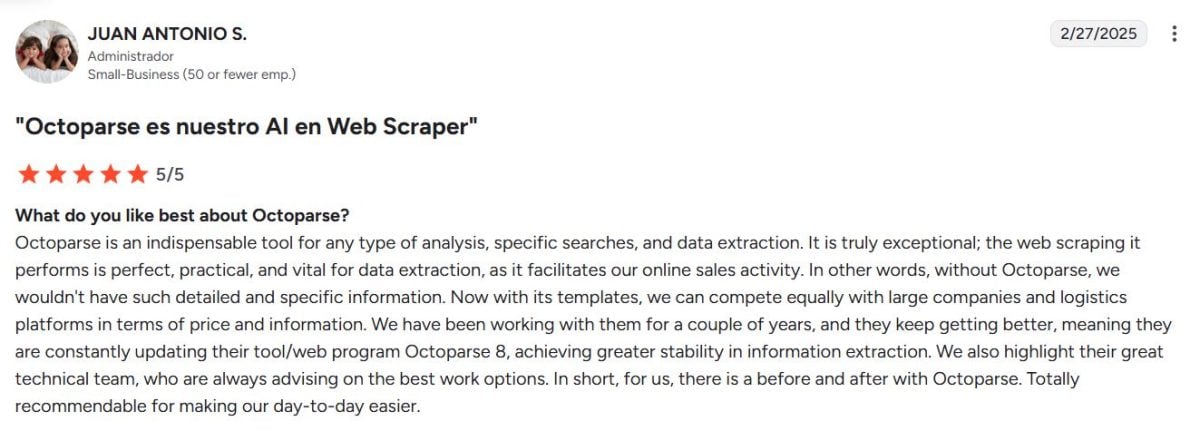
The Return of Juan Antonio S. points in that direction:
"Octoparse is our AI and Web Scraper
5. Octoparse CEM (Customer Experience Management)
It's a platform powered by’AI to collect and analyze customer feedback in real time, which the teams appreciate for managing their products. Raymond F. says:
"Octoparse CEM brings us closer than ever to our customers, enabling us to prioritize needs and create products that really resonate with our customers."
Bo T. adds :
"Octoparse CEM has given us real-time access to our customers' thoughts, enabling us to continually improve with each trip."

Octoparse: Alternatives
Octoparse remains a No-Code Scraping Guide, but depending on your needs, other tools might be a better fit.
- Bright Data : an all-in-one web-based data platform designed for large-scale projects.
- ScrapingBee : A scraping API that's easy to integrate into your code.
- Apify : a platform for developing custom web scrapers.
- ScraperAPI : an API that manages the scraping infrastructure for you, with direct technical integration into your code.
| Tool | Special features | User reviews | Average rating |
|---|---|---|---|
| Octoparse | Visual scraping without code | Easy to use and powerful, even without coding. Paid plans are expensive for high-volume use. | Varies by platform |
| Bright Data | Complete web data platform | Very comprehensive. Less accessible for a beginner, and expensive. | 4,6 |
| ScrapingBee | Optimized scraping API | Simple, quick to integrate, reliable. Less suitable for no-code projects. | 4,9 |
| Apify | Scrapper development platform | Highly flexible and customizable. Intended for technical users only. | 4,8 |
| ScraperAPI | Scraping API with IP management | Effective for large-scale web scraping. Minimal visual interface. | 4,6 |
The right choice depends on your profile. If you want to Collect web data without coding, Octoparse is still an excellent starting point.
For some large-scale collection, a platform like Bright Data may be more appropriate.
And if you're comfortable with code, an API like ScrapingBee Where ScraperAPI will do the job.
In any case, try out the version free of charge before you commit.
FAQs
Is Octoparse really free?
Yes. Octoparse offers a free plan Permanent, without a credit card. It is limited to 10 tasks, 2 simultaneous local executions, and 50,000 lines exported per month, with no cloud execution or scheduling.
For a recurring project, a paid plan quickly becomes necessary.
How much does Octoparse cost and which plan should I choose?
The Standard plan costs 83 $/month (69 $/month with annual billing) and the Professional plan 299 $/month (249 $/month (annual subscription). The Enterprise plan is available by quote.
Prices change regularly, so be sure to check the current rates directly on Octoparse's official pricing page: https://www.octoparse.com/pricing/ before making your choice.
In practical terms, choose your plan based on your frequency of use and the complexity of your projects. For occasional use, the free version is sufficient, whereas regular, large-scale data extraction warrants a higher-tier plan with cloud execution.
How do I get started with Octoparse and how easy is it to use for beginners?
Yes, the tool is designed for beginners thanks to its visual, point-and-click interface. You don't need to code to extract data. To get started:
- Creates a account and install the software.
- Paste the’URLs of the website to be scraped.
- Leave the’auto-detection identify structured data, or select the elements manually.
- Run your first scraping job and export the results to your database or the format of your choice.
The preconfigured models save time on popular websites.
Is Octoparse legal to use?
Octoparse is a legal tool. Whether mining is legal, however, depends on the targeted sites and their conditions of use. Avoid personal or sensitive information, and follow the access rules set by each site.
Can Octoparse be used to automate recurring tasks?
Yes. The tool includes automation features progress:
- Planning for’recurring extractions
- Execution in the cloud, even when the PC is turned off
- Automatically export data to your database, or retrieve it via the Octoparse API.
Octoparse It's fine if you want to Automate web data collection and you have a medium- to high-range budget.









 FR
FR  RU
RU  EN
EN  ES
ES  IT
IT  DE
DE  ZH
ZH  PT
PT  ID
ID  JA
JA  DA
DA