Do you dream of exploring the world of Minecraft with a parrot on your shoulder like a real pirate scouring the seas?
In this tutorial, see how to tame a parrot in Minecraftto set yourself apart from other players and make your adventures even more exciting.
First and foremost, you need to know that there are 5 different types parrots in Minecraft. They can be distinguished by the color of their plumage. We hope you find the one you like best!
| 🎨 Plumage types | 🦜 In-game appearance |
| Parrot (red plumage) |  |
| Parrot (blue plumage) |  |
| Parrot (green plumage) | 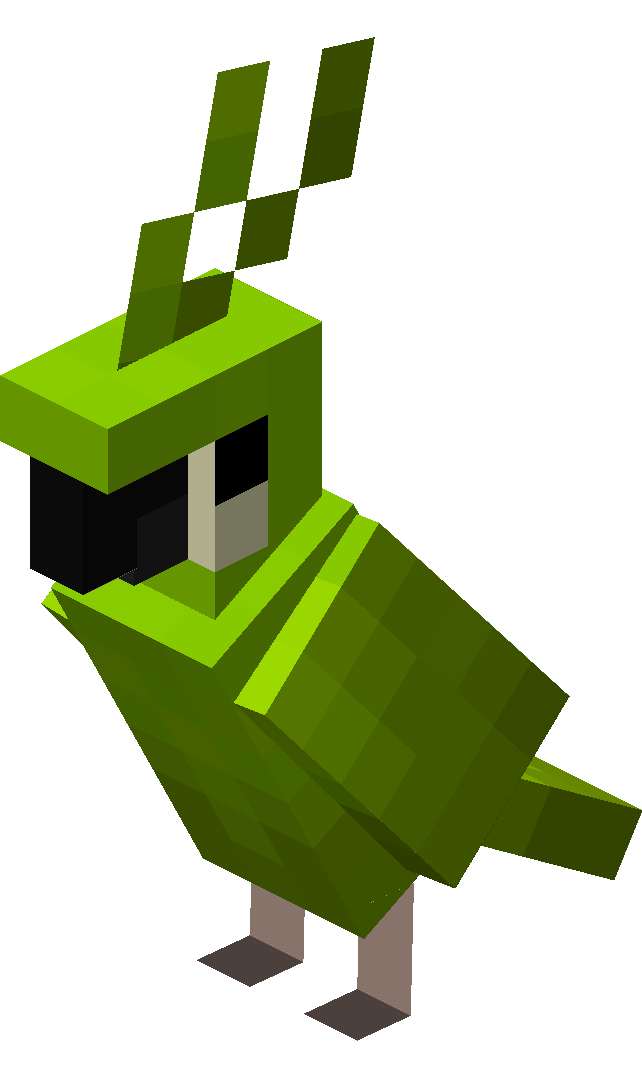 |
| Parrot (cyan plumage) | 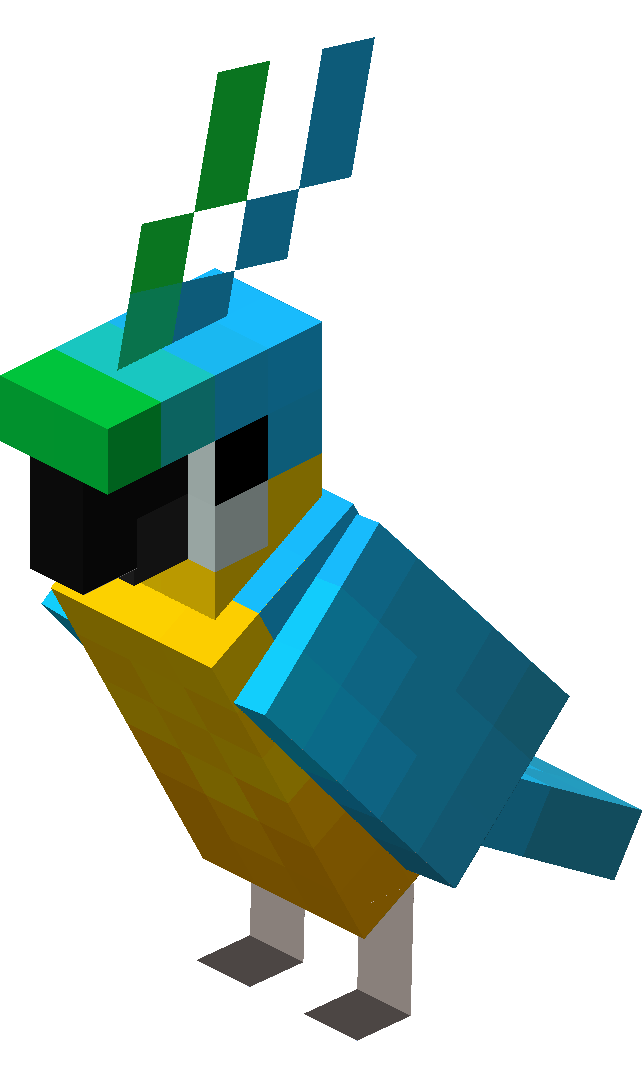 |
| Parrot (gray plumage) | 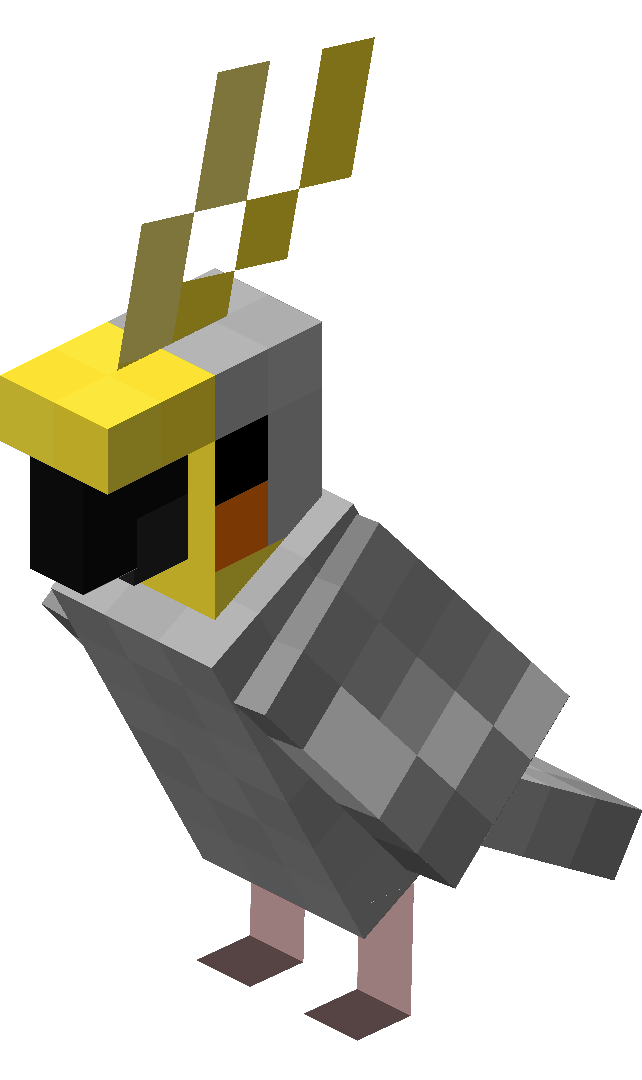 |
1. Find seeds
Before you start looking for a parrot, you need to make sure you have the right seeds on you. Wheat, pumpkin or melon, any type will do.
To find them, simply go to places where there are tall grasses. Then destroy them by left-clicking on them. You'll then be able to collect seeds. By going to a villageThere's a good chance that agricultural land is present. Don't hesitate to help yourself!

2. Find a parrot in the wild
Coming face to face with a parrot is extremely complicated. In fact, the animal has an appearance rate of only 0,2% ! That's hours and hours of research that will only be rewarded by luck that defies the odds.
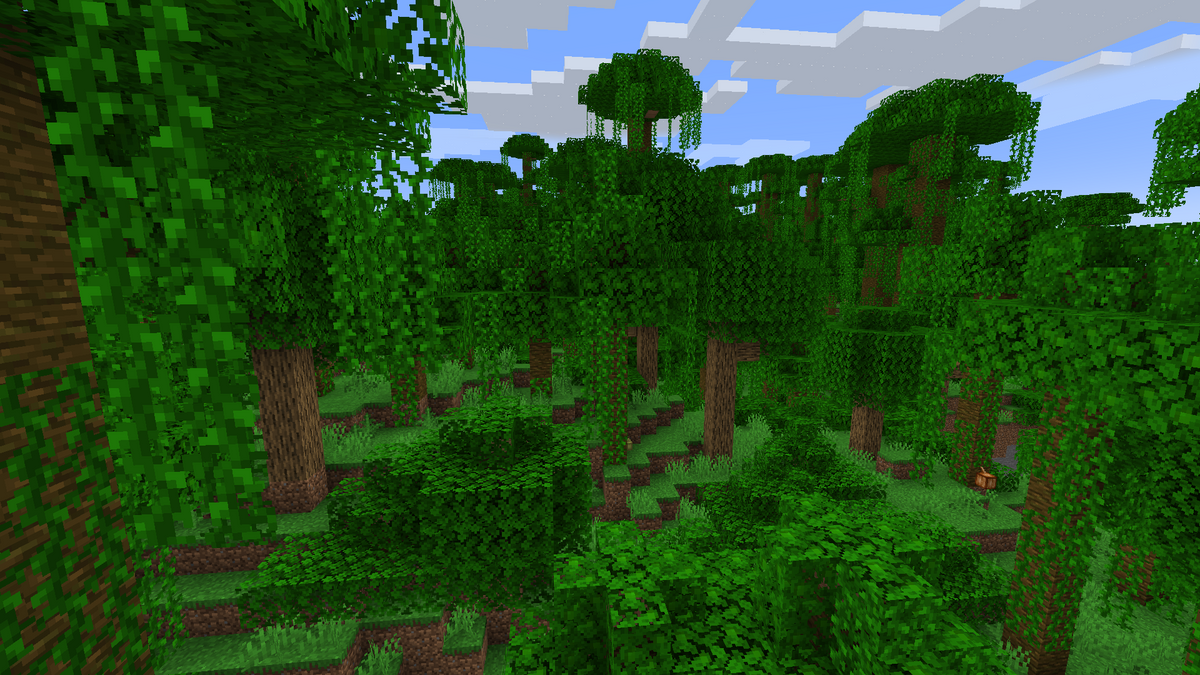
If this element doesn't scare you, we invite you to visit the jungle biomes of Minecraft. These are home to the famous parrot you want to acquire. In any case, we wish you every success in your quest!
3. Feed him by approaching gently
You've got it! You've found a parrot! It's going to be a while before you get the chance, so follow our advice. First of all, approach gently so as not to scare him away.
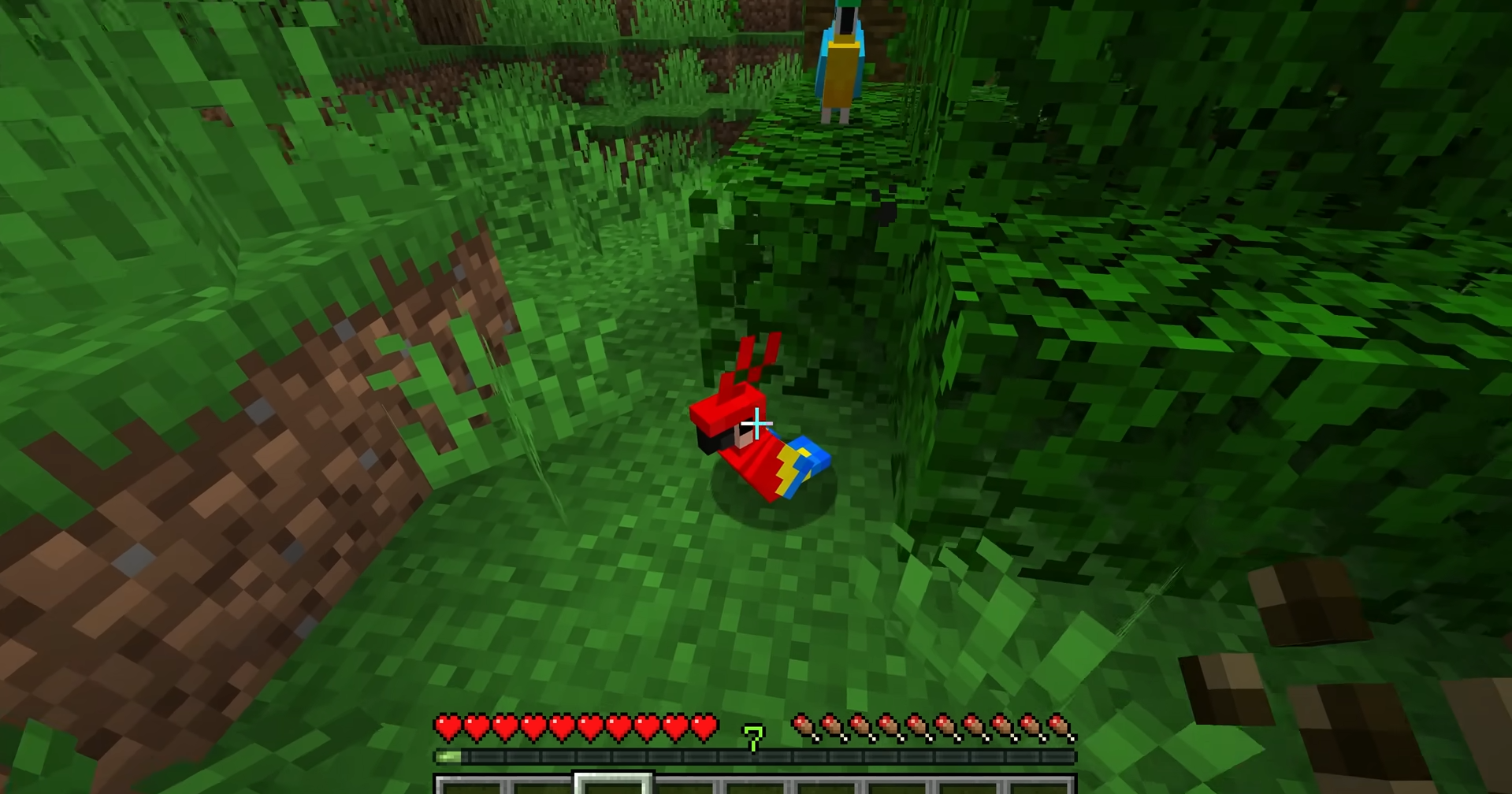
In a second step, use the seeds you collected in the first stage to feed the parrot. To do this, take them in your hands and right-click on them. Repeat until you see red hearts appear.
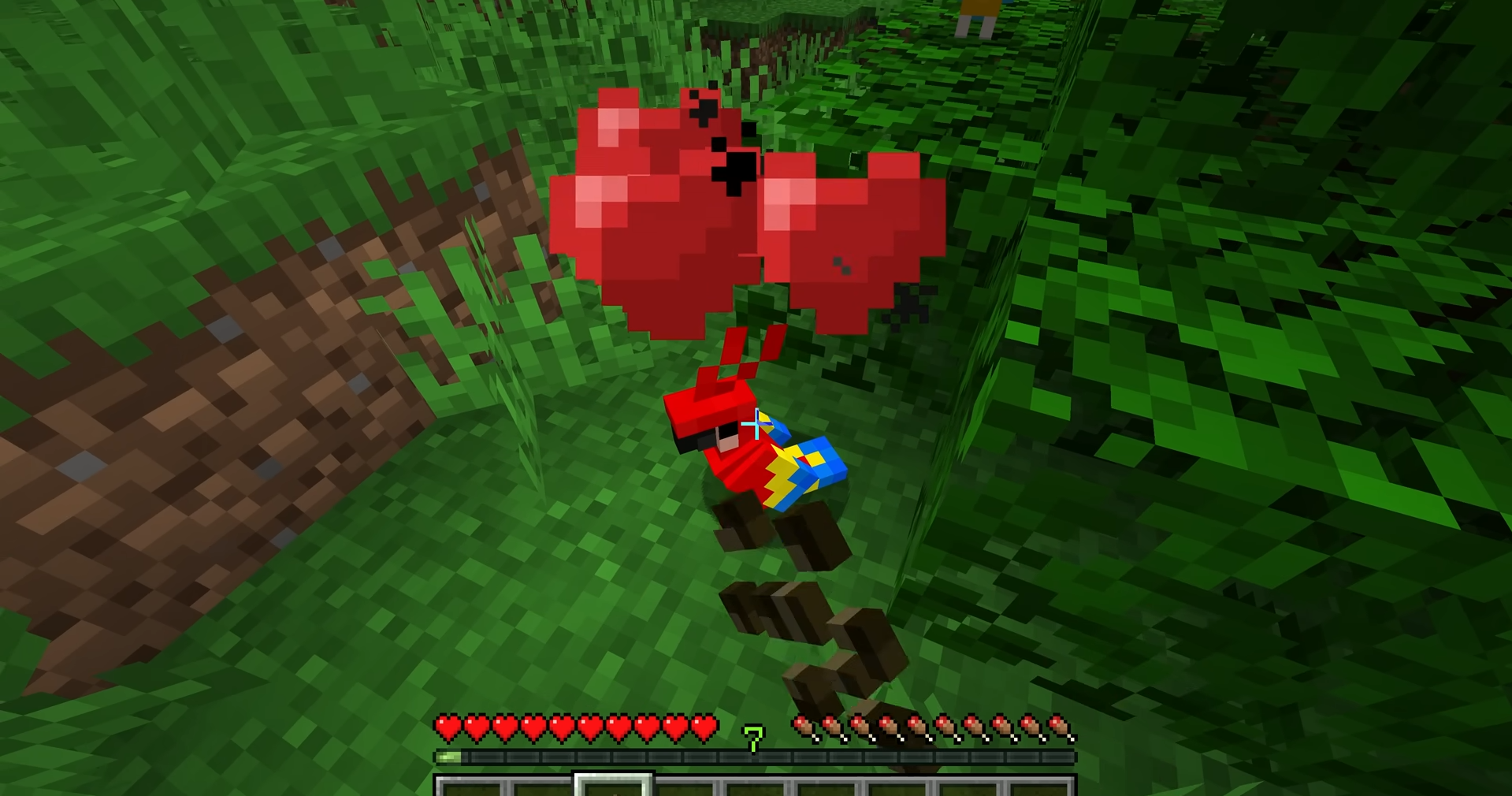
You have one chance in 3 de réussir à apprivoiser votre proie. Ainsi, c’est le moment de voir si vous êtes un joueur chanceux ou non !
4. Interact with the tame parrot on Minecraft
Congratulations, you've finally tamed a parrot ! This feat allows you to interact with it in a variety of ways.
Indeed, your new partner will your shoulder as its perch of choice when you walk past.

If you ever want to do it go toOr if you don't want this to happen, you can rest assured that it will if :
- You suffer damage,
- Jump into the water,
- Use a fishing rod,
- Get some sleep,
- Or place your head in lava.
Your parrot will dance if you stand near a jukebox playing music. The latter can also imitate the surrounding sounds of other creatures over a distance of 20 blocks.
Tame a parrot dans Minecraft n’a maintenant plus de secret pour vous ! Entre la recherche des graines, l’exploration de la jungle, et l’interaction avec votre nouvel allié, vous avez maintenant toutes les clés pour vous distinguer des autres joueurs en l’arborant sur votre épaule.
And since the more the merrier, why not see how to adopt a fox in Minecraftto make your adventures even more unique?








 English