How to tame a parrot in Minecraft, you'll need some seeds and one jungle biome. You approach slowly, you make a right click with the seeds, and with a little chance The bird becomes your companion.
Parrots come in 5 plumage colors : red, blue, green, cyan, and gray. They differ only in color, never in their behavior.
| Types of plumage | In-Game Appearance |
| Parrot (red plumage) |  |
| Parrot (blue plumage) |  |
| Parrot (green plumage) | 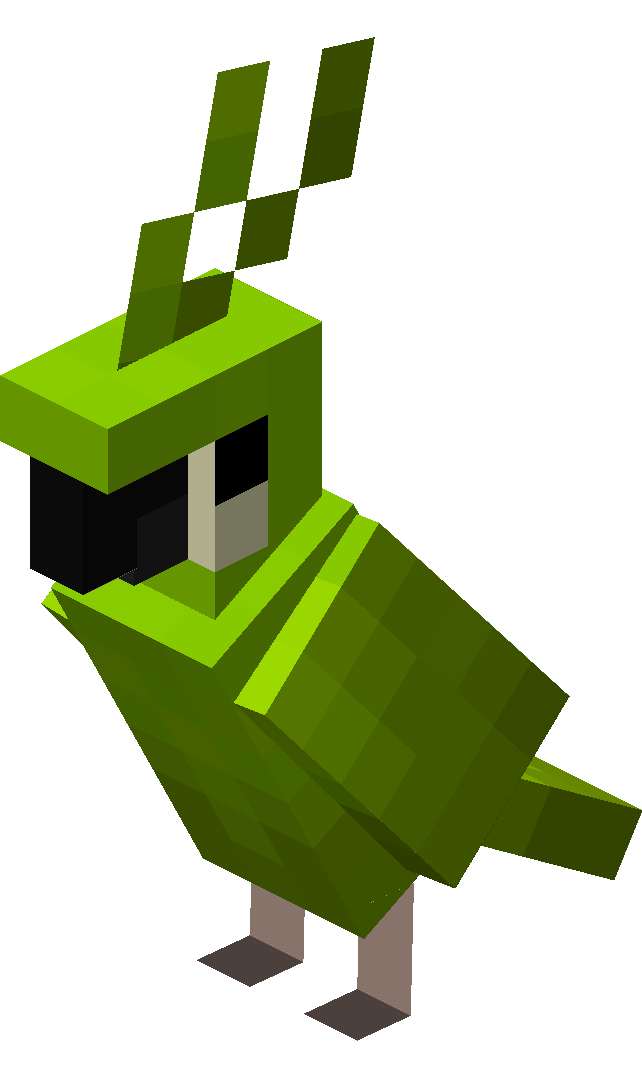 |
| Parrot (cyan plumage) | 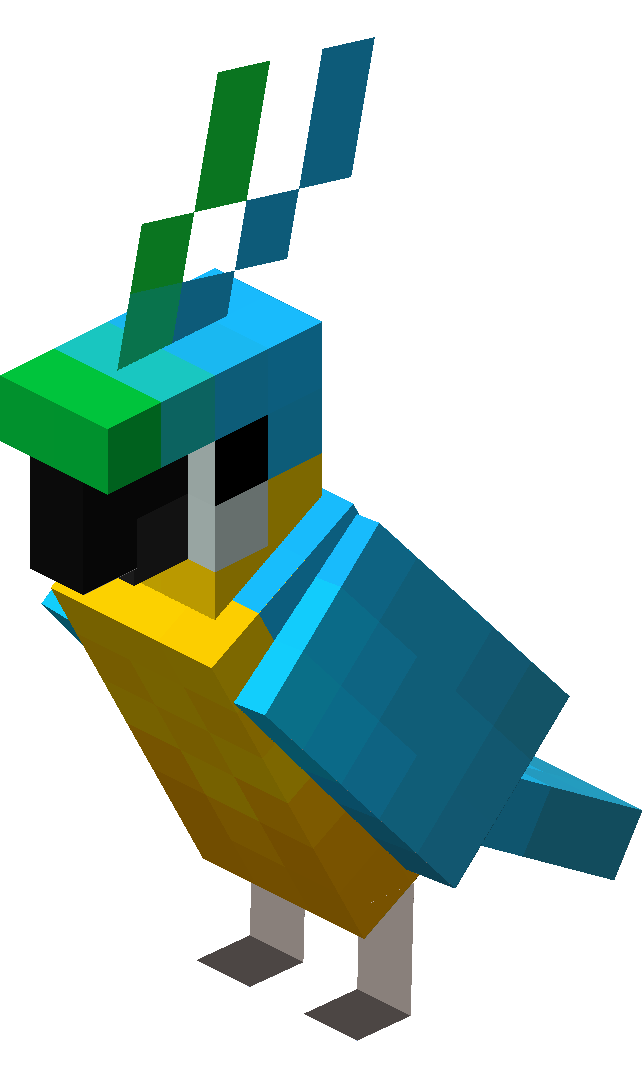 |
| Parrot (gray plumage) | 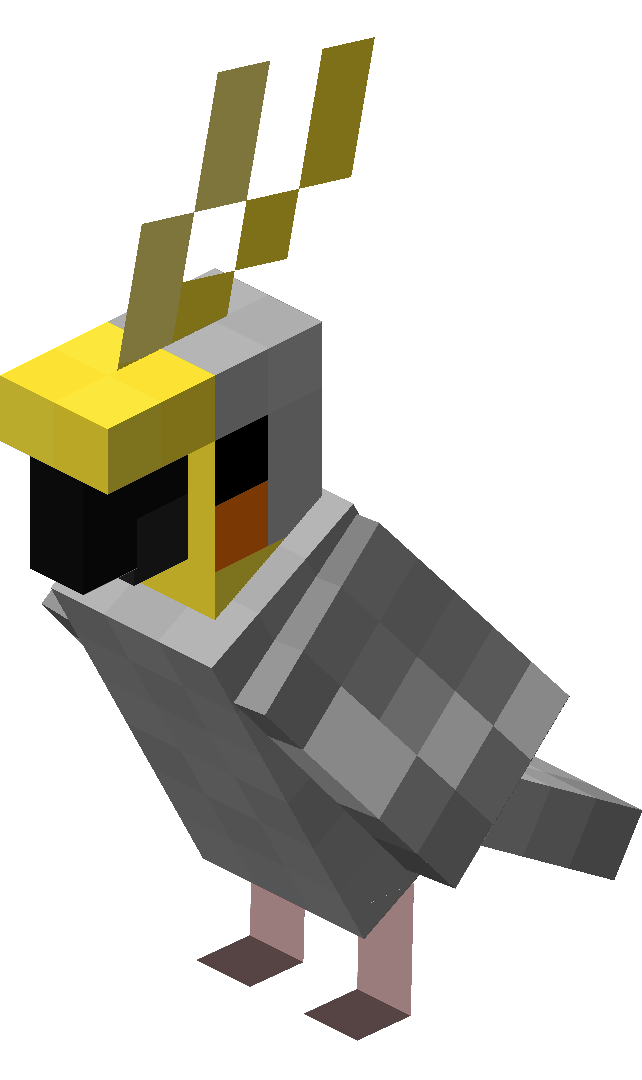 |
1. Find seeds
Before you go parrot hunting, make sure you have some seeds in your inventory. Several varieties will do: the wheat seeds, of pumpkin or melon—they all work for taming a parrot in Minecraft.
To get some quickly, destroy tall grasses with a left click : They're sure to drop seeds. If you come across a village, his farmland are also a good source of wheat and pumpkins. To learn more about managing your plant resources, check out a composter.

2. Find a parrot in the wild
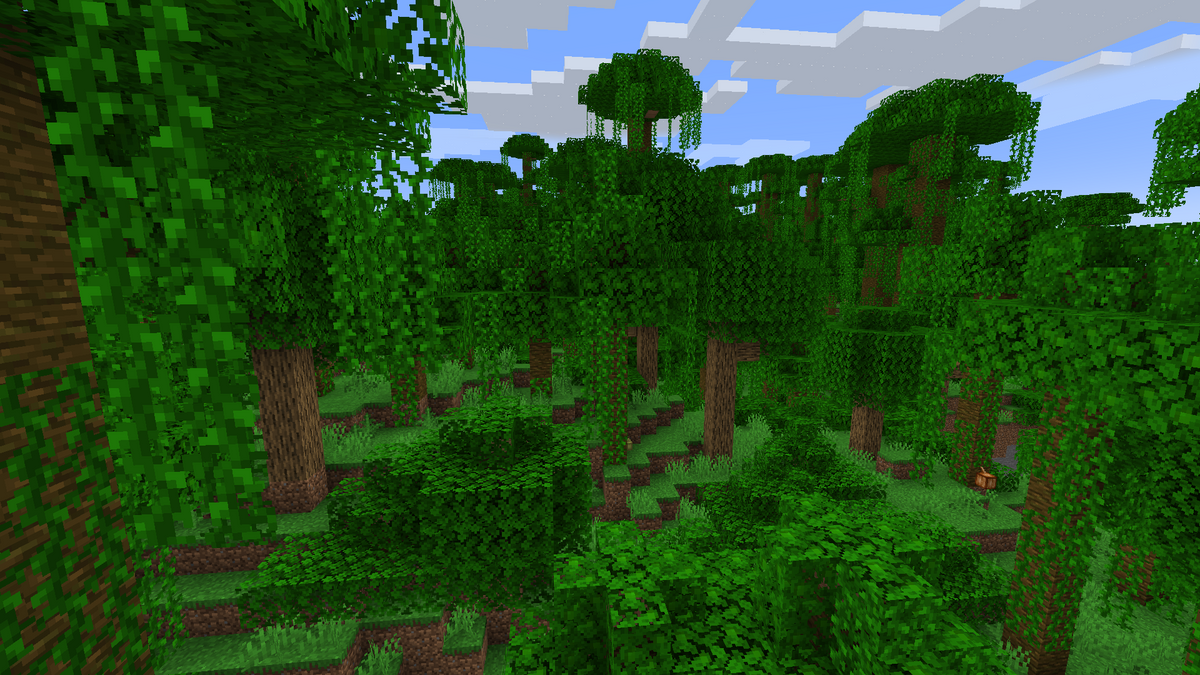
The parrot is a rare creature in Minecraft: it appears only in the jungle biomes, and it's still very rare. Be patient—it might take a while before you come across one.
Parrots can appear in three biomes:
- there Classic Jungle,
- there sparse jungle,
- there bamboo grove.
These birds can be found in both versions Java than on Bedrock. The color of the plumage you'll get depends entirely on the chance.
3. Feed him by approaching him gently
Did you spot a parrot in Minecraft? Come closer slowly so as not to scare him away. This is the first rule to follow to successfully tame him.
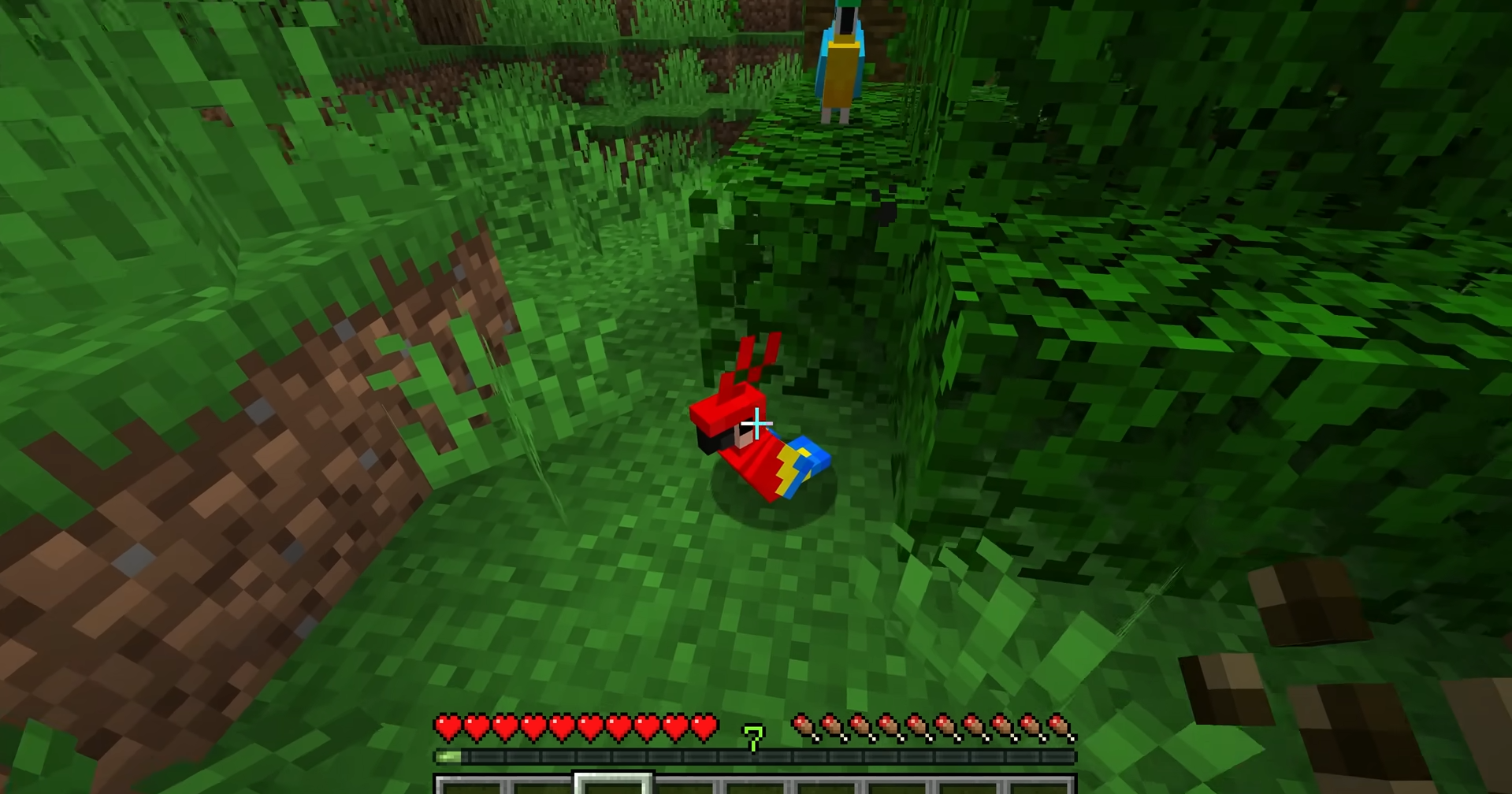
Grab your seeds and make a right click on the bird to feed it. Each attempt gives you about 1 in 10 To successfully tame the parrot, repeat the process as many times as necessary.
When some red hearts If they appear above its head, it's a done deal: the parrot has been tamed.
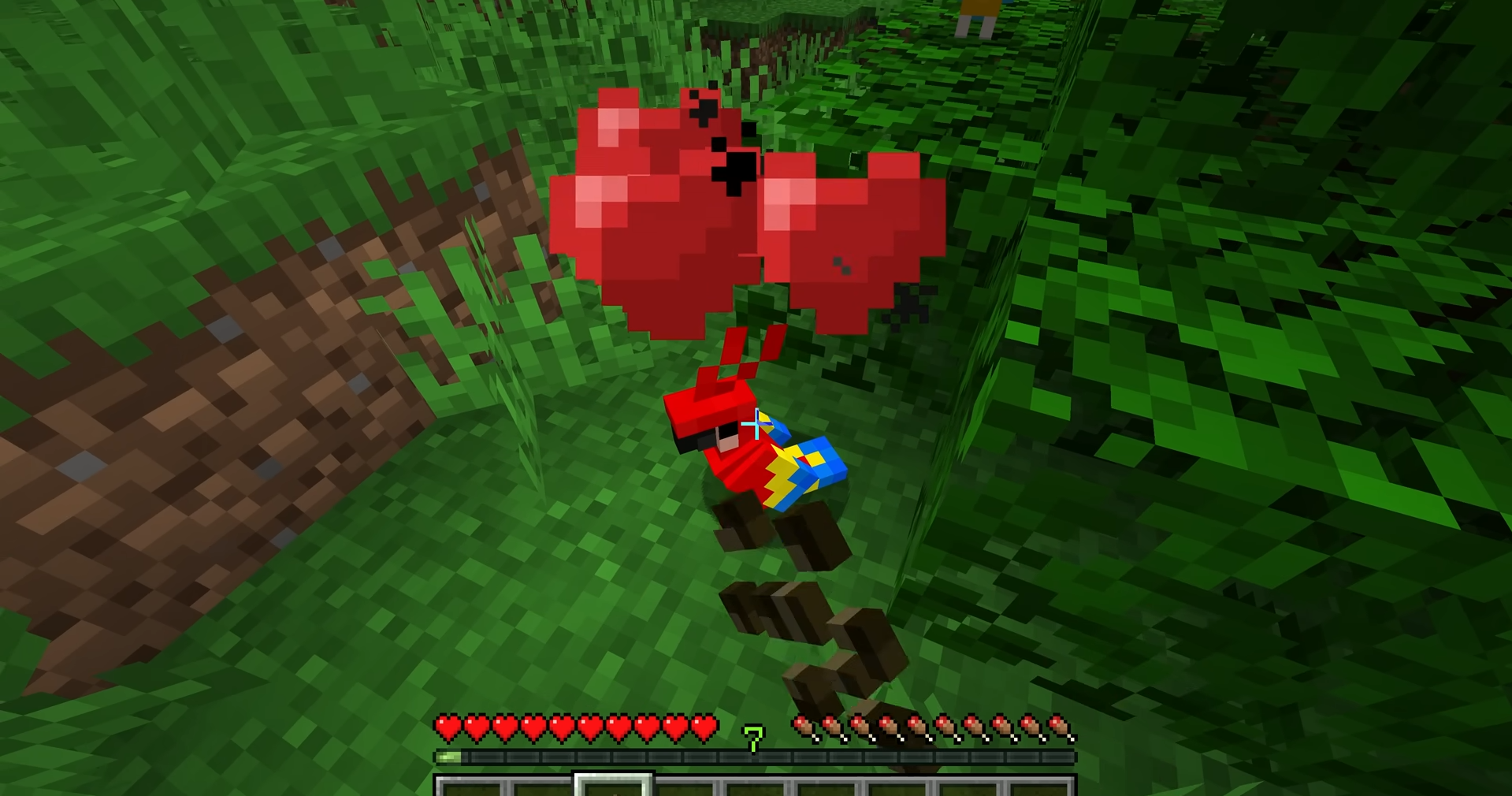
One important point to always keep in mind: don't give no cookies ever to your parrot in Minecraft. The Cookies are his mortals and kill it instantly. Seeds are the only food source that can be used to feed a parrot.
4. Interacting with the Tame Parrot in Minecraft
Once it's tamed, your parrot will your shoulder as his favorite perch as soon as you walk by him. If you get a second parrot, it might even land on both of your shoulders at the same time.

Your parrot will automatically fly off your shoulder in these situations:
- you're experiencing damage,
- you jump into the’water,
- You're using a rod,
- you sleep,
- You put your head in some washer.
Come closer to a jukebox If you play a music CD, your parrot will start to dance. This is one of Minecraft's most endearing traits.
In terms of practicality, parrots imitate the sounds of hostile creatures within a radius of 20 blocks. If you hear a growl from zombie Step out of your bird—an enemy is lurking nearby: it’s a real real-time alert system. This ability makes tame parrots cherished companions, whether as Java that Bedrock.
Want to keep adding to your world? You can also tame a cat, a wolf, a horse or a fox to accompany you on your adventures.









 English