To Create a Minecraft mod, you have two options: use MCreator (free, no coding required) or code directly in Java with Eclipse and Forge.
If you're just starting out, MCreator is the logical starting point. These two methods apply only to Minecraft Java Edition, not Bedrock Edition.
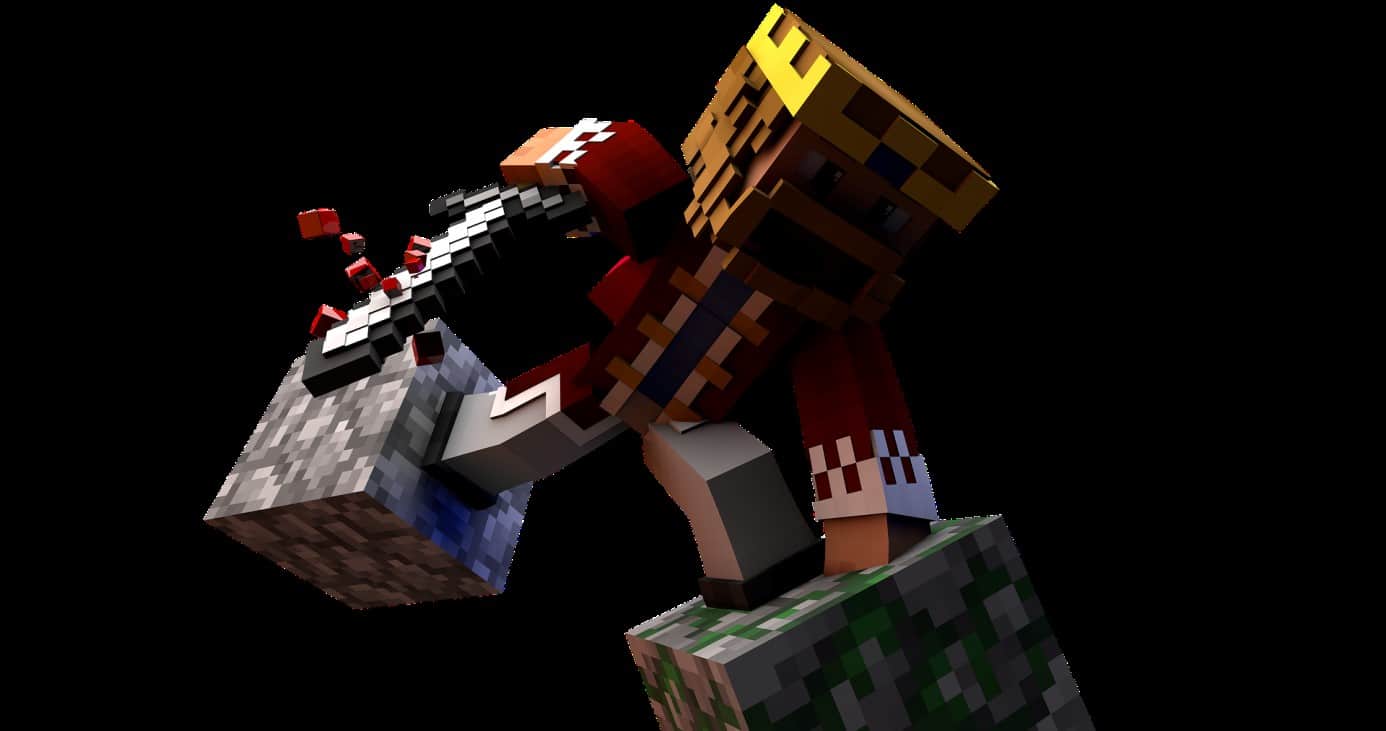
A mod is a community-created extension for add features In the game: new blocks, objects, textures, structures, or biomes. It modifies the game itself, both on the client and server sides.
Not to be confused with a plugin, which runs exclusively on a server to add commands or rules, without the player having to install anything.
How to create a Mod Minecraft with software
MCreator : a handy program for creating a Minecraft mod
MCreator is the easiest software for creating a mod without coding. Developed by Pylo, it offers a graphic interface A game for beginners. You build your blocks, objects, and structures with the mouse, then preview the results directly in the game.
It doesn't work not with Bedrock Edition, which uses a different technique (JSON add-ons). This is a limitation you should be aware of before you get started.
The software also includes a Java code editor To take it a step further, you can modify a block's behavior, add features, and then export your mod with a single click.
Create your first mod with MCreator, step by step

Here is the complete procedure for creating a simple block, from download until the file is exported:
- Download and install MCreator for free from the official website. Choose the version that matches your version of Minecraft and your mod loader (Forge, Fabric Where NeoForge).
- Run the program and create a new workspace. Name your mod, then select the generator (Forge, for example).
- Click on the " + " to add a new element. A list appears showing all the possible types: blocks, items, armor, tools, plants, fluids, entities, biomes, or structures.
- Choose Block, then give it a name. Import or draw a texture from your computer to customize your notebook.
- Configure the block's properties: hardness, brightness, sound, and behavior in the game world. Keep it simple for your first try.
- Try it out in the game using the button Run Client. Minecraft launches, and you'll see your block in the creative inventory.
- Once you're satisfied, export the mod via Export mod. MCreator generates a file
.jar. - Place this
.jarin the filemodsof your Minecraft installation. Note: It only works with the mod loader you selected at the beginning.
Does the software MCreator Is it free?
Yes, MCreator is entirely free and open source. You can download it and use it freely to design and customize your own mods, without any programming skills.
Create a Mod Minecraft without software
You can also code your mod by hand, without using MCreator. This method of development request for a solid foundation in Java, but it gives you a total control depending on the content and features you add. If you're a complete beginner, start with some Java tutorials to understand the basics of the language before you start programming a mod.
This approach also lets you create resources more complex features: custom textures, new structures generated in the game world, original crafting systems, or custom entity behaviors. This is the method used by most of the major mods available today.
Prerequisites to Install
Here are the essential tools for coding a mod on Minecraft Java Edition :
- The JDK (Java Development Kit) : Uninstall the standard JRE from your PC and install the JDK instead. It allows you to compile and decompile code. Download it from the official website of’Oracle, tab Downloads, section Java SE Downloads.
- The 32-bit or 64-bit version : Accept the terms of use, then select the version that matches your operating system.
- A development environment : install Eclipse (free), in the « for Java Developers »that's compatible with your system.".
- the Forge MDK : This is the reference development kit. Download it from the official website of Minecraft Forge, making sure to choose the version that matches your version of the game.
Create and Compile Your First Mod
Once you have these tools ready, here's how to code your mod using Forge :
- Import the Forge MDK in Eclipse as a project Gradle. The workspace then configures itself automatically, with the basic files already in place.
- Create your main class, for example ExampleMod.java. This is the entry point for your mod.
- The mod states with the annotation @Mod(“monmod”) placed above your class. It's what tells Forge that your file is indeed a mod.
- Add your items : new blocks, objects, textures, or structures. Each element is processed by Java code linked to the game's registers.
- Compile with Gradle to generate a file .jar. Place this file in the folder mods of your Minecraft installation with Forge, then launch the game to test how it looks.
the .jar This product only works with the mod loader used during development. Also, remember to Save Your World before testing, just in case the mod causes bugs.
Where to Find Help
Modding evolves with every new version of the game. To stay up to date and improve your skills, use these resources:
- The official documentation from Forge, which details each stage of development.
- The forums and the community modders who are very active in fixing bugs and sharing source code.
- The video tutorials in French, which are helpful for following the procedure in real time and learning how to proceed step by step.
You can also check out our Guide to Setting Up a Minecraft Server and play your mods with friends.





 English
Legalizado
IF NO QUIERES MOOBS IN MINECRAFT ESTE EST TU MOD
No veo el informs
Se encuentra en los corvidos habitado muy debajo de la lava en el neder controla todo es muy difícil de encontrar
Not understood