WhatsApp does not offer any built-in option to type in blue in your conversations. On android, the tip that really works is the app BlueWords, available on the Play store. It replaces your keyboard to turn your letters into colored text.
On iPhone, there is currently no official method, but third-party apps or online generators can sometimes come close by using the’App Store.
Download the app BlueWords
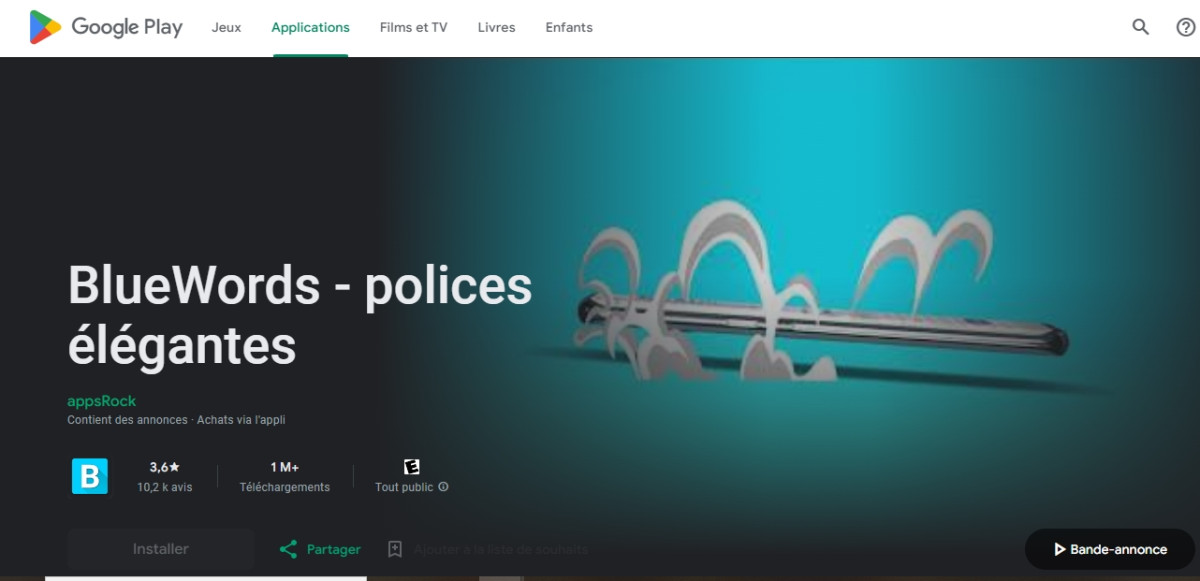
To Write in color on WhatsApp for a android, BlueWords is the simplest trick. It's a stylized text app that works like a keyboard and turns your letters into stylized characters.
Go to the Play store, type BlueWords in the search bar, then tap Install. The app is ready in just a few seconds.
Good news: BlueWords is free of charge. Be sure to check the store's listing to see if there are any integrated purchasing before you get started.
The app offers you a wide selection of styles and colors. You can change the shape of the letters as many times as you want, add whimsical drawings, and select the style “blue letters” to give your messages a truly unique look.
An important point about the compatibility : BlueWords is based on special characters Unicode. The display may therefore vary depending on the recipient's device, particularly between android and iPhone.
Follow these setup steps
Once BlueWords Once it's installed, you'll need to set it as your keyboard before you can type in color. Here are the steps:
- Open the app and grant it the authorizations requested.
- Go to your phone's settings, then to General Management > Keyboard and Input Methods > Add a Keyboard (on Samsung). On a standard Android device, go to System > On-Screen Keyboard. Then click BlueWords.
- Defined BlueWords as default keyboard. You can also press and hold the text field to switch keyboards while typing.
- Press the’WhatsApp icon, select a conversation and tap the input bar.
- Select the style “blue letters”, then type your message and send it.
You'll see your letters go to the blue. Your contacts might ask you how you did it.
Get used to using an English keyboard
By default, BlueWords works in English. Some characters, such as accented letters, are therefore not available. If you need them, switch between BlueWords to type in color and use your usual keyboard for the rest of the text.
Also keep in mind that this tip is, above all, reliable between Android phones. A contact on an iPhone may not necessarily see the blue letters the same way.
Want to switch back to your original keyboard? Just uninstall BlueWords, and your default keyboard immediately takes over in WhatsApp.
Other Ways to Write in Color and Format Your WhatsApp Messages

BlueWords That's not the only way to add style to your messages. Here are some other options depending on your device.
Use another stylized text app on Android
On android, other similar apps that use stylized text do the same thing as BlueWords. You can find them directly on the Google Play Store.
The principle is the same: the app turns your letters into characters Unicode stylized. You type, select the style, and then share the message in your WhatsApp chat. Note: This isn't an actual text color, but rather’emojis and special characters that imitate blue or fanciful handwriting.
Native formatting is already available in WhatsApp
If you just want to highlight a word, you don't need a third-party app. WhatsApp (owned by Meta) natively offers several formatting styles, without relying on WhatsApp's basic colors:
- Fat : Enclose your word in asterisks (*word*).
- Italic : Place an underscore on either side (_word_).
- Struck through : Enclose the text in tildes (~word~).
These options work within a group, with a contact, or in your status, and they work just as well on android than on iPhone. If you want to explore other new features in the app, you should know that you can also deactivate video messages from the settings.
What Your Recipient Actually Sees
Before sharing a colorful message, keep one important limitation in mind. Stylized characters display well on android, but one user out of iPhone can see some broken symbols or simple squares. Compatibility is particularly fragile between Android and iPhone, but not between two phones on the same network.
To learn more, check out where to find the WhatsApp recycle garbage can.










 English