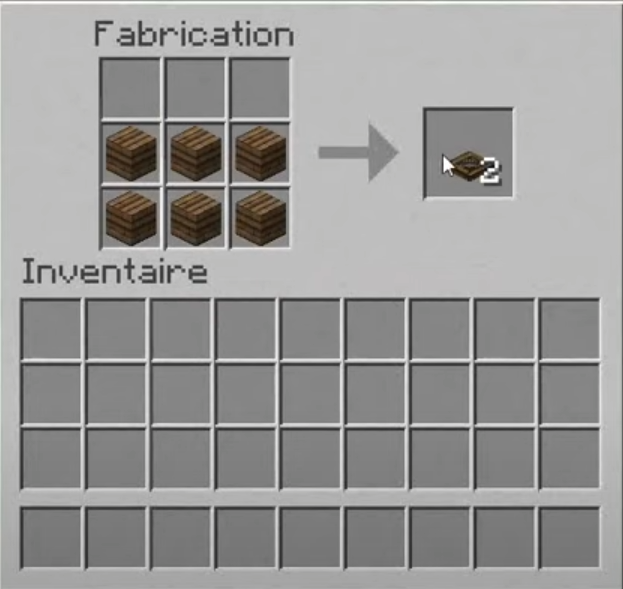
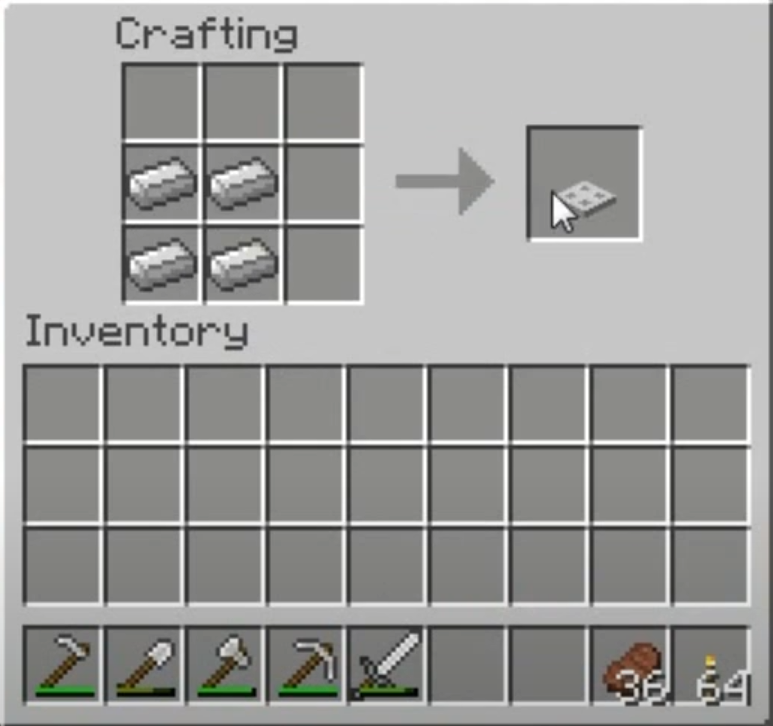
To make a trap in Minecraft, you need to 6 wooden planks of the same type or 4 iron ingots depending on the version you want. Just fill in two rows of your craft table, and you're all set.
The trapdoor is one of the most versatile blocks in the game: it can serve as a door on the ground, a barrier, a trap, or a secret passage. Here’s how to craft it, use it, and take advantage of all its variations.
Steps to follow to make a trapdoor in Minecraft
Make a trap in Minecraft It only takes a few minutes. You just need the right materials and a craft table. You can start with wood or on iron, depending on the intended use.
Step 1: Gather the blocks and materials
For a wooden hatch, you need to 6 wooden planks of the same type. Cut down trees to harvest wood, then craft each log into planks in a slot on your crafting table.

Any type of wood will do : oak, fir, birch, acacia, mahogany, or black oak. Be careful, though—you must use 6 identical sheets. Mixing two scents doesn't work.
For a iron hatch, plan to 4 iron ingots. Mine the iron ore, then smelt it in a furnace to make your ingots.

Step 2: Assemble the hatch on the crafting table
For the wooden hatch, put your 6 pages on two rows of 3 cells in the crafting table. You'll then get 2 wooden hatches all at once.
For the iron hatch, arrange your 4 ingots squared, that is two rows of 2 boxes each. This time, crafting only gives you’a single iron hatch.
Step 3: Retrieve your hatches from your inventory
Your hatch is ready. Slide it into your inventory, then put it wherever you want.
What are the characteristics of a trapdoor?
Once you have the trap, select it from your inventory, locate the block where you want to place it, and then press right click to install it. After that, a single click is all it takes to open or close it.
A trap is set on the upper or lower part in one piece. When placed on the bottom, it opens downward. When placed on the top, it swings upward.
According to the Minecraft Wiki, each hatch is 3/16 of a block thick. Its hollow part lets light through, unlike a solid block.
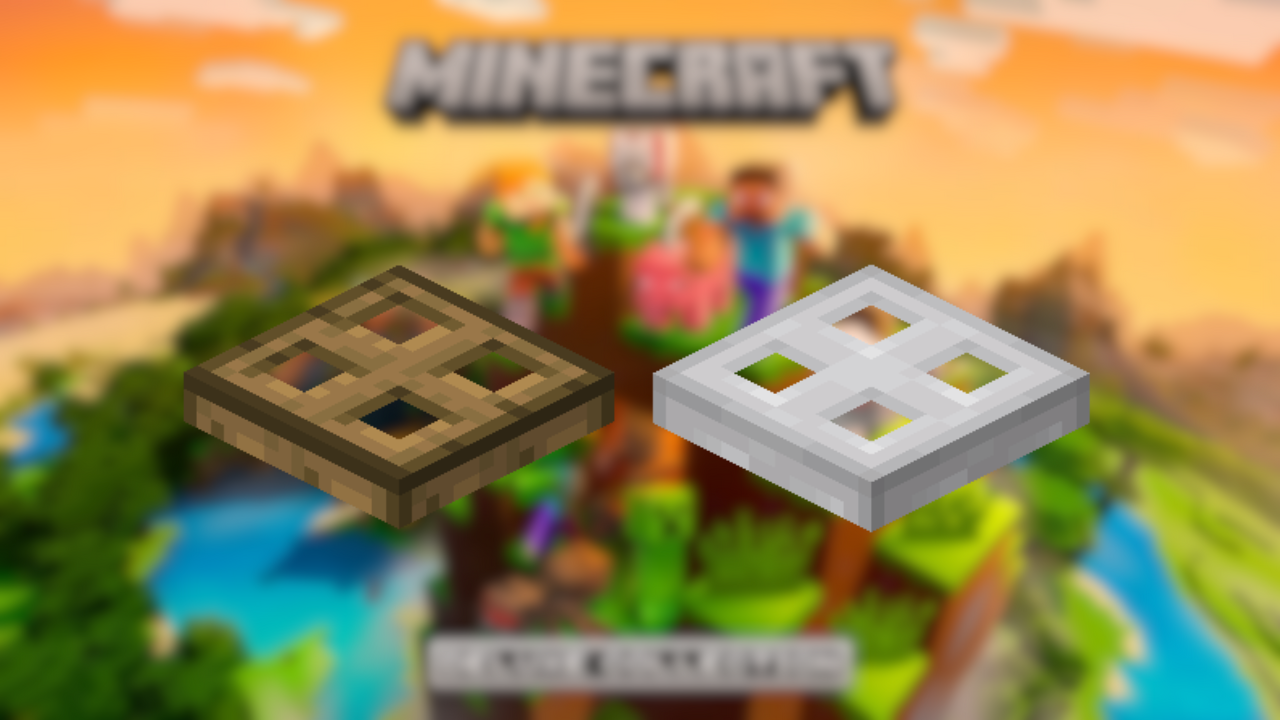
The two variants also differ in their sound : The oak hatch gives off a knock on wood traditional, while the iron trapdoor produces a its heavy, metallic sound.
The real difference lies in the’activation. There wooden hatch opens manually with a simple right-click. The iron hatch, she, on the other hand, reacts only to a Redstone signal, never with a direct click. That's the key point if you want to lock access automatically.
Both types fit in very well with automatic mechanisms. You can connect them to levers, buttons, or push buttons. As soon as a signal from redstone When it reaches the hatch, it opens or closes on its own, which opens the door to much more sophisticated circuits and traps.
the Minecraft Wiki It also specifies that a player can climb up an open hatch as if it were a ladder, and that a closed hatch blocks the movement of boats on the water.

How do I use a trapdoor in Minecraft?
A hatch can be operated with a simple right click : It opens and closes both vertically and horizontally. This little pad stands out for its versatility. You can use it to:
- Preventing Falls by placing it on the ground above a dangerous void.
- Block access to an area for creatures, which see it as a closed walled-off block.
- Stop the leaks water, snow, or lava.
- Create a Neat Opening, for example, at a bar counter.
Good to know: a trapdoor lets light through thanks to the open section. You can use it as a window or decorative shutter without plunging the room into darkness.
In terms of mechanics, the hatch is very easy to control with the redstone. A signal opens it automatically, making it perfect for a ground trap or a secret passage beneath your structures.
How to use a trapdoor as a barrier?
The traps set at the vertical form a fence effective. Placed in a row on top of blocks, they form a fence that you can open or close with a simple right click.
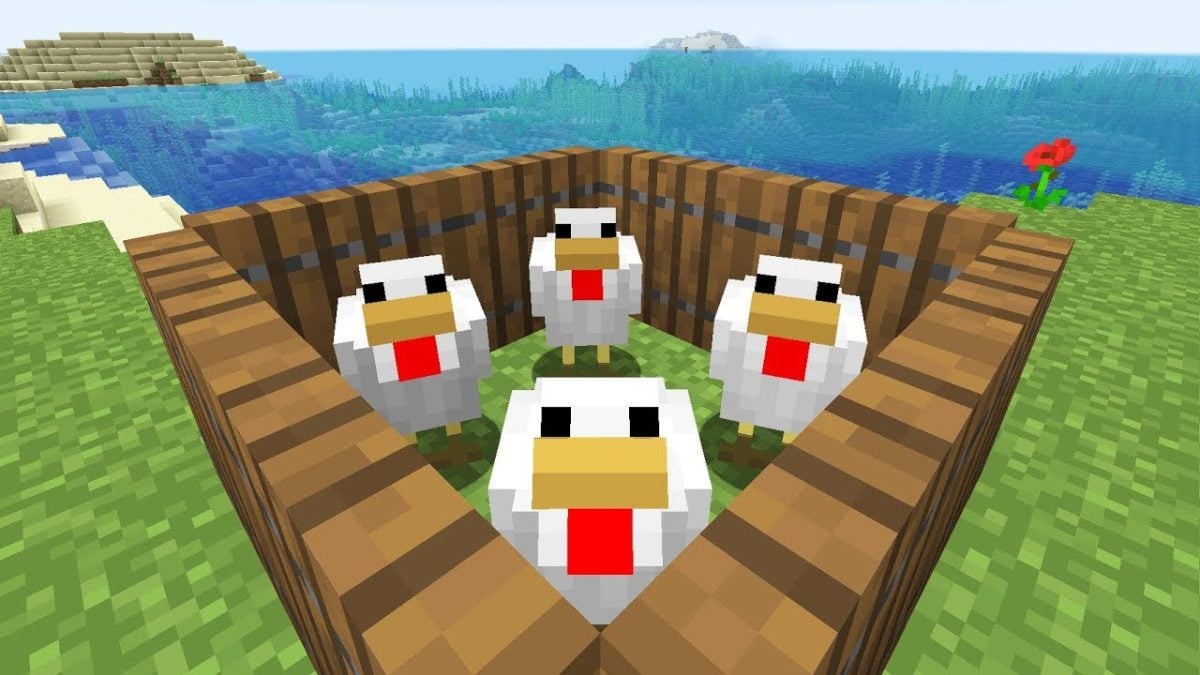
This system works because of a specific behavior of the’Creature AI : they consider the hatches, as always, closed. In practical terms, a vertical trap restricts their movement even when it appears to be open to you.
So it's perfect for the’livestock farming or the culture : You get a completely secure barn, while still maintaining easy access thanks to the manual opening mechanism.
How do I create a secret trap in Minecraft?
The secret trapdoor The simplest method involves a trapdoor in the floor connected to a hidden lever. Here's how to set that up without complicated Redstone circuits.
- Dig a hole several blocks deep at the location of the passage.
- Set a wooden hatch (oak, fir, birch—any type) on the top block, on the side facing the floor.
- Hook a table on a nearby wall, then places a lever behind him. You can activate the lever from the control panel with a simple right-click.
- Connect the lever to the hatch using redstone. When you pull the lever, the signal opens the hatch and grants access to the area below.
Note: a piston It doesn't directly move a trapdoor, because it only pushes solid blocks. For an even more subtle effect, use a sticky piston which removes a block of soil and leaves a clean hole in its place.
Explanatory video in French by Alucare, ideal complement to the page. View video (you can use YouTube's automatic translation)

Once you've mastered this mechanism, you can combine multiple traps and longer Redstone circuits to create real traps or secret passages beneath your structures.
What are the different types of access panels for a Minecraft?
It exists several types of hatches in Minecraft. Depending on the type of wood or material used, the appearance changes, but the function remains the same. These variations are known as trapdoor on the Minecraft Wiki, the go-to resource for everything related to the game's blocks.
Here are the main variants available in the game:
| Hatch variant | In-Game Appearance |
|---|---|
| Oak trapdoor |  |
| Spruce trapdoor | 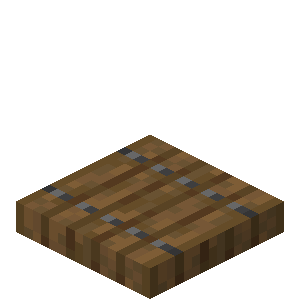 |
| Birch trapdoor | 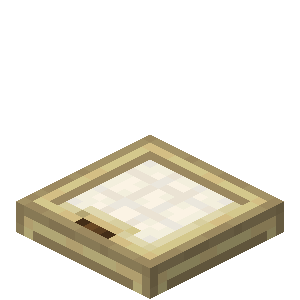 |
| Mahogany trapdoor | 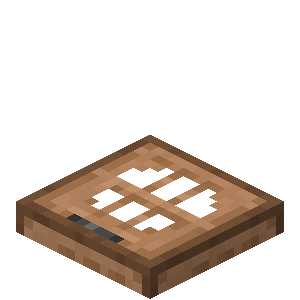 |
| Acacia trapdoor |  |
| Black oak trapdoor |  |
| Carmine trapdoor |  |
| Biscornus trapdoor | 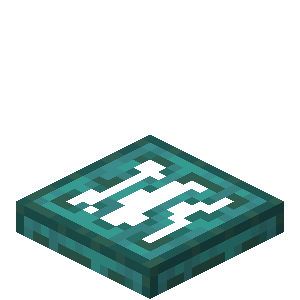 |
| Iron trapdoor |  |
All the wooden trapdoors open to the right click. There iron hatch moves only when a signal is received from redstone (lever, button, push plate), making it ideal for automated mechanisms.
As you experiment further with redstone, your traps become real gameplay elements to help with your construction projects.
You can also check out our guide on how to make a grinding wheel, an item that's very popular among players.








 English