Have you accidentally deleted your data, or is your USB drive no longer responding? Or perhaps you need to extract public data online for an analysis project? Don't panic!
In this article, we explain how to recover data (using specialized software) and how to collect information online (using scraping techniques or APIs).

How to recover lost data?
There are several possible causes for a data loss :
- 🛑 Accidental deletion
- 🛑 Unintentional formatting
- 🛑 Software or hardware failure
- 🛑 Hard drive failure, faulty USB drive...
In any case, it's not too late to recover your lost data.
First Steps: What should you do immediately?
If you have just lost your data, don't panic. You can still recover it. But to do so, you need to develop good habits from the very first minutes.
Here's what you can do:
- 👉 Stop writing to the affected media (hard drive, SD card, USB flash drive).
The more you write on it, the more you risk overwriting the recoverable files.
- 👉 Check your system's recycle bin/trash can
A recently deleted file may still be present there.
- 👉 Test the disk or flash drive on another port, another cable, or another computer.
In fact, the problem may simply be due to the connection.
What software solutions are available for recovery?
There is software that allows you to recover deleted data.
👉 These tools analyze the media to recover deleted files.
Here are some examples of data recovery software, depending on your budget and the severity of the problem:
🔓 Free / Open Source

- Recuva (Piriform/CCleaner): Simple and effective for recently deleted files.
- TestDisk: powerful, especially for repairing lost partitions.
- PhotoRec: retrieve your photos, videos, documents, even if the file system is damaged.
💎 Freemium / Paid (Pro Versions)
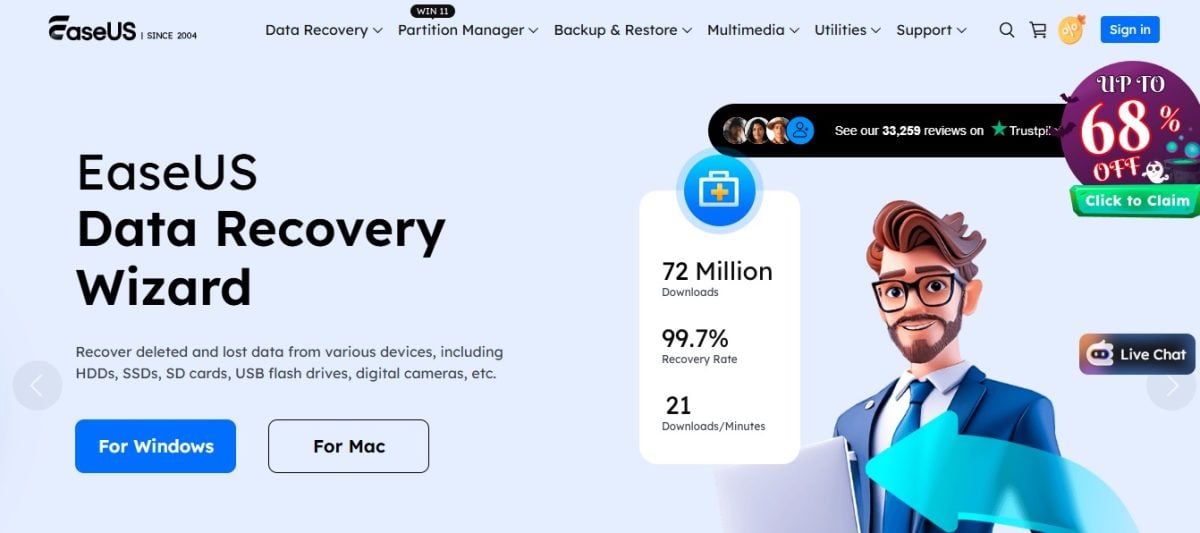
- EaseUS Data Recovery Wizard: Very intuitive, works on disks, USB drives, SD cards.
- Wondershare Recoverit: modern interface, allows you to preview recoverable files.
- Disk Drill: Good interface, fast analysis (but limited to 500 MB in the free version), the paid version gives full access to all features.
- Stellar Data Recovery: Compatible with many formats and systems.
🚀 Professionals / Experts
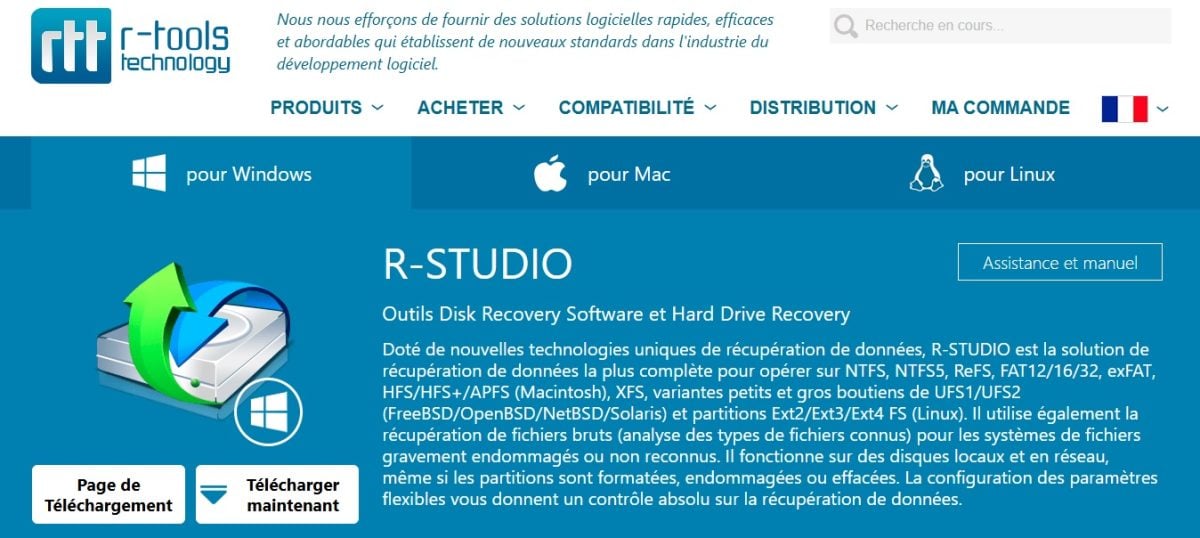
- R-Studio: powerful but complex (the ideal tool for technicians)
- Ontrack EasyRecovery: used by professionals, particularly for critical recoveries
When should you call in a professional for data recovery?
⚠️ However effective it may be, no data recovery software does not guarantee 100% restoration.
And if your disk has been knocked or is making unusual noises (clicking, scratching), don't persist. Starting a data recovery process could make the damage worse!
👉 In this case, it is best to call in a professional to recover your data.
Here are some complex cases that are best handled by a data recovery specialist :
- 🆘 Physical hard drive failure (mechanical noise, burning smell, etc.)
- 🆘 Damage related to water, fire, or impact
- 🆘 Recovery attempts that made the situation worse
👉 The recovery process generally proceeds as follows:
- Diagnosis and analysis of damaged media
- Precise quote before any work is carried out
- Opening in a clean room if necessary
- Physical or logical repair of the medium
- Extraction and verification of recovered files
How to recover data on Android?
Did you lose data on your Android device? Once again, there is still a chance to recover it.
👉 You can do this by using built-in tools or some backup solutions.
Your data may still be somewhere!
1. Recovery after deletion on Android
On Android, some apps have their own trash can. This makes it easy to restore deleted files. All it takes is one click to find all your data!
Here are some solutions for recover deleted files on Android :
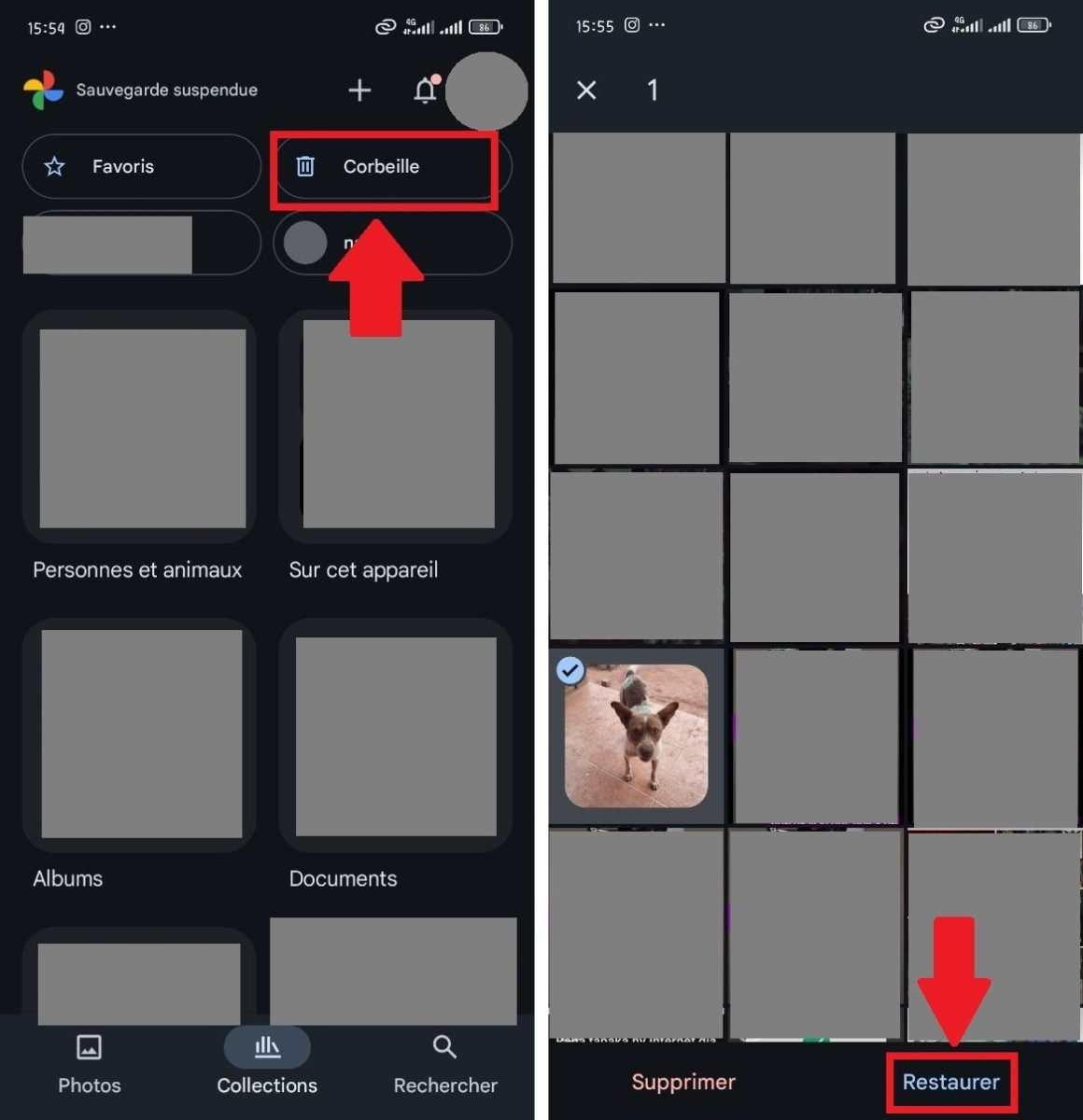
- 📸 Google Photos: deleted files remain 30 days in the trash.
Simply open the app to go to «Library» (or Collections) then in «Trash».
Then select the items you want to restore and click "Restore.
👉 Files by Google (Google files) also offers a recycle bin for locally deleted files.
- ☁️ Cloud synchronization: Check in Google Drive, Dropbox, OneDrive, etc.
👉 Active synchronization with a Google account can save a lot of data. For example, you can find your deleted photos and videos in Google Photos!
👉 Your files saved in Google Drive are not affected by locally deleted data.
- 🧩 Recovery applications: Dedicated software such as Dr.Fone or DiskDigger can analyze the internal memory, but often require root access.
⚠️ Without root access, the results are very limited.
2. Restoring from a backup on Android
Solutions for automatic backups are available on Android smartphones (via Google services or manufacturer-specific tools). For example:
- 📱 Google Backup (Google One backup): automatically backs up apps, text messages, settings, call history, and sometimes photos/videos (if Google Photos is configured).
- 🔄 Samsung Smart Switch: For Samsung users, Smart Switch allows you to back up/restore data between devices or from a local/cloud backup.
When setting up an Android device (or after resetting it), you can restore a Google backup by signing in with the same account.
Depending on the nature of the deleted data on Android, Here's how to retrieve them:
- ☎️ Contacts: Ensure that synchronization is enabled in Settings > Accounts > Google > Contacts sync.
- 📸 Photos/Videos: in Google Photos, Synchronized items are automatically displayed as soon as you sign in to the correct Google account.
- 🧩 Applications : The Play Store allows you to reinstall old apps via Play Store > Profile > Manage apps & device > Manage > Previously installed.
How can I retrieve data online for a project or analysis?
You're not interested in lost data, but rather online data? Recovery and online data collection is entirely possible, but only if you use the right methods!
1. Where can I find public data?
There are institutional platforms that offer free and legal data. You can download the data without any problems and then use it for your projects and analyses.
Depending on your needs, you can visit:
- 📊 Data.gov.fr
- 🏛️ INSEE, OpenDataSoft, Eurostat, etc.
- 🌍 Local authority portals (cities, regions)
You can then download the data in CSV files or with an API.
2. What is Web Scraping and how can it be utilized?
Want to retrieve data from websites? It's entirely possible thanks to web scraping: this technique allows you to’automatically extract visible data on a website.
To do this, you can choose from several methods and scraping solutions :
- 👉Frameworks and programming languages allow you to create your own scraper.
Thanks to web scraping with Python/BeautifulSoup or Scrapy, you can have a total control on data extraction and collection. But you need to know how to code to take advantage of this customized solution!
- 👉 Dedicated scraping tools offer features that make it easy to collect data. Tools such as Octoparse even allow you to scraper without code !
- 👉 Browser extensions are mini-programs that you can download to your web browser (Chrome, Firefox, Opera) to add extra features.
Web scraping extensions allow you to scrape data from websites with a single click. Generally free and easy to use, they represent the ideal scraping solution for small projects.
⚠️ But before you get started, it's crucial to consult the website robots.txt file, and to comply with its terms and conditions of use (TCU).
We'll tell you more about the legality of web scraping in our article specifically devoted to the subject.
3. What are the manual collection methods?
If you do not want to (or cannot) use web scraping, there are equally effective manual collection methods for retrieve data.
Depending on your needs, you can:
- 📡 Use online service APIs
APIs (Application Programming Interfaces) are solutions implemented by websites that enable the reliable and legal collection of data visible on their pages.
Services such as Google Maps, Twitter, YouTube, and Instagram offer Official APIs.
Thanks to these APIs, you can easily and legally retrieve a wide variety of information (geographic coordinates, weather data, publications, customer reviews, etc.).
- 📝 Conduct surveys and questionnaires
Want to collect data directly from your target audience? No need to go through extensions or scraping tools, them online surveys are perfect for that!
Tools such as Google Forms, typeform Where SurveyMonkey allow you to quickly design customized forms to collect valuable data for your projects.
You can then export the responses in Excel or CSV file.
💡 In summary: retrieve data, It's (almost) always possible!
Whether you have accidentally deleted files, damaged your hard drive, lost data on your smartphone, or need to collect data for a project, there are solutions tailored to every situation.
💬 What about you? Have you ever experienced data loss or conducted a data scraping project ? Feel free to share your experiences and tips, or ask questions in the comments section!
And for those who want to go even further, there are also powerful tools that allow you to download the source code of a website !









 English