the web scraping, is the automation of the collection of data on websites. A program called scraper visits the pages, reads them HTML code and extracts the relevant information: prices, contact information, reviews, or article content.
Here's how it works, what it's for, and how to get started—with or without Python.
Web scraping: What is it?

It all starts with an automated program called web scraping bot.
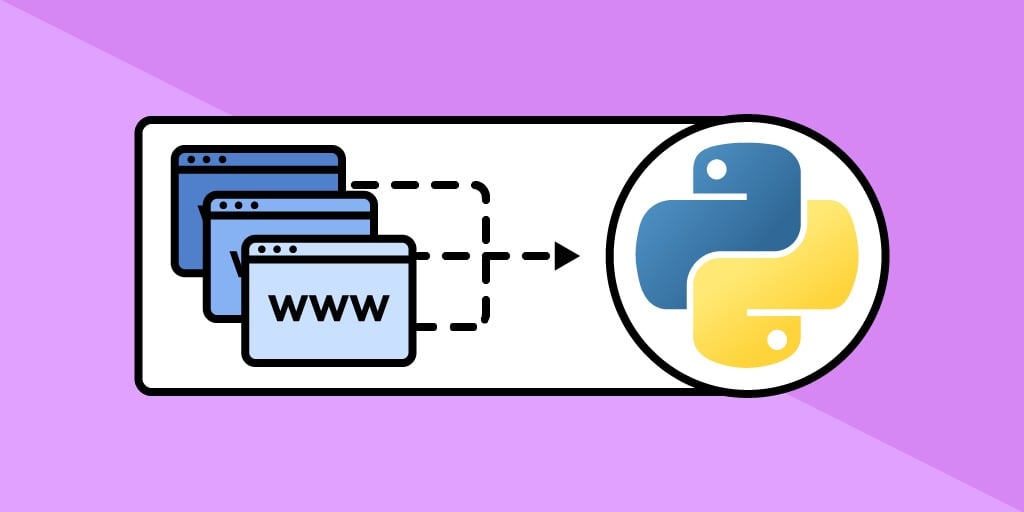
It acts like a human user, but on a large scale and automatically. Specifically, it sends an HTTP request to a web page—just as if you were opening it in your browser—and then analyzes the structure of the HTML or XML document to extract the relevant data.
The process takes place in three major steps :
- Page retrieval : THE scraper accesses the target URL, just like a regular visitor.
- Page analysis : using a parser, he reads the site's code to find where the relevant information is located.
- Data extraction : It retrieves exactly what it needs—for example, prices, titles, reviews, or addresses.
The collected data is then stored in a file or a database. Depending on your needs, the format can be a spreadsheet, a file CSV or the JSON, ready for analysis.
Some websites display their content directly in the HTML: a scraper A standard method is sufficient to analyze them. Others generate their data via JavaScript and load them only after the page has opened. In this case, you need a bot capable of simulating a real browser to collect the data.
Why web scraping?
Web scraping isn't just a technical gimmick. It's a real strategic tool to collect data on a large scale from any location. You can automate the collection of information that would otherwise take hours to gather manually. Here are the most common uses:
- Competitive analysis : Track a competitor's prices, new products, and promotions on their website, without any manual intervention. Ideal for rate monitoring in e-commerce.
- Lead generation : Automatically retrieve targeted contacts from directories or professional networks, in compliance with RGPD.
- Academic research or market research : Collect large amounts of data for robust studies without having to click around manually.
- Content aggregation : extracting information from multiple sources and consolidating it into a database. This is the principle behind price comparison sites and indexing software.
In all these cases, the idea remains the same: to gain time and create a usable, up-to-date database that is ready for analysis.
How do I web scrap?
There are four options depending on your level: the software and tools turnkey, the coded custom-made, the extensions browsers and AI agents.
1. With dedicated web scraping tools
Numerous scraping tools allow you to collect data without starting from scratch. Here are three solid resources.
- Bright Data : a powerful and comprehensive platform designed for large-scale projects. It brings together proxies, APIs, and advanced resources tailored for professional use. A scraper A properly configured system on this platform can collect millions of data points from any website.
- Octoparse : one of the most user-friendly programs for beginners. Its interface lets you click on elements on a page to specify what you want to extract. You get a scraper Up and running in just a few minutes, without writing a single line of code.
- Apify : a marketplace for ready-to-use scripts, with the option to create your own custom scrapers. This solution is primarily aimed at technical users and complex use cases.

If you're just starting out or want to try it out without spending any money, most of these programs offer free trials or formulas freemium, enough to get your scraper without having to set aside a budget from the start.
2. With programming skills
If you have some basic coding skills, the custom web scraping gives you complete freedom. The most commonly used language is Python, thanks to its simplicity and its ecosystem rich in dedicated libraries. A library, in this context, is a set of pre-written, reusable features that you can integrate into your own scripts.
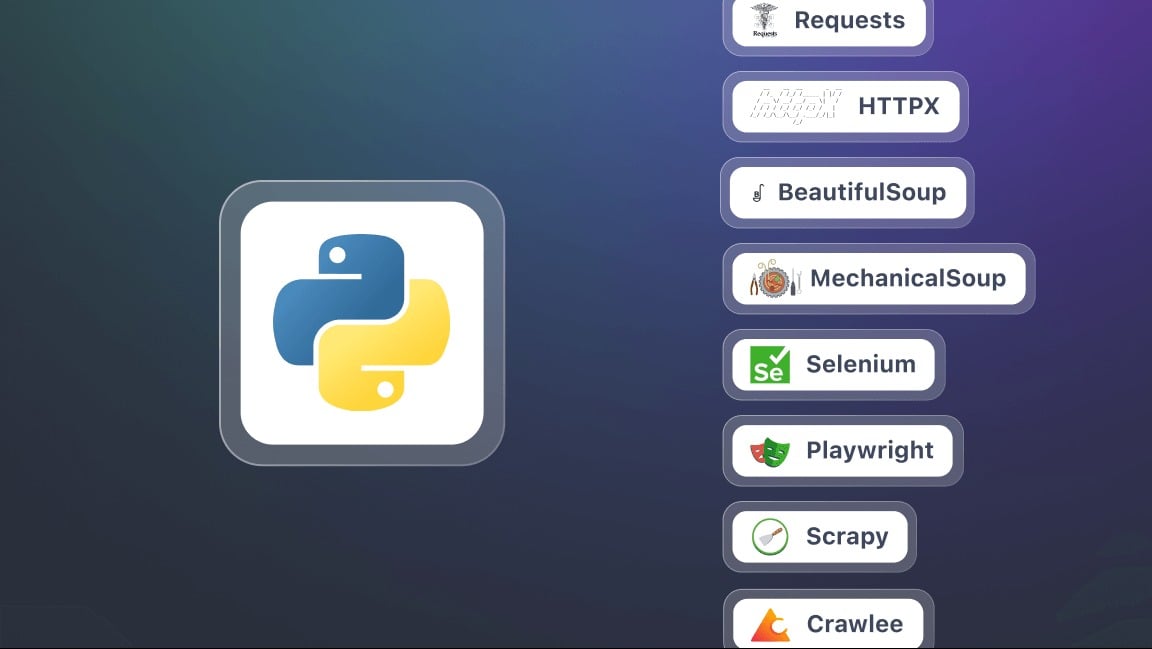
Among the most popular libraries for web scraping with Pythonwe find :
- Scrapy : powerful and versatile, ideal for large-scale projects.
- BeautifulSoup : analyzes the HTML code and extracts data from a page. Perfect for simple projects.
- Selenium : a browser automation framework available in several languages, including Python. It allows you to interact with dynamic web pages powered by JavaScript.
Please note: Many modern websites do not load all their content at once. They use JavaScript Where AJAX that display the data gradually. In this case, use a headless browser (« headless browser«(), which loads the page just as a real user would.".
Python isn't the only option. You can also do Web scraping in PHP with Guzzle to send HTTP requests and Symfony DomCrawler to analyze the HTML of the pages.
3. With browser extensions
You can do web scraping directly from your browser using extensions compatible with Chrome, Edge, Firefox, or Opera. Once enabled, you click on elements on a page to select and extract the associated data: titles, prices, or images.
There is no no need to code. Everything is done through a graphical interface. With just a few clicks, you can create an extract, preview it in real time, and then export the results to common formats such as CSV, Excel, or JSON.
4. With advanced web scraping methods
Web scraping is evolving rapidly, and new techniques are emerging. Among them is the Web scraping with an LLM agent (Large Language Model).

These intelligent agents, based on advanced language models, are capable of analyzing a website’s structure on their own, understanding its content, and extracting relevant data—without the need to define strict rules in advance. In practice, you access them through tools that combine AI and automation.
FAQs
How to web scrap with Python?
Web scraping with Python is based on Three Simple Steps :
- Reload the page : the library requests Downloads all the HTML code from the target page on the website.
- Parse the HTML : a parser such as BeautifulSoup reads the content structure and makes it usable.
- Extracting data : Using HTML selectors, you can extract useful information (titles, prices, links).
In practice, a basic script looks like this: you import requests and BeautifulSoup, you do requests.get(url) to get the website code, then soup.find_all(« h2 ») to target the desired elements. In just a few lines, your scripts are already collecting data in a clean, structured way.
For example, for a dynamic website powered by JavaScript, requests isn't enough. So you have to go through Selenium, which automates a real browser to load the page just as a real user would and collect all visible information.
How can I scrap without being blocked?
Most websites have protection mechanisms to limit abuse by bots. To avoid being blocked, follow these best practices:
- Use a API for web scraping when it exists.
- Limit query rates to avoid overloading the site server.
- Go through proxies to distribute the IP addresses of your bots.
- Define a User-Agent a proper one that mimics a real browser.
- Follow the file robots.txt of the site, which tells web crawlers which pages are allowed.
For large-scale projects, you can deploy your scrapers to the cloud. Services like AWS Lambda Where EC2 allow you to manage data collection in a scalable way, with resources tailored to the volume.
What's the best tool for web scraping?
Bright Data is one of the leading platforms for large-scale web scraping. This platform offers a network of residential proxies, an advanced control center and automated CAPTCHA management. For code-free use, Octoparse is a good alternative.
The best tool depends mainly on your needs: data volume, budget, and available technical expertise.
Is web scraping difficult to learn?
It all depends on the method you choose:
- With no-code software such as Octoparse, learning the program is easy thanks to a point-and-click interface. Bright Data It also offers ready-to-use scrapers, but is aimed primarily at technical teams.
- With the programming, for example, in Python or PHP, you need technical knowledge. The learning curve is steeper, but you gain more flexibility to analyze any website.
What's the difference between web scraping and APIs?
- the web scraping extracts data from the HTML code of a web page. It simulates human browsing to collect the information visible on a website.
- A API (Application Programming Interface) provides direct access to the site's structured data. It's more reliable and simpler, without having to parse the HTML code.

Web scraping is especially useful when a website does not offer a’Public API. In this case, a scraper allows you to collect data directly from the pages.
Is web scraping legal?
The legality of web scraping depends on the context and type of data targeted.
Key regulations
In Europe, the RGPD (General Data Protection Regulation) strictly regulates the use of personal data. Collecting personal data on a website without a valid legal basis (consent or legitimate interest, subject to strict conditions) is illegal.
The data protection User experience remains a priority in any web scraping project.
Public Data: Not an Automatic Green Light
The data non-personal Freely accessible information (prices, schedules) can generally be collected, subject to the site's Terms of Use and database law.
As soon as a piece of data can be used to identify a person—even a public figure—the RGPD applies.
Legality requirements
Web scraping is legal when it complies with the site's Terms of Service, copyright law, database rights, and RGPD. Harassment and infringement of intellectual property rights remain prohibited.
Simply put, web scraping allows you to extract data when no API is available. There are several methods, ranging from Python script no-code software.
Always stay within the bounds of the law: comply with the site's Terms of Use, exercise reasonable use, and respect the RGPD.









 FR
FR  RU
RU  EN
EN  ES
ES  IT
IT  DE
DE  ZH
ZH  PT
PT  ID
ID  JA
JA  DA
DA