To create a web scraping bot, you need Python, from the library Requests to retrieve the pages and to BeautifulSoup to extract the data.
This guide shows you how to put together a working script in 5 steps. A web scraping bot is an automated program that collects data from websites on the internet: it crawls through pages, extracts useful information, and saves it for later use.
Before launching your bot, be sure to check the file robots.txt of the target site to find out which pages you're allowed to browse.

Requirements for creating a web scraping bot
The first thing you need to choose is your programming language. It is this factor that determines the tools available and how easy they are to implement.
- Python : the most popular language for web scraping. It’s easy to learn and has a rich ecosystem of libraries for extracting data.
- Node.js : ideal for asynchronous tasks, with very mature tools (Puppeteer, Playwright) to scrape dynamic websites that rely on JavaScript.
- Other languages : For some projects, you can also turn to the web scraping with PHP.
Once you've chosen a language, you'll need the right ones libraries. These are the ones that really get the job done. Here are the most useful ones, depending on the environment.
To Python :
- Requests : sends HTTP requests to retrieve the content of a page.
- BeautifulSoup : parses the HTML and allows you to extract useful information from it (text, prices, links, images).
- Scrapy : a comprehensive framework for more ambitious web scraping projects, with support for large-scale request handling.
To Node.js :
- Axios Where Fetch : to send HTTP requests.
- Cheerio : the equivalent of BeautifulSoup, which is very convenient for navigating and manipulating the DOM.
- Puppeteer Where Playwright : essential for scraping dynamic websites. They control a real browser and execute the code JavaScript of the page.
Tutorial for creating a web scraping bot
Creating a web scraping bot may seem complicated, but it's actually quite straightforward. By following these 5 steps, you'll end up with a working script for collecting data from the web. Make sure you've installed Python and the necessary libraries before you begin.
Step 1: Analyze the target site
Before you write any code, you need to know where the data is located on the page. This step of’analysis determines everything else.
- Open the target site in your browser.
- Right-click, then select Inspect on the item you're interested in.
- Identify the HTML tags, classes, or IDs that contain the content to be extracted (for example,
.product,.title,.price). - Test your CSS selectors in the console. If the product titles are inside tags
<h2>, you'll reuse this selector in your code.
Step 2: Send an HTTP request
Your bot behaves like a browser: it sends a HTTP request to the server, which returns the page's HTML code. That is the library's role Requests.
# pip install requests
import requests

url = "https://exemple.com/produits"
headers = {"User-Agent": "Mozilla/5.0"}

resp = requests.get(url, headers=headers, timeout=15)
resp.raise_for_status() # error if 4xx or 5xx code
html = resp.text
print(html[:500])  # preview
Step 3: Parsing HTML content
Once the page has been fetched, you need to convert that raw HTML into an object you can work with. That's the job of BeautifulSoup, the standard library for extracting data from HTML.
# pip install beautifulsoup4
from bs4 import BeautifulSoup

soup = BeautifulSoup(html, "html.parser")

products = soup.select(".product")
print(f "Products found : {len(products)}")

for p in produits[:3]:
    title = p.select_one("h2.title").get_text(strip=True)
    price = p.select_one(".price").get_text(strip=True)
    link = p.select_one("a")["href"]
    print({"title": title, "price": price, "link": link})
Step 4: Extract data
This is the most practical step: going out to get the accurate information such as titles, prices, and links. You can also clean them up while you're at it, for example by converting a Volume-Based Pricing.
from urllib.parse import urljoin

base_url = "https://exemple.com"
data = []

for p in soup.select(".product"):
    titre = p.select_one("h2.title").get_text(strip=True)
    prix_txt = p.select_one(".price").get_text(strip=True)
    lien_rel = p.select_one("a")["href"]
    lien_abs = urljoin(base_url, lien_rel)

    # normalisation prix
    prix = float(
        prix_txt.replace("€", "")
        .replace("\u202f", "").replace("\xa0", "").replace(" ", "")  # espaces des milliers
        .replace(",", ".")
        .strip()
    )

    data.append({"titre": titre, "prix": prix, "url": lien_abs})

print(data[:5])
Step 5: Back up data
To make sure you don't lose your results, save them to a file. The two most common formats are the CSV (spreadsheet) and the JSON (ideal for powering a database or an API).
import csv, json, pathlib

pathlib.Path("export").mkdir(exist_ok=True)

# CSV
with open("export/produits.csv", "w", newline="", encoding="utf-8") as f:
    fields = ["title", "price", "url"]
    writer = csv.DictWriter(f, fieldnames=champs, delimiter=";")
    writer.writeheader()
    writer.writerows(data)

# JSON
with open("export/products.json", "w", encoding="utf-8") as f:
    json.dump(data, f, ensure_ascii=False, indent=2)

print("Export complete!")
You now have a fully functional web scraping bot: it sends a request, parses the HTML, extracts the content, and saves the data to a CSV or JSON file. This is a solid foundation for automating data collection from most static websites.
How do you manage anti-scraping protections?
Websites implement several mechanisms to protect their data against bots. Understanding these safeguards is essential for scraping responsibly and avoiding getting blocked.
The robots.txt file
the robots.txt file Specifies which pages a bot can or cannot crawl on a site. Note: It controls the crawl, not indexing, and compliance with it depends on the goodwill of search engine bots.
Always check this file before running your scraper. Following these guidelines reduces the risks, but it is not enough to make your data collection legal: the conditions of use of the site and the RGPD also apply.
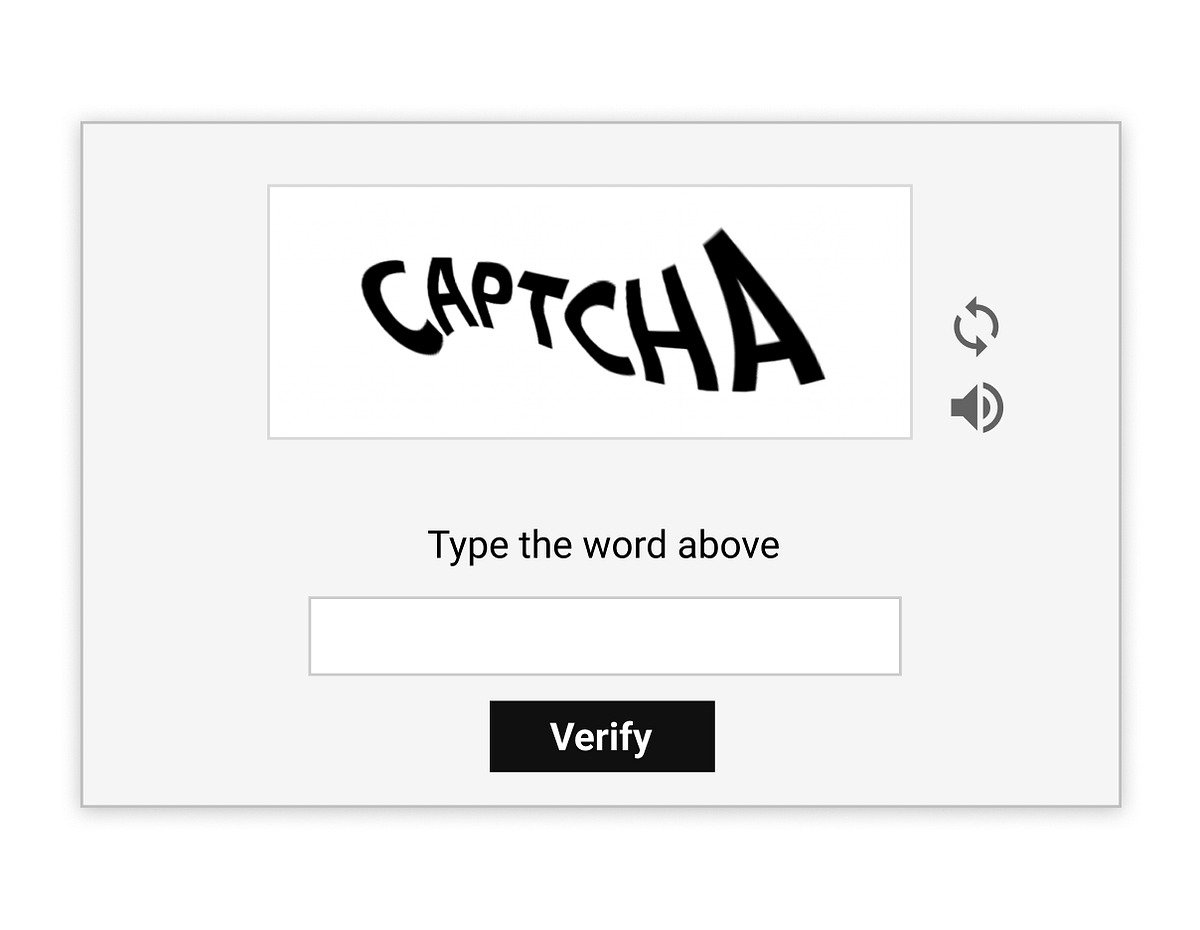
CAPTCHAs
the captcha is used to verify that the user is indeed human. It is one of the most effective safeguards against automated scraping.
To minimize their occurrence, you can use automation libraries that simulate a real browser. There are also third-party services specialized in solving CAPTCHAs, which are useful when the volume of requests becomes high.
IP Address Blocking
Some websites detect a large number of requests coming from the same IP address and block access. This is a typical sign of a bot that is collecting data too quickly.
To avoid this, use proxies or one vpn to change your IP address regularly. It also adds a delay between each request to mimic human browsing behavior.
Blocking by User-Agent
Websites can reject requests from bots identified by a Suspicious User-Agent. Without a valid User-Agent, many servers return a Error 403 or a blank page.
The trick is to define a Realistic User-Agent in your HTTP requests to make them look like those from a standard browser. Keep in mind, however, that this isn't the only hurdle: cookies and browser fingerprinting also play a role.
JavaScript Websites
Some pages load their content via JavaScript, which prevents simple HTTP requests from retrieving the data. The HTML you receive will therefore not contain the information you're looking for.
In that case, look for tools that can run JavaScript: Selenium, Playwright Where Puppeteer. They run a real browser and let you extract the data once the page has fully loaded.
FAQs
What's the difference between a web scraping bot and a web crawler?
| Web scraping | Web crawler |
|---|---|
| The bot focuses on accurate data : titles, prices, product links. It reads the HTML, identifies the relevant elements, and extracts them for later use (analysis, database storage, export to CSV or JSON). | A crawler is a program that automatically traverses web pages by following links to discover content. Its purpose is to map and index the web, not necessarily to extract specific data from it. |
Is web scraping legal?
The legality of web scraping depends on the website, the type of data collected, and how you use it. Scraping public data is often possible, but «public» does not mean «free to use.» Many companies use web scraping for market analyses or to collect information that is publicly available on the internet.
On the other hand, as soon as you start messing with personal data, the RGPD strictly regulates data collection (valid legal basis, data minimization), with heavy penalties for noncompliance. Always verify the conditions of use of the target site before launching your bot.
What types of data can be extracted with a web scraping bot?
With a web scraping bot, you can collect:
- Regarding the titles and descriptions products.
- Regarding the Prices and Promotions (useful for the price scraping and monitoring competitors' prices).
- Regarding the internal or external links.
- Regarding the user reviews and ratings.
- Contact information (this is personal data, subject to the GDPR).
- Regarding the textual content or images web pages.
This data is often used for competitive intelligence or market analysis.
How can a website detect my scraping bot?
Websites often detect bots based on unusual behavior, such as:
- A query speed too high or too consistent.
- A User Agent non-standard, which gives away that it's a scraper.
- L'JavaScript resources not loading required for the page.
- A cookie-free browsing, which is unnatural for a human.
What are the common challenges in creating a web scraping bot?
Creating an effective bot isn't always easy. Here are the most common challenges:
- The inconsistent HTML structures : A website can change its CSS classes from one day to the next, and your selector will no longer return any results.
- The unstructured data : You must clean and reformat the content before storing it.
- The slow loading web pages, especially on dynamic sites that display their content using JavaScript.
Are there any web scraping services or APIs?
Yes. There are services that simplify web scraping and handle the most tedious aspects: proxies, CAPTCHAs, and dynamic websites. You can also use a Web scraping API to retrieve structured data directly. Bright Data is one of the most comprehensive solutions on the market.
To learn more, check out our guide on web scraping with Python and explore more advanced use cases.









 FR
FR  RU
RU  EN
EN  ES
ES  IT
IT  DE
DE  ZH
ZH  PT
PT  ID
ID  JA
JA  DA
DA