AWS allows you to do web scraping without having to manage a server.
For a lightweight, automated scraper, Lambda + S3 is more than enough.
For millions of pages processed in parallel, you switch to Fargate Where EC2 with Scrapy.
What role does AWS play in web scraping?
the web scraping allows automatically retrieve data on websites to analyze or reuse them. Manage millions of pages, avoiding crashes and ensuring reliability can quickly become a real technical headache, especially if you have to maintain your infrastructure yourself.
That's where’AWS (Amazon Web Services) comes into play. This platform Amazon cloud simplifies web scraping by automating server management and supporting the scalability, ensuring availability and security for you, even with massive amounts of data.
Here's why AWS is an ideal solution for launching a web scraper:
- Scalability : The platform automatically scales up to handle millions of requests without interruption.
- Reliability : AWS managed services minimize the risk of outages and ensure continuous operation.
- Cost Control : with the model pay-as-you-go, you only pay for what you actually use.
- Security : AWS implements robust measures to protect your data, both in storage and in transit.
What are the relevant AWS services?
Amazon Web Services offers a wide range of services tailored to every web scraping need. Here are the main ones you should know about, categorized by use.
The calculation: where is your scraper running?
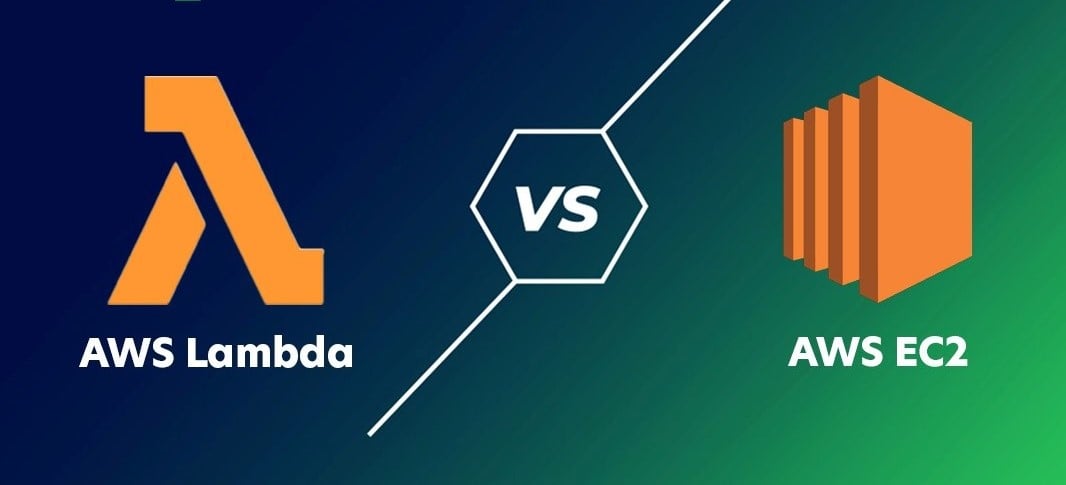
- AWS Lambda : ideal for small tasks and occasional web scraping, without having to manage a server. This is the approach serverless par excellence.
- Amazon EC2 : perfect for long or resource-intensive processes. You rent a virtual machine and you retain control over the entire configuration.
Storage: Where You Store Your Data
- Amazon S3 : to store the raw data, HTML files, or scraping results in a bucket. Each file is identified by a key unique within the bucket S3, which makes it easier to access and organize the collected data.
- Amazon DynamoDB : for the structured data that require very fast reading and writing.
Orchestration: Linking the Steps Together
- AWS Step Functions : to manage complex workflows, when multiple tasks must be performed in a specific sequence.
Additional Services
- Amazon SQS : to manage request queues and smooth out data processing at scale.
- AWS IAM : to manage access and set up a policy Specify this so that your scraper has only the permissions it actually needs.
In practice, a simple project often combines Lambda + S3 + IAM. For large-scale scraping, you add EC2, SQS and DynamoDB depending on your needs.
How to build a serverless scraper with AWS Lambda?
With AWS Lambda, you don't have to manage the server: AWS handles the entire infrastructure, from the scalability to the maintenance. Just provide your code and configuration. Here's how to build your first serverless scraper, step by step.
1. Basic architecture of a serverless scraper
Before you start coding, visualize how the various AWS services will work together. Three choices will shape your architecture.
- Selecting the trigger
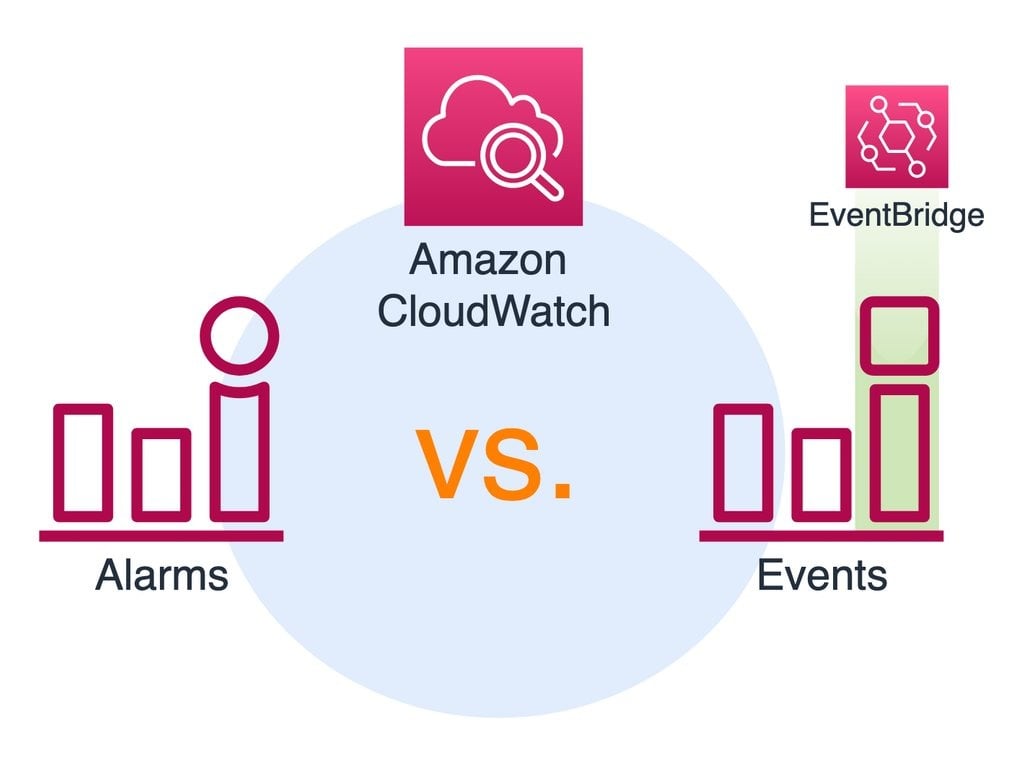
This is the element that determines when your code should run. You can choose between CloudWatch and EventBridge.
- Choose the compute
This is where your code runs in the cloud. Take Lambda for short, occasional tasks. Skip to EC2 Where Fargate if the work is long or heavy.
- Choose storage
Use S3 for JSON, CSV, or raw files. Choose DynamoDB if you need quick, organized access to your data.
In summary: the trigger activates Lambda, Lambda performs the scraping, and the data ends up in the S3 bucket.
2. Preparing the environment
Before you start coding, grant AWS the necessary permissions and create a storage bucket.
- Create a role IAM (permissions)
- Go to the console AWS > IAM > Roles.
- Creates a role dedicated to Lambda.
- Give him two essential permissions:
AWSLambdaBasicExecutionRoleto send the logs to CloudWatch, and an S3 permission to write files to your bucket.
- Create a bucket S3 (storing the results)
- Go to the console AWS > S3.
- Create a bucket and keep the security settings enabled.
Lambda now has permission to write to your S3 bucket, and you have a place ready to store your data.
3. Python code for AWS Lambda
Write a scraper in Python with the library Requests. This script fetches a web page and stores the result in the S3 bucket.
- Simple code example (with requests) :
import json
import boto3
import requests
import os
from datetime import datetime

s3_client = boto3.client('s3')

def lambda_handler(event, context):
    # URL to scrape (here's a simple example)
    url = "https://example.com"
    response = requests.get(url)

 # Check status
    if response.status_code == 200:
 # File name (with a timestamp to avoid collisions)
 filename = f"scraping_{datetime.utcnow().isoformat()}.html"

        # Uploading to S3
 s3_client.put_object(
 Bucket=os.environ['BUCKET_NAME'],  # to be defined in your Lambda environment variables
 Key=filename,
            Body=response.text,
 ContentType="text/html"
 )

 return {
 'statusCode': 200,
 'body': json.dumps(f"Page saved to {filename}")
        }
    else:
 return {
 'statusCode': response.status_code,
 'body': json.dumps("Error during scraping")
 }
requests retrieves the content of the web page. boto3 is the official library for communicating with AWS. To take your work with the APIs further, you can adapt this same pattern to remote endpoints.
- Dependency Management (requests Where Scrapy)
Lambda does not provide these libraries by default. You have two options.
Option 1: Create a package ZIP
- Create a folder on your computer:
mkdir package && cd package pip install requests -t .- Upload your file
lambda_function.pyin this file. - Compress everything into
.zipand upload it to Lambda.
Option 2: Use the Lambda Layers
- Create a Lambda layer that contains Requests (or Scrapy for more advanced web scraping).
- Attach this layer to your Lambda function.
Advantage : It's cleaner if you reuse the same dependencies across multiple functions.
4. Deployment and testing
All that's left is to upload your code and check that it works.
- Upload the code to Lambda
- Log in to the AWS console and go to the Lambda service.
- Click on Create function, then select Author from scratch.
- Give your function a name (example:
scraper-lambda) and select the Python 3.12 runtime (or the version you're using). - Associate the IAM role created earlier with S3 and CloudWatch permissions.
- In the tab Coded, select Upload from > .zip file and upload your file
lambda_package.zip. - Add an environment variable:
BUCKET_NAME= the name of your S3 bucket. - Click on Save to save your Lambda function's configuration.
- Test the function
- In your Lambda function, click Test.
- Create a new test event with a small JSON object, for example:
{ "url": "https://example.com" }- Click on Savethen on Test to perform the function.
- In the tab Logs, check the status: you should see a code 200 if everything went well.
- Go to your S3 bucket: you'll see a file appear
scraping_xxxx.html.
What are the solutions for large-scale web scraping?
To collect millions of pages, you need a robust infrastructure. The idea with AWS is to distribute the load and run multiple scrapers in parallel.
1. Use Scrapy and AWS Fargate/EC2
Scrapy is a Python framework that's perfect for complex projects. By default, your scraper runs on your local machine, which quickly reaches its capacity limits. To scale up, you have two options on AWS.
AWS Fargate Throw your Scrapy scraper into some Docker containers, without ever having to manage a server. This is the ideal option for serverless, scalable web scraping. The process consists of three steps:
- Create your Scrapy scraper.
- Put it in a container Docker.
- You deploy this container using Fargate so that it runs automatically on a large scale.
Amazon EC2 is the alternative if you want more control over your environment. You install Python and Scrapy yourself on an instance, then automate the execution. An instance t3.micro is approximately 7.59 $/month On-Demand on us-east-1.
In both cases, the extracted data is sent to a S3 bucket, which centralizes the storage of all your scraped files.
2. Distributed scraping architecture
To truly parallelize, you rely on Amazon SQS (Simple Queue Service). The concept is simple: you put all your URLs into SQS, and several functions Lambda or multiple containers (on EC2 or Fargate) retrieve these URLs in parallel to start the scraping process. Each Lambda function reads a URL from the queue, performs the scraping, and stores the result in a S3 bucket with a unique key.
This architecture allows you to distribute the work and crawl thousands of pages simultaneously. This is the foundation of a high-performance distributed scraper on the AWS cloud. For pages with dynamic content loaded via Ajax, you’ll need to adjust your approach to capture the data after it has been rendered.
3. Manage proxies and blocked requests
Many websites block scrapers by detecting an abnormal volume of requests or by filtering certain IP addresses. There are two ways to get around this issue:
- The IP address rotation, via AWS or specialized services.
- The use of third-party proxies as Bright Data Where ScrapingBee, which automatically control traction and anti-lock braking.

What are the solutions to common web scraping problems with AWS?
Obstacles are never far away when you're doing web scraping: network errors, blockages, unexpected costs. The good news is that AWS already offers services to quickly diagnose and fix these issues.
Analyze logs with Amazon CloudWatch
When a Lambda function or an EC2 instance fails, it's hard to know where the error originated without visibility into the execution. With Amazon CloudWatch, all logs are centralized and can be viewed from the console. You can quickly spot common errors there:
- Delays : The request took too long to respond.
- Errors 403 : The site is blocking your scraper.
- Errors 429 : Too many requests sent at once.
- Memory shortage or Missing Python dependencies in the Lambda code.
Set up CloudWatch alerts to be automatically notified whenever an error occurs too frequently.
Query error handling
A scraper can crash completely if even a single request fails. The basics: wrap your Python calls with try…except to prevent the program from crashing due to an isolated error.
Next, set up some retest strategies :
- Try again after a short while, then gradually increase the wait time (exponential decline).
- Alternate between several proxies if an IP address is blocked.
- Adjust the frequency of your requests to stay low-key and fly under the radar.
Cost tracking
A poorly optimized scraper can generate thousands of Lambda calls or keep a large EC2 instance running for no reason. To stay in control, use AWS Billing and monitors the usage of each service.
Here are a few orders of magnitude to give you an idea:
- Lambda : about 0.20 $ per million queries, plus the billed execution time in Go-seconds. The free tier covers 1 million free queries and 400,000 Go-seconds every month, on an ongoing basis. The extracted data is stored in a S3 bucket ; monitor the amount of data stored, since S3 also charges based on the amount of data retained.
- EC2 t3.micro : around 7.59 $/month On-Demand on us-east-1, much less with Spot instances.
When it comes to optimization, here are a few simple tips:
- For Lambda: Reduce the allocated memory and limit the execution time (15 minutes at most (When invoked, the function stops automatically afterward, and you must switch to EC2 or Fargate.).
- For EC2: Choose an instance that's right for your workload, or switch to Spot instances (cheaper, but subject to interruption at any time).
- Enable AWS Budget Alerts to receive a notification before you exceed a threshold that you set yourself.
FAQs
Is web scraping with AWS legal?
It depends on your specific situation. The legality of web scraping varies depending on the country, the type of data collected, and how you use it. In France, scraping public data may be Permitted under certain conditions, but it doesn't happen automatically.
Three things to check before running your scraper:
- The terms of use of the target site, which may prohibit scraping.
- the database law, which protects the producer's investment even when it comes to public data.
- the RGPD, which applies whenever personal data is involved, even if it has been published.
When it comes to AWS, you remain responsible for ensuring your business is compliant. If you have any doubts, have your project reviewed by a professional.
What is the best approach for web scraping with AWS?
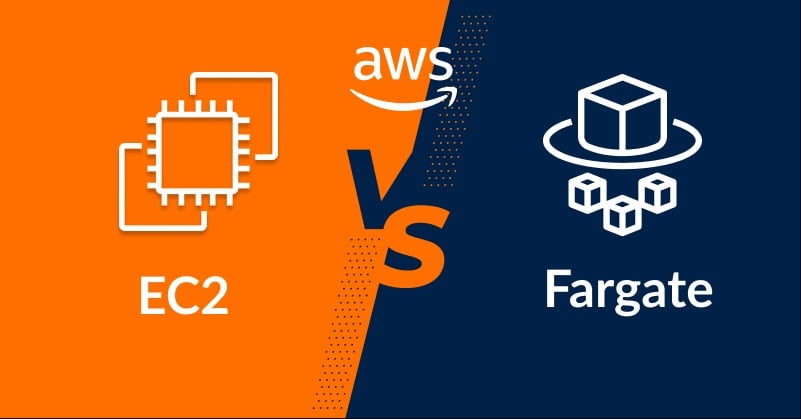
It all depends on the size and duration of your project:
- AWS Lambda : For one-time scraping, run it under 15 minutes and a few hundred URLs. The free tier covers 1 million queries per month, on a permanent basis.
- EC2 : for long-running tasks (more than 15 minutes) or continuous scraping. An instance t3.micro is around 7.59 $/month On-Demand.
- Fargate : for large-scale parallelization, without having to manage a server.
In practice, start with Lambda for testing, then switch to EC2 or Fargate as traffic increases. If you prefer a code-free approach, tools like Instant Data Scraper allow you to collect data directly from your browser.
Can I use Selenium on AWS Lambda for web scraping?
Yes, but it's more complicated to set up. Selenium and browsers without a graphical user interface, such as Puppeteer are useful for Scraping Pages with JavaScript. However, configuring them on Lambda requires some optimization: package size, dependency management, and allocated memory.
How can I avoid getting blocked by a website on AWS?
Websites often detect scrapers and block their requests. Here are some effective tactics for reducing the risks:
- Change the User-Agent header regularly to appear more human.
- Add random delays between each request.
- Use rotating proxies to change your IP address.
- Limit the number of requests sent simultaneously from the same IP address.
How can scraped data be integrated into a database?
Once the data has been collected, you can insert it into a relational database such as Amazon RDS (MySQL, PostgreSQL, etc.).
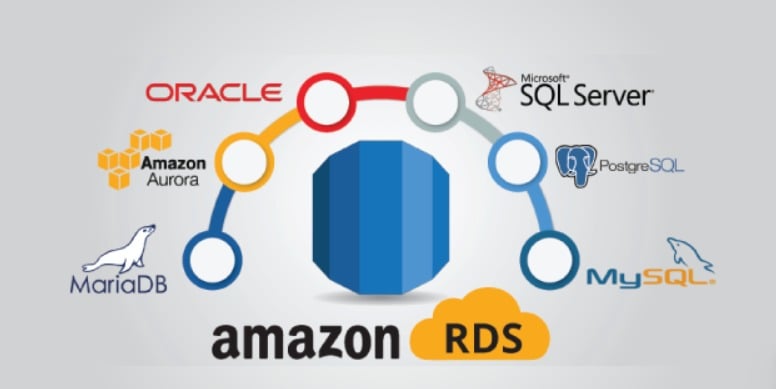
The best practice is to clean and organize the data before pasting. You can then automate integration using a Python script or a pipeline, to obtain a clean, ready-to-use dataset.
By combining the power of’AWS and the game's best practices for scraping, you can extract your data efficiently and securely. If you get stuck at any step, feel free to ask us your questions in the comments!








 English