Instant Data Scraper is a extension Chrome free of charge which automatically detects and extracts tables and lists from a website, without writing a single line of code.
You can retrieve the data with just a few clicks from your browser, then export it to CSV Where Excel.
Requirements for using Instant Data Scraper
The only requirement before you get started: install the extension in your browser. It works on Chrome, but also on Edge and other browsers compatible with the Chrome Web Store.

To install Instant Data Scraper :
- Open the Extension page on the Chrome Web Store.
- Click on «Add to Chrome » (Add to Chrome).
- Approve authorization requests to confirm the addition.
Once installed, the icon will appear in your browser's toolbar. You're ready for your first data extraction.
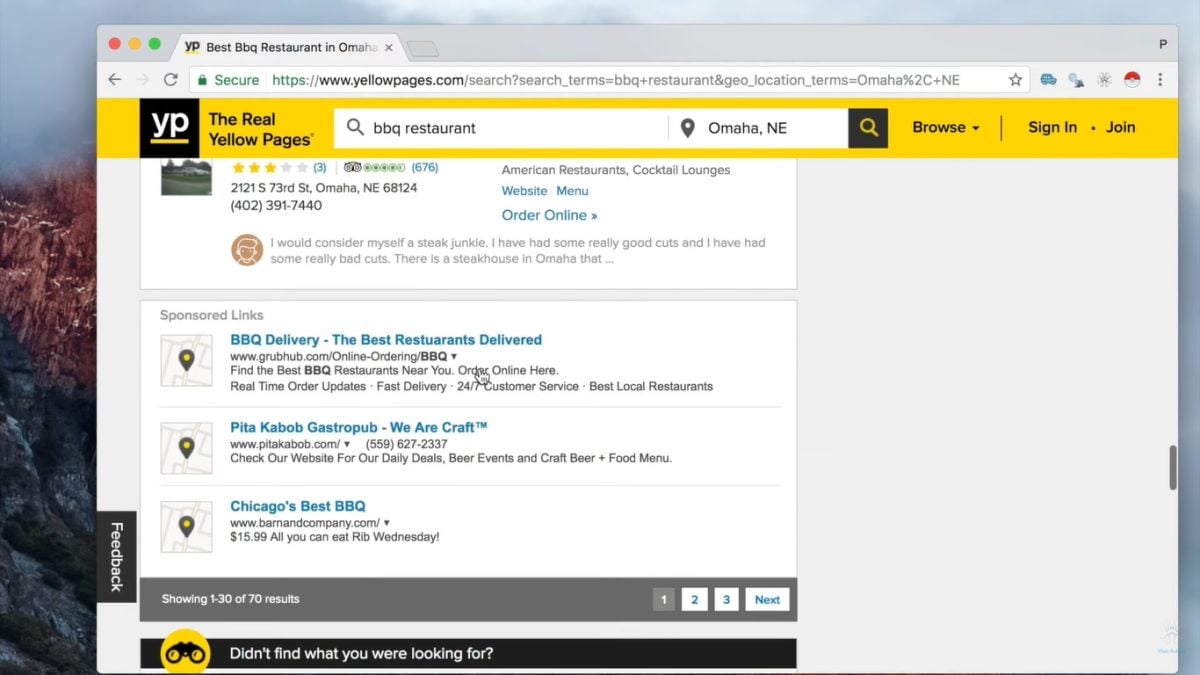
Step 1: Go to the target page
Open the website which contains the data to be extracted. Make sure you're on the right page: Instant Data Scraper collects only the content displayed in your browser, not the other pages on the site.
If your data is spread across several pages, just start with the first one.
Step 2: Launch the extension
Click on the’icon Instant Data Scraper in the extensions bar at the top right of your browser. Just one click is all it takes to activate the tool on the current page.
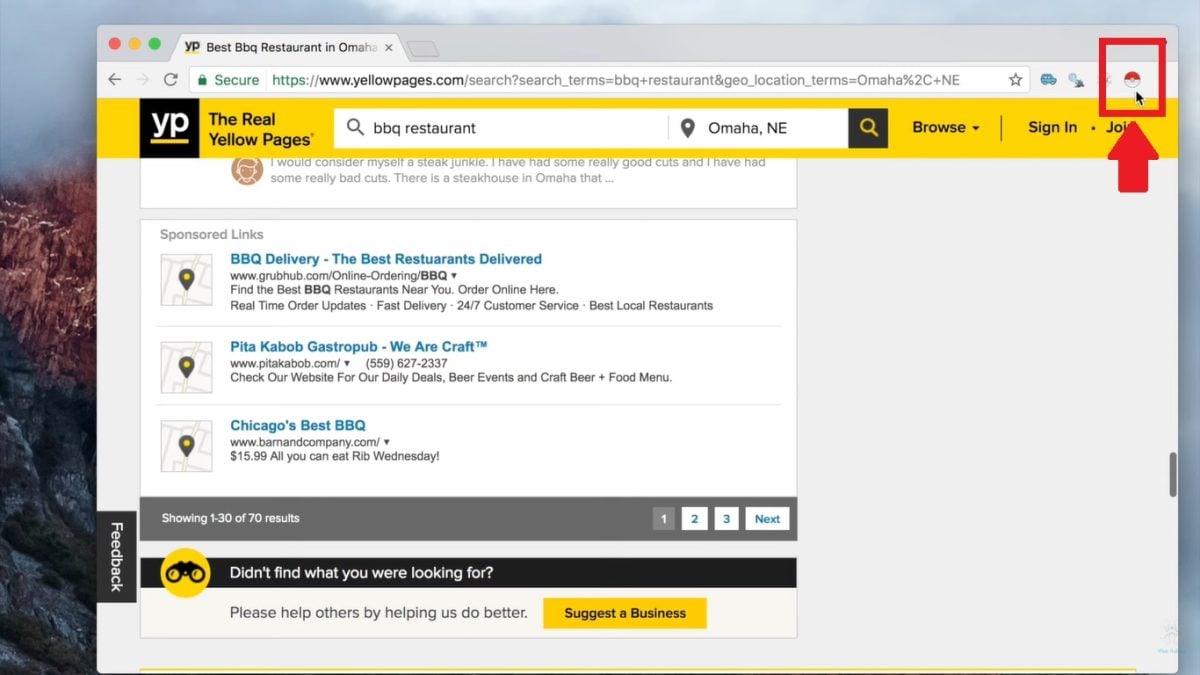
The interface opens in a small window, overlaid on the current page. You keep the website in view while the extension analyzes its content.

Step 3: Detect the data
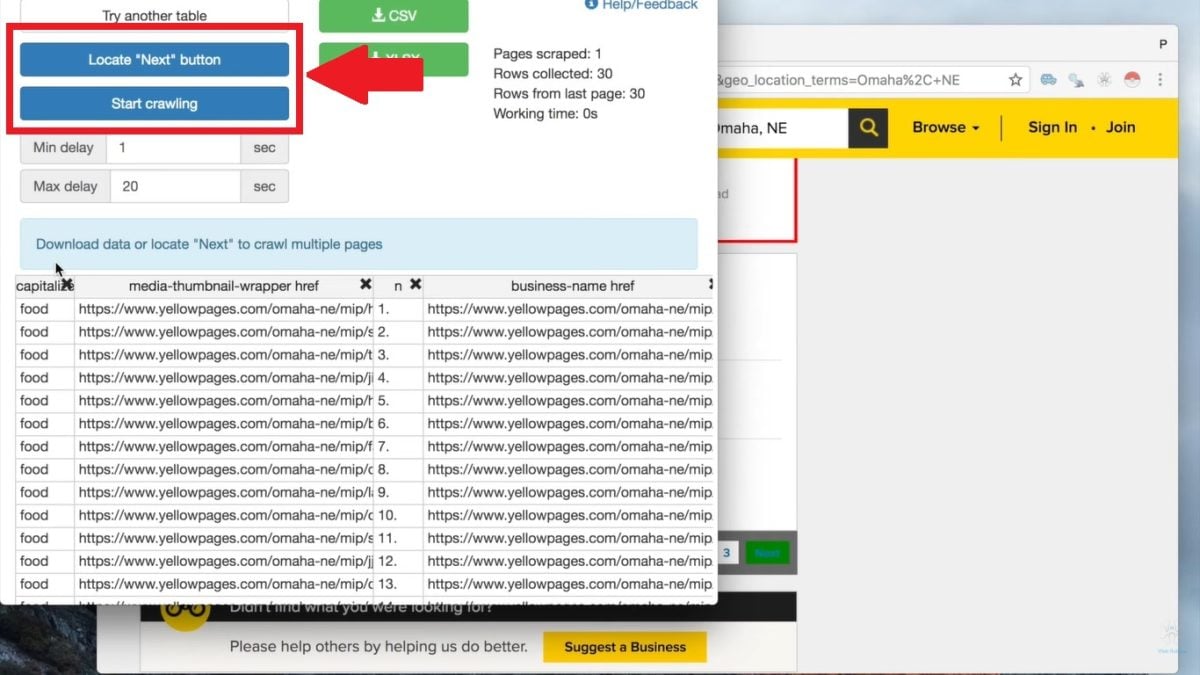
Instant Data Scraper automatically detects tabular data on the page: lists, tables, product descriptions, or search results. The extension analyzes the page's code to identify the most relevant data structure. The selected data is immediately displayed in a overview built into the interface.
You can check the detected columns and the extracted content at a glance, even before exporting.
If the results don't match what you're looking for, click on TRY ANOTHER TABLE. The tool then suggests another structure for the same page.
The extension also natively supports the page numbers and the infinite scrolling : It automatically loads the next pages, so you don't have to click through them one by one.

Step 4: Configure scraping (if necessary)
Automatic detection is sufficient in most cases. If the detected image doesn't match exactly what you want, you can adjust these settings before exporting:
- Rename columns to make the file easier to read in CSV Where Excel.
- Use LOCATE NEXT BUTTON To automatically scrape multiple pages, the key setting for the page numbers and the infinite scrolling.
- Click on SCRAPE MORE to retrieve more data if the first selection is incomplete.
You can also set a time interval between each page to let the content load. This waiting period prevents you from missing lines on the dynamic websites.
Step 5: Export the data
Once the scraping is complete, export the data with a single click. Instant Data Scraper offers two formats: CSV and Excel (XLSX). CSV files can be opened anywhere, including in Google Sheets, and it's lightweight. The Excel format is easier to read if you want to sort or filter your results later.
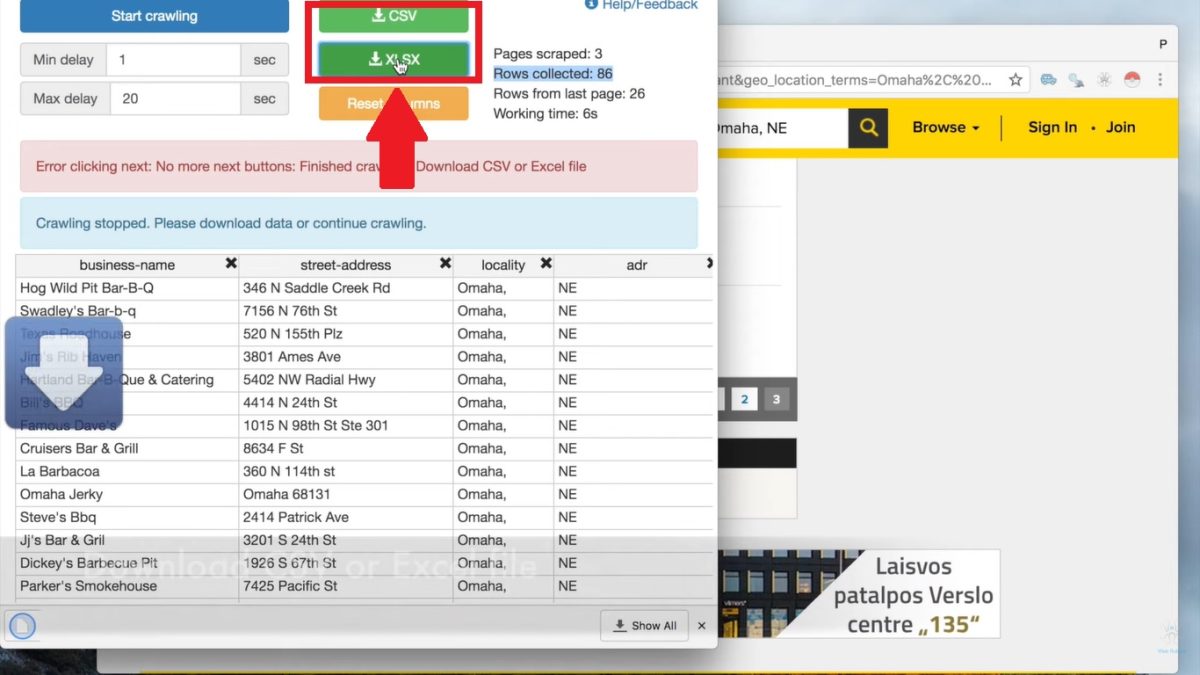
Choose your format, and the file will be saved automatically in your Downloads folder. Your data is ready to use—no copying and pasting or writing a single line of code required.
What exactly is Instant Data Scraper used for?
Instant Data Scraper is an extension 100% (Free) and without code. It covers a wide variety of common needs.
- Product Data Collection : Retrieve prices, product details, and descriptions from an e-commerce site.
- Competitive intelligence : retrieves lists of results or listings from multiple pages in just a few minutes.
- Prospecting and Collecting Email Addresses : contacts extracted from directories or search results.
- Recruitment : Recruiters use it to extract profiles or job postings from specialized websites.
- Research and Studies : collection of public data for analysis or academic projects.
In all these cases, Instant Data Scraper exports the results directly to CSV or in Excel, ready to be used in a spreadsheet or in Google Sheets.
Reviews of Instant Data Scraper
Instant Data Scraper is most impressive for its free of charge and its simplicity. Users appreciate not having to write code to extract data from a web page. The main limitation: the extension is less effective on complex websites or those protected against scraping.
In these cases, an alternative such as Octoparse Where Bright Data will be more suitable.
What are the alternatives to Instant Data Scraper?
Instant Data Scraper is simple, fast, and 100% Free, perfect for beginners in web scraping without coding. If you need more control or advanced features, here are some solid alternatives to the extension no-code to the developer framework.
Bright Data
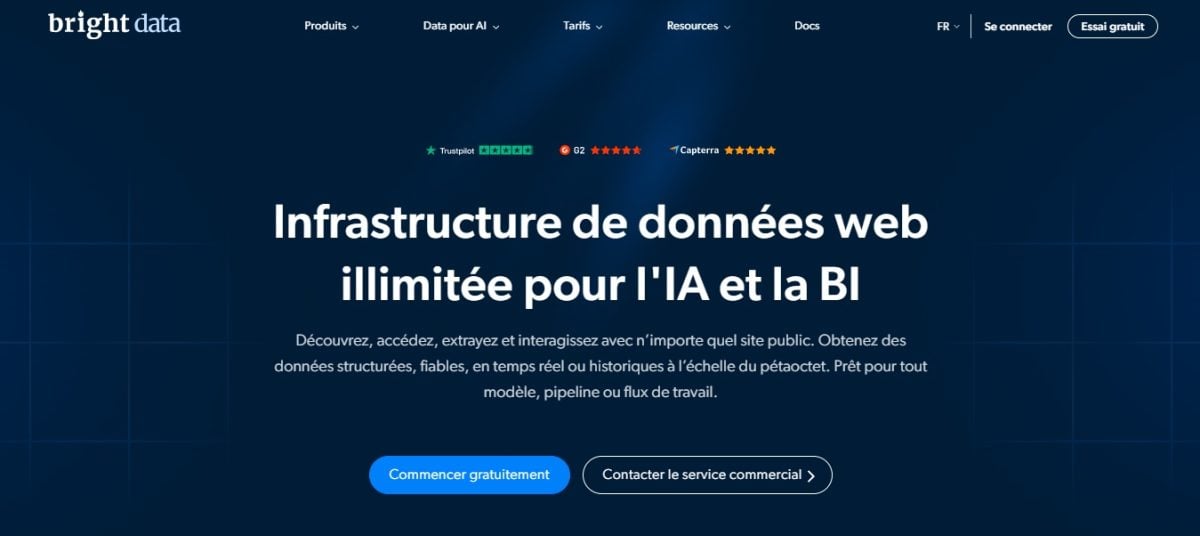
Bright Data is a professional platform web scraping—much more than just a simple extension. It brings together rotating proxies, APIs, and ready-to-use datasets. It’s the perfect solution for very large volumes data.
It requires more technical know-how to get started, and it’s a paid service, so it’s not a direct replacement for a free tool like Instant Data Scraper : It targets the developers and companies.
For more details, see our full review of Bright Data.
Octoparse

Octoparse is a no-code scraping software with a visual interface. This is the best direct alternative if you want to avoid writing code while still managing more complex projects : scheduling, multi-page extraction, export to Excel or CSV.
The tool offers a free plan to get started and advanced options available through a subscription.
Check out our full review of Octoparse.
Scrapy (Python)
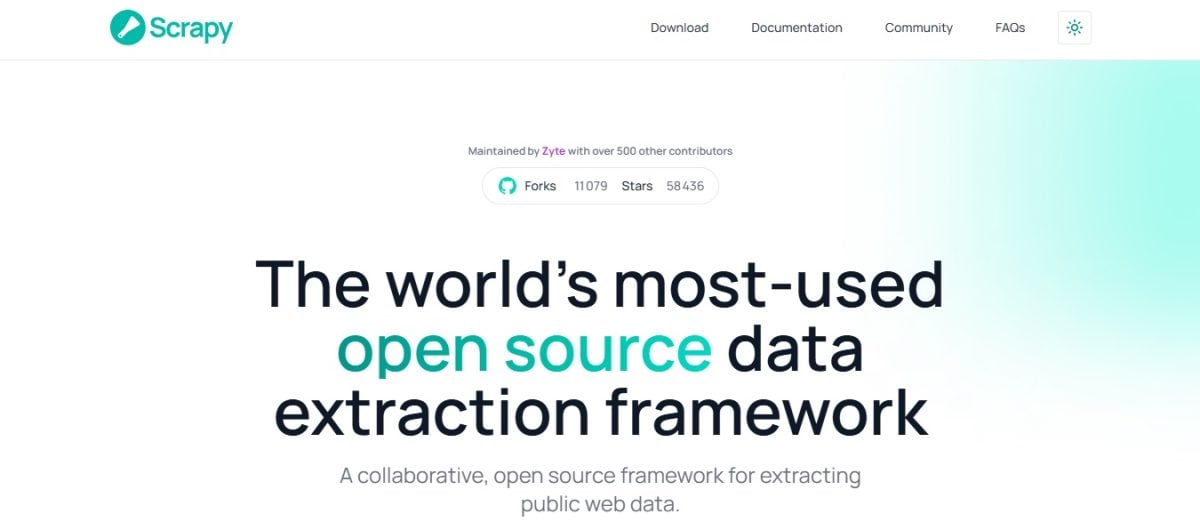
Scrapy is in a league of its own. It's a open-source framework in Python, intended for those who know how to program. It allows you to collect, extract, and process large data volumes from many different sites, with a high degree of flexibility. This isn't a solution for beginners looking for a one-click tool.
We go into detail about everything in our guide on the web scraping with Python.
Other web scraping extensions

On the same grounds as’Instant Data Scraper, two more extensions Chrome are worth a visit:
- Web Scraper is based on configurable sitemaps, ideal for dynamic websites and multi-page documents.
- Data Miner works with custom recipes, which is handy if you frequently extract the same data structure.
You can find the Best Web Scraping Extensions for Chrome in our dedicated article.
For a one-time, free request, Instant Data Scraper is still the simplest option. As soon as you're dealing with large volumes or more complex sites, turn to Octoparse or a solution for developers.
Do you have a question about the extension or web scraping in general? Ask it in the comments.









 English