Web scraping with Python relies on two main libraries: requests to retrieve web pages and BeautifulSoup to extract the data.
In this article, you'll learn how to install them, write your first script, and save your results—even if you have no coding experience.
Prerequisites for scraping with Python

Before you get started, there are three requirements you need to meet. Here they are in logical order.
1. Programming skills
You need to know the programming basics : variables, control structures, functions, dictionaries, file handling, and libraries. These concepts will help you understand the script logic, to process the retrieved data and handle errors properly.
2. Master the structure of a web page (HTML, CSS)
Python doesn't see web pages the way you do. It only sees the HTML code that makes up the page. If you want to retrieve specific information, you need to know where it is located in that code; otherwise, Python can't extract it.

3. Understanding HTTP requests (GET, POST)
Before reading a page's code, Python must request it from the website via a request. A GET request retrieves the page, while a POST request sends data to the site. Without this understanding, your script cannot retrieve the page or the information it contains.
Another important point: the web scraping is different from the crawling. Crawling involves scanning all the pages on a website to index and analyze them. Scraping, on the other hand, targets only specific information. This distinction is helpful for planning your work effectively.

What are the essential tools for web scraping with Python?
To get started, you need to set up your development environment in three steps: install Python, set up your project, and then add the necessary libraries.
1. Install Python
Download Python from the official python.org website. During installation on Windows, be sure to check the option Add Python to the PATH. This checkbox adds the Python folder and the subfolder Scripts\ in PATH, which makes the command pip Available directly through online ordering.
Since Python 3.4, pip is included by default. This is the package manager that allows you to install all the libraries you'll need. If it isn't recognized, use the command python -m pip works in all cases.
2. Preparing a virtual environment
A virtual environment isolates your Python project's libraries without interfering with other applications on your machine. You create it with python -m venv venv, then you enable it. Your installations will then remain specific to that project.
3. Install key scraping libraries
A library is a set of pre-programmed functions that you can use directly in your code. It saves you from having to rewrite everything yourself and simplifies repetitive tasks. Here are the main ones:
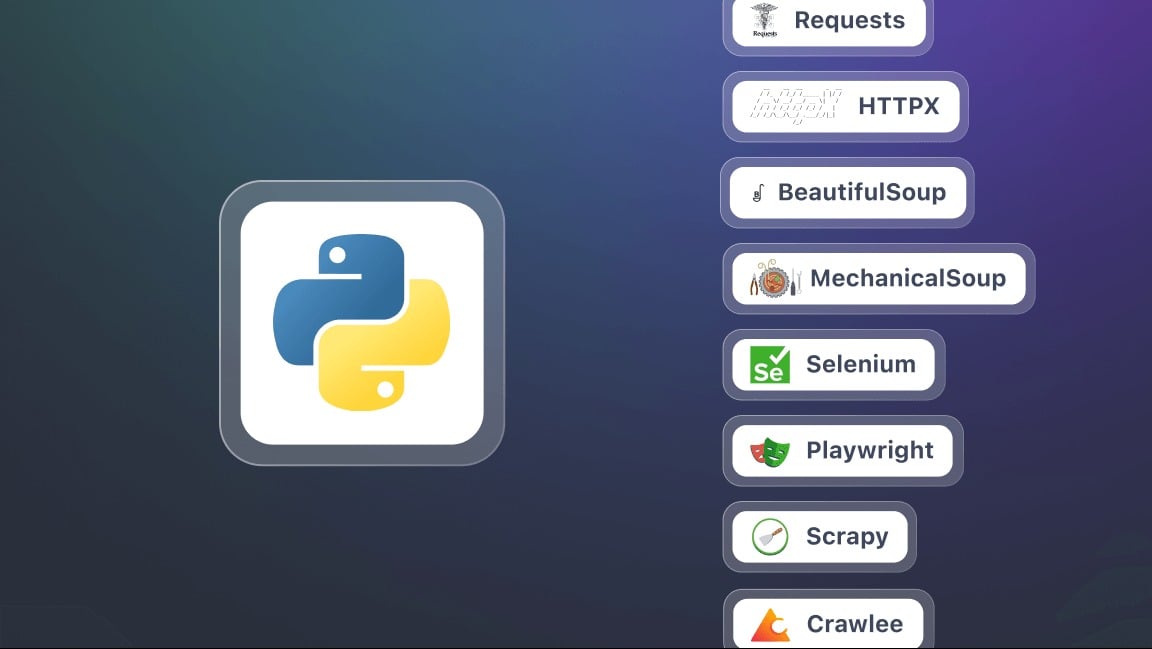
- Requests : Sends HTTP requests and retrieves the content of web pages. This is the foundation of any web scraping operation.
- BeautifulSoup : analyzes the HTML code and extracts information using handy selectors such as find(), find_all() Where select().
- Selenium : Useful when content is dynamically generated using JavaScript. It simulates a real browser and interacts with the page.
- lxml : a very fast HTML and XML parser, more efficient than BeautifulSoup, but a little more technical to get the hang of.
- Playwright : a modern alternative to Selenium, which is often faster.
- Scrapy : a powerful framework for large-scale web scraping projects, capable of handling multiple pages and multiple sites simultaneously.
How to web scrap with Python?
Here is a step-by-step guide to launching your first web scraping project. Each step is accompanied by a snippet of code Ready to copy.
Step 1: Install the libraries (requests and beautifulsoup4)
You need two libraries: requests to retrieve the pages and beautifulsoup4 to extract the data. Install them all at once using pip :
pip install requests beautifulsoup4Whether pip is not recognized, use python -m pip install requests beautifulsoup4, which works regardless of your PATH. Then start your script with these two lines:
import requests
from bs4 import BeautifulSoup
Step 2: Make an HTTP request and retrieve the content
Once the libraries are ready, you can send a HTTP request navigate to a web page and display its content. Remember to use the’Full URL from the target page:
import requests

url = "https://exemple.com"
page = requests.get(url)

print(page.text) # Displays the HTML code of the page
Here, page.text contains all the HTML for the site you're going to analyze.
Step 3: Parse the HTML with BeautifulSoup
Now that you've retrieved the content, you can analyze it using BeautifulSoup. This step transforms the Raw HTML into a structure that's easy to explore:
from bs4 import BeautifulSoup

soup = BeautifulSoup(page.text, "html.parser")

# Example: display page title
print(soup.title.string)
Step 4: Extract specific data (titles, links, etc.)
Thanks to BeautifulSoup, you can target specific HTML tags : headings, links, paragraphs, etc. Here are two of the most common examples:
# Extract all titles <h2>
for title in soup.find_all("h2"):
    print(title.get_text())

# Extract all links <a>
for lien in soup.find_all("a"):
    print(link["href"])
Step 5: Save data (CSV, JSON)
Once you've extracted your data, you can save to a file to reuse them later. The format CSV is suitable for paintings, the JSON structured data.
Example in CSV :
import csv

titles = [title.get_text() for title in soup.find_all("h2")]

with open("results.csv", "w", newline="", encoding="utf-8") as f:
    writer = csv.writer(f)
    writer.writerow(["Title"])
    for t in titres:
        writer.writerow([t])
Example in JSON :
import json

liens = [lien["href"] for lien in soup.find_all("a")]

with open("liens.json", "w", encoding="utf-8") as f:
    json.dump(liens, f, indent=4, ensure_ascii=False)
This tutorial is intended for a small project, such as scraping a static website. In practice, you'll quickly run into more advanced challenges:
- Manage pagination : Scroll through multiple pages to see everything.
- Manage forms : Send data via a POST request to obtain a filtered result.
- Getting around restrictions : Add a realistic identification header and go through proxies to avoid being blocked.
Why web scraping with Python?
the web scraping with Python opens up many practical possibilities for you. Here are some ways this practice can be truly useful in your daily life.
- Price tracking and e-commerce : You collect product sheets to track changes in rates, compare competitors' offers, and identify the best opportunities in real time.
- Analysis of Customer Reviews : You collect feedback from various websites to identify trends, understand consumer expectations, and improve a product or service.

- Content aggregation : You aggregate blog posts and news stories from multiple sources to create a platform that's always up to date.
- Research and Monitoring : You collect data for research, monitor publications, or keep an eye on a specific sector.
In practice, web scraping saves you hours of manual copying and pasting. A single well-designed script retrieves and updates your data automatically, as often as you choose.
What are the best practices for web scraping with Python?
Web scraping isn't just about extracting data. It's also about doing so in a way that effective, responsible, and sustainable, otherwise you risk getting blocked quickly. Here are the rules to follow:
- Respect the robots.txt file : located at the root of a website (e.g.,. exemple.com/robots.txt), it tells you which pages are allowed or prohibited for scraping. Check it before running your script.
- Maintain a reasonable query rate : Adds a pause between each request to prevent overloading the server and getting you banned.
- Use an appropriate User-Agent : fills in a header User-Agent that clearly identifies your robot, rather than the default value of requests, which is often automatically blocked.
- Handling Errors and Exceptions : Enclose your queries in an error-handling block. A page that's unavailable shouldn't cause your entire program to crash.
- Use proxies and IP rotation : When dealing with large volumes, rotating among multiple IP addresses prevents any single one from being identified and blocked.
- Minimize the number of requests : Only fetch the pages you really need. Fewer requests mean less server load and a lower risk of being detected.
- Remain transparent : When possible, indicate a contact email address in your User-Agent. This way, the site administrator can contact you instead of blocking you.
- Separate Extraction and Backup : First, it retrieves the data, then stores it in a CSV file or a database. If the processing fails, you won't lose your data.
- Use robust selectors : prioritizes stable attributes such as id Where data-* rather than CSS classes that change frequently. Your script will be more resilient to site updates.
- Document Your Code : Discuss the key steps and note the date of your scraping. The structure of a page changes, and you'll figure out what to fix faster when it breaks.
FAQs
What's the best framework for web scraping in Python?
There's no single "best" framework, because everything depends on the the complexity of your project.

- For simple extractions, Requests and BeautifulSoup are more than enough.
- When a website uses a lot of JavaScript, then you move on to Selenium Where Playwright.
- Finally, for a large-scale project, Scrapy remains the best choice thanks to its performance and sturdy construction.
How do I scrape a website in Python?
The process is based on three main steps :
- You send a HTTP request to the target page.
- You analyze the HTML structure received.
- You extract the data that interest you, and then you save them.
What is the role of the web scraper?
the role of a web scraper is to automatically crawl web pages to extract specific data: text, prices, images, or links. It acts as an intermediary between the website and you, transforming raw information into actionable data.

How do you use BeautifulSoup in Python?
BeautifulSoup is a library designed to analyze a page's HTML code and easily find the tags that contain the information to be extracted. In practice, you combine a HTTP request with Requests, then you parse the content using BeautifulSoup to navigate the structure and retrieve the desired data.
How do you scrape a website with dynamic JavaScript content?
Some sites rely heavily on JavaScript to display their content. In this case, traditional solutions such as Requests are no longer enough. You'll need to use tools that can simulate a real browser, such as Selenium Where Playwright, to load and interact with the page.
What's the most widely used language for web scraping?
Python is now the most popular language for web scraping, thanks to its simplicity and the wealth of specialized libraries available. That said, you can also automate the’data extraction using PHP, even though this technique is still less common.
Is web scraping legal?
The legality of web scraping is a complex issue. It all depends on how you practice it and whether you follow the conditions of use the websites and the nature of the data collected. In France, web scraping is tolerated in certain cases, but it may become illegal if it violates access rights, a website's terms of use, or laws regarding personal data.
In short, web scraping with Python opens up a world of incredible possibilities! What about you—what are your experiences or questions? Feel free to share them in the comments—we can't wait to hear from you!









 EN
EN