You deleted some files by mistake, or your USB key Not responding? Start by checking the basket, then runs a free data recovery software as Recuva : In most cases, that's enough to recover your data.
And if you're looking to collect public data online for a project, this series also covers the scraping and APIs.

How to recover lost data?
Good news: as long as the device isn't physically dead, your lost data almost always remain recoverable. When you delete a file, the system It simply marks the space as reusable, without deleting it right away. The content remains on the disk until a new entry overwrites it.
The causes of data loss The most common ones:
- Accidental deletion (or a trash can emptied too quickly)
- Unintentional formatting from a disk or partition
- Software or hardware failure
- Hard Drive Failure, defective USB flash drive, unreadable SD card
In most of these cases, a good data recovery software is enough for everything restore.
First Steps: What to Do Right Away?
Have you just lost your files? Act immediately—the first few minutes are critical.
- Stop all writing to the affected storage device (hard drive, SD card, USB flash drive). Each byte written may overwrite a recoverable file.
- Check your system's Recycle Bin. A recently deleted file is often still there, ready to be restored with a single click.
- Try connecting the storage device to a different port, cable, or computer. Sometimes the problem is just with the connection, not with the storage device itself.
What software solutions are available for recovery?
A data recovery software Scan your storage device and locate the deleted data that are still intact, and then lets you choose what you want to restore. Most are compatible with the major operating systems (Windows, Mac). The solutions below are organized by your budget and the severity of the problem.
Free / Open Source

- Recuva (Piriform / CCleaner) : simple and effective for recently deleted files at Windows. Free in its basic version.
- TestDisk : powerful for repairing lost sheet music or a corrupted partition table.
- PhotoRec : Get your photos back, videos, and documents, even if the file system is damaged.
Freemium / Paid (Pro versions)
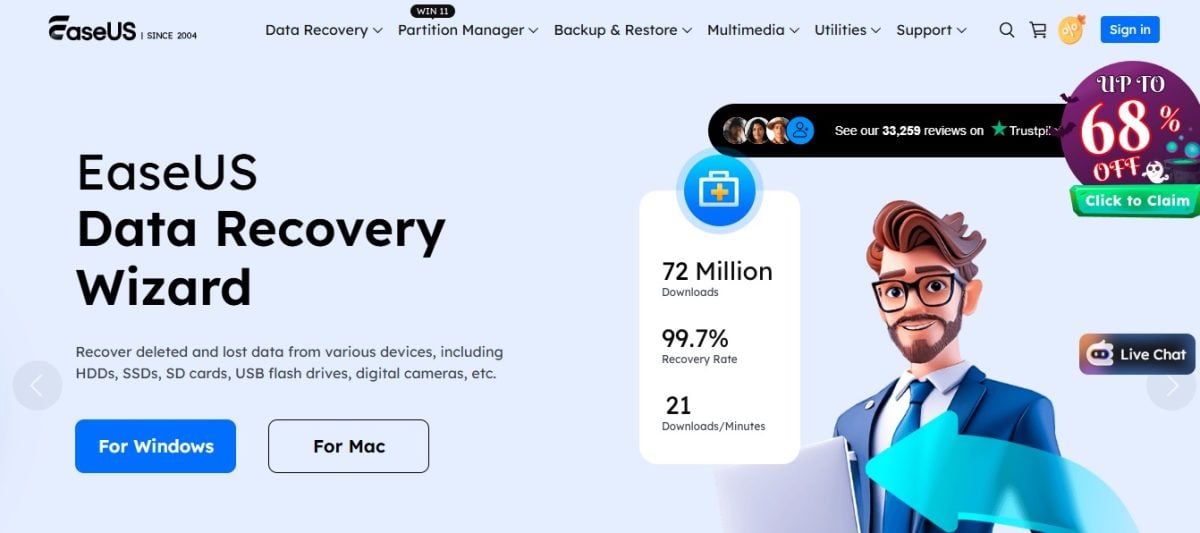
- EaseUS Data Recovery Wizard : It's very intuitive and works with hard drives, USB flash drives, and SD cards.
- Wondershare Recoverit : modern interface available at Windows and Mac, which allows you to preview the files before retrieving them.
- Disk Drill : Good interface and fast analysis, available on Windows and Mac. The free version is limited to 500 MB ; the paid version unlocks all features.
- Stellar Data Recovery : Compatible with many file formats and systems, available at Windows and Mac.
Professionals / Experts
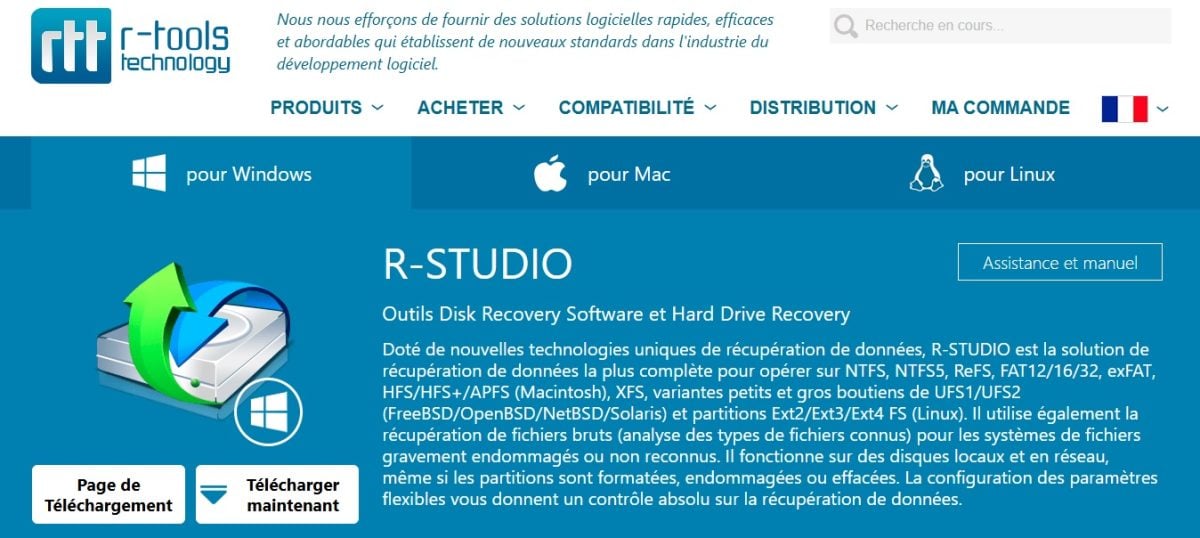
- R-Studio : very powerful but complex, available in Windows, Mac, and Linux, the ideal tool for technicians.
- Ontrack EasyRecovery : used by professionals for critical recoveries, compatible with Windows and Mac.
When should you call in a professional?
As effective as it may be, No software can guarantee a 100% restore %. If your hard drive has been dropped or is making unusual noises (clicking, scratching), don't keep trying. Running software on a storage device that is hardware failure may make the damage worse.
Cases to be referred to a specialist :
- Hard drive with physical failure (mechanical noise, smell of something burning)
- Damage related to water, fire, or impact
- Recovery attempts that have made the situation worse
At a specialist's office, the process generally goes like this:
- Diagnosis and analysis of the damaged media
- Detailed Quote Before performing any work
- Opening in clean room if necessary
- Repair physical or logical storage medium
- Extraction and verification of recovered files
How to recover data on Android?
You've lost data on your device android ? You have two options: the native tools the phone and the cloud backups. In most cases, your files are still accessible.
1. Recovery after deletion on Android
On Android, many apps have their own basket. A recently deleted file is often still there, ready to be Restored with a single click without any third-party tools.
- Google Photos Keep your deleted photos and videos 30 days in the trash.
- Files by Google also offers a trash can for the locally deleted files.
- The cloud synchronization : Be sure to check in the cloud Google, Dropbox Where OneDrive.
- The data recovery applications as Dr.Fone Where DiskDigger analyze internal memory, but often require a root access.
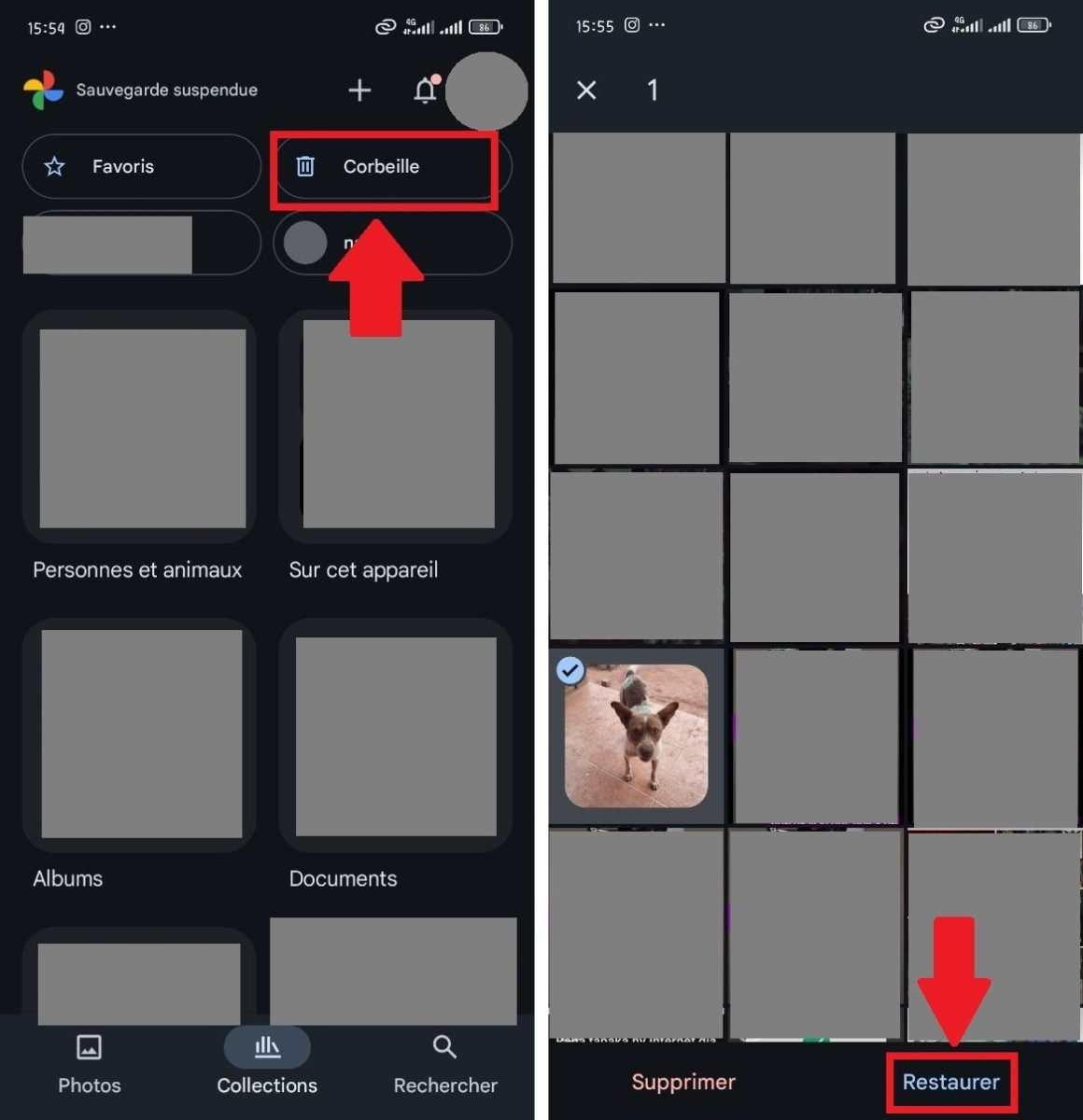
To restore from the Recycle Bin Google Photos : Open the app, go to Library then Basket, select the items and press Restore.
2. Restoring from a backup on Android
Android smartphones generate automatic backups through Google services or the manufacturer's tools. The two main ones are:
- Google One : Back up your apps, text messages, settings, call history, and, if Google Photos is set up, your photos and videos.
- Samsung Smart Switch : On Samsung devices, it restores your data from a local or cloud backup, or from an old phone.
During setup (or after a reset), log back in with the same Google account to restore your backup. Depending on the type of data you've lost, here's where to find it:
- Contacts : checks synchronization in Settings > Accounts > Google > Contact Sync.
- Photos and videos : items synchronized in Google Photos will reappear as soon as you log in to the correct account.
- Applications : Reinstall them via Play Store > Profile > Manage Apps and Device > Previously Installed.
How can I retrieve data online for a project or analysis?
You're not trying to recover lost data, but rather to collect from the web For a project? Collecting data online is entirely possible, as long as you use the right methods.
1. Where can I find public data?
Institutional platforms offer free and legal data, available for download in CSV or via a API. Depending on your needs, explore:
- Data.gouv.fr for French public data
- INSEE, OpenDataSoft, Eurostat for official statistics
- The local government portals (cities, regions)
2. What is web scraping, and how do you use it?
the web scraping allows you to’automatically extract visible data one page. There are three possible approaches, depending on your level:
- Programming frameworks. With Python and BeautifulSoup Where Scrapy, you create your own scraper and keep a total control on data extraction. You need to know how to code.
- Dedicated web scraping tools. A tool like Octoparse allows you to scraper without code, with ready-to-use features.
- Browser extensions. Available at Chrome, Firefox Where Opera, they are free and easy, perfect for small projects.
Attention : Before you get started, check out the file robots.txt of the site and complies with its terms and conditions of use. We'll explain everything about the legality of web scraping in our dedicated article.
3. What are the manual collection methods?
Is scraping not the right approach for your project? There are two complementary methods that allow you to retrieve data Simply and legally.
- Online Service APIs : platforms such as Google Maps, Twitter, YouTube Where Instagram offer Official APIs. There, you can legally access a wide variety of information (geographic coordinates, weather data, publications, customer reviews).
- Surveys and Questionnaires : tools such as Google Forms, Typeform Where SurveyMonkey let you quickly create custom forms. You can then export the responses to file Excel Where CSV.
To take it a step further, there are also tools for download the source code of a website.








 English