Want to explore the aquatic world in Minecraft, but don't know how to stay apneic for long? In this article, we take you step by step through how to breathe underwater in Minecraft.
On the program: two simple, effective methods so you can move unhindered through the water's depths in Minecraft. So you can enjoy your underwater adventures to the full!
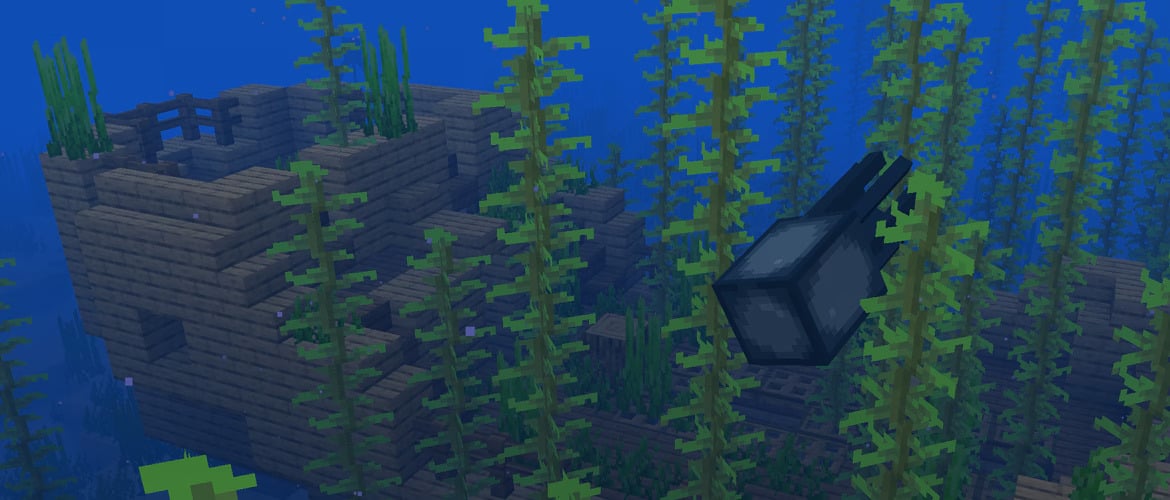
Method 1: Use an aquatic breathing potion
As its name suggests, the water breathing potion will hold its own in the depths of the sea. You can prepare it yourself. It's really quite simple!
Here's how to do it:
- Activate your still with a Blaze powder
- Take a water vialplace it at the bottom of your still
- You also need a Nether wart to be placed at the top this time
- Combine the two, and you've got a strange potion
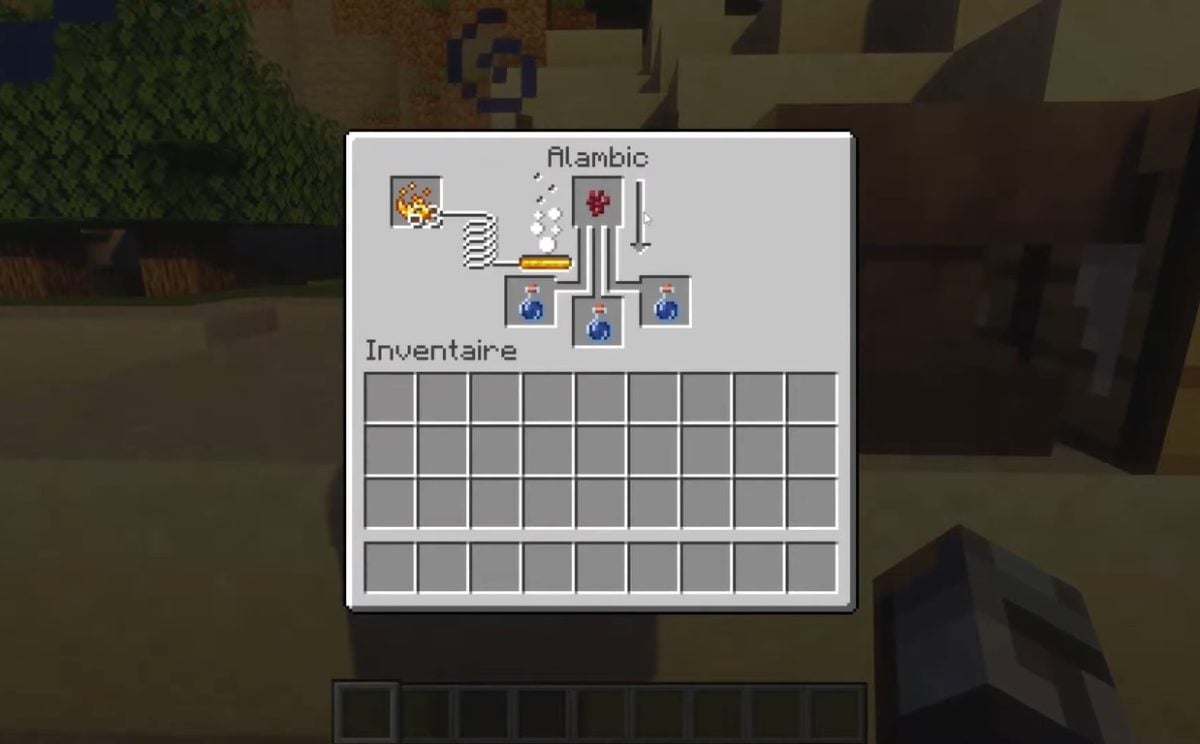
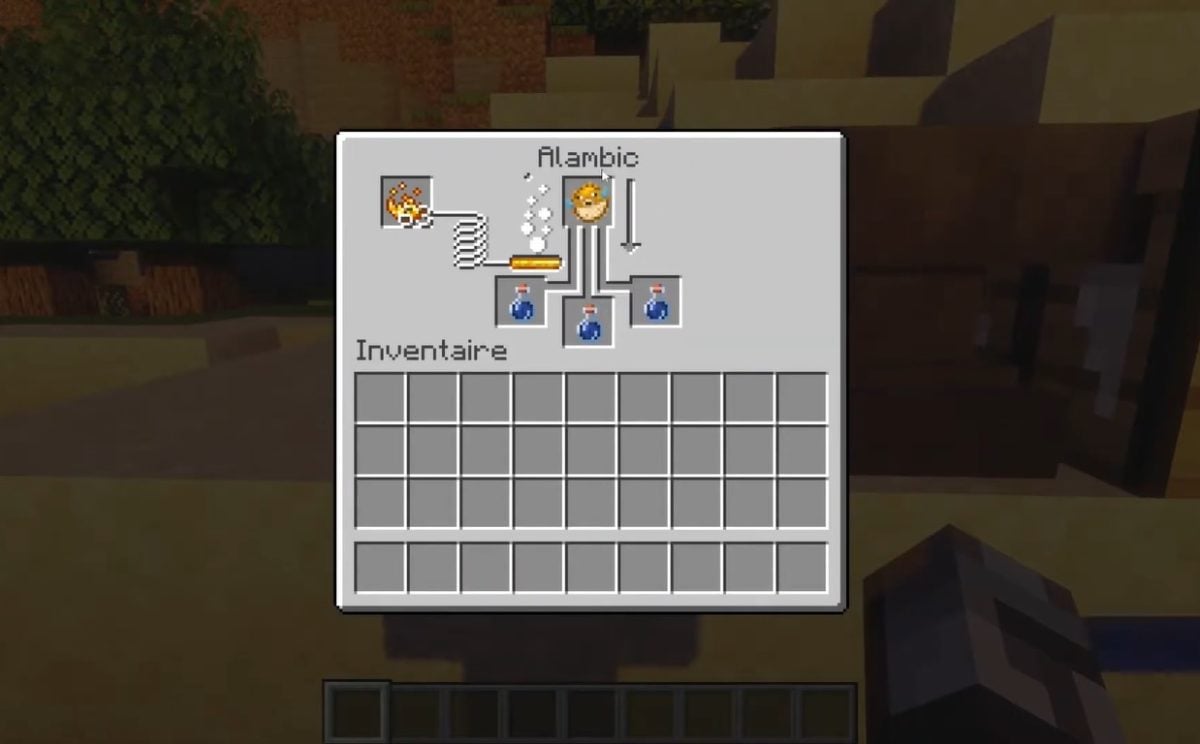
- Then place your strange potion at the bottom of your still.
- Place a Goldfish up.
- Combine the two and you have your water breathing potion !
An aquatic breathing potion will enable you to hold in the depths for three minutes about.
Want to find out more about this amazing potion? Visit our special article Aquatic breathing potion to find out how it can be used in Minecraft, and how it can be improved.
Method 2: Breathing underwater with a heart of the sea
the Heart of the sea is a very rare item that can only be found in treasure chests. To unearth these chests, visit shipwrecks or underwater ruins.

The Heart of the Sea is the key to building a conduit.
Thanks to this small luminous cube, you can :
- Breathing in the seabed,
- Better see and dig underwater
But also, the conduit protects you from drowning zombies that could attack you in the area!
As you can see, with this second method, there's no need for apnea. You can actually living in the underwater world Minecraft ! But how do you build a conduit with the Heart of the Sea?
Phase 1:
- Take some prismarine blocks, dark prismarine and/or prismarine bricks
- Build a structure to form a 5×5 ring underwater.

Phase 2:
- Then build the conduit with 8 Nautilus shells + 1 Heart of the Sea
- Simply place the Nautilus Shells around the Heart of the Sea.
- You'll get a block: it's your conduit, but it's not activated yet!

Phase 3
- Then place the conduit on the center of prismarine block construction
- Your cube will immediately activate at full power!
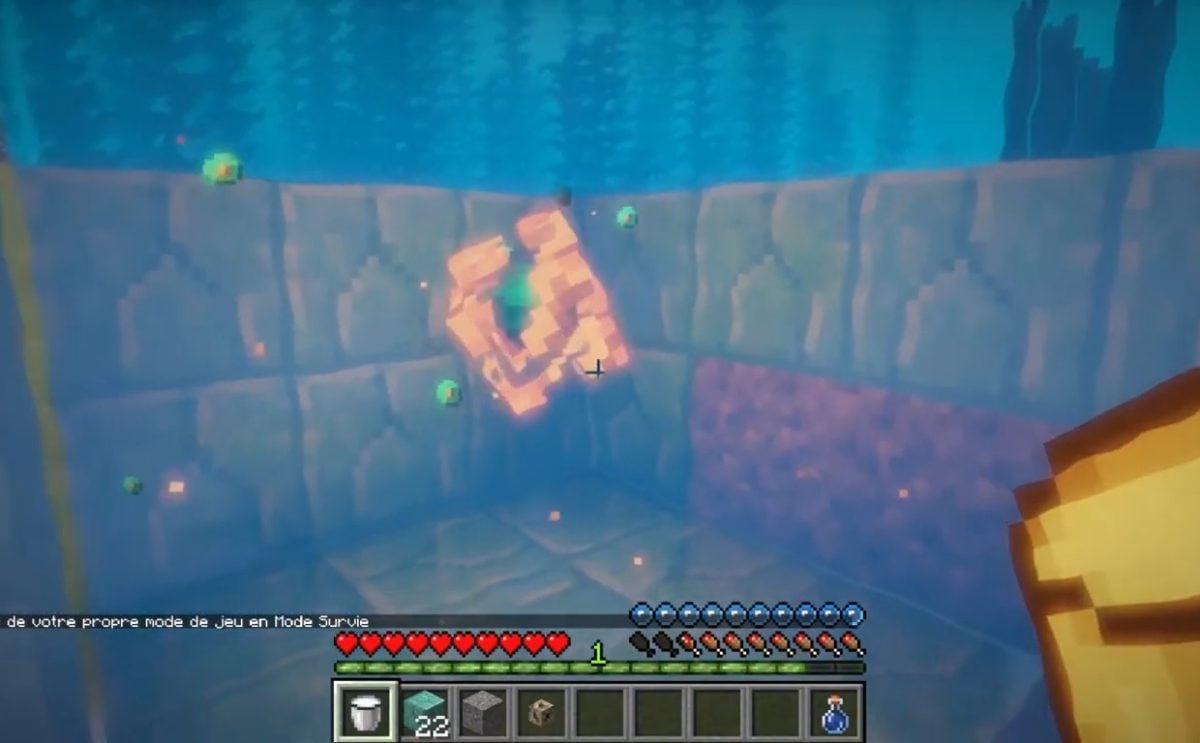
Depending on its power, the effect of the conduit can be extend to 90 blocks ! With your friends, you can stay in the depths as long as you like, thanks to this precious artifact.
You've never found a Coeur de la mer during your Minecraft travels? Don't panic! We can guide you through our Heart of the sea.
To breathing underwater in Minecraft, you can choose between :
- Use an aquatic breathing potion OR
- Building a conduit with a Heart of the Sea
Which of these two methods do you plan to use? Please share your experiences in the comments.
And for those with even more grandiose aquatic projects, our article on Axolotl in Minecraft may be of interest to you. On the programme: strange and fearsome sea creatures that could well thwart your plans or, on the contrary, help you to move ahead more quickly in your adventures!









 English