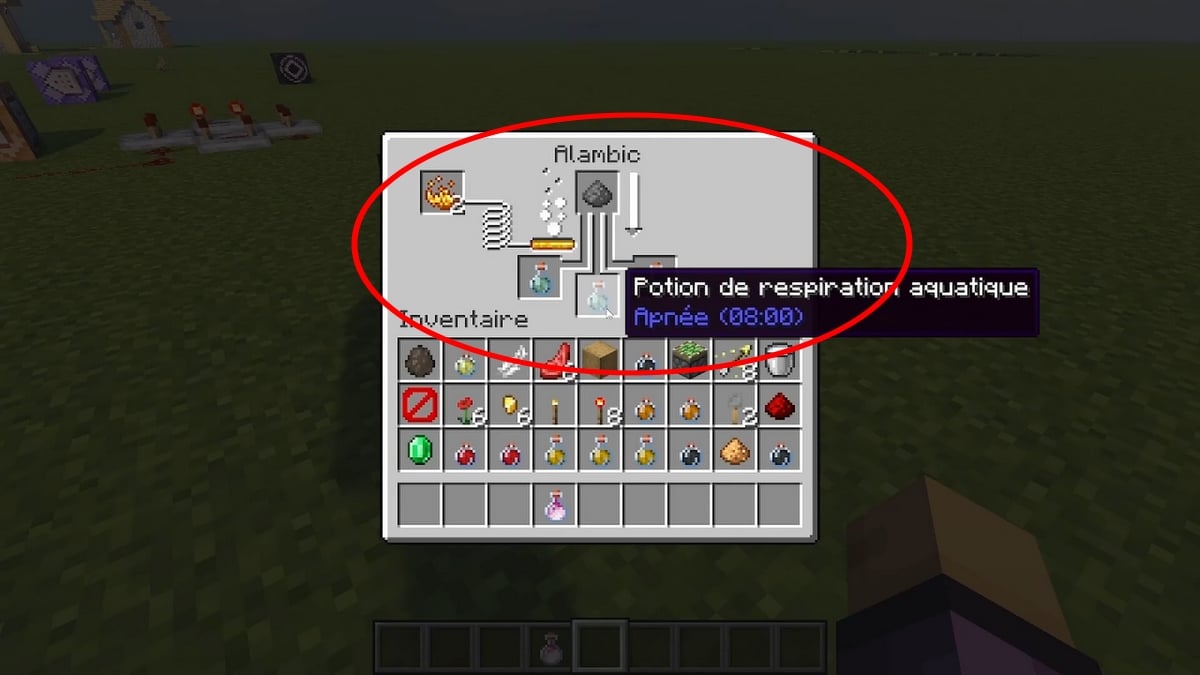
The water breathing potion allows you to stay underwater for 3 minutes without losing oxygen. With redstone powder, you can extend this effect to up to 8 minutes.
To make it in Minecraft, you'll need a still, a Nether wart, and a pufferfish.
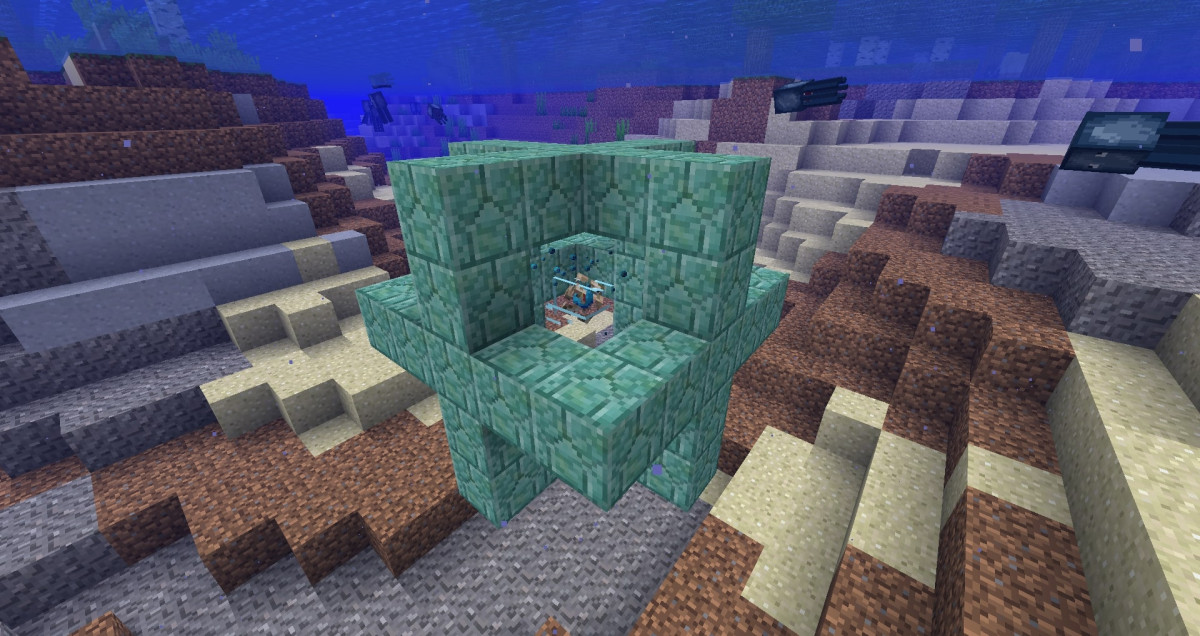
Tuto Minecraft : How to make aquatic breathing potion?
To manufacture the water breathing potion in Minecraft, you'll need a still and two key ingredients. The recipe calls for a Void Wart and a pufferfish. Here's the complete list and the crafting steps.
Ingredients for the Water-Breathing Potion
- 1 craft table (4 wooden planks are enough); ;
- 1 still, also known as a brewing stand (1 fire rod and 3 bricks); ;
- Ignition powder (made from a stem of blaze) ;
- 1 to 3 vials of water; ;
- 1 Void Wart (retrieved from the Nether) ;
- 1 puffer fish, the ingredient that creates the sensation of breathing underwater.
How is the aquatic breathing potion made?
- Make a craft table with four wooden planks.
- Turns a flame rod into flame powder.
- Place the table on the ground, then use it to open the 3×3 crafting grid.
- Create the still: place a flame rod in the center of the top row and three bricks in the middle row.
- Place your still on the ground and open the brewing menu.
- Add the ignition powder to the top-left slot to fuel the still.
- Place one to three vials of water in the bottom slots to brew several potions at the same time.
- Add the Wart of the Void in the top box. You get a strange potion.
- Replace it with a pufferfish in the top slot. Once the brewing is complete, you'll get your underwater breathing potion.

A basic potion gives you 3 minutes to breathe underwater without losing oxygen in the process.
How to improve the potion?
You can make several different versions of your underwater breathing potion, depending on how you plan to use it.
- To make it last longer, add some redstone into the still. You then move from 3 at 8 minutes underwater breathing.
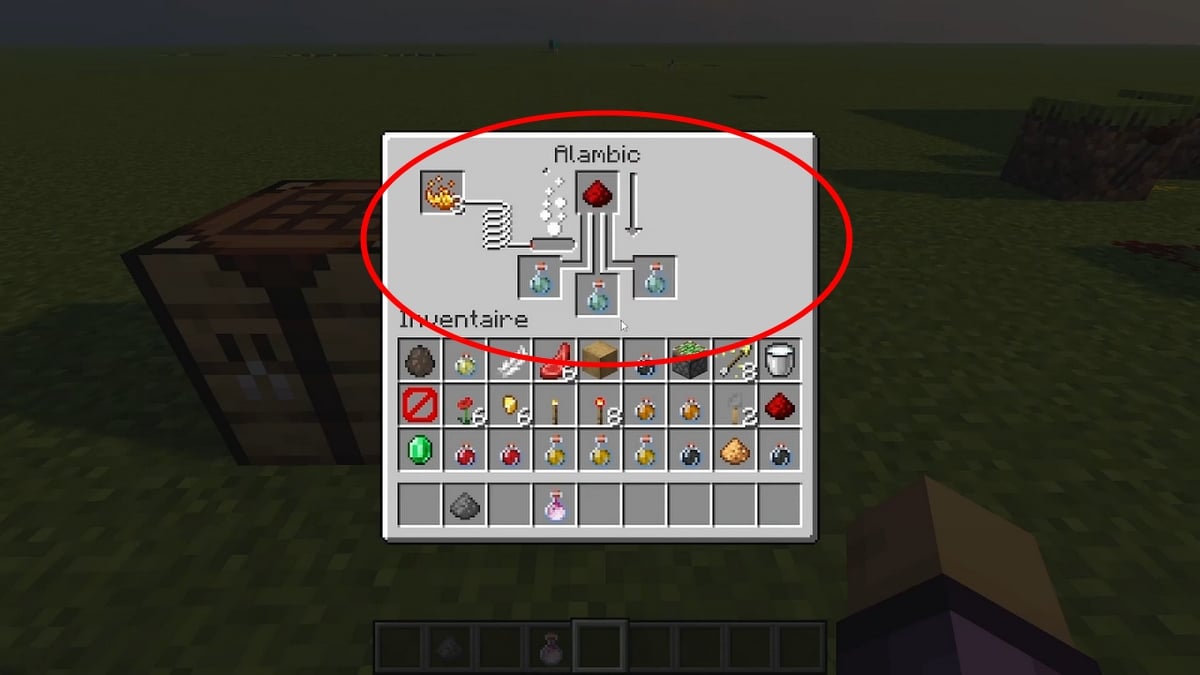
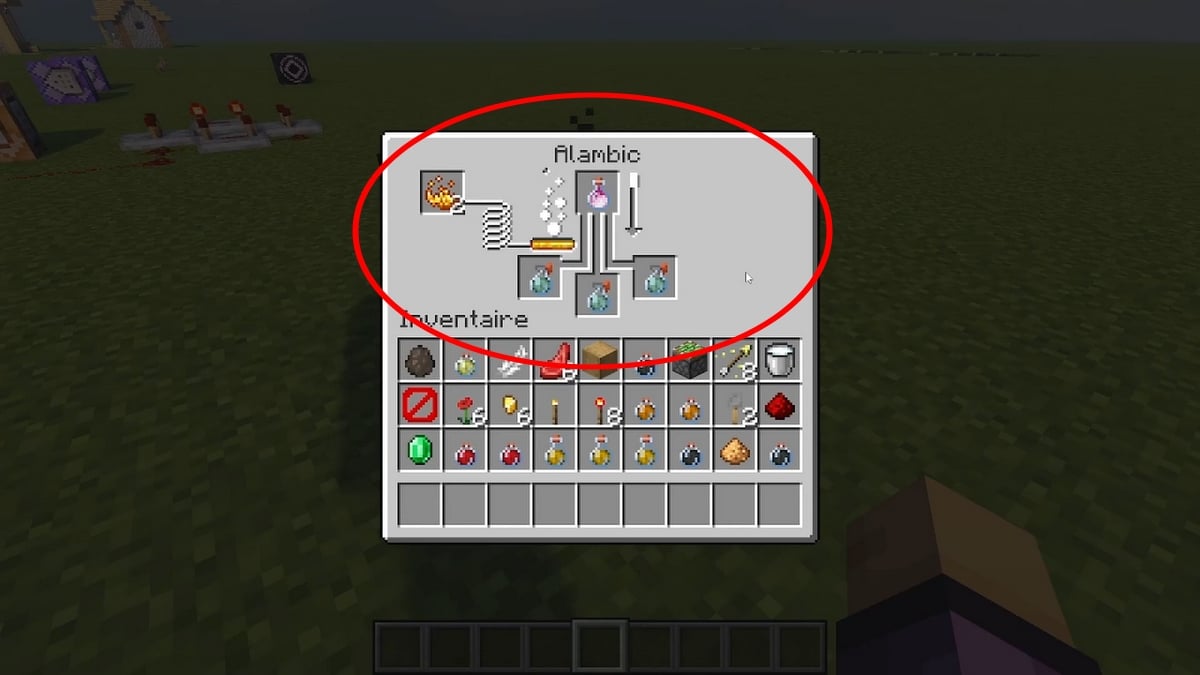
- To get a disposable version (by splashing), add powder to Awesome. You can then cast it on other players or creatures.
- For a long-lasting potion, Start with the disposable version, then add some breath of dragon. When thrown on the ground, it creates a cloud of smoke that lasts a few seconds.
What is the purpose of the aquatic breathing potion in Minecraft?
The water breathing potion lets you hold your breath longer underwater without seeing your breath gauge go down. It lasts 3 minutes by default, and 8 minutes if you add redstone powder.
As long as the effect is active, you won't lose any oxygen, no matter how deep you are in the game.
The single-use version can be used on yourself or your allies by casting it. The Turtle Master's Potion is another option worth knowing about to make exploring the water easier.
The persistent version creates a cloud on the ground that gives each player who passes through it for a short time the effect of breathing.
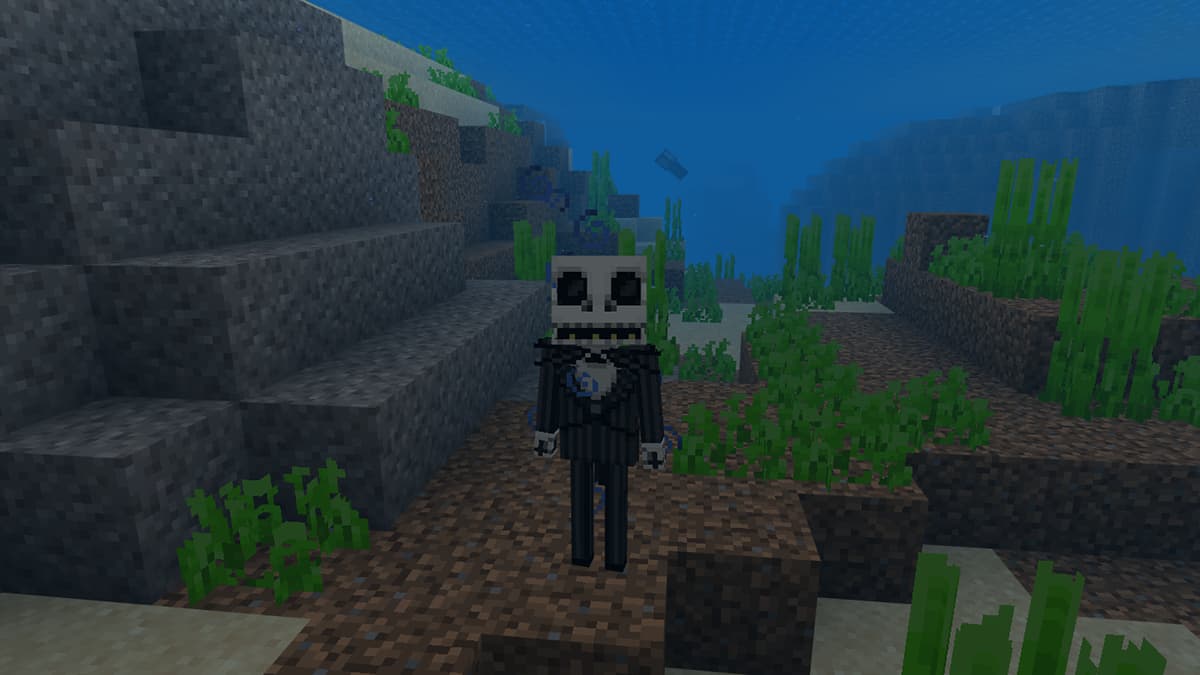
How to breathe underwater without a potion in Minecraft?
You don't have a water breathing potion on hand? There are several ways to keep oxygen underwater in Minecraft, without alchemy or a still.
- Spice up your helmet with Respiration on an enchantment table, or using an anvil and a book. Each level increases your breath hold duration underwater.
- Make a Conduit submarine. This block provides a continuous supply of air within its area of effect, but building it requires a lot of resources and playtime.
- place one underwater door. The space created holds a pocket of air where you can catch your breath.
- Wear a turtle shell helmet. It gives you 25 extra seconds of breath underwater. You need 5 turtle scales to craft it.
- Installation of the magma blocks underwater. The air bubbles they release rise to the surface and replenish your oxygen supply when you stand inside them.
The Enchanted Helmet with Respiration and the Conduit remain the most reliable methods. The aquatic breathing potion has the advantage of being easy to carry and drink while exploring. Others potions such as the fire resistance potion or the healing potion are a useful addition to your inventory during your adventures.
See the rest of the guides on Minecraft :









 English