Mastering Terminal commands is essential for optimize your performance in the game Lethal Company.
In fact, the Terminal helps you interact with the people around you, manage your resources or keep up to date with important game information.
In this article, we will provide you with the complete list of Terminal commands in Lethal Company and their uses.
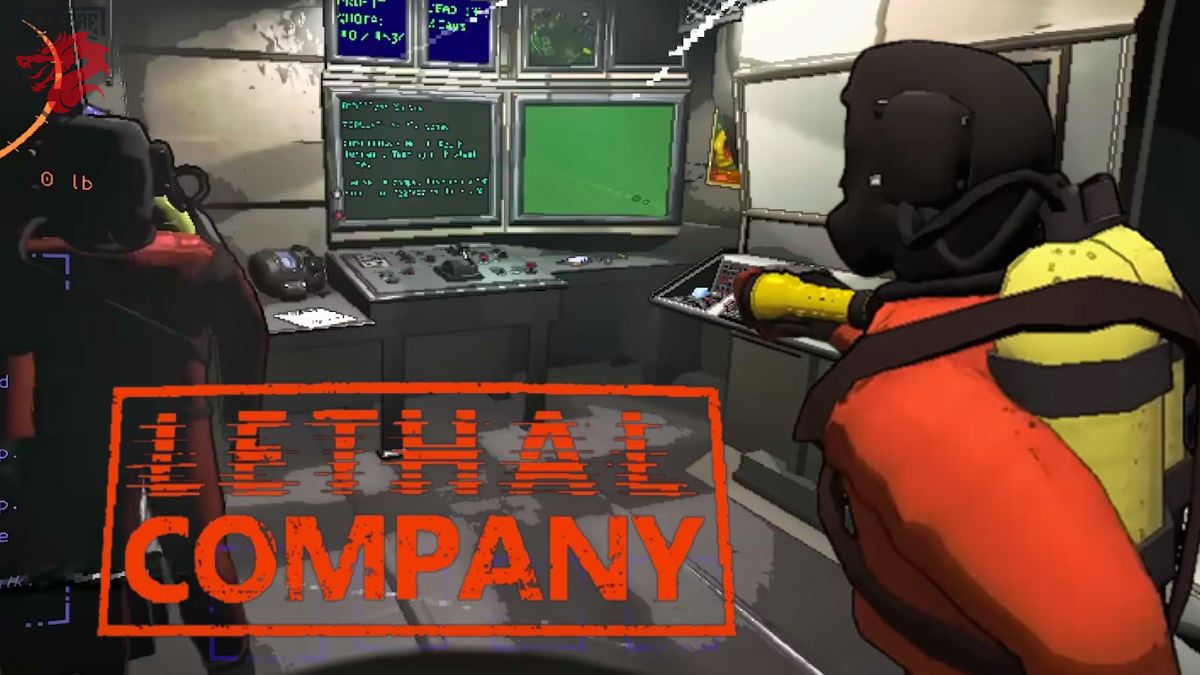
Image illustrating the use of the terminal in Lethal Company. Source : Alucare.fr
List of all Terminal commands
The basic Terminal commands are essential to your gaming experience, whatever your level.
🖲️ Ordered
✨ Effect
Help
Command to display the ORDER LIST and the starting point.
Bestiary
Controls the list of animals you have scanned with the scanner.
[Monster] INFO
Command to access the creature file that you scanned on a moon.
Example: “BRACKEN INFO”
Storage
Command that allows access to furniture you have in stock.
[Unique Identification Code]
Control to help disable turrets and to open secure doors by entering a unique identification code consisting of a letter and a number.
Code to be found on the security doors themselves or on the monitor in the base.
Condition one group member must be close to the door.
Sigurd
Command that allows access to journal entries for the lore of Lethal Company.
Switch + player name
Command to go directly to player camera.
This feature also allows you to pass the main monitor on a specific player.
Command that facilitates the identification of security doors and the teleportation of corpses back to base.
Ping + Name of the "Radar Booster"
Control for to the "Radar Booster" frommake a noise or say a word to to distract and lure blind dogs.
The names of “Radar Boosters" are generated randomly. Among the available names are: Alberts, Betty, Billy, Blue, Bobbie, Brody, etc.
Example : Using the "PING BRODY" command, the radar emits the "Hello" sound signal. This tricks the dog into thinking there is a player nearby, allowing your teammate to escape.
Flash + Name of the "Radar Booster"
Flash control for dazzling monsters.
Example: "FLASH BETTY" if your "Radar Booster" is named "Betty."
Transmit + Your message
Order for send a message using the signal translator.
Others
A command that represents a gateway to additional features.
Various actions are included, adding variety to the gameplay.
Example: you can follow a team-mate with the monitor using this command.
This content is originally in French (See the editor just below.). It has been translated and proofread in various languages using Deepl and/or the Google Translate API to offer help in as many countries as possible. This translation costs us several thousand euros a month. If it's not 100% perfect, please leave a comment for us to fix. If you're interested in proofreading and improving the quality of translated articles, don't hesitate to send us an e-mail via the contact form! We appreciate your feedback to improve our content. If you would like to suggest improvements, please use our contact form or leave a comment below. Your feedback always help us to improve the quality of our website Alucare.fr
I'm the entire alucare.fr team.
The purpose of this profile is to put online articles by former authors who no longer work on the site after having improved them.
At alucare.fr, our aim is to provide truthful, up-to-date information. That's why, when we update an article by an author who no longer works with us (or who now occupies a higher position), we place it on this author account.
Social Media and Contact:
Alucare is an free independent media. Support us by adding us to your Google News favorites:









 English
Se vc escrever K9 no computador ele desativa as torretas 👍🏻