In Lethal Company, it exists two basic emotes : Press the button 1 to dance and on the button 2 to point the finger at.
If you want to take it a step further, there's a mod that lets you unlock many more.
How do I use emotes in the game?
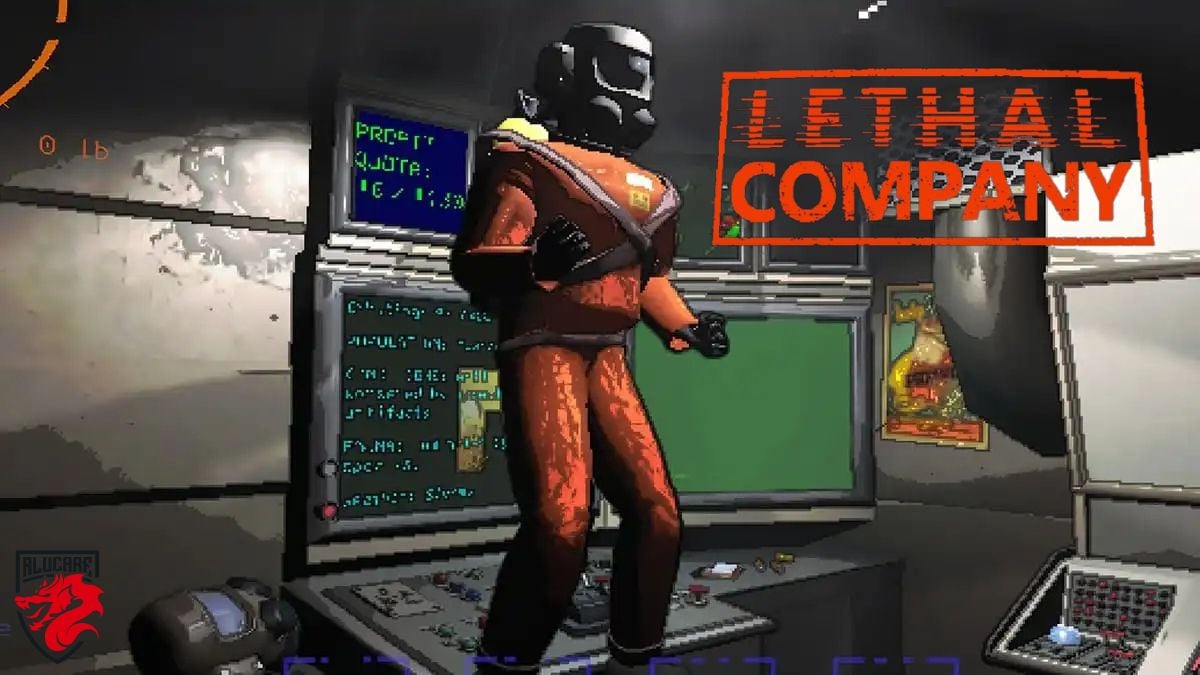
Here are the Two basic commands on PC:
- To dance : Press the button 1.
- To point a finger : Press the button 2.
The Emote point is the most strategic both. Some creatures from Lethal Company react to voice chat sounds, so specify a position in silence becomes a real asset when facing monsters.
The Emote dance, on the other hand, is mainly for having fun and celebrating. You can throw it while holding a small object, but not when you're wearing a heavy load carried with both hands.
What are emotes used for in Lethal Company?
Both emotes have a specific purpose. One is for fun, and the other is for communicating quickly with your team.
1. Dancing
L'dance emote is, above all, a entertainment. When things go wrong, you can use it to boost your teammates' morale: throw a dance party for 4 to unwind after a stressful moment, such as when the Ghost Girl sets off in pursuit of someone.
2. Point
L'check-in emote is much more tactical. It replaces voice communication when you need to act quickly and quietly. You use it to show where the enemies are or for to highlight an important point that your teammates need to spot. A simple call can sometimes prevent a long back-and-forth during a tense moment.
How to add custom emoticons to Lethal Company ?
Are the two basic emotes not enough for you? You can add more with the mod More Emotes, created by Sligili and available at Thunderstore.
If you're not sure how to proceed yet, check out our Guide to Installing a Mod on Lethal Company.
Here are the steps to install the mod:
- Open the mod's page at Thunderstore.
- Install the Thunderstore Mod Manager. This manager automatically installs mods and their dependencies, including the BepInExPack.
- Once the mod manager is ready, click on Installing with Mod Manager on the page for More Emotes. the BepInEx The required field is added automatically.
- Make sure both items appear in your mod manager and that their toggles are turned on.
- When a blue switch appears next to each one; launch the modified version of the game using the button Modified in the Thunderstore.
- Test the mod by pressing the V key Once you're in your ship or on a planet, the emote menu opens.
Here are some emotes unlocked by this mod, along with their commands:
| Emote | Ordered | Image |
| Sign | Press 0 | 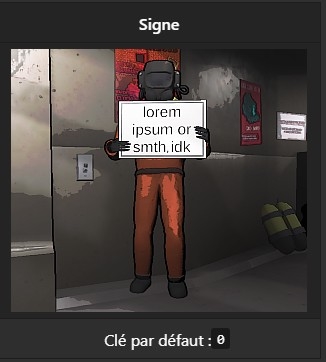 |
| Middle finger | Press 3 | 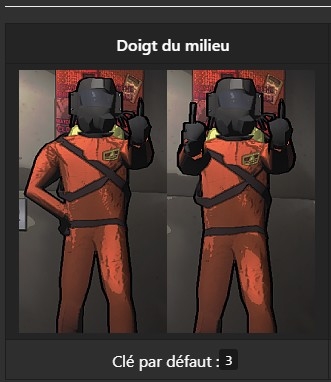 |
| Applaud | Button 4 | 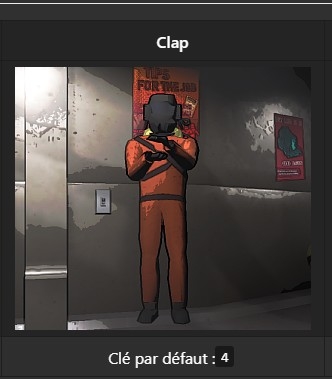 |
| Shy | Press 5 | 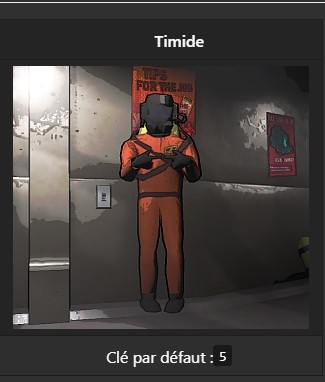 |
| Griddy (dance) | Press 6 | 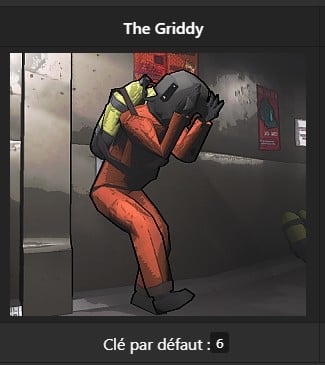 |
| Twerk (dance) | Key 7 | 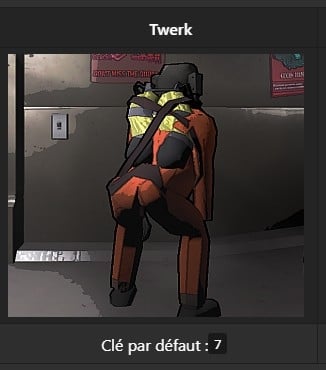 |
| Greetings | Press 8 | 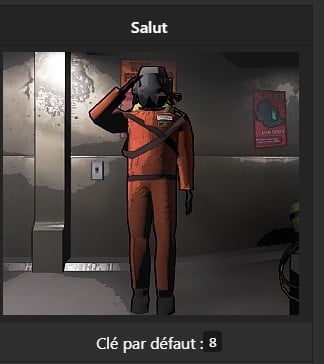 |
These emotes are more focused on atmosphere as a form of tactical communication. They're perfect for celebrating a successful run or livening up a quiet moment on the ship.
Will there be new emotes in Lethal Company?
For now, the dance and the time sheet that leaves the the only two official emotes of the game. Zeekerss, the developer, has not confirmed that new animations will be added in a future update.
Communication, however, plays a major role in Lethal Company, and with only two emotes currently available, it stands to reason that more could be on the way.
In the meantime, mods like More Emotes Where TooManyEmotes already include many dances and activities, all available on Thunderstore.








 English