The main Android emulators for PC, BlueStacks and LDPlayer, are safe as long as you use their official versions. The danger to your accounts almost never comes from the emulator itself, but from three main errors: a cracked version, a reused password, and the absence of double authentication.
First of all, here are the reflexes that really protect your accounts. why we recommend BlueStacks and what to expect from LDPlayer / LDCloud in 2026.
💡 Even before choosing an emulator, these 5 reflexes protect your accounts in 90 % of cases :
- ✅ Official download only
- ✅ Double authentication enabled
- ✅ A unique password for each account
- ✅ Secondary Google account for games
- ✅ Authorizations checked regularly
Why do we recommend BlueStacks?
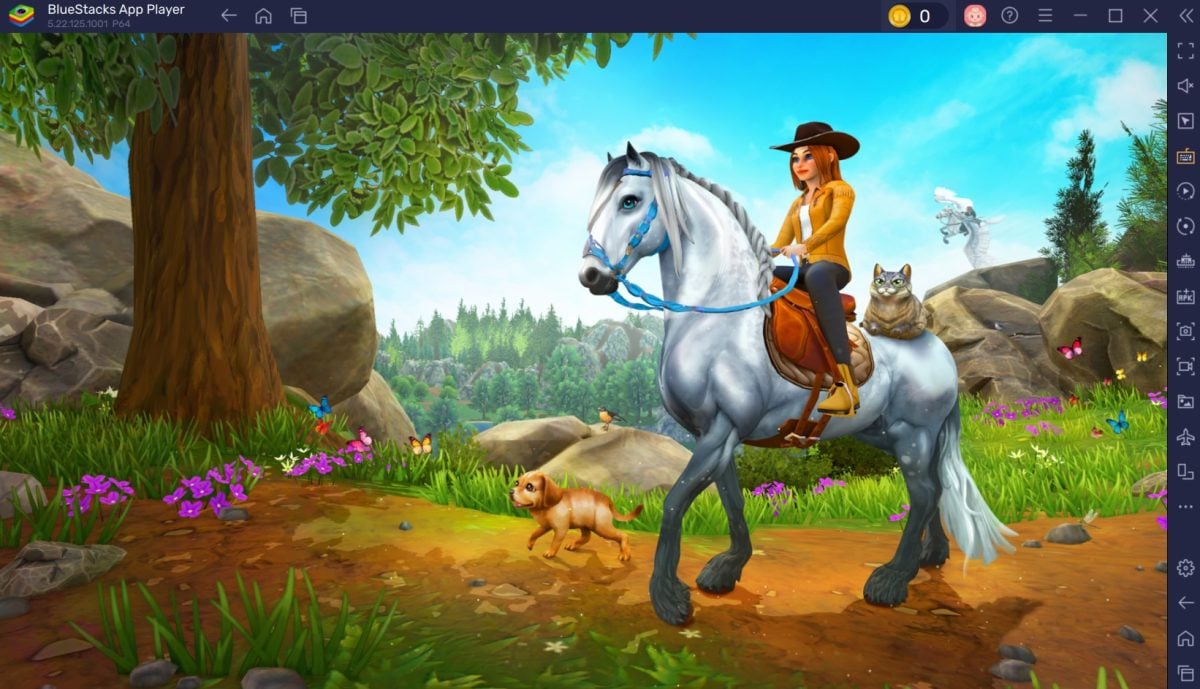
If you're looking for a reliable Android emulator, BlueStacks remains our recommended choice thanks to its long experience, regular updates and transparent approach to security.
Alucare uses Bluestacks✓ Proven durability
BlueStacks has been on the market for over a decade, with continuous updates and long-term support. This longevity is a good indicator of stability.
★ A recognized publisher
BlueStacks (published under the brand name «BlueStacks by now.gg, Inc.») is an American company with long-standing links to major players such as AMD, Intel and Qualcomm.
🛡️ Clean installation files
According to the company, official BlueStacks installers pass third-party antivirus scans. Occasional alerts may be linked to false positives.
🔒 Clear data practices
BlueStacks states that it collects limited, anonymized usage data to improve performance and user experience.
⚙️ Advanced options
Eco mode, FPS control, RAM allocation and CPU core management allow you to adapt performance to the power of your PC.
Want to see BlueStacks in action? Check out our detailed guides for :
What happened with LDPlayer and LDCloud?
Recent discussions in the Android and gaming communities have been triggered by reports of a security incident linked to services associated with the LDPlayer ecosystem.
According to several online reports, an exposed storage space associated with an older version of LDCloud would have contained recordings and user information that should not have been publicly accessible.
LDPlayer then stated that the incident concerned an obsolete LDCloud environment and not the local LDPlayer emulator. The company also stated that it had secured the affected infrastructure and launched an internal investigation.
Separating rumors from facts
Gaming forums and social networks are full of allegations about Android emulators: excessive data collection, hidden cryptocurrency mining, hacked accounts, suspicious software... To get a clearer picture, we need to distinguish three elements.
The software itself
Official versions of the main emulators are generally considered safe. The real risks come from modified versions or those downloaded from unofficial sites.
Telemetry
Like many free applications, emulators can collect usage data. This is mainly a privacy issue, not necessarily a sign of malware.
Related cloud services
An emulator installed on a PC works locally, but some cloud services store data on remote servers. They must therefore be evaluated separately.
How do you choose a reliable platform in 2026?
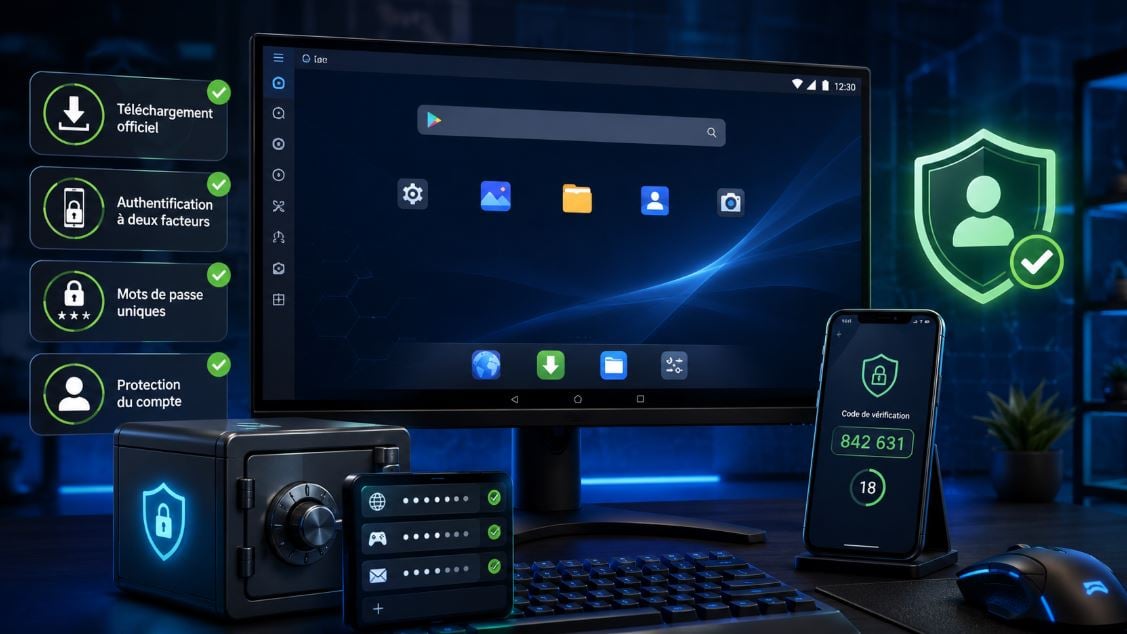
When choosing an Android emulator, don't base your decision on performance alone. Four criteria are equally important:
- ✅ Transparency and confidentiality : the publisher says what it collects and doesn't sell (BlueStacks ticks this box).
- ✅ Regular updates : they fix vulnerabilities (more than a decade of support on the BlueStacks side).
- ✅ Reputation: large community, well-established product.
- ✅ Reactivity in the event of an incident : this is exactly what the LDPlayer case tested, isolated infrastructure and fast communication.
To remember
The golden rule: your safety also depends on your habits
A reliable emulator is not always enough to protect your accounts. In the majority of cases, problems arise from dubious downloads, reused passwords or a lack of account protection.
| Current risk | The right thing to do |
|---|---|
| Download a modified or cracked version or one found on a third-party site | Install the emulator only from the publisher's official website. |
| Having your password stolen or using a poorly protected account | Enable two-factor authentication on your Google account and game accounts. |
| Reuse the same password for multiple services | Create a unique password for each important account, ideally using a password manager. |
| Exposing your main e-mail address to too many services | Use a secondary Google account dedicated solely to emulator games. |
| Granting too many authorizations without checking | Regularly check the access granted to applications and delete those no longer in use. |
Conclusion
The main Android emulators are generally reliable when used in their official versions. Discussions around LDPlayer and LDCloud, however, remind us that we need to distinguish between local emulators and the associated cloud services.
For players who want a well-known, stable and well-established solution, BlueStacks remains our recommended option. Whichever emulator you choose, keep your software up to date, activate double authentication and download only from official sources.








 English