To create a webtoon, you'll need three things: a drawing program like Clip Studio Paint, a publishing platform such as Webtoon Canvas, and a portrait format, 800px wide.
A webtoon is a digital comic of Korean descent, also known as Manhwa in its online form.
Its short, vertical format makes it ideal for reading on a phone, even while commuting. The genres are varied: fantasy, isekai, horror, action, romance…
To find some inspiring examples before you get started, take a look at the The 5 best webtoons A must-read. Today, these series attract millions of readers, and many creators have turned them into a full-time career.
Which application to use to make a webtoon?
Webtoon Canvas is the most reliable platform for publishing your first webtoon, and it is completely free.
There are other services, such as Tapas, but Canvas is still the easiest way to reach readers quickly.
Be aware of a common misunderstanding: MidJourney is not a publishing platform.
It's a AI image generator, which is useful for creating backgrounds or visual references, but you'll then need to publish them elsewhere.
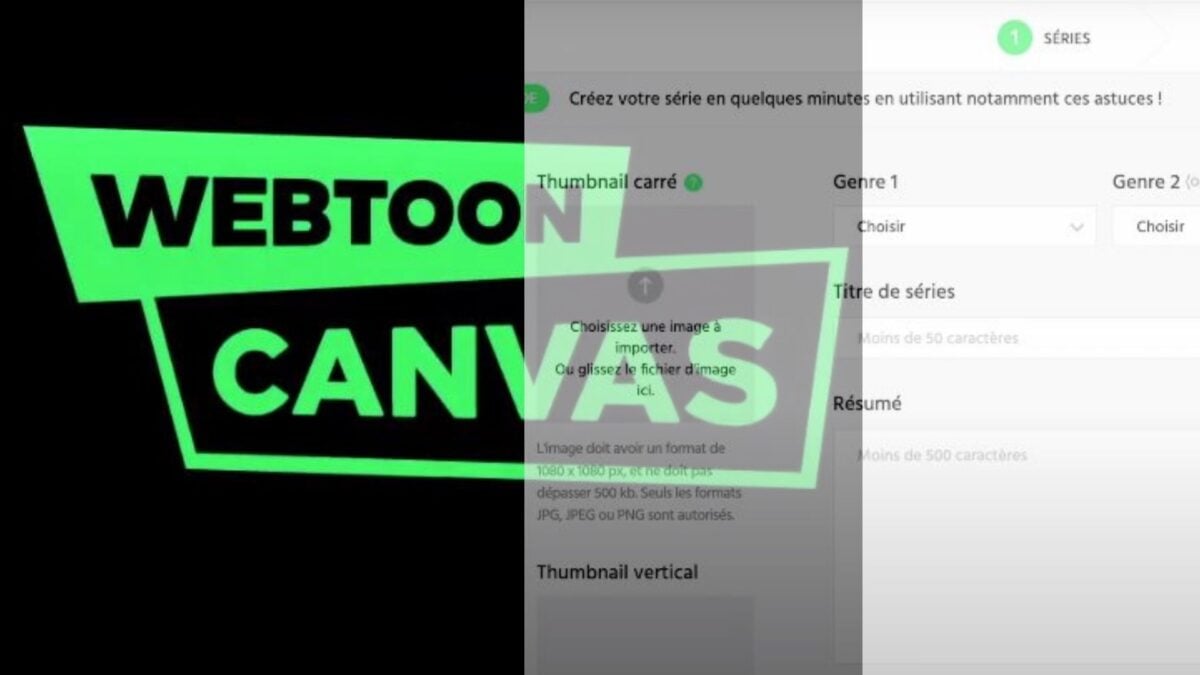
On Webtoon Canvas, start by creating your creator account through a quick sign-up process. Your series will then be published in six steps :
- Registration : Create your creator account on the website or through the mobile app.
- Choice of Genre : action, romance, fantasy… it helps you reach the right readers.
- Series Title : Choose a short, easy-to-remember name.
- Setting Up Thumbnails : Upload your cover image.
- Series Summary : Write two or three sentences that make people want to read it.
- Release of the first episode : Upload your comic pages and post your episode online.
Webtoon Canvas also offers video tutorials and resources to help you grow. Many of the world’s most popular webtoons got their start on this platform, so it’s a great springboard for getting started and expanding your audience.
Where to draw a webtoon?
Unlike traditional comic books, a webtoon is created entirely on the digital format. You need software that handles sketching, inking, coloring, and text.
For your first webtoon, Clip Studio Paint It remains the tool most recommended by creators.
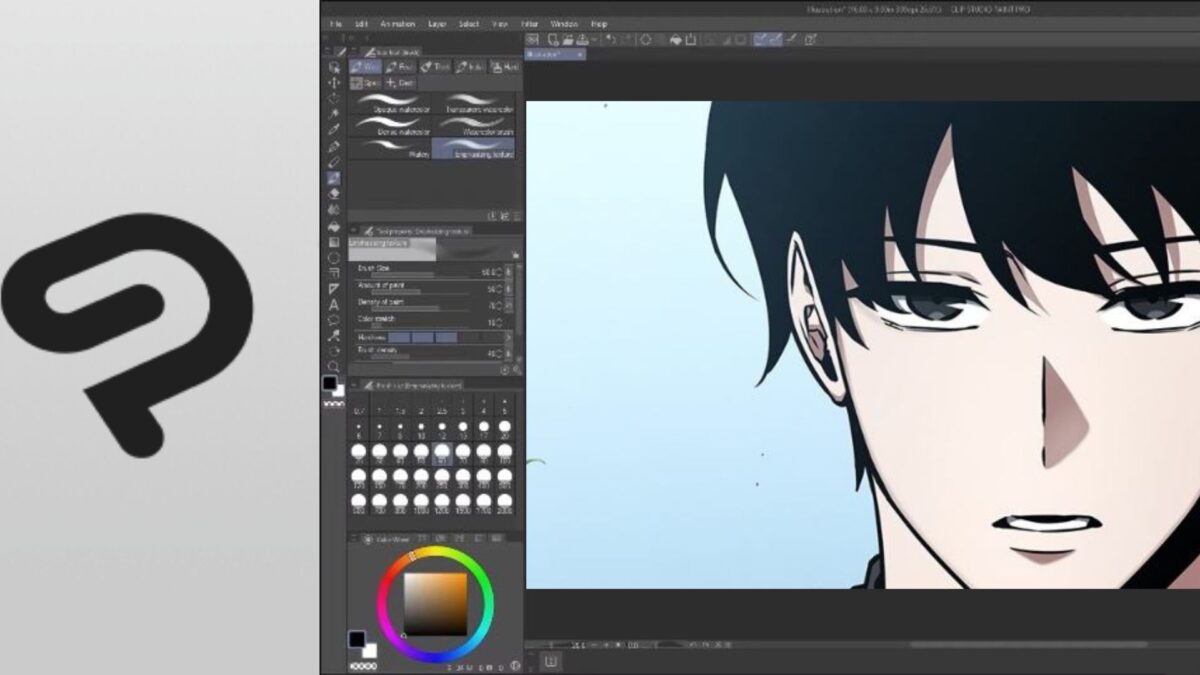
This software has everything you need to create a polished and cohesive webtoon. Here's what it offers:
- Brushes of all sizes
- Thousands of predefined resources and textures
- Drawing Aids (Perspective, Shapes, Symmetry)
- Advanced Colorization Features
- Adding text and speech bubbles to your dialogues
The tool is not completely free. The trial version runs for 30 days, then you have to choose a paid plan. On Windows Where Mac, you have two options:
- Subscription : starting at approximately €3.99/month for the PRO Solo monthly plan, or about €2.10/month on an annual plan (€25.49/year). That's enough for most creators.
- Single license: about 50 € for the PRO version in the official store, with a paid update pass for future features.
On Android Where iOS, on Android or iOS, you can use Clip Studio Paint for free for 30 hours per month. The counter resets on the 1st of each month.
Finally, if drawing isn't your strong suit, you can delegate this step to freelance designers or some mangakas to illustrate your story and bring your characters to life.
How to make money with a webtoon?
Creating a webtoon can turn your passion for digital comics into real income. The most famous artists earn six-figure annual salaries, but such success is rare and takes time to build.
To make a living from your TV shows, your work needs to meet several criteria:
- Be popular and published regularly
- To be read by thousands, or even millions readers
- Attract sponsors or partnerships
- Generate advertising revenues or subscriptions
The challenges facing webtoon creators
Before achieving success, creators have to overcome many obstacles. It takes draw for hours, maintain a regular release schedule, and build an audience episode by episode. To give yourself the best chance of success, here are a few practical tips:
- Keep a coherent story, especially during updates
- Stay tuned to your readers and read their comments
- Express your unique style, whether in terms of artwork, storyline, or theme
- Creates a community where to engage with your audience
- Share your episodes on social networks to promote you
Monetizing a Webtoon
When your webtoon gains popularity, you have several options for getting paid. Successful creators often encourage their readers to subscribe to unlock upcoming episodes. You can also aim for the sponsorship, of the partnerships or direct financial support from your loyal audience.
Some artists rely on AI such as MidJourney to save time when creating sets or visual references.
What is the format of a webtoon?
The webtoon is read in vertical, whether on a phone or a computer. To ensure your comic stays crisp and easy to read, the The reference width is 800px. The official dimensions per image on Webtoon Canvas is of 800x1280px.
You can definitely work on a longer strip: the system cuts automatically the strips that stick out in slices of 1280px high.
Most drawing programs already offer this format in their settings, so you don't have to do any calculations yourself.
the text must remain legible on a small screen. For dialogue, creators generally use a font size between 12px and 30px. If it's below that, your readers will have to zoom in; if it's above that, you'll disrupt the flow of reading.
Also keep in mind the balance between the bubbles and the rest of the image. Thoughts, onomatopoeia, and sound effects take up space. Adjust your drawings and speech bubbles to guide the reader’s eye, without overcrowding the areas that need breathing room.







 FR
FR  RU
RU  EN
EN  ES
ES  IT
IT  DE
DE  ZH
ZH  PT
PT  ID
ID  JA
JA  DA
DA