instagram is an ideal platform for interacting with your acquaintances through photos and videos.
You're wondering how enlarge photos on this social platform? Find out everything you need to know in this article.
Enlarge an Instagram photo without external tools
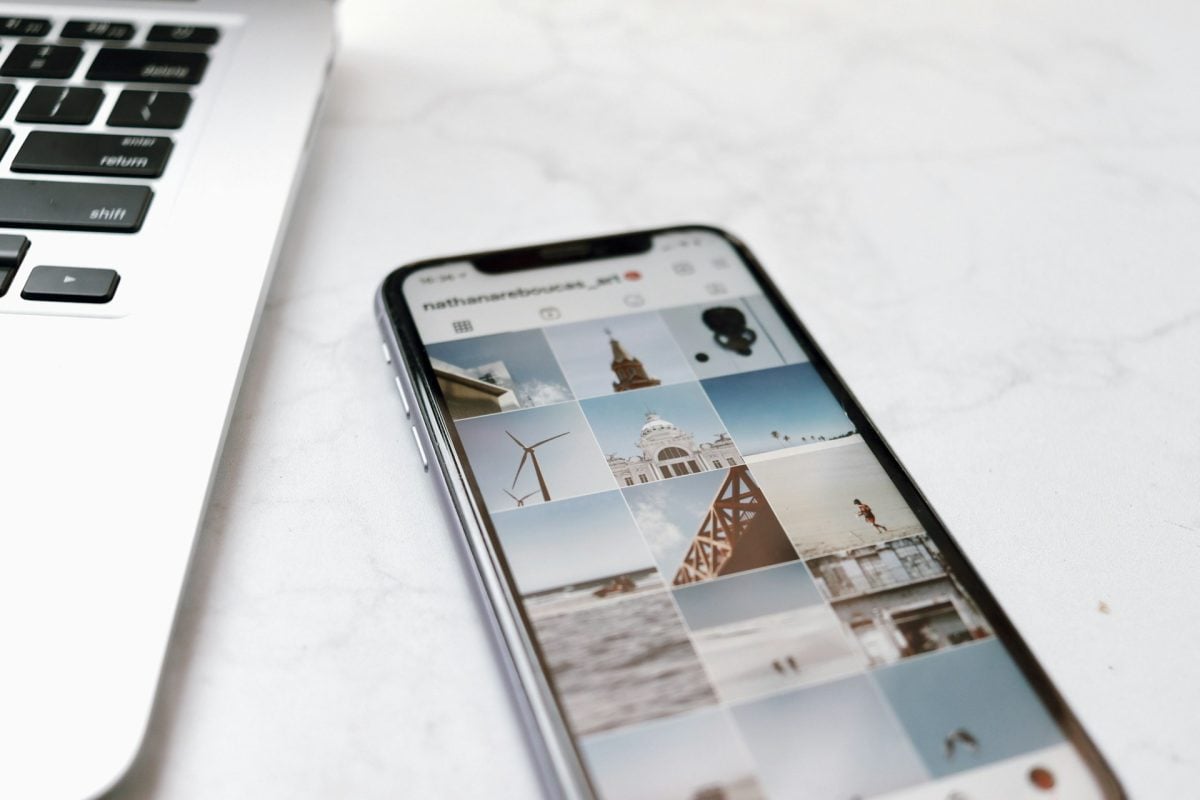
Instagram stores on its servers the photos you publish in small size and in their original format (usually rectangular), rather than the usual square format used by Instagram. However, the application itself does not allow you to view them in actual size.
On some devices, you can a pinching gesture with two fingers on the screen to enlarge the photo on Instagram. This action will allow you to temporarily zoom in on the image.
Enlarge profile picture on Instagram

It is possible to see Instagram profile picture in actual size with external tools.
- You'll discover a special tool for viewing the Instagram profile photo in a larger format and also for download the image in HD.
- If you use this tool, you can carry out the procedure in the following way anonymous.
- The tool is available at mobile and on computer.
This is the ideal option if you want to enlargedownload or simply view Instagram profile photos.
Resize and enlarge Instagram photos before publication
Visit two solutions that can be used to resize Instagram photos:
PicMonkey

PicMonkey is an online tool that helps you to retouch your photos before posting them on social media such as Instagram. It has several options such as:
- The touch-up images;
- The montages photo ;
- the trimming ;
- the resize ;
- the swivel ;
- The modification effects on the face, skin, or other details;
- The textures and borders ;
- The collages (with up to 64 photos).
You also have access to additional resources on the platform:
- Photos fromiStock and Unsplash ;
- Regarding the shapes and textures ;
- Regarding the fonts ;
- Regarding the templates.
For the latter, some are specially designed for Instagram, Facebook, YouTube or LinkedIn. The dimensions are adapted to those required on each social network.
It is also possible to use the "Smart resize” to transform any creation into another format. The content is automatically and intelligently resized to achieve a balanced result.
The tool offers a free trial of seven days, but other paid plans are also available. Here are the rates on this platform:
| 👉 Plan | 💰 Monthly rate | 🧐 Benefits received |
|---|---|---|
| Basic | 7,99 $ |
|
| Pro | 12,99 $ |
|
| Business | 23 $ |
|
Adobe Express

Once you have the photo or design you want to resize, it's easy to adapt it to any platform using the resizing options on this site. Here are the next steps to resize Instagram photos on Adobe Express :
- Duplicate the photo to avoid losing the original;
- Add the photo to Adobe Express and click on resize ;
- Select the target platformthen the retouching tool takes care of the rest;
- Record and share your Instagram image.
Once your design is complete, simply click on the publish button. Share your creations easily on your Instagram feed, by email, or via a link.
What's more, you can option to print your designs at home or using a professional printer to turn them into posters, flyers or cards.
Adobe Express automatic backup your creations, allowing you to return to them and update them as required.
It is important to note that this tool offers a free plan with a range of benefits. But you can also subscribe to paid plans that offer more features.
| 👉 Plan | 💰 Monthly rate | 🧐 Benefits received |
|---|---|---|
| Free | 0 $ |
|
| Premium | 9,99 $ |
|
| Crew | 4,99 $ |
|
However, it is important to respect normal sizes photos on your Instagram account to keep a better resolution.
When you offer a original content and captivating to your audience, it encourages them to like, comment, subscribe, and share your photos. You can boost your profile thanks to this.
And besides, if your account needs a little helping hand, Find out how to get more followers on Instagram in another article on our website!
FAQs
Are Instagram profile-viewing tools legal?
There are no specific regulations prohibiting the use of profile viewers on Instagram. These tools operate in a legal grey area.
- Platforms provide access to publicly available data on Insta and download them.
- On the other hand, you will not use information gathered.
- The data and all rights belong to their owners respective.
The use of these elements is in fact contrary to Instagram Terms of Use and can be seen as an invasion of privacy.
It's worth noting that you can use these tools for your own purposes, but not for commercial purposes.
You should also watch out for cases of harassment, which could have legal consequences if you cross certain boundaries.
What are the ideal Instagram photo sizes?
Instagram images can be shaped square, horizontal, Where vertical. All images will appear in square format in the feed.
- The optimum size for a square format is 1,080px by 1,080px, i.e. a 1:1 ratio
- For images at landscape formatFor example, if you're looking for a 1.91:1 ratio, choose 1,200px by 628px.
- The images at portrait format should be 1080px by 1350px, i.e. a 4:5 ratio.
Important note:
- Instagram has strict parameters regarding photo dimensions. Therefore, not respecting them can result in poor image quality, Where cutting out the content.
- So by enlarging your photos, you make sure that your image displays optimally on your subscribers' feed.
Why does Instagram reduce the size of photos?
The reduction in the size of images on Instagram has been initiated with a view to facilitate content sharing on social media. This helps optimize page loading.
This approach also enables people with limited connection to have access to the content despite everything.
Why enlarge photos on Instagram?
Clearly, Instagram aggressively compresses photos posted on the platform, especially those profile photos.
Compression reduces the image resolution and applies JPEG algorithmsThis generates artifacts that are particularly visible in areas of uniform color or subtle gradations.
These changes have a major impact on content and details on topThat's why it's necessary to enlarge photos on Instagram.
Is it possible to recover the original Insta profile photo before it's compressed?
Nope, you can no longer recover the original profile photo on Instagram after uploading it to the platform.
- Compression applies precisely when you download the photo.
- Only the compressed are stored on the servers.
The ideal solution is therefore to keep an original version of your photos on external storage to avoid losing them.
Can profile photos on private accounts be enlarged?
YesIt is entirely possible to view a profile photo from a private account in large format.
Indeed, on Instagram, anyone can access to users' profile photos, even those with private profiles.
You can use the methods mentioned in this article to enlarge a profile photo of a private account.
Can I find out if someone has enlarged or downloaded my profile photo?
NopeIt is not possible to know if someone has downloaded or enlarged your profile photo. Instagram does not provide this information.
Once published, you should consider your Instagram profile photo to be accessible to all.
However, you can find out who's looking at your Instagram profile with a few tools. A another article on our website tells you more.
In conclusion, you can just pinch the photos or the profile images of Instagram users to enlarge them.
However, to achieve better results, you can use external tools which also allow you to download photos.
It is also important to have quality photosto the right dimensions before publishing content on Instagram.
If you would like to share your thoughts or have any questions, please feel free to write to us in the comments section.








 English