Reach 50 followers on Twitch, this is the first real step toward becoming a’Affiliate. The delay varies depending on your frame rate and the game you're streaming, but with regular streaming, it's still well within your reach, even without professional equipment or a big budget.
The recipe is based on three key elements: one polished profile, a fixed schedule and the’constant interaction, even with no spectators.
Knowing the basics to get started on Twitch
Before you try to gain followers, you should master the basics of the platform. In practical terms, this involves three things: a well-maintained profile, carefully selected content, and a minimum amount of equipment.
Create an attractive Twitch profile
Your profile is your showcase. It's the first impression that you show visitors, so it should be welcoming and clear. Start with your username: choose a a name that suits you and that your audience will easily remember.
Don't neglect your visuals either. Use a clear profile photo and a banner that reflect your personality and your content. Also write a a short and engaging bio that makes viewers want to follow you. A complete profile immediately inspires more trust.

Choosing the right content to stream
To stand out, you need to Identify your target audience and choose the right content. By clearly defining what you want to share and with which community, you'll find it easier to attract future followers.
Good news: the You'll often get 50 followers before you have your first steady viewers. The real challenge in advancing to Affiliate status is actually the average of 3 viewers per live stream. To achieve this, focus on the games or activities that already attract an audience : It boosts your visibility and helps you gain viewers faster.
Equip yourself with the right gear
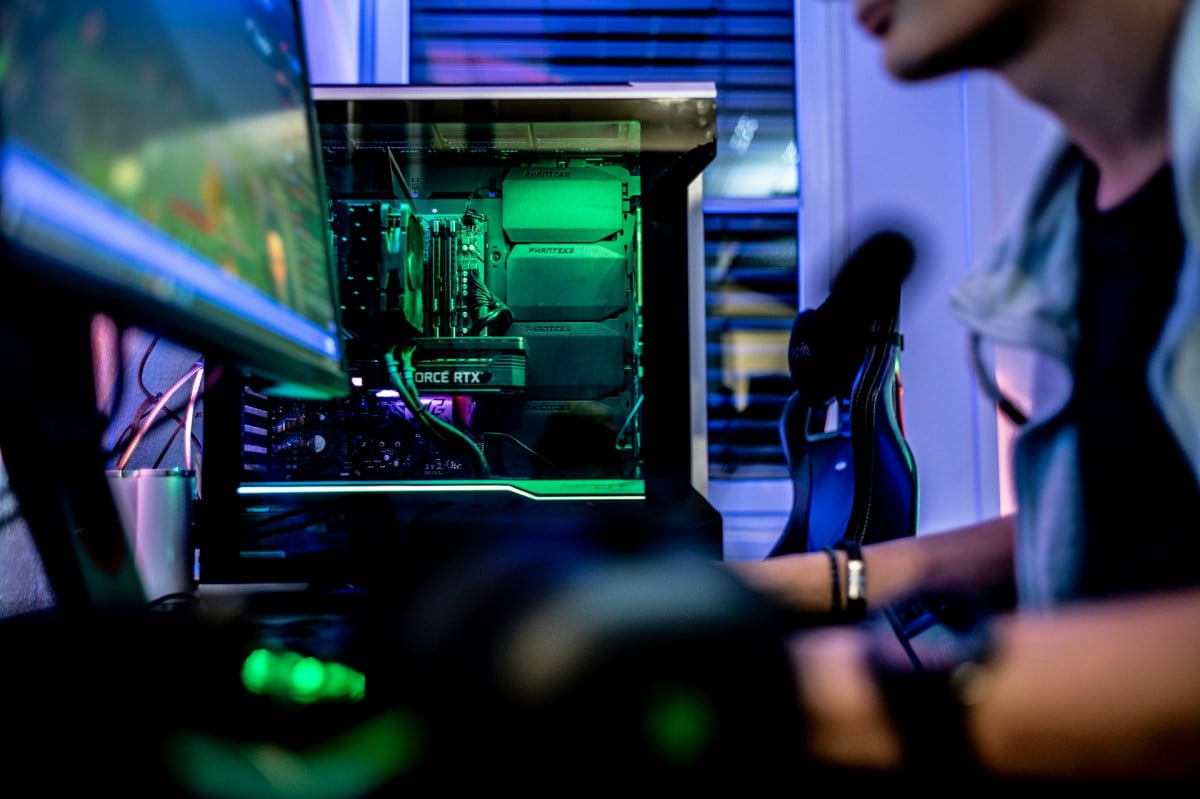
To offer a quality experience To stream to your viewers, you'll need some basic equipment. Your computer needs to be able to run your games and streaming software without lag or slowdowns.
Invest in a great sound and an sharp image : These are two essential factors for an enjoyable viewing experience. Once you have all the equipment, learn how to use streaming software as OBS Studio Where Streamlabs to broadcast your live streams.

Optimize Your Presence on Twitch
Attracting viewers is great. It's better to build customer loyalty. Once you've laid the groundwork, your priority becomes gaining visibility and keep your audience engaged from one stream to the next.
Set up a regular streaming schedule
The regularity, that's the real key to Twitch. If you're just starting out, aim to stream several times a week on different days for a month. This consistent schedule helps the algorithm notice you and gives your viewers a clear schedule to follow.
Remember to share your schedule on your social media and on your channel to let your audience know in advance. Share it in your bio, too Instagram, Twitter Where TikTok with the direct link to your account Twitch : It's a simple trick that drives organic traffic back to your channel.
Interact with your audience
Interaction is at the heart of the experience Twitch. Liven up your livestream even if you find yourself alone or with only 2 or 3 viewers. Few viewers stick around when the streamer ignores the chat.
Reply to comments, welcomes newcomers, asks questions. This proximity turns a casual visitor into a loyal follower.
Promote Your Channel and Collaborate
Don't just hide away in your corner—get people talking about you. The collaboration among streamers is one of the most effective ways to attract your first followers.
- Go on raids Reach out to other channels your size, and accept theirs.
- Join the servers Discord in your gaming community to connect with others and make yourself known.
- Take part in gaming and streaming events to meet other creators.
Every new contact increases your visibility and attracts viewers who would never have discovered your channel otherwise. A engaged community It's always better than a passive audience: take care of your viewers, create a friendly atmosphere, and engagement will follow.
Additional tips for gaining followers
Beyond the basics, a few practical tips can help boost your follower counter much faster.
Trim your streams for TikTok and YouTube Shorts
On the Browse page of Twitch, the channels are sorted by the number of viewers. The result: the big streamers move to the top, and a new account stays at the very bottom. The most effective shortcut is to revisit your best moments in short clips.
Cut clips from your live streams and post them on TikTok and YouTube Shorts.
- Add some hashtags related to your game and gaming in general to reach the right audience.
- End your video with a clear call to action: “I’m live streaming on Twitch“.
- Post often: the more music videos you try out, the better your chances are that one will take off.
A popular video can help you gain followers quickly. Most videos will get few views, and that's perfectly normal. Also note that Twitch launched a Discovery Feed which showcases clips from small streamers to new viewers: posting clips directly on the platform also helps you gain visibility.
Be wary of paid follower services
You might see offers promising free followers or “packages” through social media platforms. These services generally provide fake accounts or bots, never any truly engaged viewers. The result: your engagement rate plummets, and Twitch may result in your account being suspended. Never share your password on these third-party sites that promise followers in exchange. The only growth that matters is organic growth, with real subscribers who actually watch your streams.
Pay attention to your titles and descriptions
On Twitch, the title carries less weight than on YouTube at the start. It’s still useful, though: it’s often the only text that determines whether someone clicks or moves on. Keep a title clear and informative :
- Indicates the game or activity from your stream.
- Uses relevant keywords for internal research.
- Add a touch of humor to make people want to click.
Here are a few examples of headlines that work:
- [PC/FR] Check out the new raid on World of Warcraft
- Street Fighter 6 : I'm learning how to master combos
- Guaranteed laughs with the week's biggest fails
In your description, specify what viewers will find: a tutorial, a competitive match, or some downtime chatting. A question asked at the end of the description also prompts people to react.

Take advantage of Twitch's features
Twitch offers several tools to help you get your name out there and interact with the community.
- The raids enable redirect your audience to another streamer's channel at the end of your live stream. It's a great way to introduce your channel to new viewers.
- The ads Send a message to all your viewers. Use this feature to announce a special event or highlight.
- The mode host features another streamer on your channel when you're offline. It's a nice gesture that builds connections and gives your community more visibility.
Be sure to also participate in the Chats and Events events organized by the platform: tournaments, preview screenings, and conferences. You’ll meet other distributors there and build engagement. Two simple habits to keep in mind:
- Follow and interact with other streamers in your niche: Collaboration is the key to growth at this stage.
- Follow the community guidelines to avoid any penalties on your account.
Stay consistent and patient
To win 50 followers Above all, it takes time and consistency. There’s no reliable average: some people manage to do it in a few weeks, others in several months. It all depends on the game, the pace, and your social media presence.
To make it last:
- Set realistic goals for yourself, such as 10 new followers per week.
- Don't compare your channel to the biggest ones: your journey is your own.
- Really have fun: if you're enjoying yourself, it shows, and that keeps viewers watching.
If you had to remember just one thing: stream regularly for several weeks in a row Before you judge your results, remember that the consistency and quality of your content will do the rest.








 English