To Play Wormate.io on PC, You can either install an emulator or play directly in a browser. We’ll walk you through everything in this article.
1. Play using an emulator
If you want to play wormate.io, you can do so on a PC by installing an emulator such as BlueStacks and play it there.
The emulator runs the Android version of wormate.io on your PC. This is useful if you want to set up keyboard or controller key mapping or manage multiple accounts.
- First, go to the BlueStacks official website and install the latest version of the emulator.
Install the BlueStacks emulator on a PC

- Once BlueStacks is installed, look for wormate.io in the search bar.
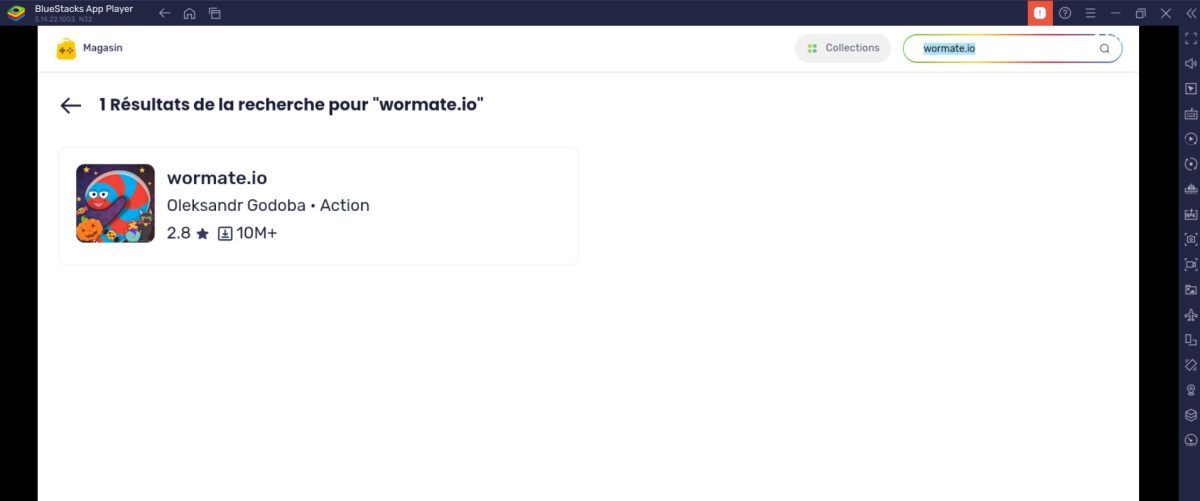
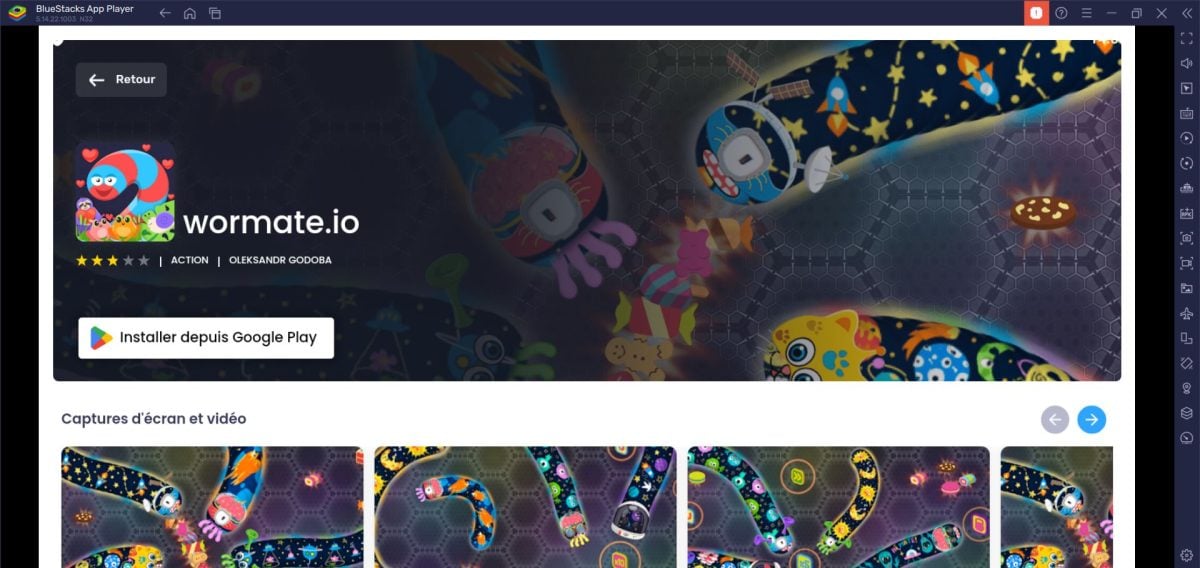
- Install wormate.io since Google Play via BlueStacks.
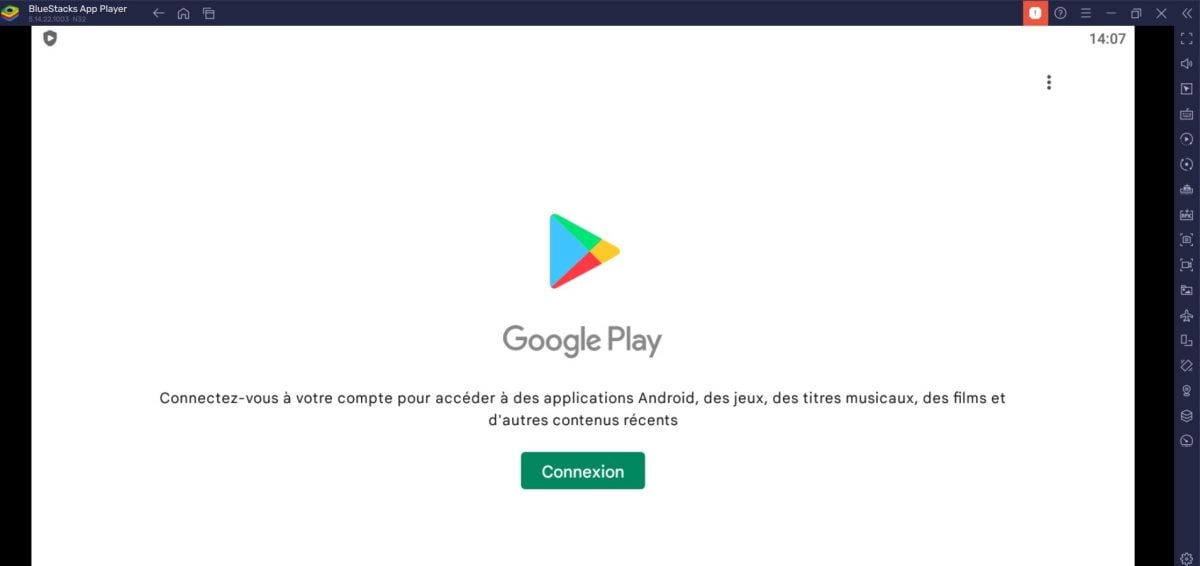
- Log in to your Google account or create your own.
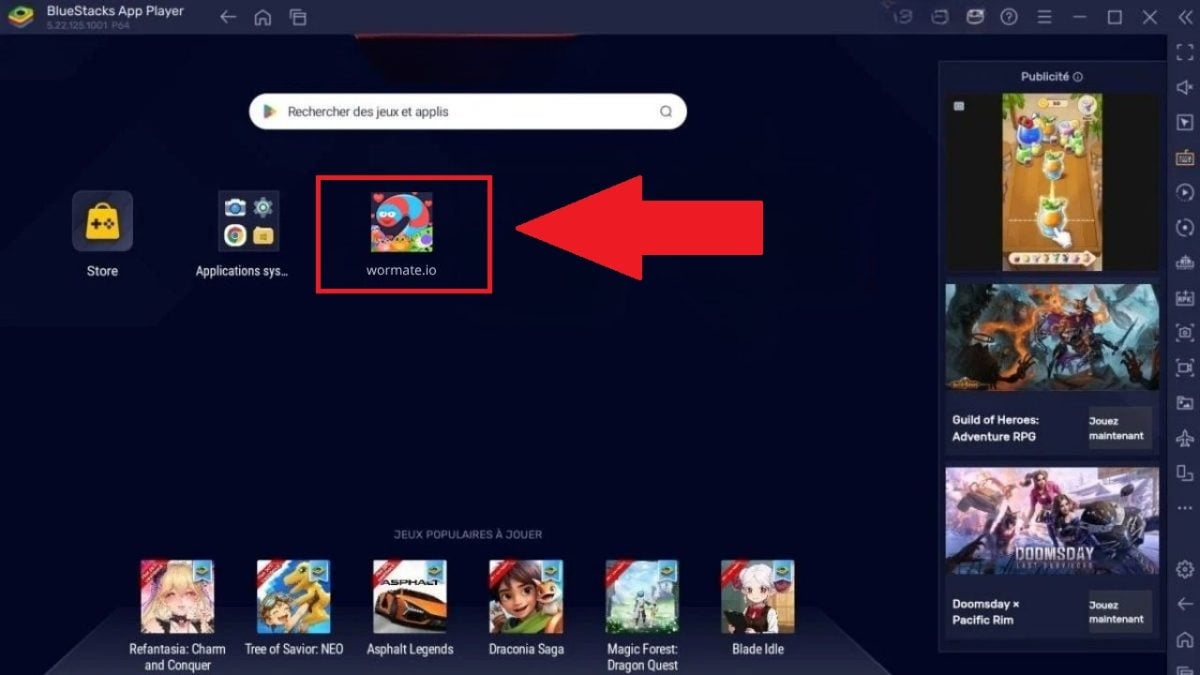
- Once downloaded, the game icon will appear on the BlueStacks home screen. Double-click to start a game.
2. Play in the browser
Here, you don't need to download anything.
- Go to wormate.io
- Choose your pseudo.

- Click on “Play as a guest” to start a game.

Use the mouse to move your worm, and click left or the space bar for the boost.
The controls are simple and easy to learn, making it ideal for a quick game with no loading times. The mouse remains the most precise tool for enjoying a great gaming experience on a computer.
It's free and works on Chrome, Edge, and Firefox. If it doesn't load, try a different browser or refresh the page.
The only minor drawback :
In guest mode, your progress is not saved from one device to another. Sign in with Google or Facebook if you want to keep it.
👉 An app wormate.io Snake It's also available on the Microsoft Store if you prefer a dedicated window, but it's an older version, and the browser remains the most reliable option.
How do you play Wormate.io well?
The key to moving up in the rankings isn't to eat faster; it's to set a trap for others.
As for gameplay, It all comes down to food : The more candy you collect, the longer your worm gets, but a longer body also makes it easier to get stuck. So the best strategy is to grow quickly while still maintaining control when turning.
Here are a few tips:
- Use the boost to block an opponent's path, then collect their pellets when they die.
- Stay on the outskirts of the map when you're still young: you're less likely to come across a big worm.
- Circle the little worms when you're really big so they have to bump into you.
- Manage your boost carefully : It makes you shrink, so save it for the decisive moments.
FAQs
Do I need to download Wormate.io to play on a PC?
No, all you need is a web browser. Just go to wormate.io and click on “”Play as a guest".
Is Wormate.io free?
Yes, entirely free.
Can you play with a controller?
Not natively. It is possible using remapping software (JoyToKey, reWASD) in the browser or via an emulator, but the mouse is still much more precise for a racing game like this one.
Now you know how to play Wormate.io on your PC. So what are you waiting for? Become the biggest worm on the map!
📌 Note : This game is also available on mobile devices.
If you like .io games, Wormate.io is just the beginning! Check out other similar games in our List of the best .io games.
Feel free to check out our other guides on how to play your favorite games directly on your PC:









 English