Spyware for phones is supposed to be hidden. Especially since the stealthiness of this software is one of its best features. However, on Android smartphones, spyware can be detected.
Indeed, tests on Mspy spyware have confirmed that the software can be detected on the target device. But how?
Let's take a look at how to find out if mSpy is installed on your phone in this blog post! Here we go!
Discover the application we are referring to:
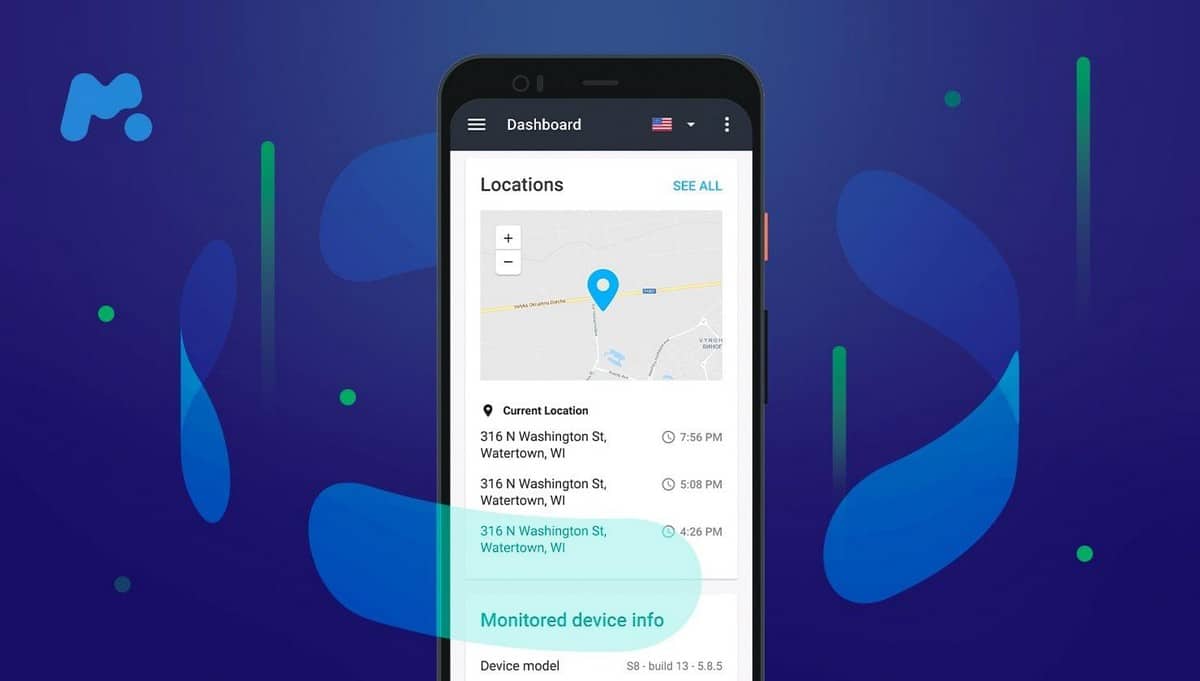
How do I know if mSpy is installed on my Android phone?
How do you detect mSpy on your phone? There are several techniques available, but here are the best ones:
1. Checking Play Protect
Start by confirming that Play Protect is installed on your device:
- Thereafter, it will be necessary to perform a scan of your device ;
- If Play Protect is disabled, this could indicate that monitoring software has been installed on your phone.
2. Check if your device is rooted
It is also possible to check whether your Android device has been rooted without your consent. To do this, you can use Root Checker services:
- Download and set up the app on your Android phone from the Play Store;
- After launching the application, it is necessary toaccept the disclaimer which informs you of the dangers associated with root.
- A "Verify Root will appear, which you'll need to click to start the verification process.
- The application will let you know whether your device is rooted or not, as well as whether root access (if rooted) is working properly or not.
3. Checking your app managers
It sometimes happens that mSpy is in your application managers. However, this may not be the case even if it is installed on your device, as spyware applications such as mSpy are usually known by another name.
- However, you can check your application managers, and if there is an unfamiliar application in it, it is very likely to be mSpy.
4. Check your download list
If mSpy is downloaded to your smartphone, it will be saved in "Downloads," unless the person has manually deleted it from this directory by being clever.
- Check the "Downloads and check whether you can find mSpy or not.
How do I know if mSpy is installed on my iPhone?
Do you think someone has installed mSpy on your iPhone without your knowledge? In this situation, here are various methods to help you detect mSpy:
1. Check if the iPhone is jailbroken
In the case of an iPhone, you must verify that your device is not jailbroken in order to detect the presence of mSpy. An iPhone must be equipped with the latest version of iOS for jailbreaking to be limited.
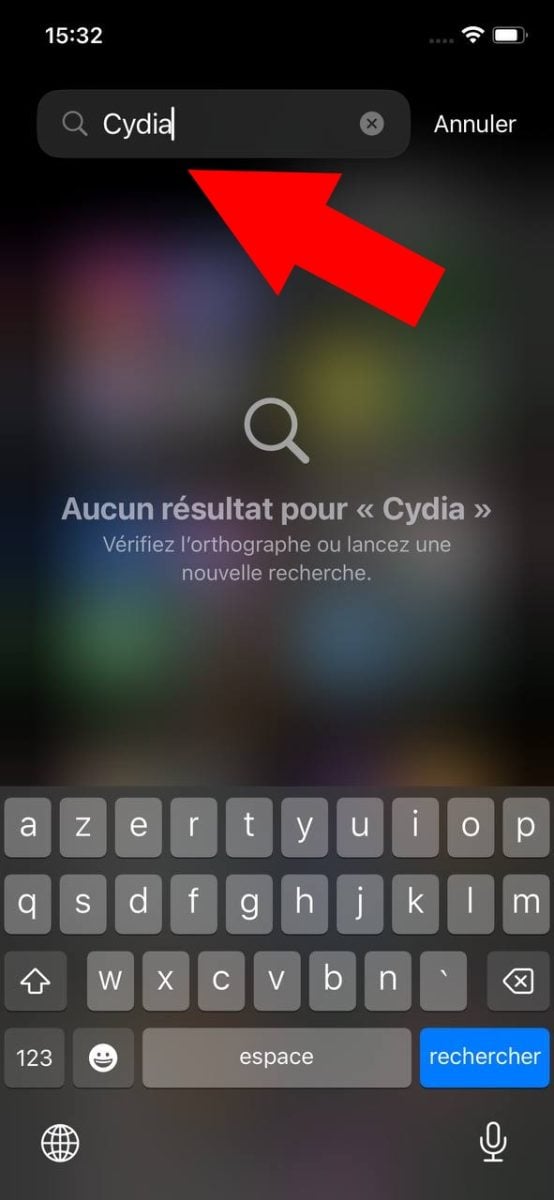
Check if Cydia is installed:
The presence of the Cydia app, which allows users to jailbreak an iPhone, will also demonstrate this intrusion.
Search for Cydia in your list of applications. It allows you to use applications that are not approved by Apple. You can obtain this program by jailbreaking your device.
2. Monitoring your iPhone via iCloud
If your phone has not been jailbroken, you can check whether it is being monitored via iCloud. Your loved ones may try to access your phone through this space.
To do this :
- Check your Settings and click on your name ;

- Visit scroll downward ;

- If you notice a device you can't recognize, click on its name and choose "Delete from account.

You can also monitor your iPhone via iCloud. Any type of malicious intrusion can generally occur on iCloud. To avoid this, remember to change your iCloud password and to enable two-factor authentication at the same time.
3. Use of antivirus software
In fact, when mSpy is scanned by antivirus software, it is flagged as a virusEven if the application can hide its own icon.
Are you unsure about installing mSpy on your smartphone? In that case:
- Install antivirus software and perform a thorough scan of the Android device.
- Most antivirus software on the market has the ability to spot spyware such as mSpy and classify them as a threat potential virus.
NOTE : These different methods can be used to determine whether the mSpy application is installed on your phone, but they do not always guarantee the presence of spyware.
Here's another way to check for the presence of mSpy on your device.
Another way to detect mSpy on your smartphone!
One of the best ways to detect the presence of mSpy on your phone is to try installing it directly on your phone.
Go to site to create your account :
- Then select an mSpy subscription plan. Please note that you can enjoy a discount of -40% by using the promo code mSpy to achieve significant savings during your testing!
- Now install the software ;
- Try theinstall If an error message appears on your phone indicating that the software is installed, it means that someone is spying on you. Otherwise, it means that no one is tracking you.
To learn more about the subject how hacker a telephoneI recommend clicking on this link. It will show you the different methods of hacking a phone with examples using Mspy, so you can avoid the worst.
Here's another article about mSpy that might interest you:









 English