Are you looking for the best parental control application How can you protect your child online? The right choice depends mainly on three things: the’your child's age, what you really want to keep an eye on, and your budget.
We compared 10 Parental Control Apps, solutions free (such as Family Link) to the most comprehensive ones, to help you choose. Our recommendation:
The parental control software we recommend
Good to Know: Legal Information : Since July 13, 2024, and the passage of the Studer Act, any internet-connected device sold in France must offer a free parental control and easy to access. At a minimum, it must allow users to block access to services and content that could be harmful to minors, as specified in the official decree.
These built-in tools often remain too basic For a parent who wants to take things further, for example, if there is a suspicion of cyberstalking. That's where the specialized software come into play: monitoring of social media platforms, website filtering, management of time slots or geolocation.
Here are the best options available right now, along with their prices and the types of families each is best suited for.
1. mSpy

A parental control app that's more effective than a spy
The name says it all: mSpy is a real monitoring software. It lets you see what your child is doing on their mobileunder Android as iOS, without him knowing it.
The features are very advanced. You can track every keystroke on the keyboard, record phone conversations, go to the call log and read all messages, even those that have been deleted. The software also opens the conversations on social media platforms, them Internet searches and the game's images downloaded. There real-time geolocation completes the picture.
In short, you have almost complete control over your child's smartphone. To learn more, check out Our Review of mSpy on alucare.fr.
mSpy Pricing
- mSpy premium for one month : €48.99 / month
- mSpy premium for three months : €27.99 / month
- mSpy premium for 12 months : €11.66 / month
Please note : mSpy does not offer a trial version free.
2. Eyezy
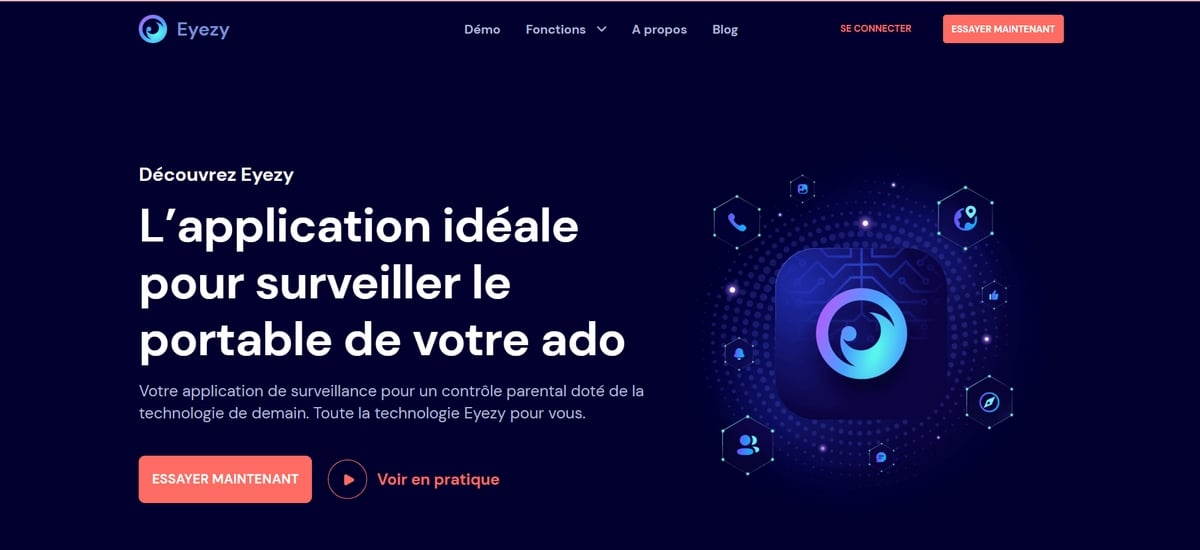
An AI-Powered Parental Control App
Eyezy monitors the entire’online activity of your child, on Android as on iOS : Text messages, chats on platforms social media, images, calls, geolocation, browsing history, and keystrokes. You have a Full mobile access on which it is installed.
You can also block access to certain websites and apps, all without being spotted, thanks to the invisible shield which hides the app icon.
The biggest advantage of’Eyezy, it is the use of artificial intelligence. It alerts you via georeferencing and of keyword monitoring, which saves you from having to constantly check your phone. The app also includes a encryption system to protect your children's personal information.
Find our opinion Eyezy on alucare.fr.
Eyezy prices
- Eyezy for one month : €33.59 to €55.99 per month
- Eyezy for three months : €19.19 to €34.27 per month
- Eyezy for 12 months : €7.99 to €14.27 per month
Good news: you can Try Eyezy for free for one week.
3. FamiSafe
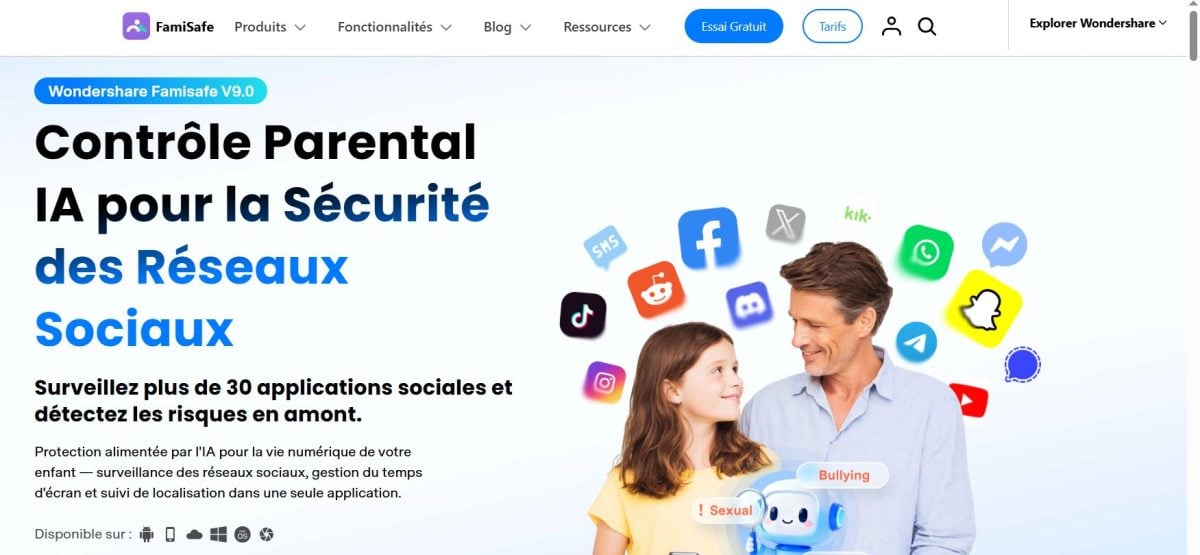
Parental Controls for All Devices
FamiSafe is compatible with almost everything: Android, iOS, Windows, Mac OS, Kindle Fire, and Chrome. No matter what device your child uses—smartphone, tablet, or computer—this software can be installed on it.
There are many features. You can view the screen remotely, limit screen time, block an app or game with a single click and track the geolocation in real time. On social media, FamiSafe monitors the use of Youtube, provides access to the history TikTok and detects the inappropriate content.
A AI automatically blocks problematic content, and a activity report summarizes your child's data without you having to dig through it.
The real strength of FamiSafe, is its adaptation to the’age. It offers three profiles:
- Early Childhood : Ages 6 to 11.
- Early Teens : Ages 12 to 14.
- teenagers : Ages 15 to 18.
FamiSafe Pricing
- Monthly plan : €9.99 (excl. tax) per month, for up to 5 devices.
- Quarterly Plan : €6.67 (excl. tax) per month, for up to 10 devices.
- Annual Plan : €4.99 per month (excluding tax), with an unlimited number of protected devices.
You can test the solution with a free trial on a device before paying.
4. Norton Family
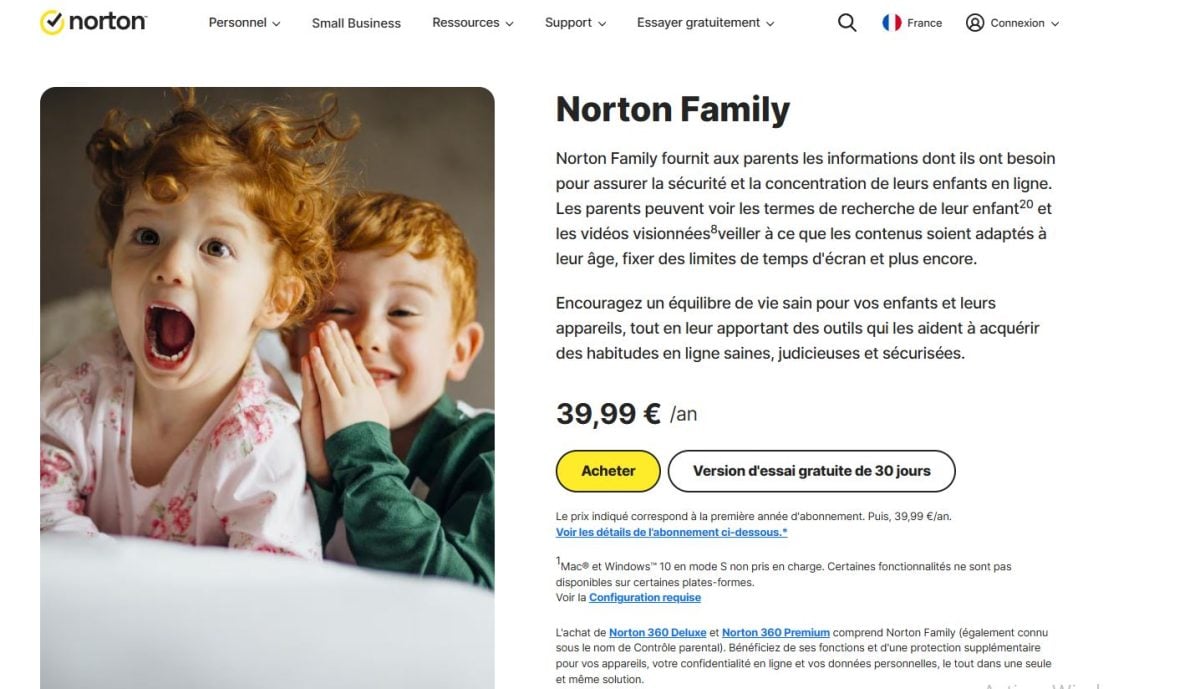
To have a single online security solution for the whole family
You may already be using Norton such as antivirus software or a VPN. The U.S.-based company also offers a parental control software : Norton Family, which focuses on features lightweight and easy to set up.
You can set screen time limits, access the search terms and the videos you've watched, block inappropriate content, and view from your parent account a dashboard listing the installed applications and how often they are used.
A geographical surveillance lets you set permitted areas for specific dates and times. You’ll receive an alert as soon as the device leaves the area, and your child can also send you their location at any time.
Norton Family stands out with the School mode, which allows only educational websites select and block all others during school hours. Some detailed reports are sent via email and through the app portal. The solution is available on Windows, Android, and iOS.
Norton Family Pricing
- Norton Family subscription 39.99 / year.
- Norton 360 Deluxe subscription : €104.99/year, with device protection and privacy features for the whole family (Secure VPN and Dark Web Monitoring).
- Norton 360 Premium : €114.99/year, with even more Norton services.
30-day free trial.
5. Qustodio
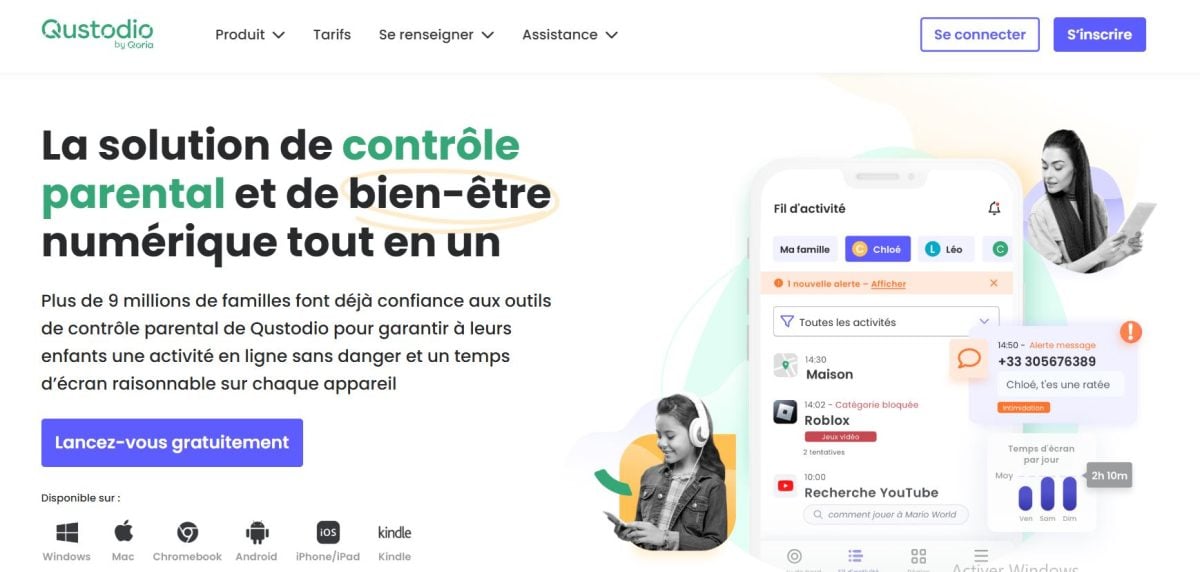
Parental controls that set screen-free time limits
Qustodio Easily monitor and manage your child's activity on all its devices, whether on a mobile device or a computer: Android, iOS, Windows, Mac OS, Kindle Fire, and Chrome. It can filter websites, block certain apps, display the geolocation in real time, access the contact list, and read the SMS. The blocking of the incoming or outgoing calls It is also possible to dial a specific number.
Where Qustodio really stands out is in the management of time. You set daily usage limits, and you can even enforce screen-free time slots by suspending the Internet connection.
To track your children's usage, you'll receive daily and weekly reports directly by email. A AI It also supports you with an alert system for sensitive searches.
Qustodio Pricing
- Basic : €42.95/year. Includes app blocking, daily time limits, web filtering, geolocation, and internet suspension.
- Complete : €75.95/year. Basic features, plus routine creation, AI alerts, and call and text message monitoring.
You can try it for free Qustodio for three days.
6. Xooloo

An educational French parental control software
A French company, Xooloo offers a parental control app age-appropriate of your child. There are two versions: Xooloo App Kids for children and Digital Coach for teenagers.
The version for younger kids lets you Select the applications, games, cartoons, or any other digital service you want to allow. Unauthorized apps are blocked by a code. So you can easily install the app on your own smartphone.
The teen version helps your child become independent in their digital life. There is no default rule, just a a coach who provides real-time encouragement to better control how it is used. This does not mean zero protection: an engine analyzes the web pages visited and blocks the inappropriate content if necessary. However, Digital Coach offers no geolocation and does not provide access to messages or visited websites. The goal remains a positive digital experience, based on trust and communication.
Xooloo's Rates
- A single device : €2.99/month or €29.99/year.
- Three devices : €4.99/month or €49.99/year.
- Unlimited number of devices : €6.99/month or €59.99/year.
30-day free trial.
7. Parenting
The parental control app that accesses all social media platforms
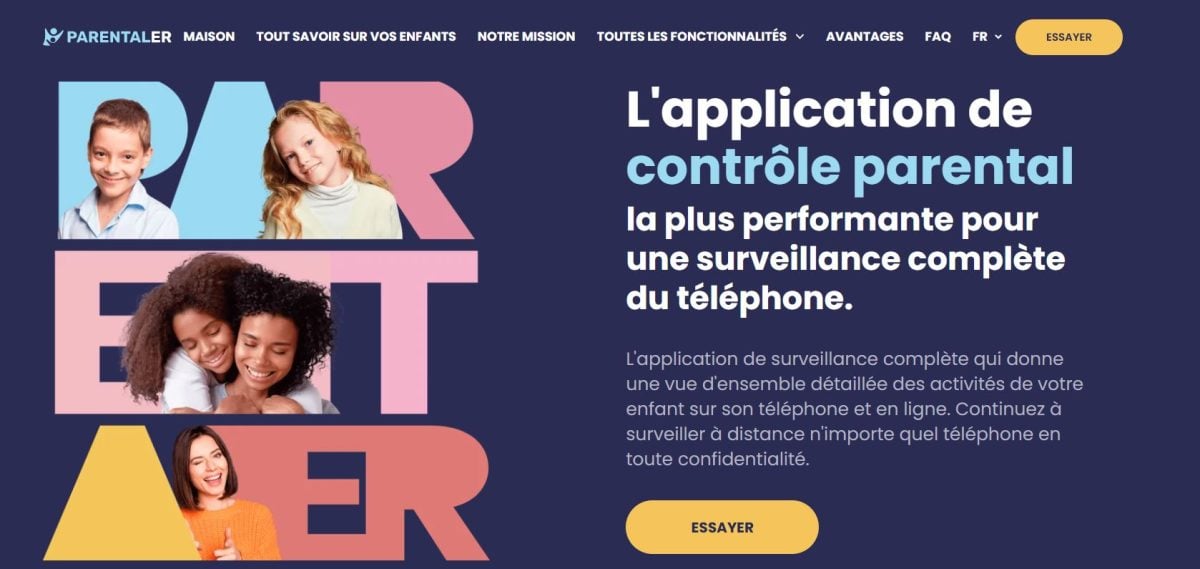
Available on iOS and Android mobile devices, Parentaler is an application discreet and comprehensive. You get geolocation, app and web browser restrictions, a Wi-Fi blocker, and access to the list of calls, text messages, and emails exchanged.
The software also gives you access to the messaging services of the social media platforms the most popular ones, including Instagram, Snapchat, Facebook, Discord, Telegram and Tinder.
If you want to compare it with other solutions like this, take a look at the phone spy apps that we have reviewed.
A keyword-based alert system alerts you as soon as your child searches for or uses a word you've flagged in a conversation. Another alert lets you know if they leave a geographical area defined in advance. The whole thing works by discreet monitoring, with the app running in the background.
Parentaler's Rates
- Standard Monthly Plan: €59.99/month for one device.
- Standard Quarterly Plan: €33.66/month for one device.
- Standard Annual Plan: €14.17 per month for one device.
- Quarterly Family Kit: €48.60 per month for three devices.
- Half-Year Family Kit: €36.98/month for three devices.
- Annual Family Kit: €24.62 per month for three devices.
8. Family Link
Free parental controls from Google
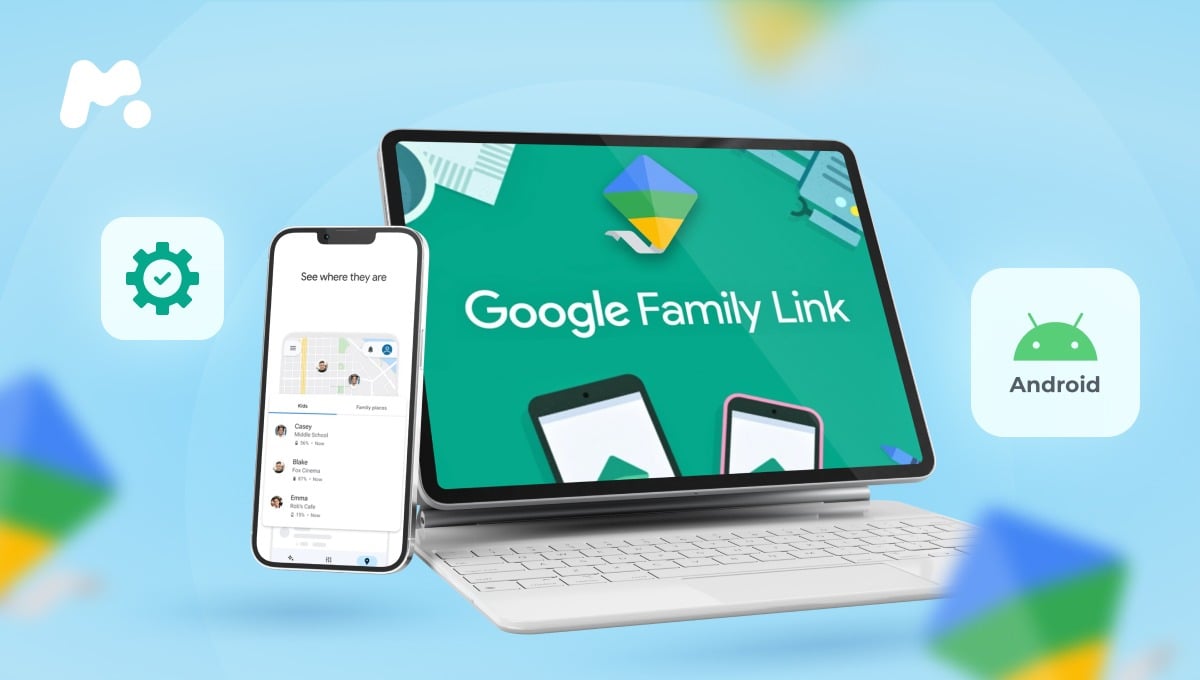
Family Link is the parental control app completely free of Google, available on devices Android and Chrome, with no subscription or hidden costs.
The features remain the same simple and minimally invasive. You can set a screen time By app: monitor the apps your child installs from their account, protect the privacy of their data, and filter inappropriate websites and content while browsing. For basic family use, it's one of the best free options on the market.
9. Screen Time (Apple)
The free parental control app that's already on your Apple devices.
You don't need to install anything. Temps d’écran is directly integrated into your Mac, iPhone Where iPad. This tool for free parental control lets you monitor your child's online activity without any subscription.
The features remain the same basics, but enough to get you started. Specifically, you can:
- enable content restrictions and privacy; ;
- block content explicit and inappropriate; ;
- block the purchases and the game's downloads applications; ;
- set a screen time limit by application.
Please note: The settings you configure also apply to searches for Siri. An ideal solution if the whole family already has Apple.
10. Microsoft Family Safety
Free parental controls extended to Xbox
Do you want to control the use of the Xbox in addition to traditional screens? Microsoft Family Safety is perfect for you. This app is free of charge and available on all devices: PC, Mac, iPhone, iPad and Android, in other words, on mobile devices, tablets, and computers alike.
Its features are simple and minimally invasive, which makes it perfect for a first check. You can apply time limits devices, apps, and games. Some content filters block age-inappropriate apps and games, and apply to both apps and online searches.
Microsoft Family Safety Pricing
- Microsoft Family Safety : version free of charge.
- Microsoft 365 Family : 10.00 €/month, with access to the suite Office and 1 TB of cloud storage per person.
You can try out the premium features free for a month before you commit.
What's the best parental control software for your family?
A parental control app tailored to your needs and those of your child
To choose the right software, there are several questions you should ask yourself. Do you want to Protect your child from inappropriate content ? Limit Screen Time ? Ensure that online security ? Support their digital education? Prevent unauthorized purchases? Or combat the cyberstalking ?
Every family has different uses, and each objective leads to a different type of solution. Lightweight software is often sufficient for filter websites and set time slots. More comprehensive monitoring focuses on access to messages and social networks.
And above all, ask yourself What is your child's interest?. A good intention shouldn't end up breaking trust that restricts you or treats them like a child. Depending on their age and maturity, certain features such as access to SMS or social media are not necessary, and may even be intrusive, or even illegal.
Legally speaking, a parent may install a tool to surveillance on his phone minor child living under his roof without necessarily telling him. On the other hand, as soon as 18 years old, this is no longer permitted without the consent of the person concerned.
Choosing the right level of control and monitoring
The only reason that justifies a complete solution providing access to social media, messages, and the microphone, such as mSpy, Eyezy, Qustodio Where FamiSafe, it's a suspected cyberstalking.
In most cases, low-impact software are more than enough. Norton Family, Xooloo, Family Link, Temps d’écran Where Microsoft Family Safety enable block inappropriate content and manage the time spent on devices, without reading your child's messages.
We put a a little something extra for Xooloo. In addition to being a French solution, she's banking on a real educational approach rather than on surveillance alone.








 English