Clone an iPhone Remotely, means having access to everything it contains: posts, calls, Pictures and GPS location, without the person's knowledge. Two monitoring apps allow this type of access: mSpy and EyeZy.
Please note : monitor a device under iOS without the owner's consent is illegal in France and subject to criminal penalties (Articles 226-1 and 323-1 (of the Penal Code). These tools are reserved for Declared parental controls or for use with the consent of the person concerned.
Here is the tool the editorial team has chosen for clone an iPhone :
Cloning an iPhone with Monitoring Apps: mSpy and EyeZy
mSpy and EyeZy both allow remote access to the data from an iPhone : messages, calls, photos, notes, and GPS location. The main differences lie in a few details related to the interface and settings.
Both apps are compatible with all versions of’iOS current, without requiring any specific technical knowledge.
Clone an iPhone with mSpy
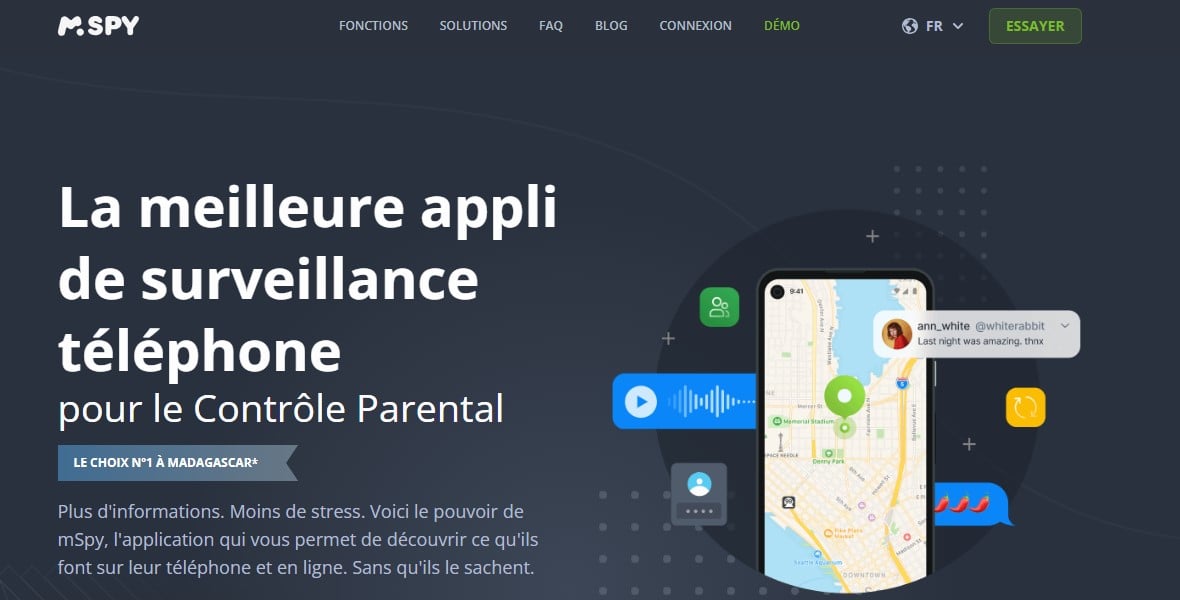
Why choose mSpy in 2026 ? It's one of the most easy to get the hang of. Here are its main advantages:
- It works on all iPhones, whether jailbroken or not, on iOS and later versions, as well as on iPad (iPadOS).
- On an iPhone not jailbroken, the solution is based on the backup iCloud : You don't need to install anything directly on the target phone.
- A one-time physical access may still be necessary during the initial setup, solely to validate the’two-factor authentication if it is active.
- Once you've logged in with your credentials iCloud On the iPhone, the app runs in the background in such a way that discreet.
- The data is transferred to a online control panel, accessible from a computer (PC or Mac) that only you have access to.
The initial synchronization usually takes anywhere from a few minutes to a few hours. On an older device or with a large amount of stored data, this time can increase to 48 hours.
The Connection Wi-Fi speeds up data transfer from iCloud to your dashboard.
On an iPhone jailbroken, a full backup is restored from iCloud, and then transferred to your control panel.
You then get a a more detailed clone content, including data from encrypted apps. On an iPhone not jailbroken On the other hand, surveillance remains rudimentary: encrypted social media messages are not intercepted.
Unlock the advanced features requires jailbreaking the phone, which compromises the security of’iOS. It is also possible to create a backup beforehand via iTunes to ensure that no data is lost before configuration.
Want to try it out?
Clone an iPhone with EyeZy
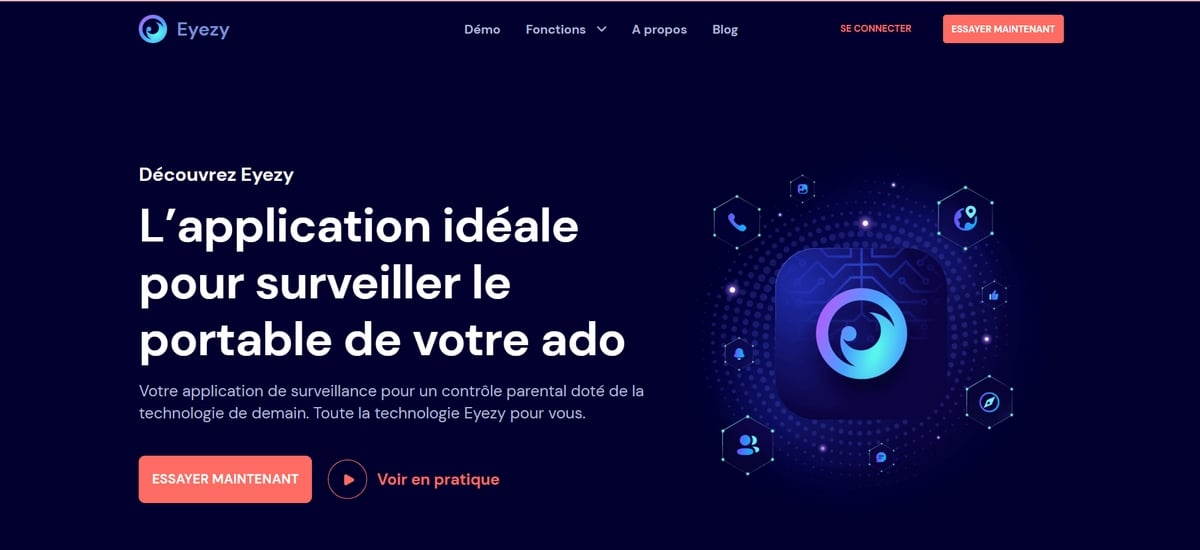
EyeZy features a function designed to remotely copy data from the target phone, compatible with all versions of’iOS and iPadOS. Here's what you can view from its interface:
- GPS location : You track the target's location in real time on a map.
- App Monitoring : You can access apps—including dating apps—and all the conversations you've had.
- Schedule and Contacts : You can view the scheduled events and contacts saved on the device.
- Multimedia Content : You can recover photos and videos that you've received, sent, or even deleted.
- Notes and Personal Information : You can access the notes and other data stored on the’iPhone.
- Keystroke recorder : You keep an eye on everything that's typed on the iPhone screen.
Data is transferred to the dashboard confidentially via a secure connection. The privacy policy of’EyeZy ensures that only you can access this data.
There are other features waiting for you:
Which monitoring app should you choose?
The choice between mSpy and EyeZy It depends mostly on your usage preferences. Before you decide, here's how each one works in practice.
Choose mSpy

mSpy remains one of the most popular apps for tracking an iPhone. On iOS, the jailbreak-free method relies on the identifiers iCloud from the target account. Here's how to get started:
- Go to the official page by clicking the button below; ;
Visit the official Mspy website
- Sign up for a subscription the one that suits you best; ;
- You receive a email along with detailed instructions; ;
- Fill in the’Apple ID (iCloud) of the target device. Temporary physical access may be necessary if the two-factor authentication (2FA) is enabled; ;
- Leave her alone synchronization Note: Data transfer takes anywhere from a few minutes to a few hours, depending on the volume; ;
- Log in to the dashboard from your computer (PC or Mac) to view text messages, location data, contacts, and apps used.
Be clear about the limits : You cannot recover messages deleted before the first backup, nor data from the encrypted apps without jailbreaking. You should also protect the confidentiality of your own login credentials: use a strong password for your account mSpy.
Choose EyeZy

EyeZy is the other leading solution, with features very similar to mSpy. It's a great choice if you're looking for an app focused on parental control. In particular, you can check out the Incoming, outgoing, and missed calls, as well as their duration, and transfer data from an iPhone to your dashboard in just a few steps. Here’s how to get started:
- Open the official page by clicking the button below; ;
➡️Visiter the official Eyezy⬅️ website
- Create an account and choose the plan that best suits your needs; ;
- Select the subscription type EyeZy ;
- Set up the app with the login credentials iCloud the phone to be used, compatible with all versions of’iOS. The guided installer makes the process easier; ;
- the Customer Support is available at any time in case of a problem; ;
- Log in to the dashboard EyeZy from your computer to manage tracking and view the transferred data.
Once you're logged in, you'll see all the data synced from the target iPhone: messages, contacts, photos, notes, and location. EyeZy enforces a strict privacy policy to ensure that only you have access to this data.
To help you decide between the two, check out our mSpy review and our opinion about EyeZy.
Would you like to learn more about cloning another device?
Check out our guide: How to Clone an Android Phone.








 English