In July 2026, locate cell phone, This means three very different things: finding your own device, knowing where a loved one is, or monitoring the cell phone of your under-age child.
Each of these situations has its own solution, In this section, we sort out free tools, paid services and best security practices.
⚠ Recall In France, geolocating an adult without his or her consent is prohibited and may be punished. We return to this legal framework at the end of the article.
Activating localization in advance: a key step
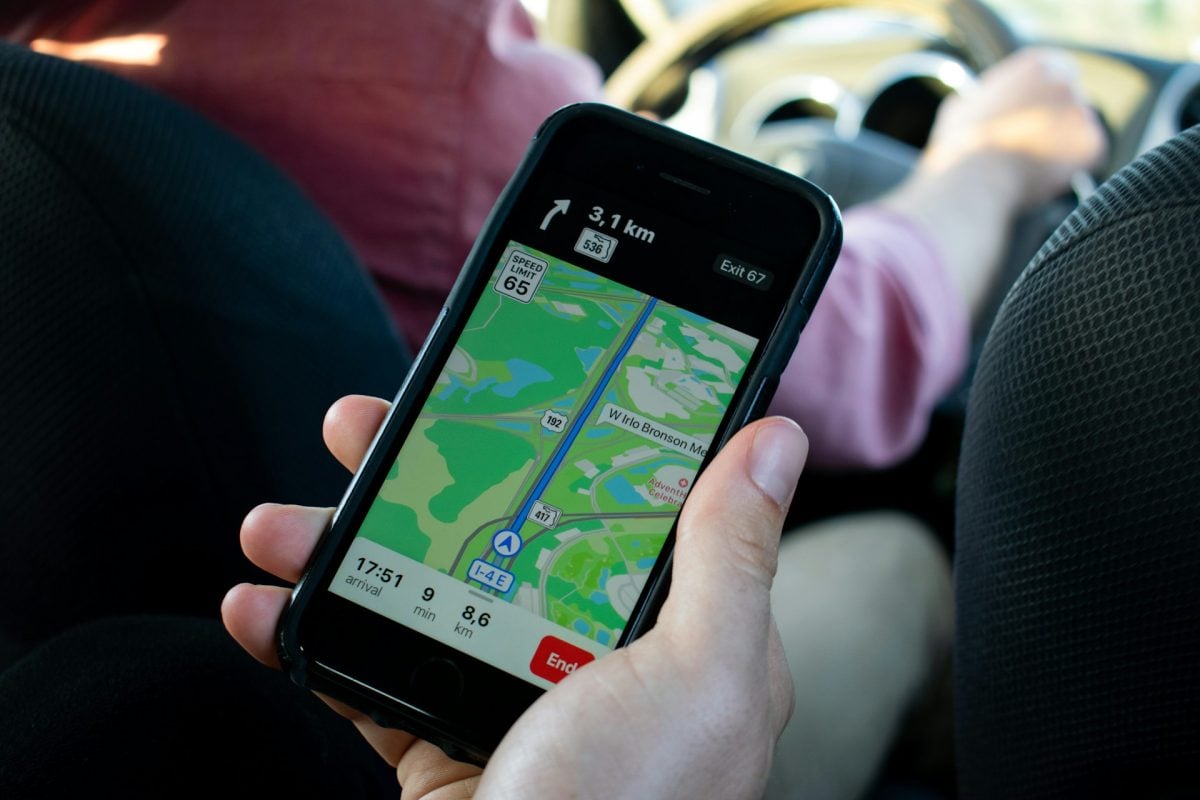
To make it easier to find your device in the event of loss, it is essential to configure the location function in advance. This preparation is the basis on which the free solutions for finding your cell phone work.
On a device android :
- In the settings, check that the location and your Google account are set correctly. connected.
- Don't forget to activate the Google Locate network to take advantage of proximity detection with other Android devices, even when the phone is switched off or offline.
On iPhone :
- Enable the option Locate my iPhone as soon as the new device is configured.
- This simple step allows you to geolocate a phone lost in seconds and benefit from Apple's Localiser network even when the battery is flat.
Locate your own phone
If it's your own device you're looking to find, there's no need for a third-party application: Google and Apple each offer a free integrated service to help you in the event of loss. Here's how to use them in under 2 minutes.
On Android: Find My Device from Google
Locate my device from Google (formerly Find My Device) allows you to find your own lost Android device, provided you are logged in to your Google account. It does not give access to the location of another person's phone.
For this geolocation function to work in the event of loss, the lost device must have :
- Your Google Account either connected ;
- Localization is activated in settings ;
- The device either switched on and connected Internet (Wi-Fi or data) ;
- The Google Locate network activated to take advantage of detection by nearby Android devices.
To use this tool, go to android.com/find from your computer, then log in to your Google account.
You can then display the position on a card, For example, you can make the phone ring even in silent mode, lock it remotely with a security code, or erase data to protect your personal information in the event of theft.
Ratings :
- If the device is offline, you will only see its last known position.
- On some Samsung models and other compatible brands, the Localiser network can help find a phone even when it's switched off, thanks to other Android devices in the vicinity.
On iPhone: the Locate option
On iPhone, the Locate does the same for iPhones, iPads, Macs, AirPods and Apple Watches linked to your Apple ID. It lets you locate a cell phone free of charge, without having to install anything extra.
You can access it from your computer via iCloud.com or from another Apple device.
- For this to work, the Locate my iPhone must have been activated before the loss in Settings > Your name > Localize.
- Once the function has been activated, you can view the your phone's position, You can also set off a beep, lock it or remotely erase data to secure your digital life.
Locate a loved one with their consent (free)
The simplest and most honest solution for tracking the position of a loved one (spouse, parent or teenager) on a daily basis is the native position sharing on the equipment used.
All that's needed is for your loved one to activate sharing from their phone, and it's ready to go. You'll see directly its position, without installing anything.
With Google Maps
Here are the steps more ..:
- The person opens Google Maps on his device; ;
- She press on your avatar in the top right-hand corner of the screen; ;
- She chooses Position sharing, then New Share; ;
- It selects the sharing time and who to share it with.
This allows you to receive a link or notification in your own Google Maps. Note that sharing maybe limit in time or indefinite.
With an iPhone
Here's how mobile geolocation works on iOS :
- Open the Locate app > People tab > Start sharing my location.
- Next, the same logic: the person choose with whom to share and for how long. This sharing can be activated or deactivated at any time from the settings.
With Google Family Link: to keep track of a child
Google FamilyLink is the ideal free tool for locating a minor's phone and keeping an eye on his or her activities. It allows you to :
- See the position child's telephone number ;
- Manage your screen time ;
- Supervise apps used.
Nevertheless, the child must know that it is supervised to comply with the legal framework for parental control.
Locate a cell phone via SMS with Geofinder
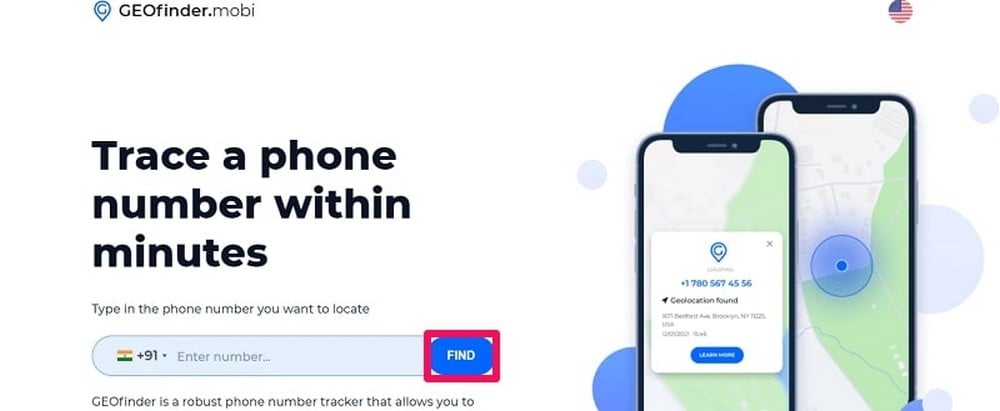
If your needs are different and you wish to obtain the position of a phone without physical access to the device, a service such as geofinder can help.
It is not possible to locate cell phone with your number for free. Geofinder is a paying service. Before subscribing, you need to understand how it works.
How do I locate a cell phone with Geofinder?
Here are the steps to geolocate a phone with Geofinder :
- Enter the phone number of the person to be located.
- Write a SMS (The text can be customized. For example, you can write: “Did you forget something here?).
- Geofinder sends this SMS with a link.
- If the person click on the link, her GPS position is displayed in your user area. If she doesn't click, you can't get anything.
What Geofinder does and doesn't do
The phone geolocation via Geofinder offers many possibilities, but is also subject to limitations that are important to note:
| ✅ What Geofinder does | ❌ What it doesn't do |
|
|
⚠️ Keypoints Geofinder is not a discreet surveillance tool. The person receives your SMS and can guess that someone is trying to locate them if they're suspicious. If you're looking for true silent surveillance (for minors), turn to mSpy.
Continuous monitoring of a minor's phone: mSpy
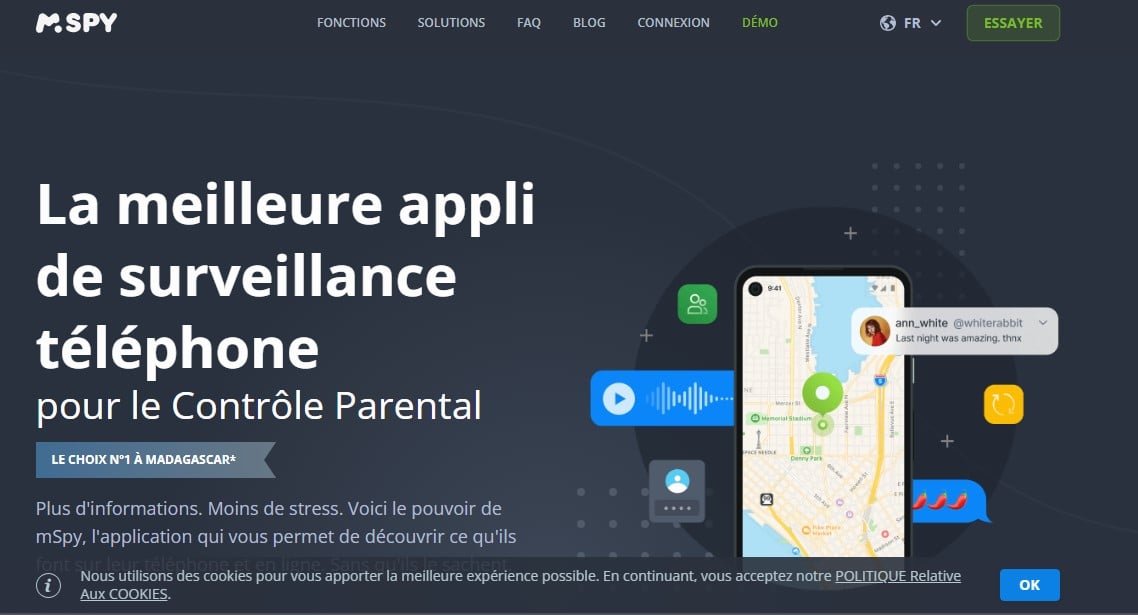
Do you need more advanced features than just geolocation for a minor's phone? If you want to track your child's movements over time (and not just get a one-off fix), you need a genuine monitoring application installed on the phone.
mSpy is designed to do just that. Once installed on the device, the application streams :
- 📍 La location Phone GPS ;
- 💬 Les posts sent and received (SMS, WhatsApp, Messenger, etc.); ;
- 📱 The apps used and the time spent on them; ;
- 📞 L’call history.
Installation requires physical access by phone (it only takes a few minutes). After that, you can monitor your progress remotely from your dashboard.
⚠ Use frame mSpy is intended for parental surveillance of a minor child. It is an offence to install this type of application on an adult's phone without their consent.
What to do if the device is not found?
If you can't find the device despite using Google or Apple tools, here are the steps to follow in order to limit the consequences and secure your data:
- Lock the device remotely with a security code, to block access to apps and data.
- Remote data wiping if the phone contains sensitive information that you can't retrieve any other way.
- Contact your operator to suspend your package and block calls, SMS and data via your card.
- Recover the device IMEI. This is the phone's unique 15-digit identification number. You can find it by typing
*#06#on the device (before loss), on the purchase invoice or in the original box. - Block terminal via IMEI with your operator. Unlike SIM blocking, this action renders the phone unusable on all French mobile networks, even with another SIM card. Blocking takes effect within 4 working days (source: ARCEP).
- File a complaint with the police (and not just online at masecurite.interieur.gouv.fr). The online pre-complaint is used to prepare the file, but only the report issued at the police station has legal force to enforce your mobile insurance.
- Change passwords for linked accounts to the device (e-mail, bank, social networks) from another trusted device.
- Activate your mobile insurance if you have one, by attaching the report and the IMEI blocking receipt provided by the operator.
The more you act fast (the first 3 steps ideally within the hour), the better you protect your data and limit any costs.
What does the law say in France?
Locating a phone without authorization is no trivial matter. French law protects privacy and consent.
Geolocating an adult without his or her consent is prohibited. This may constitute a invasion of privacy and result in civil and criminal penalties.
Here's what you need to note :
- Geolocate your own phone (Google or Apple account connected to your name) is of course authorized.
- Geolocating your minor child is authorized under parental authority, These include tools such as Family Link and monitoring applications declared as such.
- Geolocating a phone belonging to your spouse without his or her agreement is not covered by marital status and remains illegal.
When in doubt about a particular situation (separation, professional context, suspicion of deception, etc.), ask a lawyer for advice before acting. A GPS installed without agreement can be used against you in legal proceedings.
FAQs
Can you really locate a phone just by its number?
Not directly. This information alone does not provide a GPS position. All services that promise this actually work with an intermediary:
- A SMS with clickable link (Geofinder) ;
- A application installed on the phone (mSpy) ;
- A Google account or Apple application linked to the device (Locate my device on Android, or the Locate application on iPhone).
Is it possible to locate a switched-off phone?
No, not in real time. If the device is not switched on or without a connection, it is only possible to see its last known position via Google or Apple tools.
Recent iPhones (11 and above) can still be located via Bluetooth even when switched off, thanks to the Apple Localize, which relies on other Apple devices around it.
Is it possible to locate a phone for free without the person knowing?
It is not possible to locate a cell phone free of charge without authorization. No method 100% free and 100% invisible don't exist legally :
- Either the person has shared his position with you (making geolocation visible); ;
- Either it's your minor child under parental control (visible in official applications) ;
- You can either go through a third-party service pay-per-click, which requires an action on the part of the target (clicking on a link sent by message).
So there's no way to access data remotely from an Android or iPhone phone without the owner's complete knowledge, unless you use a declared monitoring application (legal only for use on minors).
We talk about it in more detail in our article dedicated : How can I locate a phone for free without authorization?.
Is it possible to locate a cell phone with its number for free?
No, it's not possible. Geofinder, the only tool that lets you obtain a phone's position without installing anything on the target device, is not free. See our article for full details of prices and trials: How much does Geofinder cost?.
In summary :
- If it's your own device you need to find, Locate my device (on Android) or the Locate application (on iPhone) do the job for free.
- For a consenting relative, the position sharing is enough.
- For an occasional position without telephone access, opt for geofinder.
- For continuous surveillance of a minor, choose mSpy.
Locating a phone without authorization is governed by the French penal code and can lead to sanctions under certain conditions.
Now you know all about mobile geolocation. Feel free to express your opinion on this article in the comments area.








 English