Are you wondering if someone has viewed your story? Snapchat Several times?
The short answer: Yes, it's possible, but there are limitations depending on whether or not you're a Snapchat+ subscriber.
Here's everything you need to know.

How can I see who's seen my Snap story several times?
Yes, you can tell that it has been proofread. But be careful: you know that a story has been reviewed, without knowing the exact name of the person or the exact number times.
Important Condition : This feature is available only to subscribers Snapchat+. Without this subscription, the indicator simply does not appear.
To locate the’eyes emoji Under your Stories, here are the steps:
- Open the the story you posted.
- Sweep upwards and looks for the’eye emoji (👀).
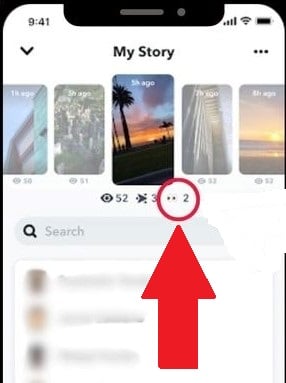
- the number next to it is the number of unique friends who have viewed your story.
This emoji appears as soon as’just one person Take another look at your story.
Please note: This indicator primarily applies to private stories or personalized ones—except for your public story.
There are also third-party applications that promise to show the total number of edits. Be very careful: these tools often violate the terms of use of Snapchat.
You risk losing access to certain features, or even having your account deleted altogether.
How do you know if someone is viewing our free Snap Story more than once?
Without a subscription, Snapchat doesn't tell you directly who viewed your story. There is a free workaround, though, but it's still approximate : It's based on the order of your viewer list, not on an actual metric for repeat viewership.
Here's how it works:
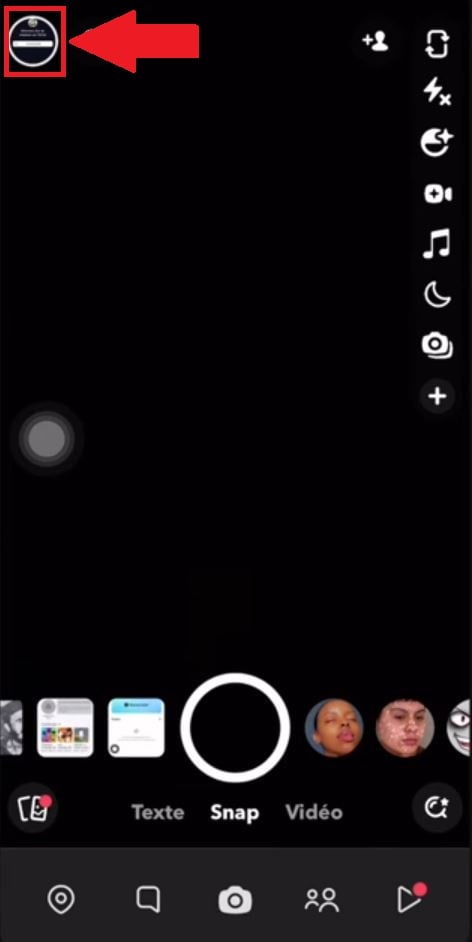
- Press the’profile icon in the upper-left corner of the screen.
- Dans la section My Story, note the number of viewers next to the icon shaped like a’eye.
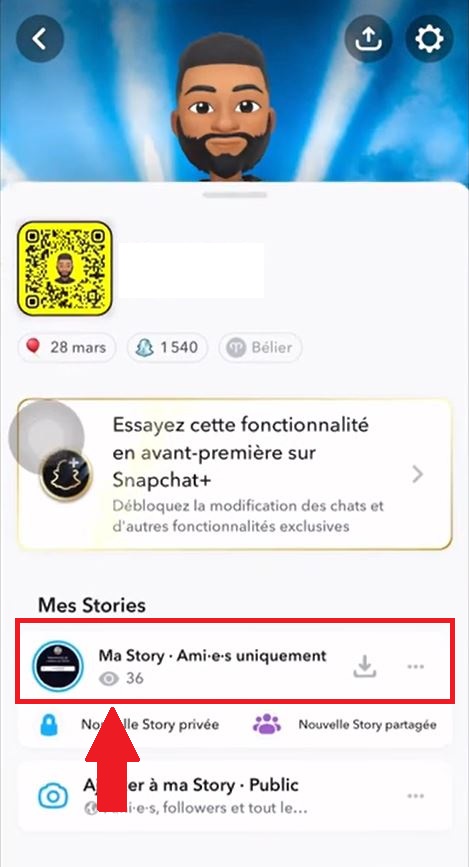
- Make a screenshot from your audience list.
- Wait a few hours (for example, 4 to 5 hours), then take another screenshot.
- Compare the position of each friend on both lists.
- If a person's name has come up higher ...that she probably watched your Story a second time—or even more than that.
It's still a assumption : The list changes when someone rewatches a video, but there's no way to tell exactly who did it. For reliable results, you need to go through Snapchat+ and its emoji 👀.
How can I see who took a screenshot of my public Snapchat Story?
The process is the same as when you want to see who viewed your story. Here are the steps:
- Go to your profile.
- Press My Story to open it.
- Sweep toward the high to display the list of views.
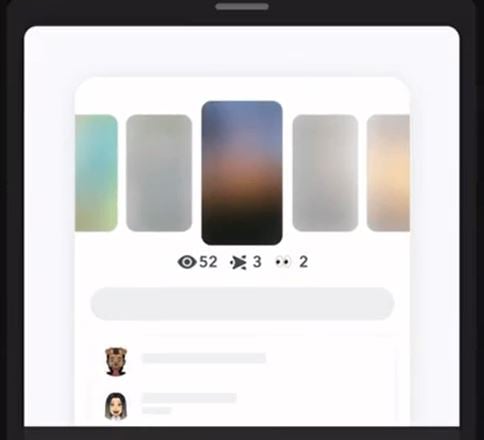
- If someone has saved your story, a icon appears next to his name.
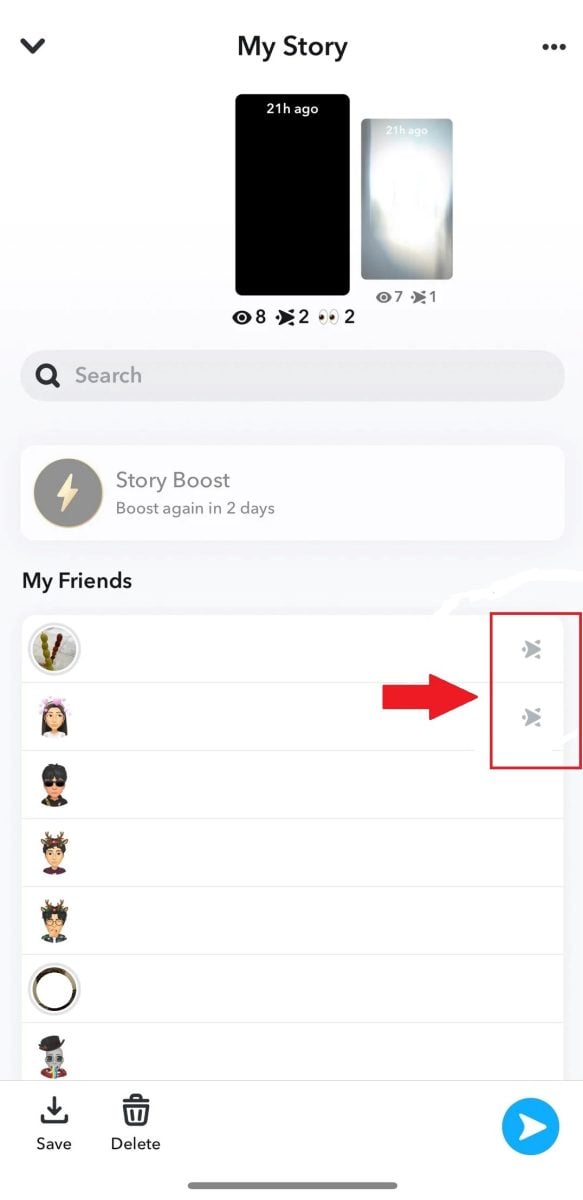
Snapchat displays the names of A maximum of 200 spectators. Beyond that, only a total number is displayed. This makes it easy for you to see who has viewed or saved your story.
Is it possible to see who has seen my Snap story without being a friend?
Snapchat Only show a viewer's name if it's already on your list of’friends.
If someone who isn't in your contacts views your story, you won't receive no notification and its name does not appear in the list of views.
To find out exactly who has viewed your story, you must add those people as’friends in the app.
Views on Snapchat: how does it work?
Before trying to figure out if someone has viewed your story, you need to understand the difference between a seen and an proofreading on Snapchat. These are two separate things.
A seen is counted when someone opens your story and views it more than one second. The total number of views, therefore, corresponds to the number of unique users who opened your post. You can find this number by swiping up below your story.
A proofreading, that's different: it's the number of times the same person returns to view the same story. That's where the’proofreading indicator, represented by the eyes emoji (👀) under your Stories.
Please note: This emoji does not show who has viewed your story. It simply indicates that at least one person has viewed it, with a number representing the number of unique friends concerned.
This feature is available only to subscribers Snapchat+ and appears mainly on private Stories or those shared with a small group, not on your public Story.

Has your account been hacked? Here's the steps to recover a hacked Snap account.







 FR
FR  RU
RU  EN
EN  ES
ES  IT
IT  DE
DE  ZH
ZH  PT
PT  ID
ID  JA
JA  DA
DA
How can we see who is viewing our private story? We want to know exactly who it is, because we can see the number of views but not who viewed it...
If anyone can help me!
Thanks in advance
I often wondered who saw my story snap several times, and thanks to this article I got my answer, thank you.